MagicMirror Forum
    • Recent
    • Tags
    • Unsolved
    • Solved
    • MagicMirror² Repository
    • Documentation
    • 3rd-Party-Modules
    • Donate
    • Discord
    • Register
    • Login
    1. Home
    2. MMRIZE
    3. Posts
    A New Chapter for MagicMirror: The Community Takes the Lead
    Read the statement by Michael Teeuw here.
    M
    Offline
    • Profile
    • Following 0
    • Followers 9
    • Topics 29
    • Posts 952
    • Groups 0

    Posts

    Recent Best Controversial
    • RE: Simple(?) module to send a notification every x minutes?

      @sdetweil
      Yup. You are right.
      Just little things;

      • Generally, you are right. After ALL_MODULES_STARTED notification, it would be better to start communication. But sending notifications is harmless, so I put it into start, just for example.
      • Personally, I prefer loop of timeout than normal interval. But interval would be more obvious.
      posted in Requests
      M
      MMRIZE
    • RE: MMM-Scenes2

      @ric said in MMM-Scenes2:

      [5658:1213/232023.441362:ERROR:gbm_wrapper.cc(253)] Failed to export buffer to dma_buf: No such file or directory (2)

      I’m not sure whether this error is related to your symptom but refer to this.
      https://forum.magicmirror.builders/topic/18076/failed-to-export-buffer-to-dma_buf-no-such-file-or-directory

      And for ;

      [5658:1213/232033.074222:ERROR:gl_surface_presentation_helper.cc(260)] GetVSyncParametersIfAvailable() failed for 1 times!

      It also seems related to the GPU/GL issue of electron/chromium.
      https://github.com/electron/electron/issues/32760

      Hmmm, for those issues, I cannot help.

      If you find something other from the log, report it again.

      posted in Troubleshooting
      M
      MMRIZE
    • RE: Simple(?) module to send a notification every x minutes?

      @UncleRoger

      Module.register("test", {
        defaults: {
          interval: 60_000
        },
        start: function () {
          this.timer = null
          const job = () => {
            this.sendNotification("PAGE_CHANGED", 1)
            clearTimeout(this.timer)
            this.timer = setTimeout(job, this.config.interval)
          }
          job()
        },
      })
      

      Just from my brain, not tested.

      posted in Requests
      M
      MMRIZE
    • RE: MMM-Scenes2

      @ric
      Install MMM-LogExt; that module would help deliver your front-end log to the backend log. If you are using pm2, you can see the log in ~/.pm2/logs or somewhere. (I’m not sure about your environment.)

      Or, you can run MM as debug mode; Instead of pm2(stop pm2 first), you can run your MM with debug mode by npm run start:dev, It will open MM with dev-console. Wait until your error happens. When you find the issue, See the console tab, there would be some suspicious messages or errors.

      posted in Troubleshooting
      M
      MMRIZE
    • RE: MMM-Scenes2

      @ric has not reached yet.
      Anyway,

      • did it stop after the first cycle?
      • or did it work for a while, but after many cycles, did it suddenly stop? In that case, maybe some javascript error from this or other modules prevents the working. I need the front-end log error also.
      posted in Troubleshooting
      M
      MMRIZE
    • RE: MMM-Scenes2

      @ric
      Can you send me your config? (eouia0819@gmail.com) (You may need to rename it as config.txt to attach it to the mail.)

      posted in Troubleshooting
      M
      MMRIZE
    • RE: MMM-Scenes2

      @ric
      Hmmm weird. It should restart unless you set the life as 0. Let me check.

      posted in Troubleshooting
      M
      MMRIZE
    • RE: MMM-CalendarExt3Agenda questions.

      @Kelemvor
      Sorry, that is a known bug which will be fixed on next update. (I think it could be in 24H)
      https://github.com/MMRIZE/MMM-CalendarExt3Agenda/issues/38
      Just wait a day. (It could be fixed by CSS tweak, but you need to restore it again after update…)

      posted in Troubleshooting
      M
      MMRIZE
    • RE: MMM-CalendarExt3Agenda questions.

      @Kelemvor

      .CX3A .cw {
        display: none;
      }
      

      80c5b6e0-a79c-48ca-bcbd-dfe89fd56588-image.png

      posted in Troubleshooting
      M
      MMRIZE
    • RE: MMM-CalendarExt3Agenda questions.

      @Kelemvor
      75f6b6bf-824f-438c-813c-6bce1bb6cfd6-image.png

      posted in Troubleshooting
      M
      MMRIZE
    • RE: MMM-CalendarExt3Agenda questions.

      @Kelemvor
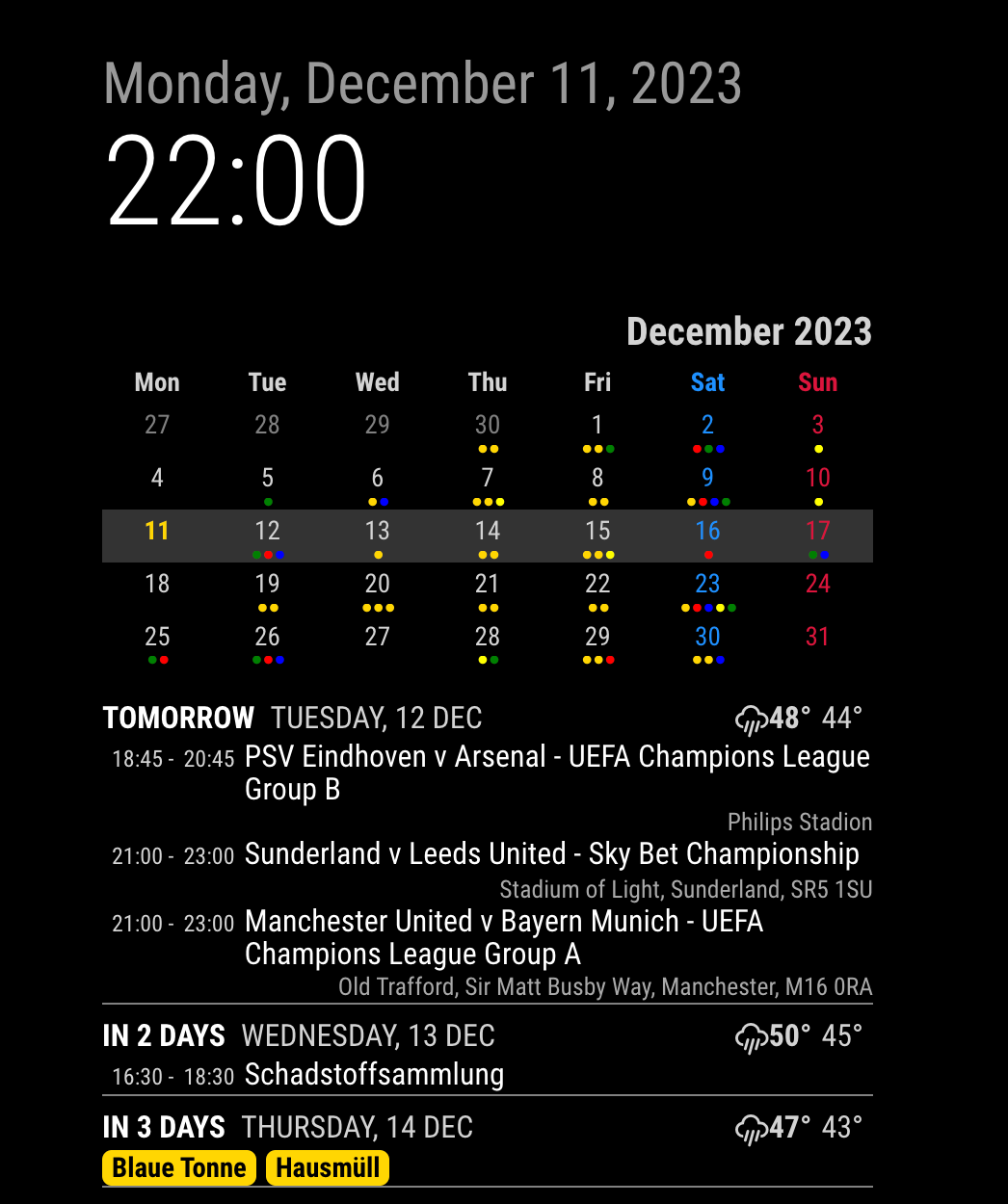
      1.
      That’s an issue with the Weather module. Sometimes, the weather module sends incorrect units in the broadcasting notification, which is different from the settings used for screen display. I don’t know why it happens, but you may need to ask the MM developers. Anyway, that example you read is created for such cases in my favour. The responsibility for this issue does not lie with this module.

      .CX3A .event .description,
      .CX3A .event .location {
        display: none;
      }
      

      Put into your Custom.css, .
      Why is it not served as a config value? Sorry, it’s my design.
      Presentation and logic should be separated. Maybe showDescription would be useful, but how about these? showEventTime, showDayWeatherIcon, showDayWeatherTempMax, showDayWeatherTempMin, … Maybe those also are useful. But I cannot prepare all the configurable values for all the things. This module still has too many options.
      But just for the presentation, only CSS overriding could solve many things without much code and for various cases.

      3 . The default calendar modules spit out events when each calendar is fetched. The problem is, there is no way to know all the calendars are fetched. So, if your calendars are too many and big, some calendars may need time to finish fetching; that calendar will not be rendered at the first cycle of this module’s refreshing. From next cycle(I hope), it will be shown. So, wait to be refreshed. (default refreshInterval is 30 minutes)

      Alternatively, you can use waitFetch to delay the rendering of the first cycle. By providing a sufficient value, you can ensure that the parsing of calendars is completed within that time. Since the duration of parsing for each calendar is unknown, it may require a considerable amount of time. Perhaps around 30 seconds should be sufficient, although it depends on the specific calendars being parsed.
      Default waitFetch is set as 5000 ms,
      posted in Troubleshooting
      M
      MMRIZE
    • RE: MMM-CalendarExt3 Formatting questions follow-up

      @UncleRoger
      You can use this;

      .CX3 .event.fullday.multiday .headline .time {
        display:none;
      }
      

      (I’ll add this to the next update to be the default.)

      posted in Troubleshooting
      M
      MMRIZE
    • RE: MMM-CalendarExt2 initial setup

      @csongor-varga-0
      Show us what you did in config. Without clue, we can’t guess.

      posted in Troubleshooting
      M
      MMRIZE
    • RE: Magic mirror dual screen

      @1a2a3a
      What you really want?

      • expanding screen with 2 monitors on 1 mm instance
      • 2 individual mm on each screen
      posted in General Discussion
      M
      MMRIZE
    • RE: Weekly calendar view

      @angeliKITTYx
      You may have interest in this;
      https://github.com/MMRIZE/MMM-CalendarExt3Journal

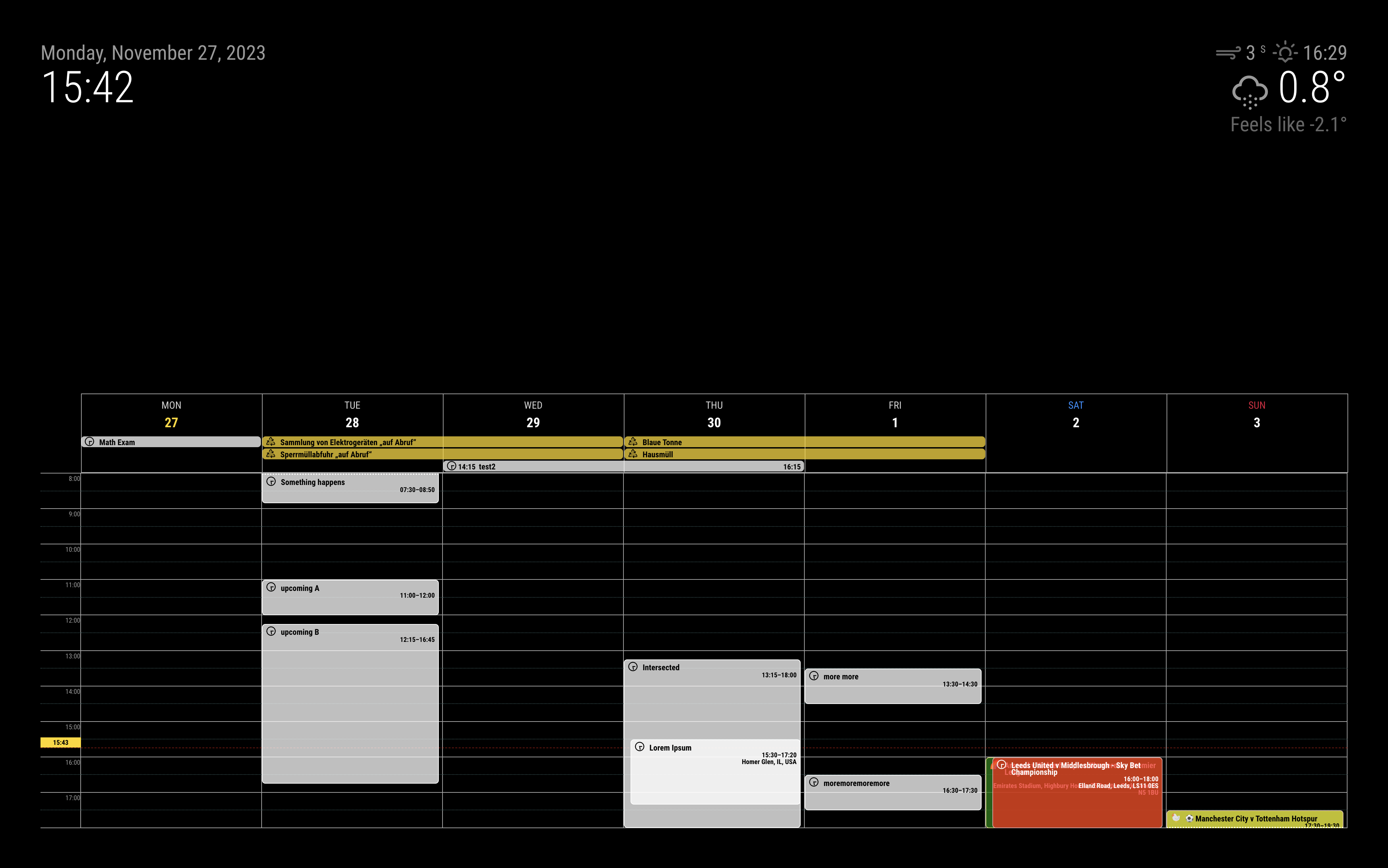
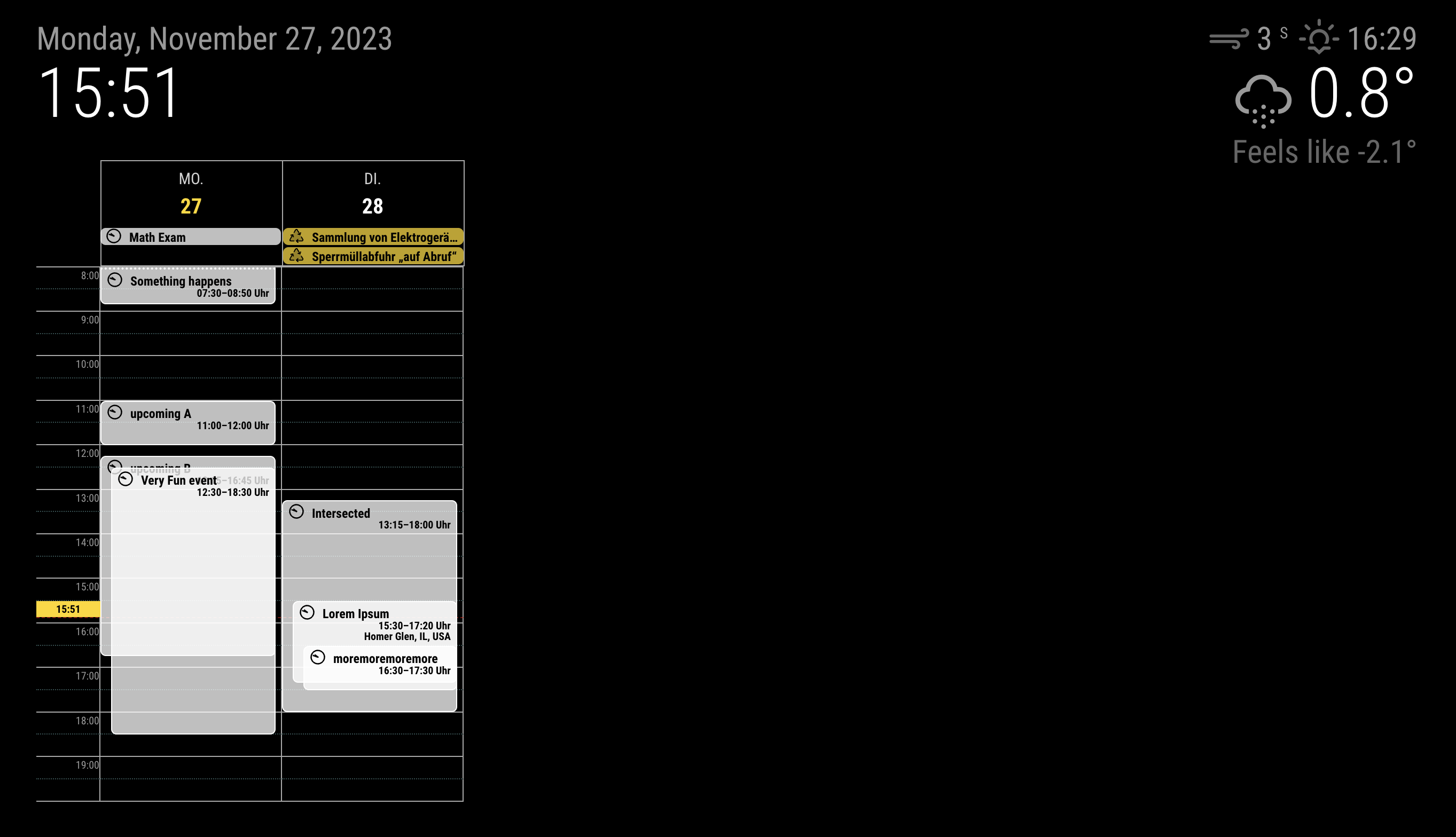
      screenshot1

      screenshot2

      posted in Requests
      M
      MMRIZE
    • RE: MMM-CalendarExt3 Formatting questions follow-up

      @UncleRoger
      There would be a simpler solution, but your approach is not bad.

      .CX3 .singleday.event {
        color: var(--calendarColor);
      }
      

      To use this approach; you should assign color to the calendars of the default calendar module.
      aa1f00f2-22d8-41d0-a621-e0b4d9572510-image.png

      posted in Troubleshooting
      M
      MMRIZE
    • RE: MMM-CalendarExt3 Formatting questions follow-up

      @UncleRoger All your solutions are perfect. Good job.

      posted in Troubleshooting
      M
      MMRIZE
    • RE: mmm newsapi help

      @1a2a3a

      When you set choices:'headlines' and query.country: 'sg', it doesn’t mean news from Singapore press. Rather, it would be more similar to About/For Singapore or Popular in Singapore.

      Usually for news from Specific national press, sources: would be used.
      For example;

      sources: ['bild', 'die-zeit'], 
      

      will show the news from the specific sources of Germany.

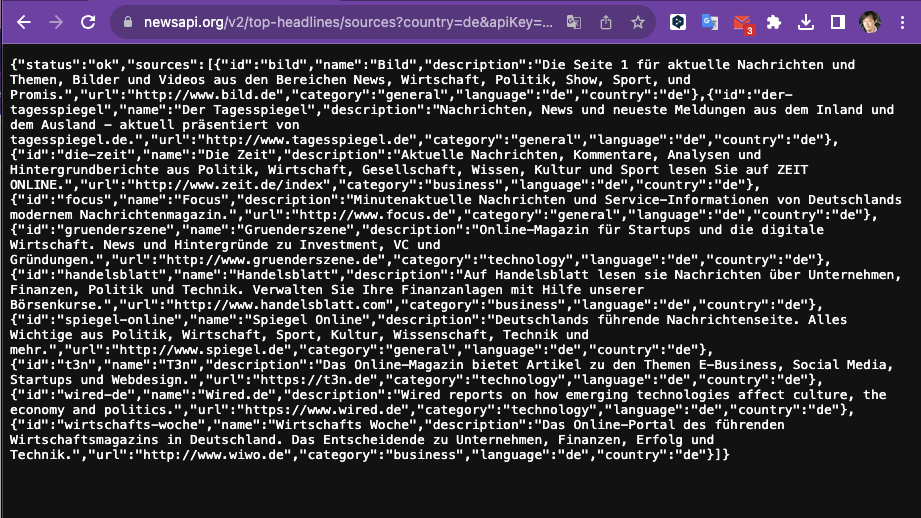
      You can check sources by nation like this by yourself.

      # Open your browser then navigate to here;
      https://newsapi.org/v2/top-headlines/sources?country=de&apiKey=YOUR_API_KEY
      

      a846d5ff-f7ae-4b9f-b36c-31e5fec90de8-image.png

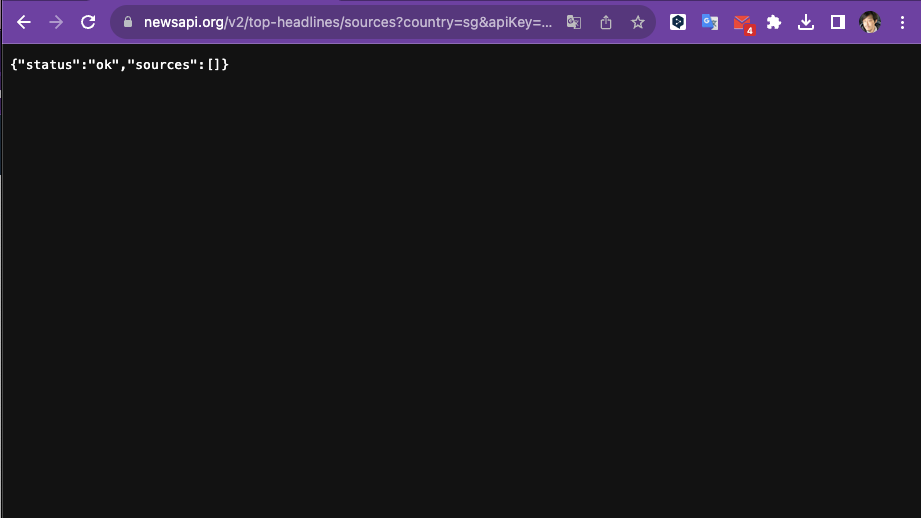
      But unfortunately, For Singapore, there is no registered national source for this API.
      fdc62d89-c3b5-41dd-a6ed-9e93f075af96-image.png

      It means even though this NewsAPI collects the news from various sources, you cannot specify the sources from only Singapore. You are not alone. For many countries, the API doesn’t provide the national source.

      posted in Troubleshooting
      M
      MMRIZE
    • RE: Update for calext3

      @Michelle-H2020 said in [Update for calext3]

      I updated the way it says to do it under calendarext3 module

      Your image says you haven’t made success to update.

      posted in Troubleshooting
      M
      MMRIZE
    • RE: Update for calext3

      @Michelle-H2020
      If you don’t have any issue with your current module or MagicMirror itself, you don’t need to update. (Just remove update notification module from your config.)

      Some module may need many update-chains, so it would be more annoying and difficult thing than your expectations.

      However, you definitely want to update the module nevertheless, usually README doc of the repository has a guide.
      https://github.com/MMRIZE/MMM-CalendarExt3#update

      posted in Troubleshooting
      M
      MMRIZE
    • 1
    • 2
    • 16
    • 17
    • 18
    • 19
    • 20
    • 47
    • 48
    • 18 / 48