@nobbie35 ok, node problem…
do
which node
it will give you the path to the node executable
using n, it should be
which node
/usr/local/bin/node
@nobbie35 ok, node problem…
do
which node
it will give you the path to the node executable
using n, it should be
which node
/usr/local/bin/node
@nobbie35 lets start back a step
open a terminal window
cd ~/MagicMirror
rm -rf node_modules/electron
npm install electron@41.3.0
what is the result of that?
show the terminal output
this is what I see
npm install electron@41.3.0

added 1 package in 3s

240 packages are looking for funding
  run `npm fund` for details
npm notice
npm notice New major version of npm available! 10.9.4 -> 11.16.0
npm notice Changelog: https://github.com/npm/cli/releases/tag/v11.16.0
npm notice To update run: npm install -g npm@11.16.0
npm notice
I am on node 22.22.1
you are on node 24
maybe try node 22…
sudo npm install n -g
sudo n 22.22.1
hash -r
node -v
cd ~/MagicMirror
rm -rf node_modules
npm run install-mm
if you have wayland as window manager do
npm run start:wayland
else do
npm run start:x11
if you don’t know, run this command stream (from my mm.sh in the scripted install at https://github.com/sdetweil/MagicMirror_scripts)
ps -ef | grep -v grep | grep -i -e xway -e labwc | wc -l
if it returns 1, its wayland, otherwise x11
please advise results along the way… don’t try other things than this
@tommyk yeh, but I wanted to explain WHY and WHAT you can DO…
anytime, we’re here to help.
I do the scripts to help users get MM up and running, and KEEP their systems running… feel successful…
@tommyk awesome… thanks…
ps. I am the current author/maintainer of the scripted MM install and upgrade scripts.
https://github.com/sdetweil/MagicMirror_scripts
referenced in the MM install doc, Alternative install methods…
I provide the mm.sh. and the pm2 setup to use it.
if you say no during install, then I provide a separate script to add that after the fact
I use pm2 because it fixes the one problem you have…
crontab started mm from a background script… BUT there is no EASY way to restart it without reboot…(which really isn’t needed) , unless you change the port like you found and start ANOTHER copy…
pm2 has ONE tiny drawback/benefit… its JOB is to START an app, AND KEEP IT RUNNING, if it fails for some reason, then it will get restarted… so, your old, crtl-q to quit, oops the app ends, pm2 will restart it
to work around that, pm2 is a commandline command, so ctrl-m to minimze MM, then open a terminal window,
ctrl-alt-t, and use pm2 status
to see the apps running under pm2 control
then using the name or number of the line with the app (I have a few apps under pm2 control)
id │ name                │ namespace   │ version │ mode    │ pid      │ uptime │ ↺    │ status    │ cpu      │ mem      │ user     │ watching │
├────┼─────────────────────┼─────────────┼─────────┼─────────┼──────────┼────────┼──────┼───────────┼──────────┼──────────┼──────────┼──────────┤
│ 8  │ MagicMirror         │ default     │ 2.32.0… │ fork    │ N/A      │ 0      │ 245… │ stopped   │ 0%       │ 0b       │ sam      │ disabled │
│ 7  │ MagicMirror 8       │ default     │ 2.31.0… │ fork    │ N/A      │ 0      │ 8    │ stopped   │ 0%       │ 0b       │ sam      │ disabled │
│ 10 │ MagicMirror-test    │ default     │ 2.37.0… │ fork    │ N/A      │ 0      │ 30   │ stopped   │ 0%       │ 0b       │ sam      │ disabled │
so to restart my current test version MM, I need to use the number 10, or the name MagicMirror-test
pm2 stop 10
pm2 start 10
or
pm2 restart 10
a learning thing, under linux, raspios, … by convention commandline commands are required to provide easy access help, by responding to the --help parm
pm2 --help
will do that… but ANY command should respond appropriately
— back to the problem
the mm.sh script he uses
npm run start
run start is a shortcut to npm run start
starting in release 2.35 we changed the startup to use the Raspberrypi default wayland display environment.
you can see this by examining the scripts: list in package.json (see below)
BUT many are not using that, still on x11… SO,
you need to change the script to use
npm run start:x11
(my mm.sh has that built in)
a part the package.json scripts list (I added comments, not allowed in a json file)
  "scripts": {
                "config:check": "node js/check_config.js",
                "postinstall": "git clean -df fonts vendor modules/default",
                "install-mm": "npm install --no-audit --no-fund --no-update-notifier --only=prod --omit=dev",
                "install-mm:dev": "npm install --no-audit --no-fund --no-update-notifier && npx playwright install chromium",
                "lint:css": "stylelint 'css/**/*.css' 'defaultmodules/**/*.css' --fix",
                "lint:js": "eslint --fix",
                "lint:markdown": "markdownlint-cli2 . --fix",
                "lint:prettier": "prettier . --write",
                "prepare": "[ -f node_modules/.bin/husky ] && husky || echo no husky installed.",
                "server": "node ./serveronly",
                "server:watch": "node ./serveronly/watcher.js",
                "start": "node --run start:wayland",    <----------------------------  start launch start:wayland
                "start:dev": "node --run start:wayland -- dev",
                "start:wayland": "WAYLAND_DISPLAY=\"${WAYLAND_DISPLAY:=wayland-1}\" ./node_modules/.bin/electron js/electron.js --ozone-platform=wayland", <-- start:wayland
                "start:wayland:dev": "node --run start:wayland -- dev",
                "start:windows": ".\\node_modules\\.bin\\electron js\\electron.js",
                "start:windows:dev": "node --run start:windows -- dev",
                "start:x11": "DISPLAY=\"${DISPLAY:=:0}\" ./node_modules/.bin/electron js/electron.js",
anyhow after ALL THAT… i’d edit your existing mm.sh and increase the time from 20 to 30 to try and let the system settle down some more… this is just a test…
if you want to switch to my pm2 setup, you can edit the crontab, and add a pound sign/hash ‘#’ as the first char of your launch of mm.sh, this will make it a comment
reboot so MM is not running (there are cool ways to make tools(scripts) that can solve that problem, but not trying to go there
and then copy/paste the command to setup pm2 launch from my scripts repo… not git clone, just copy paste one line to a terminal window
see https://github.com/sdetweil/MagicMirror_scripts#add-using-pm2-to-autostart-magicmirror-at-bootup
ps, i’m only a couple years younger then you…
@tommyk no nuisance at all.
So, how did you setup to auto start. If you are using pm2 then there are commands that can help you without editing the config file to change the port
@tommyk I understand
Maybe there will be some info here
After starting from boot , where the audio fails,
Open the browser developers window
ctrl-shift-i
Select the console tab, and put juke in the filter field
To see if there are any errors, usually marked in red
If so, copy paste them here
Same keystroke to get out of dev window
Let me know what you find
Another test thing to try, is add a sleep 30
In the script before launching MagicMirror to see if that makes a difference
@msimon360
in linux, environment variables are not inherited by default.
you have to use
export variable_name=value
in the shell script before the launch of MM
variable_name=value
will not be passed to the next program
@tommyk looking at the code, I think the system is busy during bootup, and this causes an uncaught failure
There is a new notification , sent after updateDom() is called, to inform the app that the content has been drawn.
See
https://docs.magicmirror.builders/module-development/notifications.html#system-notifications
MODULE_DOM_UPDATED
I think the module needs to use that notification to wait to start the play of the audio element it just added
@tommyk can you describe the environment, how does the music get played?
What do you mean by manual start bs auto?
What version of MagicMirror are you running?
Show the system info section of the output from startup
As for your other post, all messages from users with reputation below 2 are reviewed before posting on the forum
@leonids best thing is to post an issue to the module GitHub page to engage the author
@msimon360 if the modules provide multi instance support (pretty easy) then you don’t have to do the copying
on the sendSocketNotification from module to node_helper, send some unique key, typically this.identifier will work
when the node helper sends the response, it add the id it received…
And
the module in
socketNotificationReceived, check the ID against its value… if no match, ignore it
sendSocketNotification from the helper goes to ALL instances of the module at the SAME TIME
see https://docs.magicmirror.builders/module-development/node-helper.html#module-instance-methods
so it will have to check if the data is intended for its instance ID
(doc above Note: Since all instances of your module will receive the notifications, it’s your task to make sure the right module responds to your messages.)
generally a couple lines of code in the helper and in the module
sometimes, really modularized node_helpers need to pass if from request to response functions… (one of mine is like that)
@msimon360 here is the link for the new weather provider
https://docs.magicmirror.builders/module-development/weather-provider.html
this doc is new, so any feedback is welcomed,
and the doc for the themes
https://docs.magicmirror.builders/modules/weather.html#themes
basically the provider does the data acquisition (fetch) of the data , now in the server side, so multiple module instances can use the same last fetched data to keep the fetch count down
and the optional theme does the custom display (if you don’t want to use the default theme)
@joey node js now has fetch built in so you can stop
using request,
Take the json text and put it into one of the online formatters
my go to https://codebeautify.org/jsonvalidator?/jsonvalidate
paste, then hit the format button top left , you can copy out the formatter text to look at later too
and then you can see the structure and compare it to what the code expects
I don’t know how to get it added to the 3rd-Party-Modules page.
you edit the wiki at https://github.com/MagicMirrorOrg/MagicMirror
and add your month entry to the appropriate section.
overnight the 3rd party processor will add it to the searchable list
any reason you made a complete module, vs another provider in the default weather module?
@BKeyport broadcasting is different than using
Can you explain the setup and config you are running.
Is this multiple systems to one server?
We added a caching handler to reduce unnecessary sends to the same module
@htilburgs did you see Karsten’s post right above yours?
@gonzonia you didn’t mention scenes before. But it’s just another module
@htilburgs can you open your profile ( top right) select edit
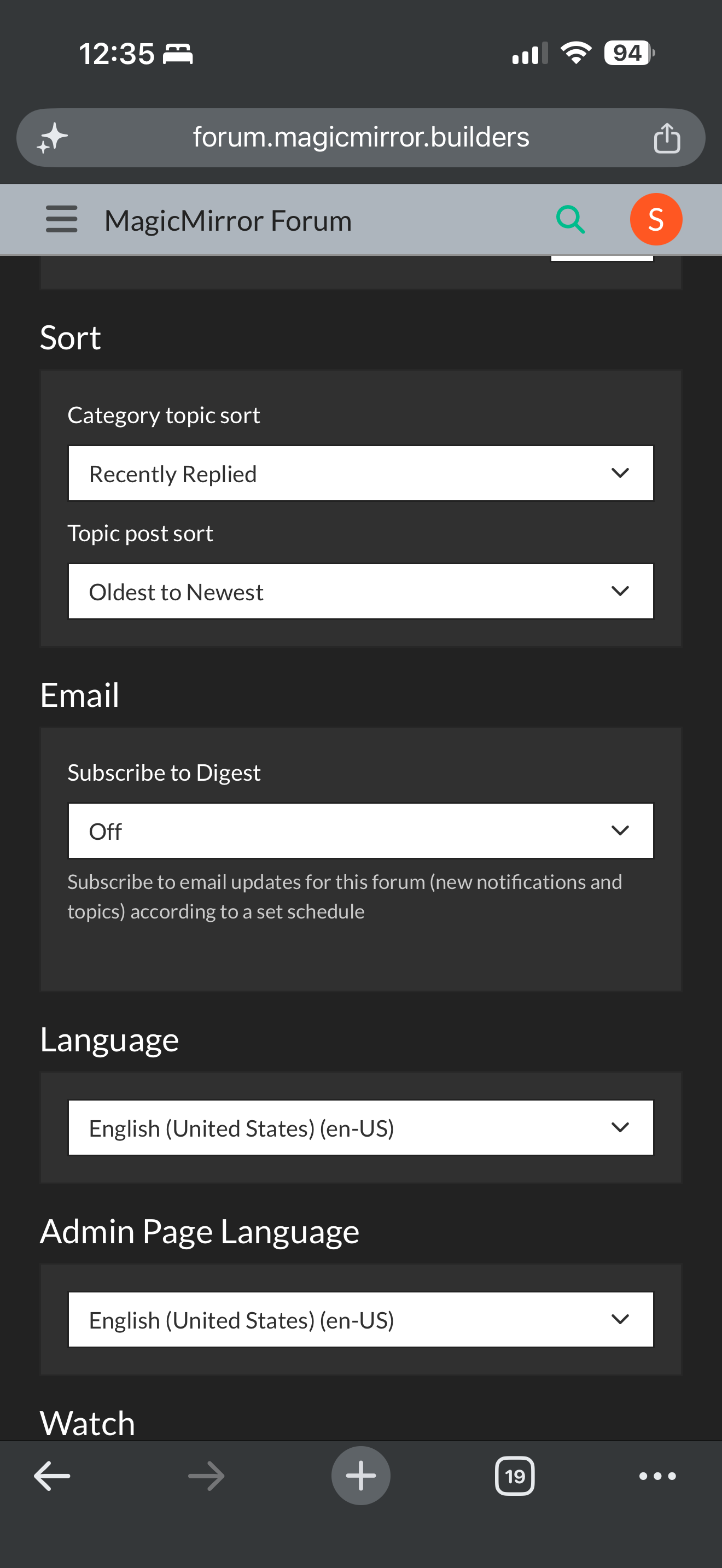
And find this setting, email, subscribe