Read the statement by Michael Teeuw here.
MMM-Pir-Sensor - Display remains black
-
Hello everyone,
I just repaired my connection of the PIR Sensor and the Pi. Doing so i thought this should be it and the sensor work again.
However: For some reason the Module is not working as intended.
Intention:
Monitor being on for 20s when movement has been registeredCurrent behavior:
Either being ONLY when movement is detected or CONSTANTLY onStatus Quo:
The old code i have used and worked is as follows:{ module: 'MMM-PIR-Sensor', config: { sensorPin: 14, powerSaving: true, OffDelay: 20000, }Doing so will have the monitor turned off instantly unless i move.
{
	module: 'MMM-PIR-Sensor',
	config: {
		     sensorPin: 14,
		     powerSaving: true,
	             powerSavingDelay: 15,
	}
this code will have the MM on “forever” (well i havent been standing infront of the mirror for minutes… so i cant tell if forever…) at least not after 15s
I am a bit at a loss as to what has changed… i have not updated any modules or the MM… reconecting the pin 17 to the sensor was all I did…
Any help is highly appreciated
-
@sdetweil
Thanks for the links. I ran the 2nd script and it came back with constant “motion detected” and “motion stopped” while there was I wasnt moving.Which is a bit strange as the only thing i did was reconnect the existing cable to pin 17… (the soldering came off)
-
@Kastore I think the sensor is having trouble.
I would test it outside MagicMirror to insure it’s working correctly.
there are a few python scripts you can use.
a Google search brings up two as the first choices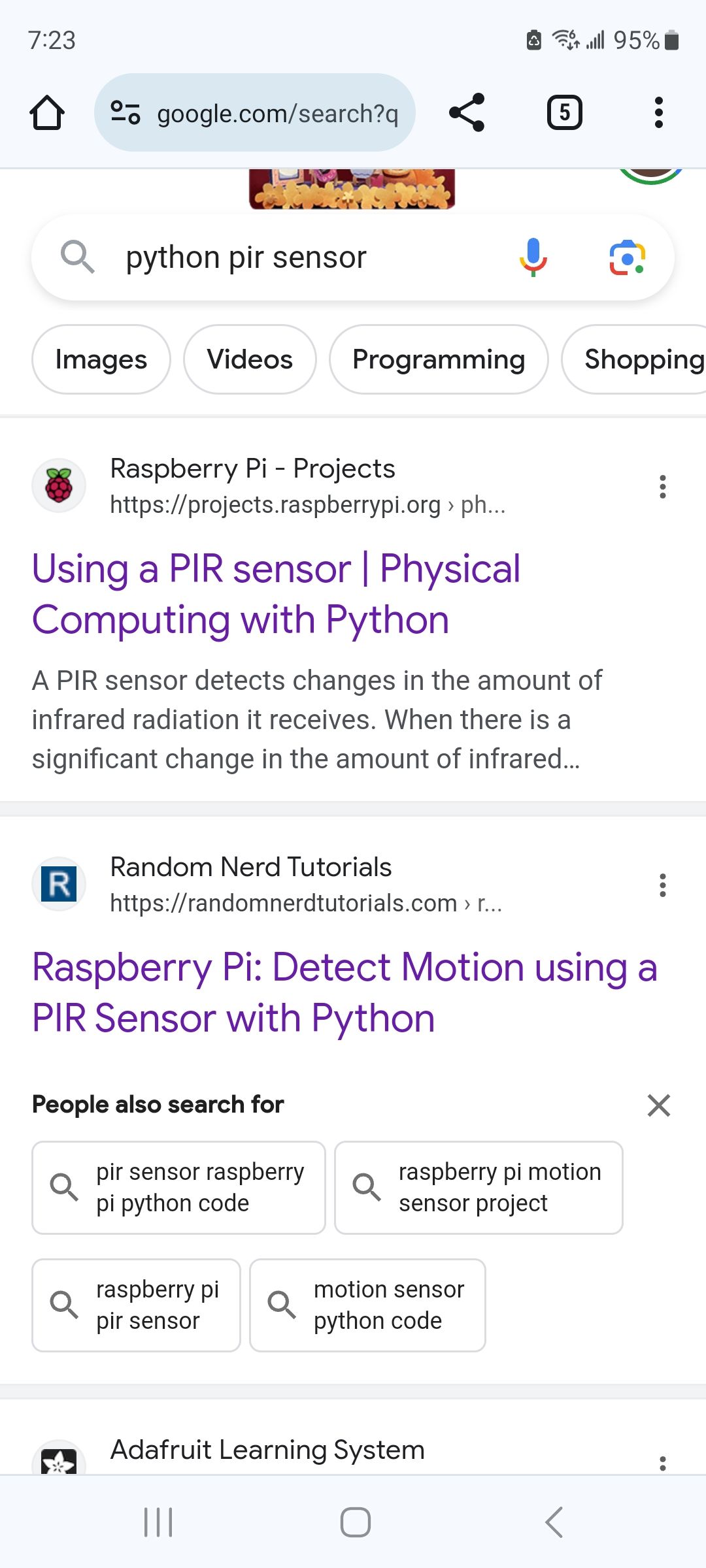
-
@sdetweil
Thanks for the links. I ran the 2nd script and it came back with constant “motion detected” and “motion stopped” while there was I wasnt moving.Which is a bit strange as the only thing i did was reconnect the existing cable to pin 17… (the soldering came off)
-
@Kastore at least you know its not the MagicMirror module…
-
@sdetweil
Just tried it with another pin (pin 20) and the results are completly different. So i am not sure what to make out of the infos i get from the script.Gosh this is such a bummer that the sensor for some reason decided to quit…
Guess i will have to build in a switch or something to turn on the mirror for X minutes and use the existing script for it
-
One question: du u use a pull-down or pull-up resistor?
If not this might be ur problem, the gpio will detect random activation, it really needs a pull-up or pull-down resistor to work properly.
Hope it helps a bit.
Hello! It looks like you're interested in this conversation, but you don't have an account yet.
Getting fed up of having to scroll through the same posts each visit? When you register for an account, you'll always come back to exactly where you were before, and choose to be notified of new replies (either via email, or push notification). You'll also be able to save bookmarks and upvote posts to show your appreciation to other community members.
With your input, this post could be even better 💗
Register Login