Read the statement by Michael Teeuw here.
Black screen with cursor (some days)
-
Hello, I have this issue from the past.
In these months I tried a lot of things but I didn’t solve it.
I know it’s not hardware related, so I don’t know where to “bang my head”.
Raspberry is set up to start itself at 7:30.
The issue is: some days, not everydays, when it start raspberry reach the desktop but when MM is loaded the screen remain black with a white cursor in the middle.
In these months I temporary solved it in two ways:
1- refresh the page with a simple CTRL+R. It need a keyboard connected but it work flawlessly and istantly.
2- sending a “pm2 restart mm” through terminal
3- adding a delaying with export mmFetchTimeout=30000 seems helps a bit but it didn’t solve it totallyOk, it’s not a great issue but I like to make my things working without issues :)
Do you have any advices?
Honestly, I’m a little bit ignorant but to me it could be related to electron because with a simple CTRL+R it shows everything, so (to me) it seem MM is loaded correctly but electron decide to show a black screen with cursor instead of MM modules.
Do I need to maybe update electron?
I prefer not to update raspberry frequently, if it works.Is there a way to add a CTRL+R command after a delay of 10 seconds inside the mm.sh?
I think that could solve it easily.
Thanks -
@nowayto I don’t know.
You could try adding a sleep xxx (seconds)
In front of the npm start in mm.sh to let the system settled down a little.The remote control module has a refresh api url you could invoke thru curl
But, I think this may indicate the beginning of the sd card death, they are not made to handle a lot of writes. And your system is doing the worst kind, restarting every day.
Make sure you have a good backup
-
@sdetweil
I tried with another sd (brand new) and keep happen so I don’t think it is hardware related.
Yes it turn off during night and it restart in the morning, this could affect the sd but I tried with a brand new one.
Yes, back it up often, thanks to your script :)I use the mmFetchTimeout=40000 before npm start but it happen.
I think the solution could be to insert after the npm start a:
sleep 30
(a command that CTRL+R the page)If a command like this exist
-
@nowayto all mmFetchTimeout does is allow waiting longer in the modules mode-helpers
The black screen means the app crashed, lucky that ctrl-r works
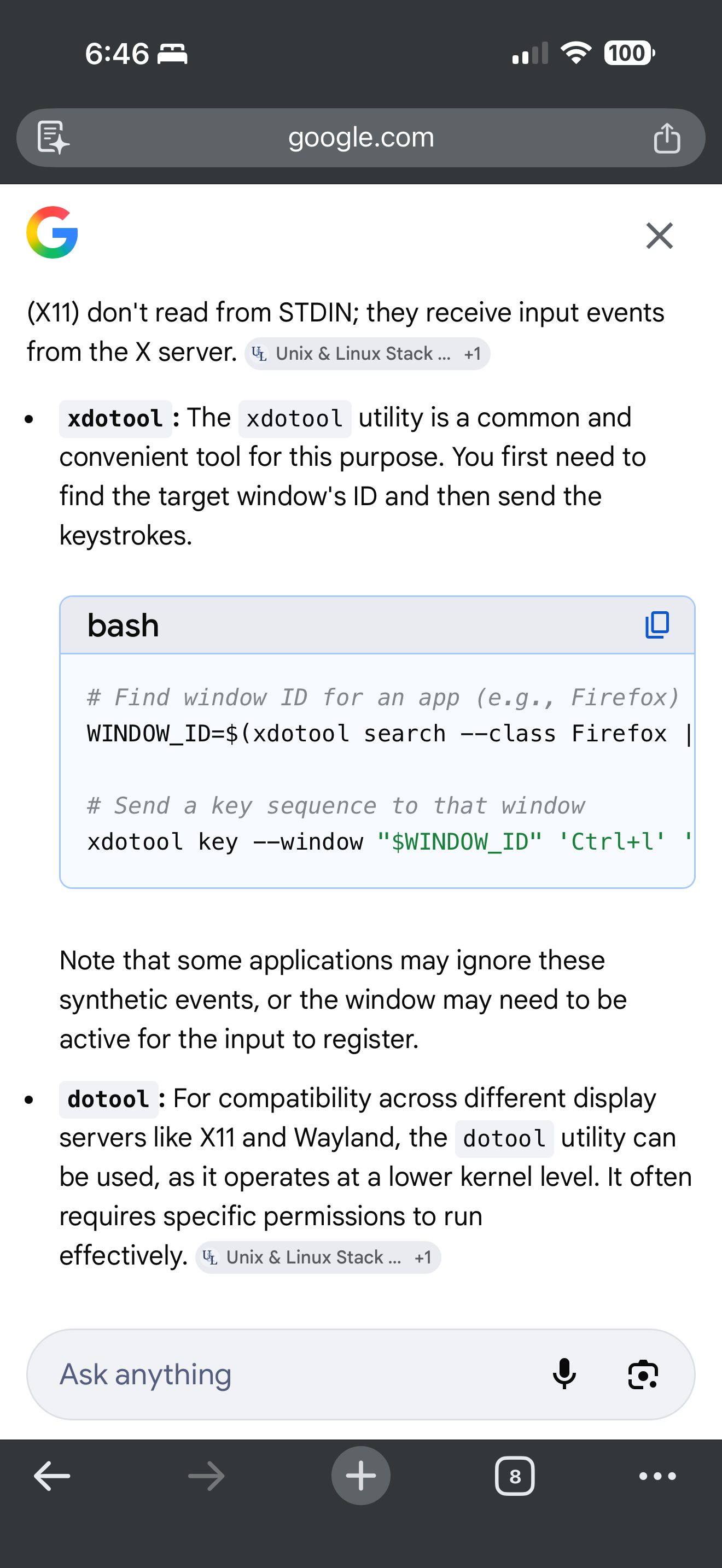
There are Linux tools that can send keystrokes
-
@sdetweil
Today I notice something.
I had to turning off my router for a while, so no internet connection were available for nearly 10 minutes.
In that time MM goes black with cursor…
so the issue could be internet connection related
Hello! It looks like you're interested in this conversation, but you don't have an account yet.
Getting fed up of having to scroll through the same posts each visit? When you register for an account, you'll always come back to exactly where you were before, and choose to be notified of new replies (either via email, or push notification). You'll also be able to save bookmarks and upvote posts to show your appreciation to other community members.
With your input, this post could be even better 💗
Register Login