Read the statement by Michael Teeuw here.
I can't get mmm-screencast to work
-
I’ve got it installed, and it looks like it’s working, but when I try to connect to it from my cellphone it just keeps trying until it gives up.
I have updated everything as far as I can see. -
@fribse what is the address setting in config.js?
-
Hi @sdetweil
It’s set to 0.0.0.0 -
@fribse and ipWhitelist:[],
Right?
-
@sdetweil Ahhh, no, that was limited, and now it works :-)
Thankyou -
@fribse I also have problems with the module on my Mac… installed without problems but can’t find a device on my phone or iPad ?
-
@Stoffbeuteluwe I have only tested with youtube so far, did you try that?
-
@fribse yes only YouTube but no device found
-
This post is deleted! -
@Stoffbeuteluwe what are the MM address: ipWhitelist: settings from ~/MagicMirror/config/config.js?
-
address: "0.0.0.0", ipWhitelist: "127.0.0.1", "::ffff:127.0.0.1", "::1", "::ffff:my ip dress", "my ip adress" -
@Stoffbeuteluwe ipWhitelist is an array ( surrounded by square brackets )
Try
ipWhitelist:[] -
@sdetweil hoping you can help with this…
I’ve tried changing address to “0.0.0.0” and ipWhitelist to []
When I use the youtube app to cast, the pi/mirror doesn’t show up?
-
Still no joy with this one 🤔 I’m not sure why it won’t find the pi to cast to can anyone help.
-
@jste84 Do you have a firewall on your magicmirror computer?
Is it connected via wifi or cable? -
@fribse I don’t think so? It’s installed on a pi3b. Still not able to find the pi… I think I’m maybe missing something in config?
Edit to say I can cast to my Nvidia shield… Strange that it works but not screencast…
-
@jste84
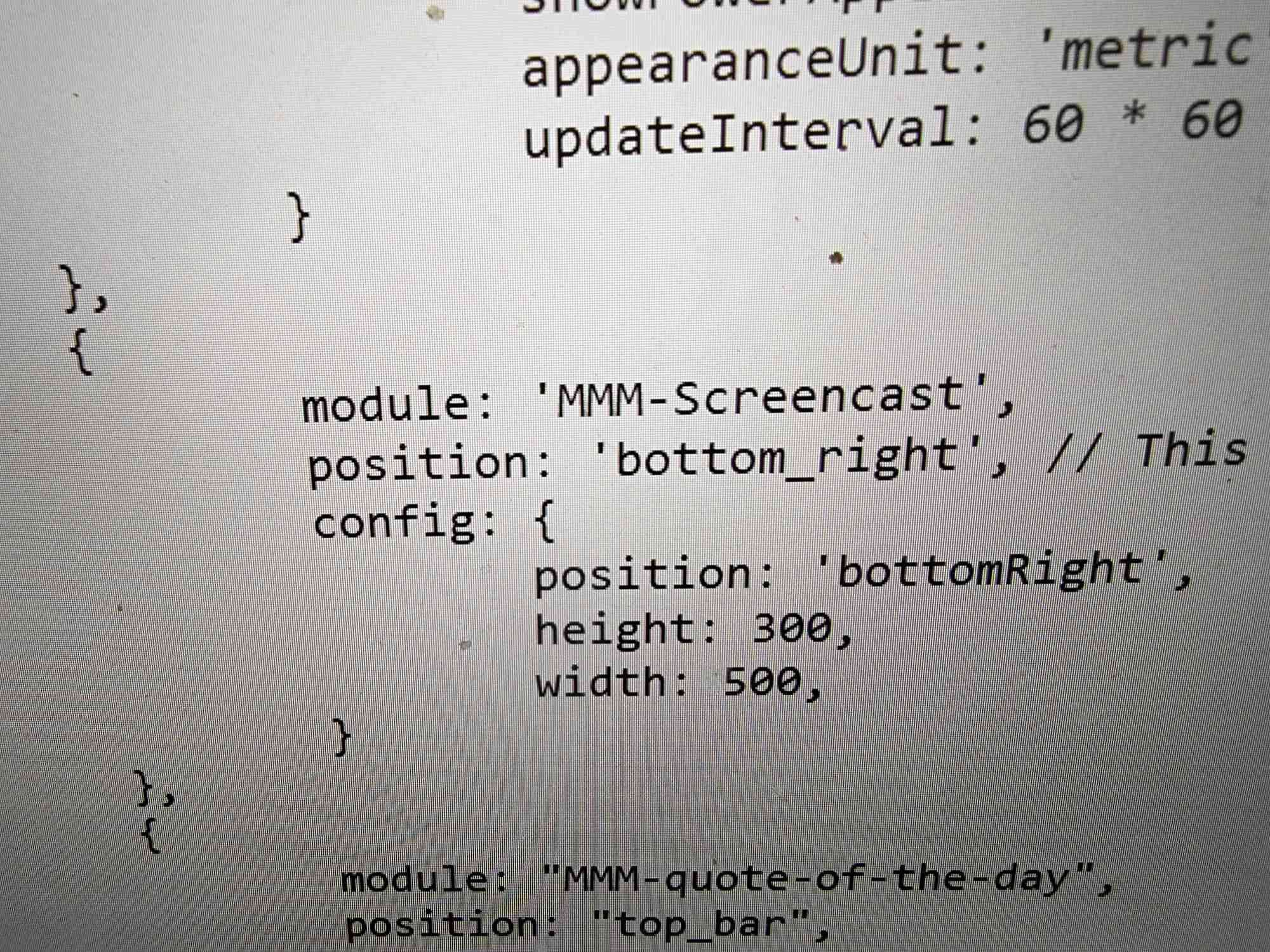
Can you post our config file. -
This post is deleted! -
This post is deleted! -


Hello! It looks like you're interested in this conversation, but you don't have an account yet.
Getting fed up of having to scroll through the same posts each visit? When you register for an account, you'll always come back to exactly where you were before, and choose to be notified of new replies (either via email, or push notification). You'll also be able to save bookmarks and upvote posts to show your appreciation to other community members.
With your input, this post could be even better 💗
Register Login