MagicMirror Forum
    • Recent
    • Tags
    • Unsolved
    • Solved
    • MagicMirror² Repository
    • Documentation
    • 3rd-Party-Modules
    • Donate
    • Discord
    • Register
    • Login
    A New Chapter for MagicMirror: The Community Takes the Lead
    Read the statement by Michael Teeuw here.

    How to change the path of a picture in magicmirror , using MMM-imageSlideshow

    Scheduled Pinned Locked Moved Solved Troubleshooting
    17 Posts 2 Posters 6.3k Views 2 Watching
    Loading More Posts
    • Oldest to Newest
    • Newest to Oldest
    • Most Votes
    Reply
    • Reply as topic
    Log in to reply
    This topic has been deleted. Only users with topic management privileges can see it.
    • S Offline
      sdetweil @emrhssla
      last edited by

      @emrhssla what do u mean by update ImageSlideshow?

      Change it’s paths dynamically?
      I dont think so

      Sam

      How to add modules

      learning how to use browser developers window for css changes

      E 1 Reply Last reply Reply Quote 0
      • E Offline
        emrhssla @sdetweil
        last edited by

        @sdetweil
        not about path update

        about replacing a picture with an overwritten one dynamically.

        S 1 Reply Last reply Reply Quote 0
        • S Offline
          sdetweil @emrhssla
          last edited by

          @emrhssla should be able to without problem… either write code to do it… or launch a shell cp command (copy)

          Sam

          How to add modules

          learning how to use browser developers window for css changes

          1 Reply Last reply Reply Quote 0
          • S Offline
            sdetweil
            last edited by

            also, MMM-ImageSlideshow only gets the file list once… then reshows it over and over…

            MMM-ImagesPhotos refreshes the list every 60 seconds… ( getInterval: 60000)

            Sam

            How to add modules

            learning how to use browser developers window for css changes

            1 Reply Last reply Reply Quote 0
            • E Offline
              emrhssla
              last edited by

              MMM-Testpython.js

              var Testpythons;
              Module.register("MMM-Testpython", {
              
                  defaults: {},
                  start: function (){
                      Testpythons = this;
                  },
                
                getDom: function() {
                  var element = document.createElement("div")
                  element.className = "myContent"
                  element.id="divid"
                  element.innerHTML = "Hello, World!!! " + this.config.foo
                  var subElement = document.createElement("p")
                  subElement.innerHTML = "Click" 
                  subElement.id = "clickid"
                  element.appendChild(subElement)
                  return element
                },
                
                notificationReceived: function(notification, payload, sender) {
                  switch(notification) {
                    case "DOM_OBJECTS_CREATED":
                    var elem = document.getElementById("clickid")
                    elem.addEventListener("click", () => {
                      //
                      Testpythons.sendSocketNotification("TEST")
                      //
                      console.log(" click success !")
                      elem.innerHTML = "click success"       
                    }) 
                      break
                  }
                },
                socketNotificationReceived: function(notification, payload) {
                  switch(notification) {
                    case "AFTERCLICK":
                      console.log("Socket recevied payload : "+payload)
                      var elemk = document.getElementById("clickid")
                      //
                      Testpythons.sendNotification('SHOWCHANGEDIMAGE');
                      //
                      elemk.innerHTML = payload
                      break
                  }
                }
              
              })
              

              node_helper.js(in MMM-Testpython)

              var NodeHelper = require("node_helper");
              var {PythonShell} = require('python-shell');
              var socketTestpython;
              module.exports = NodeHelper.create({
                start: function() {
                  socketTestpython=this;
                  console.log(this.name+"node_helper started")
                },
                
                socketNotificationReceived: function(notification, payload) {
                  switch(notification) {
                    case "TEST":
                      console.log("notification : " + notification)
              	    PythonShell.run('/home/pi/Desktop/BeautyMirror/modules/MMM-Testpython/before.py', null, function (err, result) {
                          if (err) throw err;
                          console.log(result);          
                          socketTestpython.sendSocketNotification("AFTERCLICK",result);
                        });
              	       
                      break
                  }
                }
              }) 


              MMM-ImageSlideshow.js
              I added only the following code from the original module code.

              notificationReceived: function(notification, payload) {
              		Log.info(this.name + " - received notification: " + notification);
              		if(notification === "DOM_OBJECTS_CREATED"){
              			this.hide()
              		}
              		
              		if(notification === "SHOWCHANGEDIMAGE"){
              			var self = this;
              			self.updateDom();
              			self.show();
              		}
              	}
              

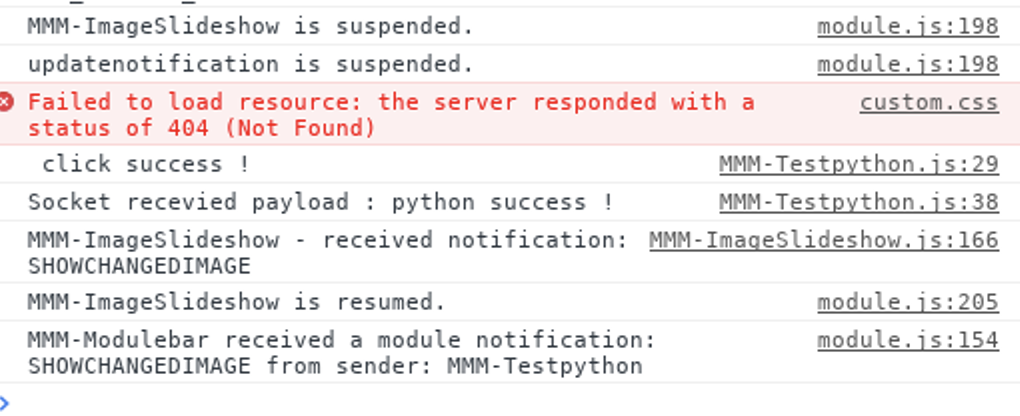
              console is success…
              0_1556281695079_1ce565f2-ce77-4247-ac20-c3859b62604a-image.png

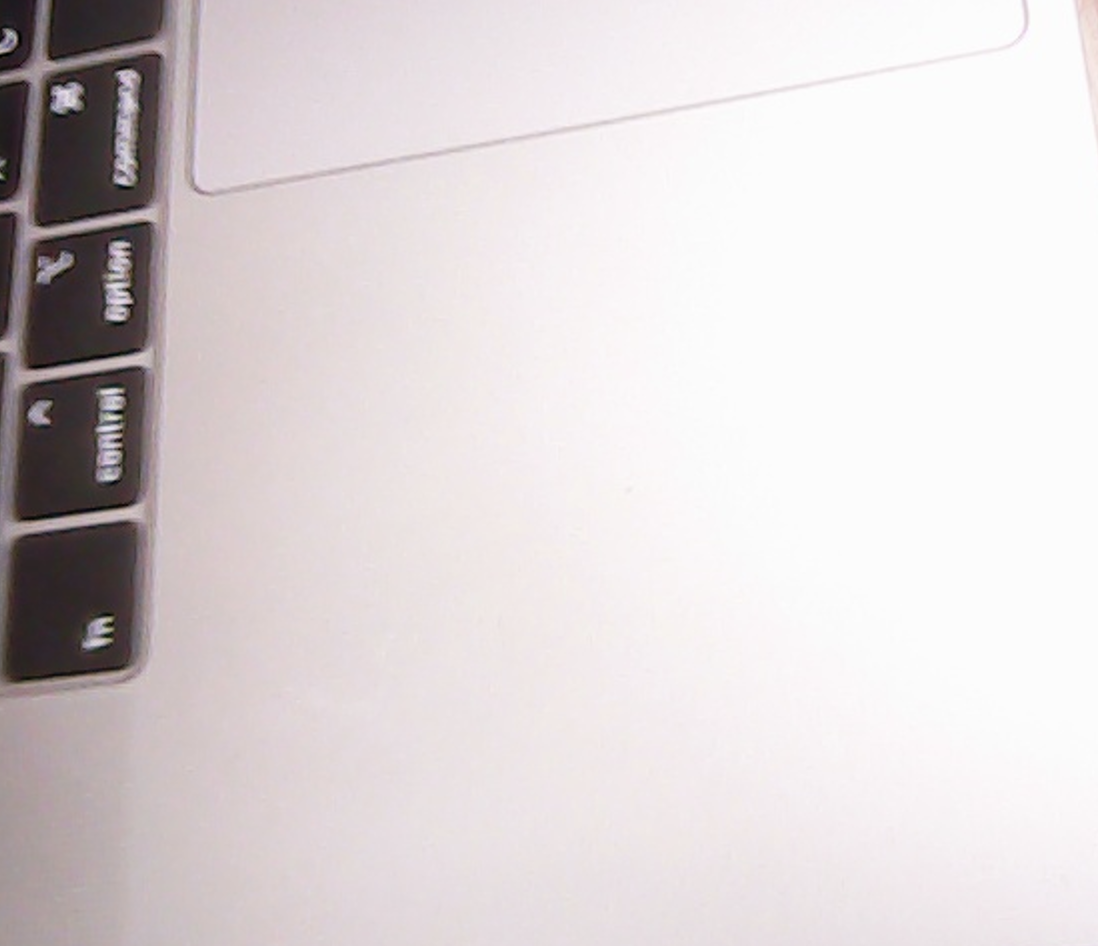
              image before capture
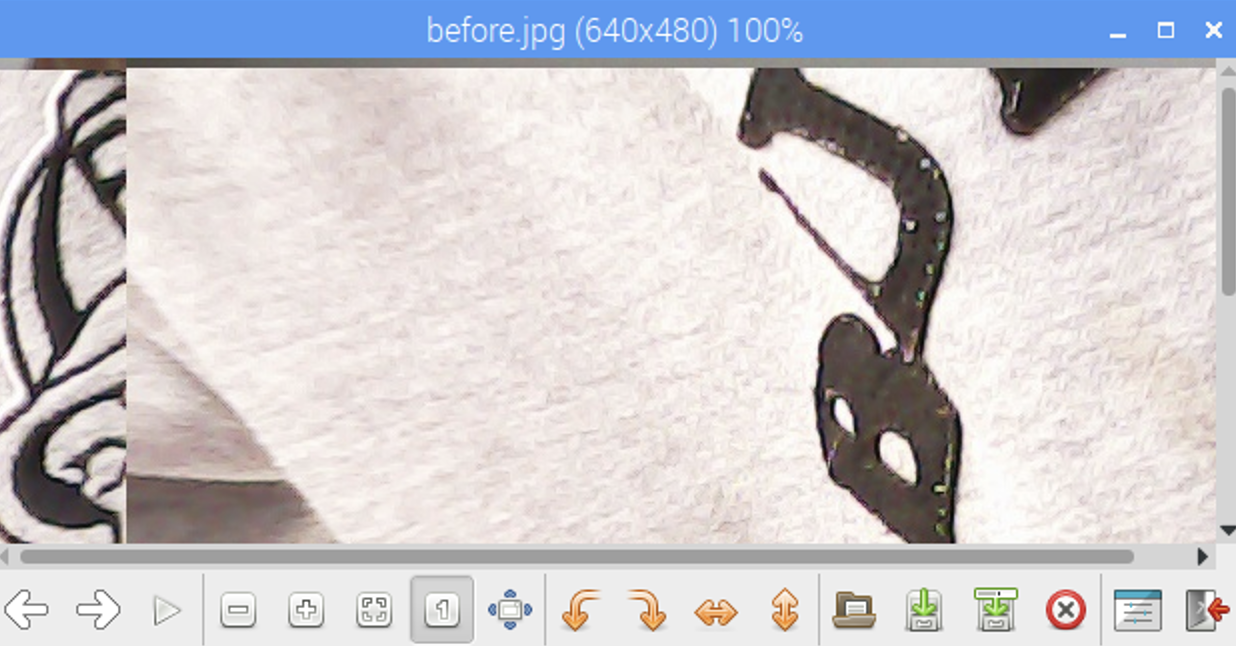
              0_1556282129530_d5111fc6-60ae-4a05-93b8-6166a1dbfa12-image.png

              capture image
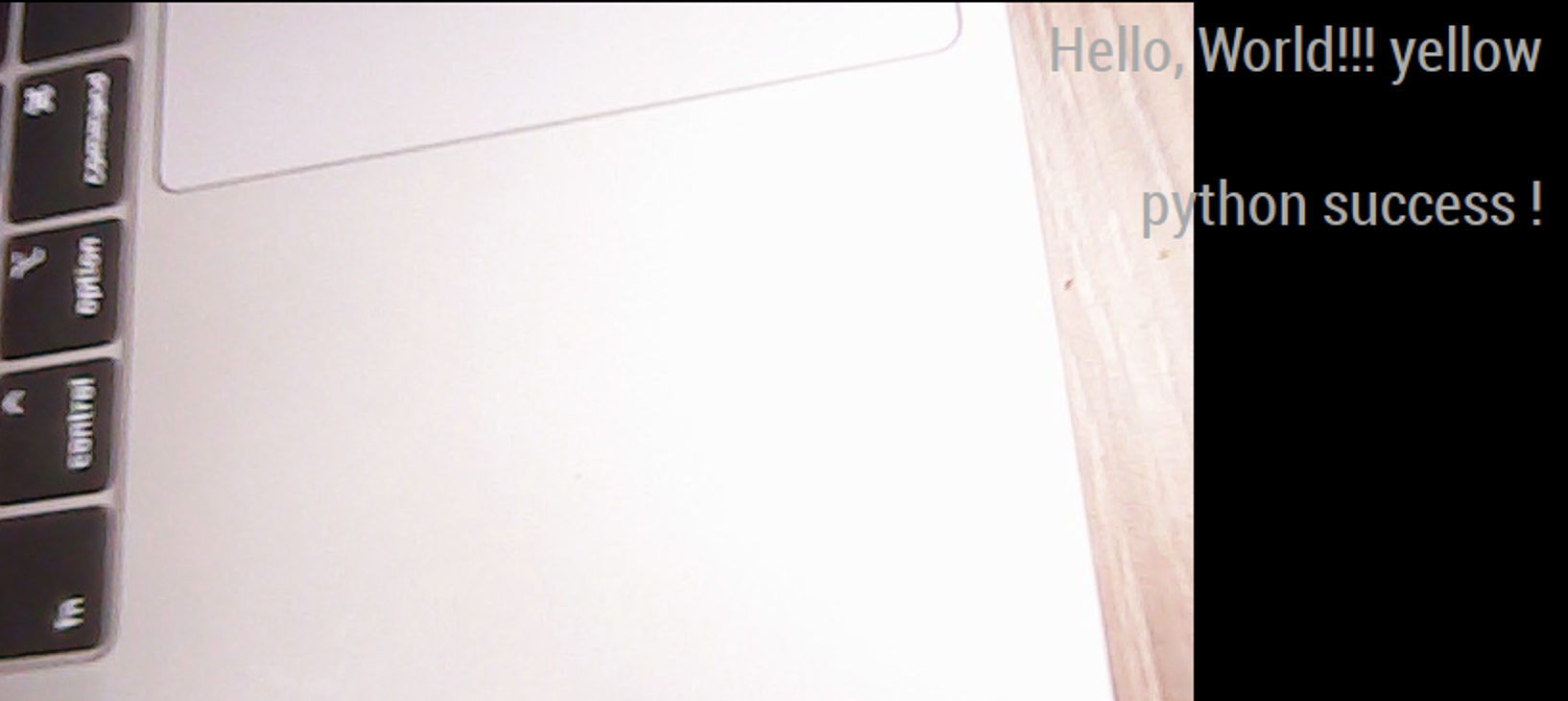
              0_1556282205569_30936a78-f13e-4828-8ff2-8e54f61b3c06-image.png

              after caputure
              0_1556282182710_a5c66f76-66e0-45cd-ad4a-2fe24275723a-image.png

              E 1 Reply Last reply Reply Quote 0
              • E Offline
                emrhssla @emrhssla
                last edited by

                @sdetweil
                not changed in screen omg…

                S 1 Reply Last reply Reply Quote 0
                • S Offline
                  sdetweil @emrhssla
                  last edited by

                  @emrhssla if u stop mirror and restart, does the new image appear? (as u overlaid the old one)…

                  if not, then your overlay function doesn’t work…

                  Sam

                  How to add modules

                  learning how to use browser developers window for css changes

                  E 1 Reply Last reply Reply Quote 0
                  • S Offline
                    sdetweil
                    last edited by

                    and another test, open a browser on mm, then use the full file url to the new image file

                    file:///home/pi/MagicMirror/modules/MMM-ImageSlideshow/…

                    and see if the pic opens

                    Sam

                    How to add modules

                    learning how to use browser developers window for css changes

                    E 1 Reply Last reply Reply Quote 0
                    • E Offline
                      emrhssla @sdetweil
                      last edited by

                      @sdetweil
                      Clicking makes the capture and overwrite the file successful in the process where the magic mirror is run. But it doesn’t appear on the screen.
                      When the magic mirror is turned off and restarted, a new image will appear successfully.

                      I think the code is working properly, but the MMM-imageSlideshow module is not being renewed.

                      1 Reply Last reply Reply Quote 0
                      • E Offline
                        emrhssla @sdetweil
                        last edited by

                        @sdetweil
                        Are you saying to run chrome and put fil://~ in url?
                        :) ?

                        S 1 Reply Last reply Reply Quote 0
                        • S Offline
                          sdetweil @emrhssla
                          last edited by

                          @emrhssla yes, just adding another way to verify that the file was changed… u reported it is ok…

                          Sam

                          How to add modules

                          learning how to use browser developers window for css changes

                          E 1 Reply Last reply Reply Quote 0
                          • E Offline
                            emrhssla @sdetweil
                            last edited by

                            @sdetweil When I click Refresh in Chrome, a picture that has been successfully changed appears.

                            Is there any way to restart a specific module?

                            S 1 Reply Last reply Reply Quote 0
                            • S Offline
                              sdetweil @emrhssla
                              last edited by sdetweil

                              @emrhssla i think this is a caching problem… the ‘file’ was already loaded…

                              see this discussion about adding a string to the end of the image filename to make it ‘unique’
                              thus not reading from cache

                              https://stackoverflow.com/questions/728616/disable-cache-for-some-images

                              however, this will add a new image to be cached… eventually growing maybe beyond memory limits…
                              another way is to disable caching in electron

                              in MagicMirror/js/electron.js
                              add this line

                              function createWindow() {
                                  app.commandLine.appendSwitch('--disable-http-cache');  //< -------- added
                              	var electronOptionsDefaults = {
                              

                              Sam

                              How to add modules

                              learning how to use browser developers window for css changes

                              E 1 Reply Last reply Reply Quote 0
                              • E Offline
                                emrhssla @sdetweil
                                last edited by

                                @sdetweil thank U!!

                                1 Reply Last reply Reply Quote 0

                                Hello! It looks like you're interested in this conversation, but you don't have an account yet.

                                Getting fed up of having to scroll through the same posts each visit? When you register for an account, you'll always come back to exactly where you were before, and choose to be notified of new replies (either via email, or push notification). You'll also be able to save bookmarks and upvote posts to show your appreciation to other community members.

                                With your input, this post could be even better 💗

                                Register Login

                                • 1 / 1
                                • First post
                                  Last post
                                Enjoying MagicMirror? Please consider a donation!
                                MagicMirror created by Michael Teeuw.
                                Forum managed by Sam, technical setup by Karsten.
                                This forum is using NodeBB as its core | Contributors
                                Contact | Privacy Policy