Read the statement by Michael Teeuw here.
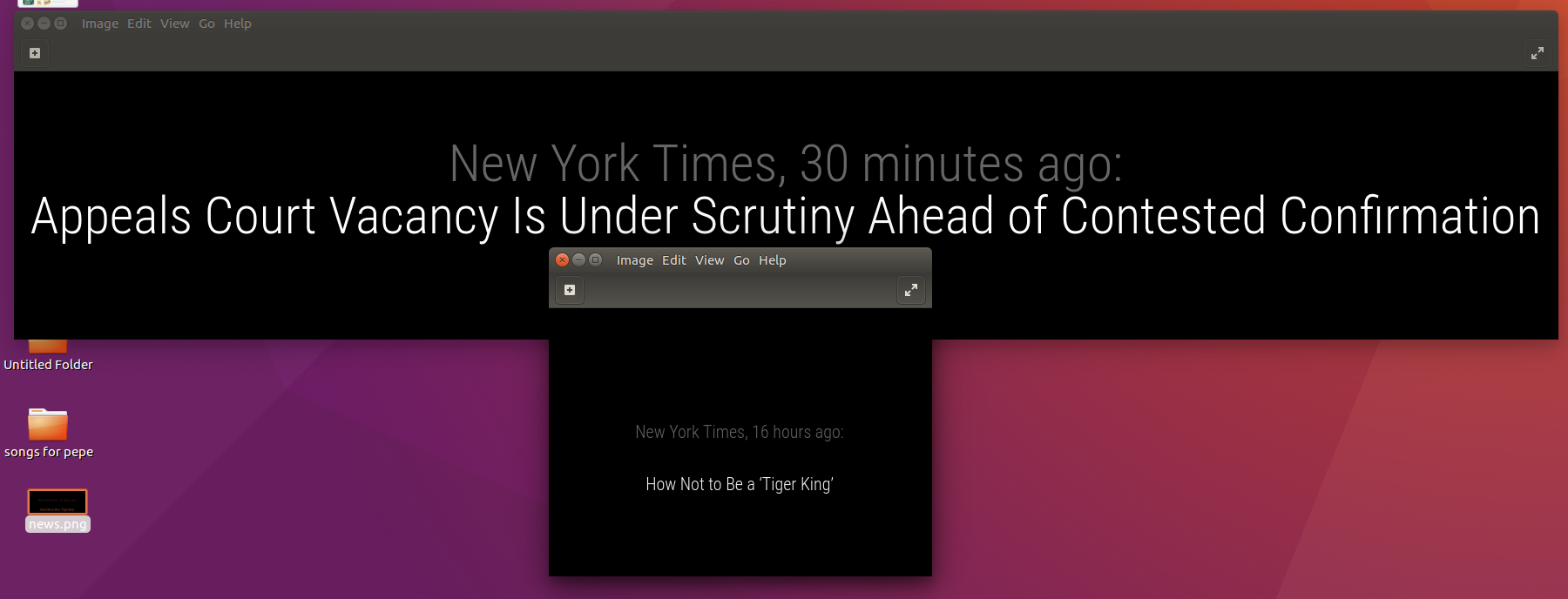
Newsfeed size
-
@sdetweil sorry i’ve been fighting with CSS all day and typed that in wrong…
What I mean to say was I moved the newsfeed module to lower_thirdIn custom.css I’ve tried:
.newsfeed .small {
font-size: 40px;
line-height: 45px;
}
.newsfeed .medium {
font-size: 50px;
line-height: 55px;
} -
I even tried this - thinking maybe the indent made a difference but nope!
.newsfeed .small { font-size: 80px; line-height: 65px; } .newsfeed .medium { font-size: 70px; line-height: 75px; } -
@cyberphox i would open the developers window, ctrl-shift-i or f12, and select the elements tab, and scroll thru to the needs feed objects and look at their classes and settings (the css tree is expand on the right as u select an item, nears to the element at the top (custom.css -> main.css ) to furthest at the bottom
it solves so many problems to be able to just look at it
-
Oh I’ve been looking at the damn thing all day!
newsfeed-title bright medium light seems to be one…if i could at least change something!
-
-
These work:
.newsfeed .bright.medium.light { font-size: 20px; line-height: 30px; } .newsfeed .light.small.dimmed { font-size: 20px; line-height: 30px; } -
-
It’s does work! and it’s not the first time @Mykle1 has bailed me out!
Thanks again man! -
:thumbsup:

Hello! It looks like you're interested in this conversation, but you don't have an account yet.
Getting fed up of having to scroll through the same posts each visit? When you register for an account, you'll always come back to exactly where you were before, and choose to be notified of new replies (either via email, or push notification). You'll also be able to save bookmarks and upvote posts to show your appreciation to other community members.
With your input, this post could be even better 💗
Register Login