Read the statement by Michael Teeuw here.
how to install specific version of magicmirror
-
magicmirror 2.19
-
git clone magic mirror repo, like always
git checkout v2.19.0all releases are marked with tags
-
@sdetweil is it automatic installation. Or I have to do it manually.
-
@tanvir586 manually
-
@sdetweil after I done
git clone https://github.com/MichMich/MagicMirrorThen git chackout 2.19.0 ?
Sorry I’m bit confused here
-
@tanvir586 yes,
git clone make a copy of the source repository on your machine
the checkout command will make a particular commit active
the label has to be exact
cd ~/MagicMirror
git checkout v2.19.0now the MagicMirror working copy folder is the code at v2.19.0 level
-
@tanvir586 also see the options here
https://www.techiedelight.com/clone-specific-tag-with-git/
if u look at the MagicMirror repo on github

you will see the drop-down next to master
but also see the tags tab
if u select the tags tab, then u see all the tags, one for each release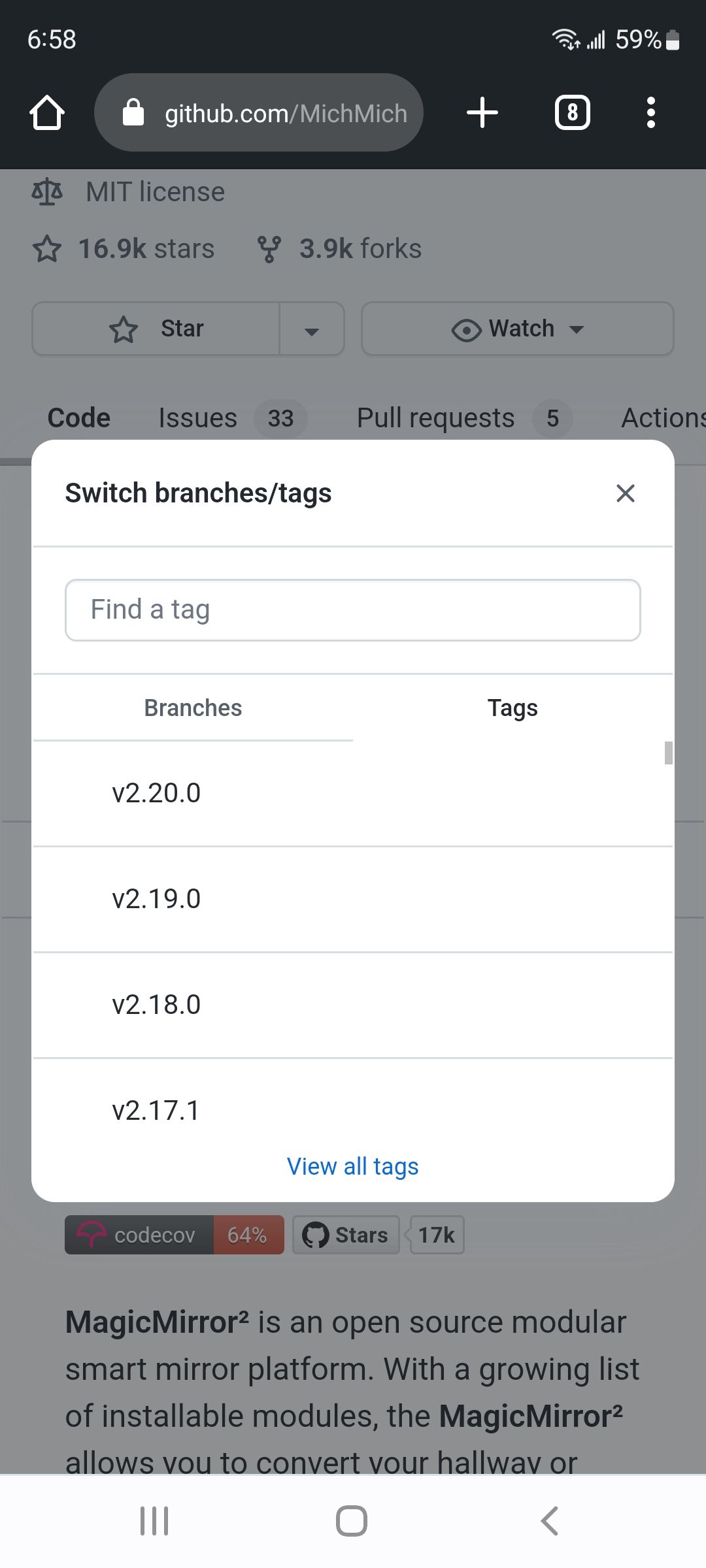
-
@sdetweil thanks 😊. Will try soon.
Hello! It looks like you're interested in this conversation, but you don't have an account yet.
Getting fed up of having to scroll through the same posts each visit? When you register for an account, you'll always come back to exactly where you were before, and choose to be notified of new replies (either via email, or push notification). You'll also be able to save bookmarks and upvote posts to show your appreciation to other community members.
With your input, this post could be even better 💗
Register Login