Read the statement by Michael Teeuw here.
my raspberry pi 3 has a os installed but
-
everytime i try to change time and date it wont save and keep even though i push the right buttons and push save and reboot
i bought this
LoveRPi 8GB Raspbian NOOBS UHS-I MicroSD Card with SD Adapter for Raspberry Pi
So i haveit plugged in but even without it plugged in it went straight to desktop so my pi already has a OS installed so why cant i make it save the time and date and why isnt this os working ???
-
@bubbax666 All of the raspberry pi’s don’t have an RTC (Real Time Clock) on them.
-
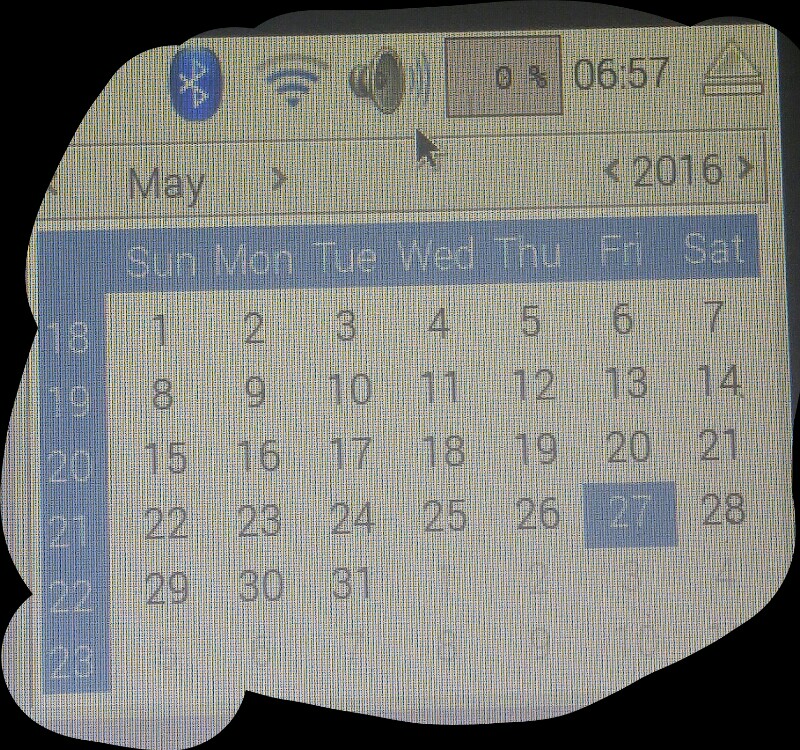
-
So you bought your Raspberry with a preinstalled sd card, right?
-
ListenpunktIs your raspberry connected to the internet automatically?
-
ListenpunktDid you perform an update of your system afterwards? Please look at this instruction: https://www.raspberrypi.org/documentation/raspbian/updating.md
I installed the raspbian os manually (downloaded the latest Jessi image, flashed it to the sd card and performed the update described above. If I remember correctly I had some trouble with date/time before the updates, after the update everything is fine.
-
-
i got a new sd card and i installed it manually and everything was working it seemed for a while but when i went to work to work on this it showed wrong time but not date

Hello! It looks like you're interested in this conversation, but you don't have an account yet.
Getting fed up of having to scroll through the same posts each visit? When you register for an account, you'll always come back to exactly where you were before, and choose to be notified of new replies (either via email, or push notification). You'll also be able to save bookmarks and upvote posts to show your appreciation to other community members.
With your input, this post could be even better 💗
Register Login