Read the statement by Michael Teeuw here.
MMM-CalendarExt2
-
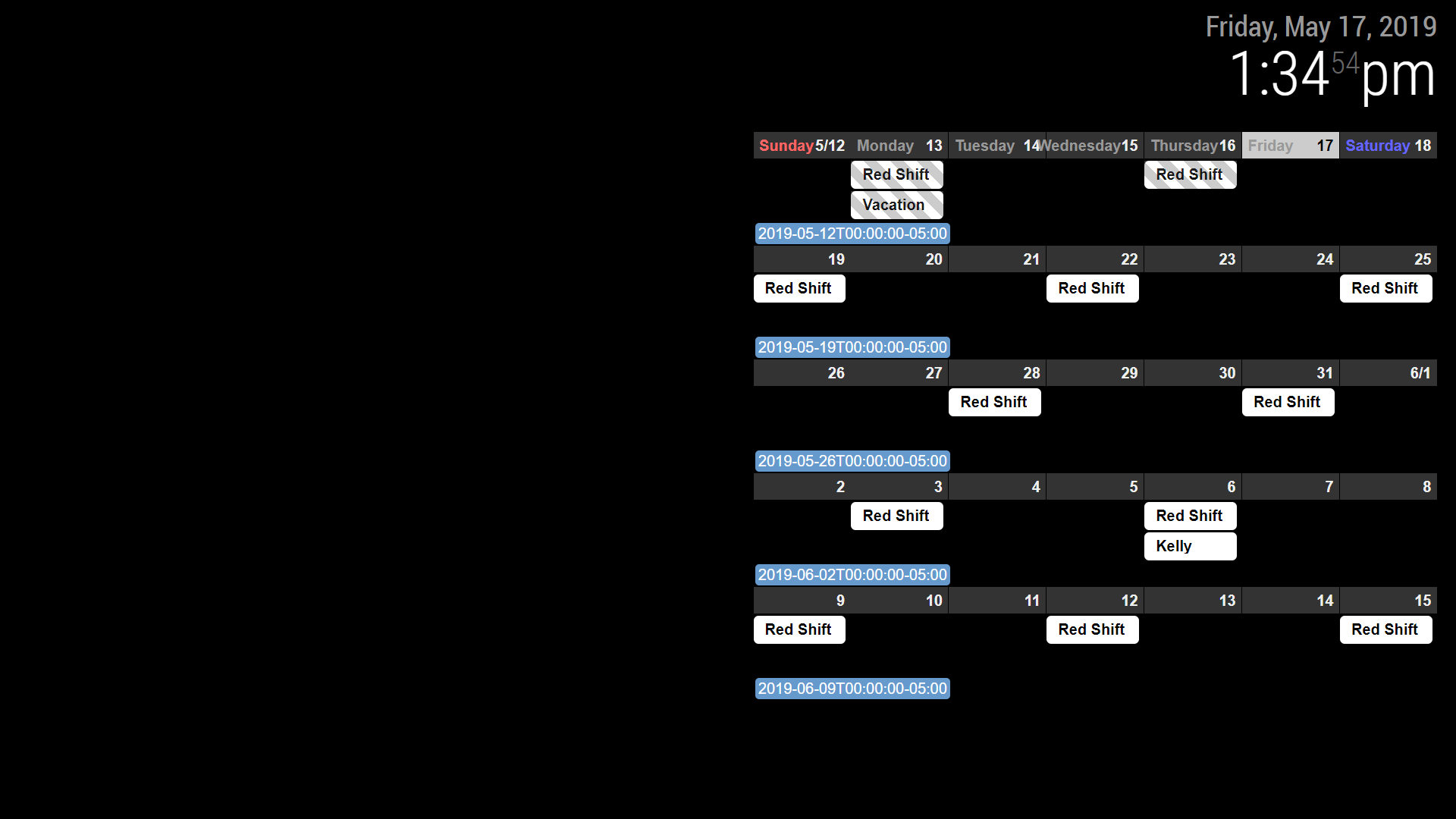
I emailed you my whole set up earlier. I think there is something, somewhere in another folder I must have messed with. I deleted everything but my clock and pasted just the calendar and it is showing up as pictured. Maybe a fresh install of MM or MMM-calendarext2.
-
@Sean thanks for the great module.
I would like to change the design of calendar as in calendarext (Weekdays and monthTitleFormat)
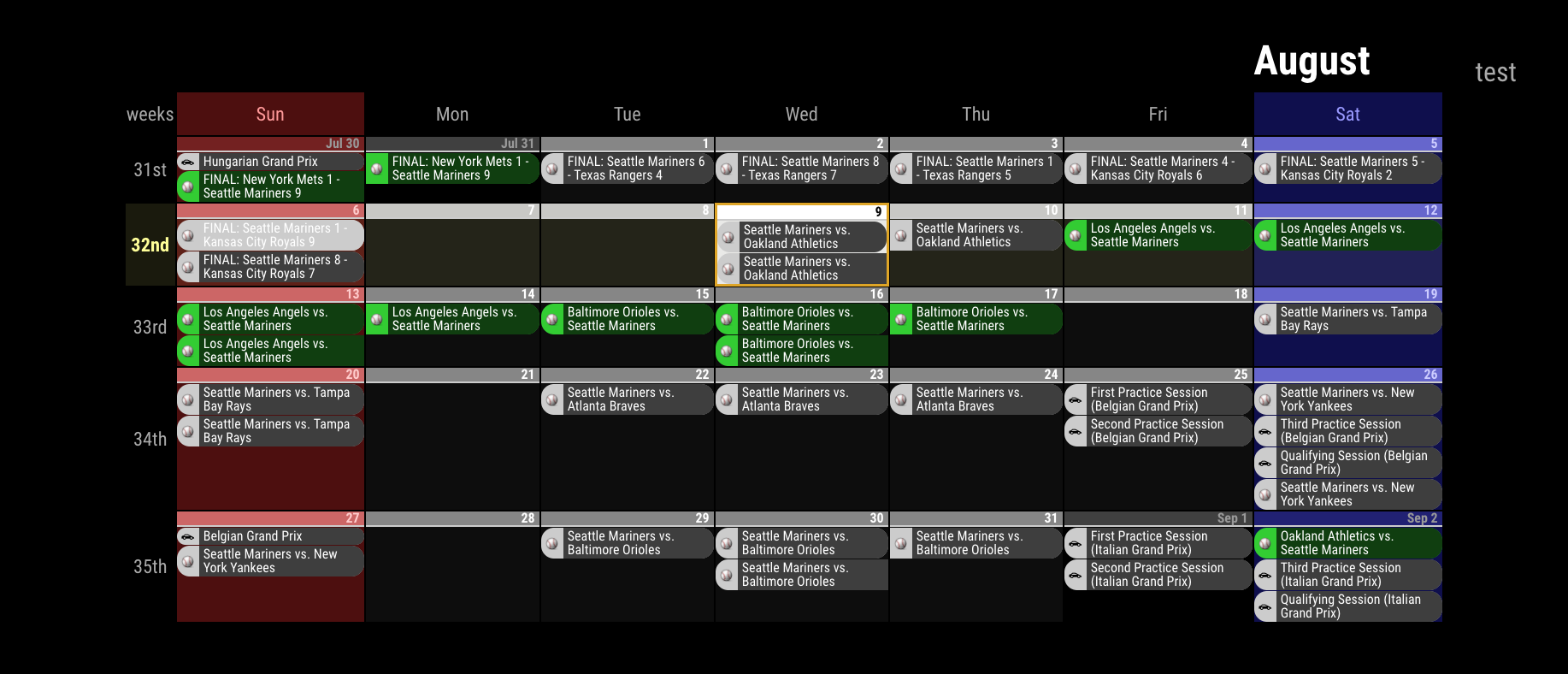
is this possible or should I use calendarext v1?
-
@Jerrylein
weekdays name could be cutomizable, but calext2 doesn’t have monthtitle on monthview -
@Sean
ok. but how I can change this? I mean the weekdays (sun, mon, tue,wed) are not in the same row with days.

-
@Jerrylein
That isslotSubTitleFormat.
inMon 26,Monwill beslotSubTitleand26will beslotTitle. (and additionally11/25will beslotAltTitle)So, if you set like;
{
  name: "VIEW1",
  mode: "month",
  position: "fullscreen_below",
  slotSubTitleFormat: "dddd", // (default value is "ddd")
},
It will show
Mondayinstead ofMon
https://github.com/eouia/MMM-CalendarExt2/wiki/2c4.-View:week,-month -
@Sean
thx.
But I do not want to change the format.
I would like to change the design of slotSubTitle as in Calext V1Here is Calext V1
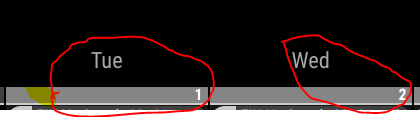
that’s calext2
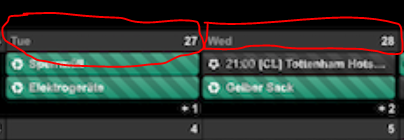
I think i should change custom.css file? but how?
-
@Jerrylein
If so, why aren’t you using CalendarExt2?
Unfortunately, that part of CalendarExt is table header so it can’t move.
But with CalendarExt2, you can mimic CalendarExt style. like this; (Even though that’s not you want.)I misread your first question. so you can make it like this;
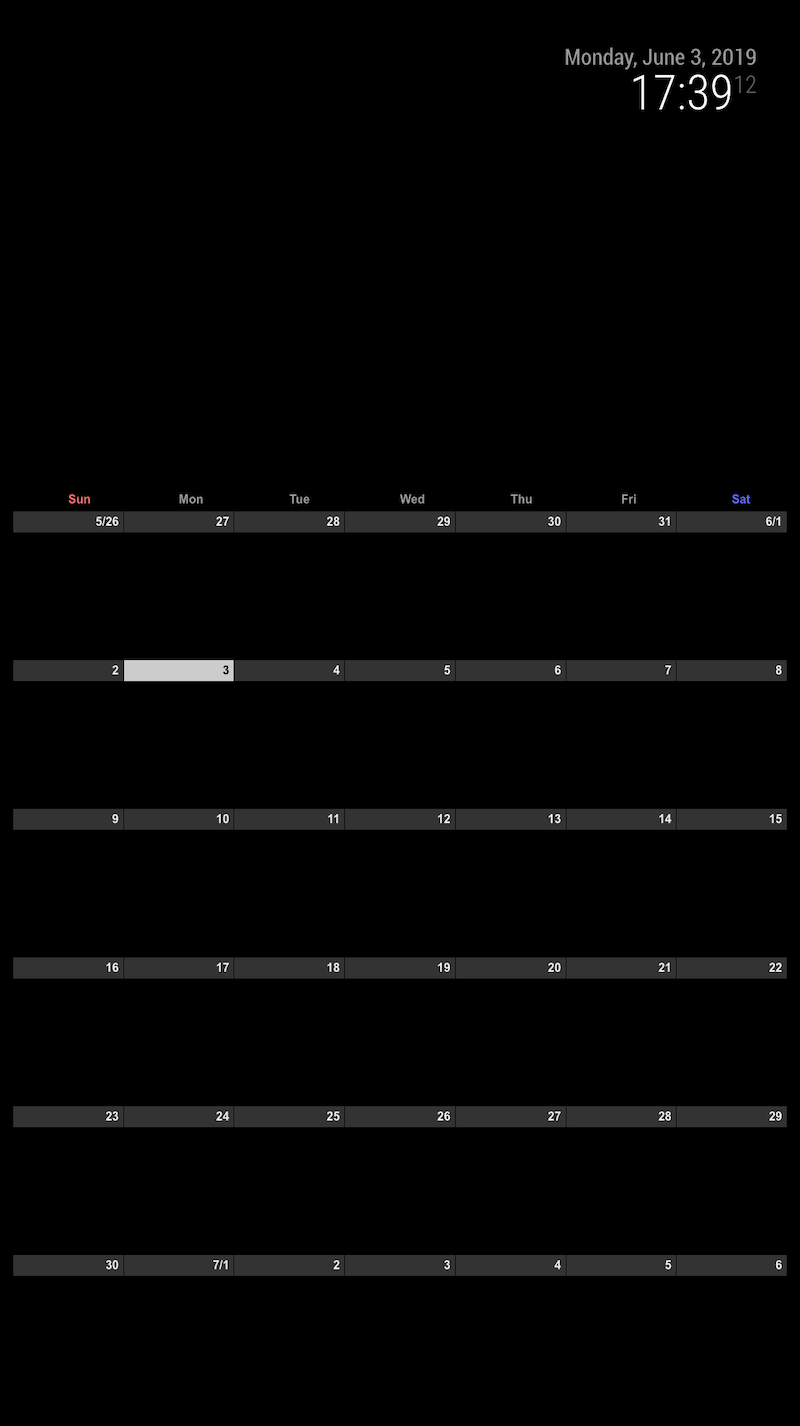
.CX2 .weekSlot.seq_0 .cellSlot .slotSubTitle { position:relative; top:-30px; left:40%; } -
I tried to add an URL that starts with
webcal://, but it doesn’t show up.
If I try other URL from an example here, it works, so the problem must be the URL with webcal. -
@flopp Just replace
webcaltohttp -
-
I am trying to get the view like the picture here
https://github.com/eouia/MMM-CalendarExt2/blob/master/screenshot.pngHow is that possible?
Or can I show 7 days, today to the left? Like 7 days rolling.
-
Hello
I have been using this modules for months with no problem it does exactly what I want it to do.
However recently it has stopped bring up the events for next month.
I have two sevens set, each of three weeks, the first works perfectly for all of September but won’t show October and the second has no events on it at all. I am using google to provide the events.
Please help.
Thanks
-
@diccon
you might need bigger “maxItems” value. -
@flopp said in MMM-CalendarExt2:
I am trying to get the view like the picture here
https://github.com/eouia/MMM-CalendarExt2/blob/master/screenshot.png
How is that possible?There are 3 views in a scene. Daily view on top, Weekly view on left, Month view on bottom.
To know how to configurate them, Read the docs in the wiki of githug repository.Or can I show 7 days, today to the left? Like 7 days rolling.
To the left? You mean Today is the rightest position in daily view?
-
@Sean said in MMM-CalendarExt2:
There are 3 views in a scene. Daily view on top, Weekly view on left, Month view on bottom.
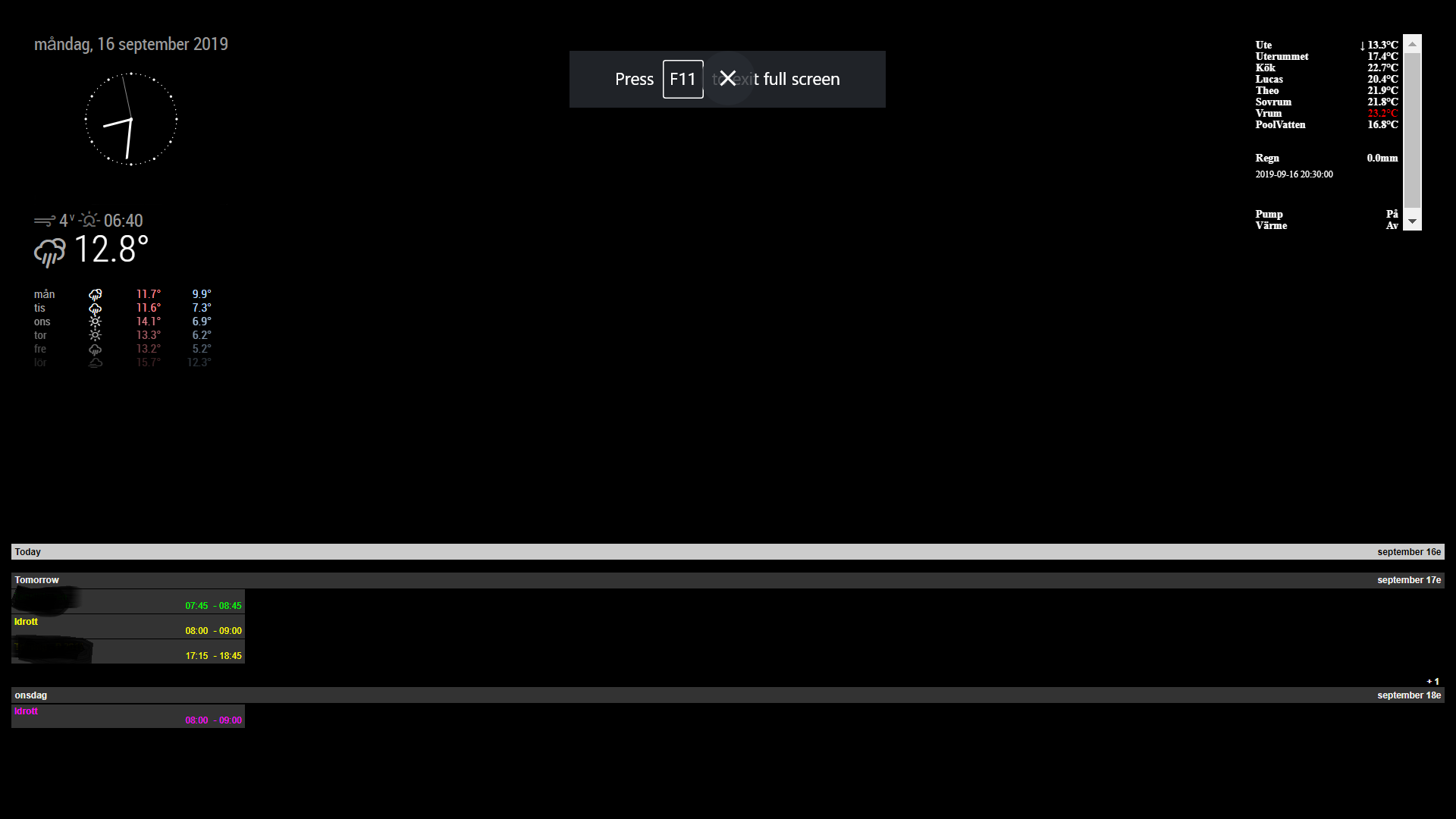
To know how to configurate them, Read the docs in the wiki of githug repository.When I set “daily” with 3 slotcounts it look like this
To the left? You mean Today is the rightest position in daily view?
If it is Tuesday I want Tuesday to be at the left and Monday to the right and all other days between. So to the left is Today and tomorrow is one step right
-
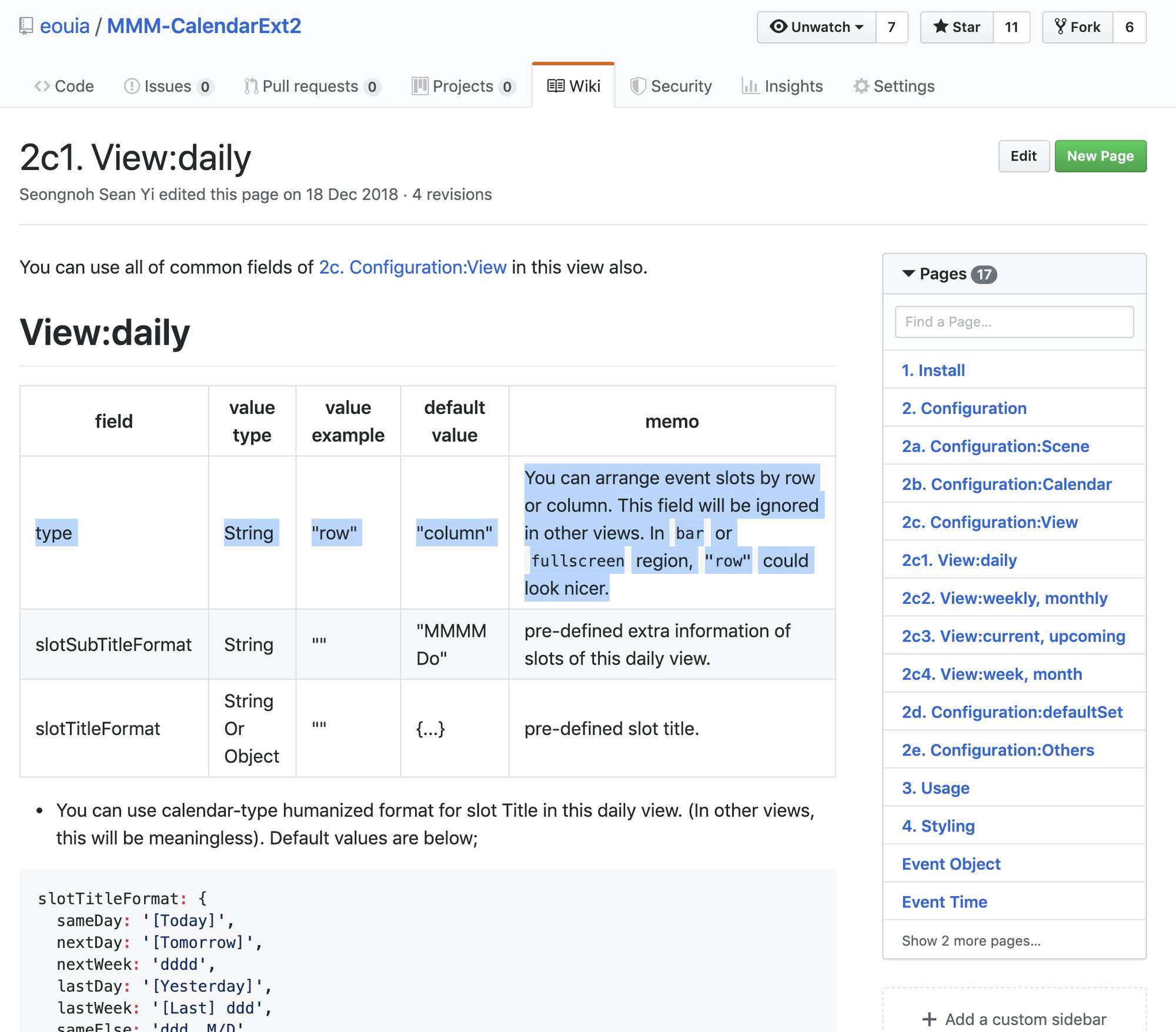
what is was missing was “type: row” in Views. It doesn’t says anything about this in the docs.
I found an example with “type: row” -
@flopp
Sorry for unkind docs; but it is described already. ;)
-
Hi folks,
is there a chance to show a circle arround a day in case of an event in the month view?
For example like on this photo: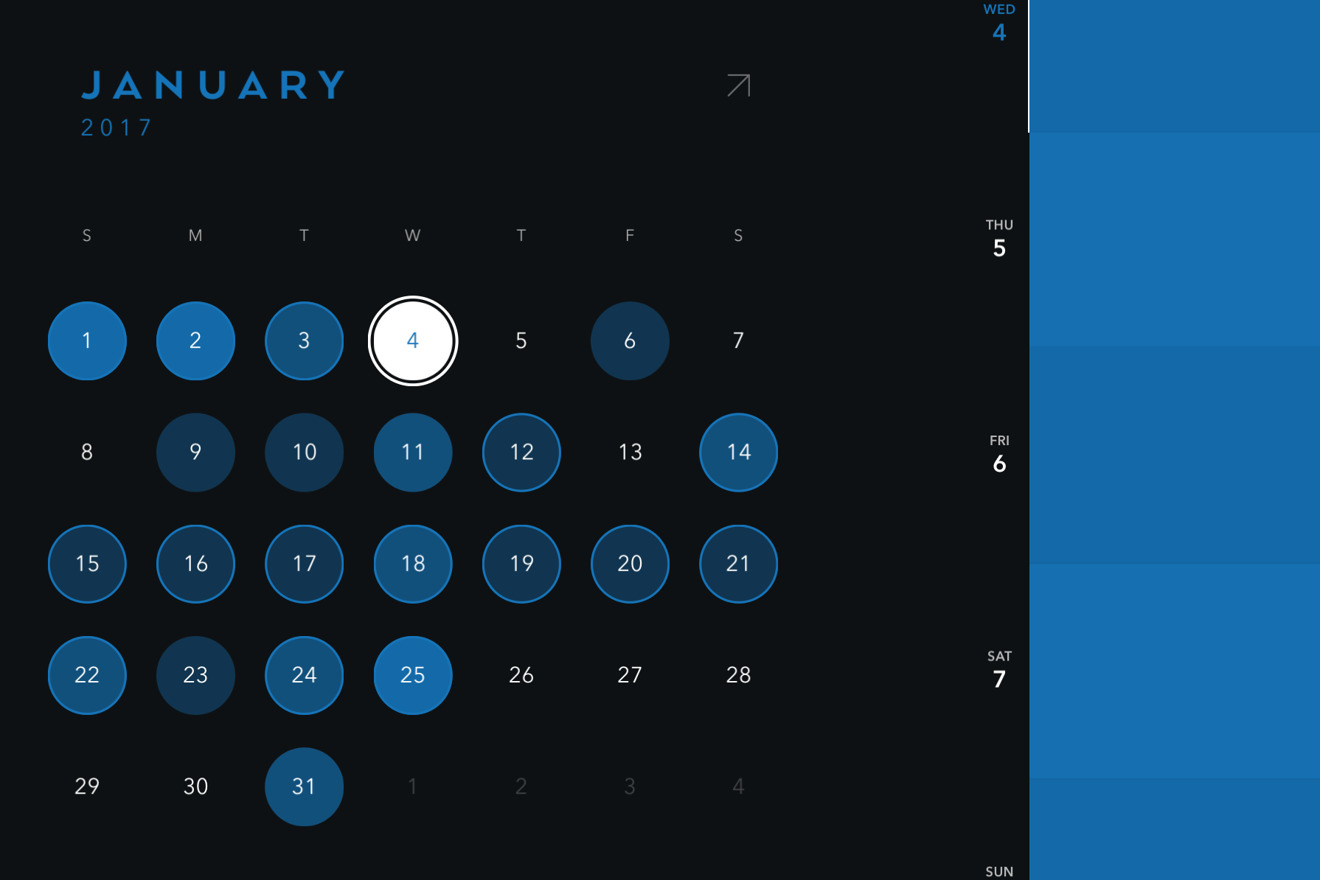
-
@gekberlin
Very Beautiful. Anyway, at this moment I have no idea. seems not so easy. :D. -
@Sean Hahaha damn! I hoped maybe you have an idea how to achieve such a notification system.
Hello! It looks like you're interested in this conversation, but you don't have an account yet.
Getting fed up of having to scroll through the same posts each visit? When you register for an account, you'll always come back to exactly where you were before, and choose to be notified of new replies (either via email, or push notification). You'll also be able to save bookmarks and upvote posts to show your appreciation to other community members.
With your input, this post could be even better 💗
Register Login