I did.
Sorry, I haven’t had the time to pick up troubleshooting.
Will hope to sometime this weekend.
I did.
Sorry, I haven’t had the time to pick up troubleshooting.
Will hope to sometime this weekend.
Sounds good and no worries.
Thanks for giving it a shot!
No errors a few minutes in.
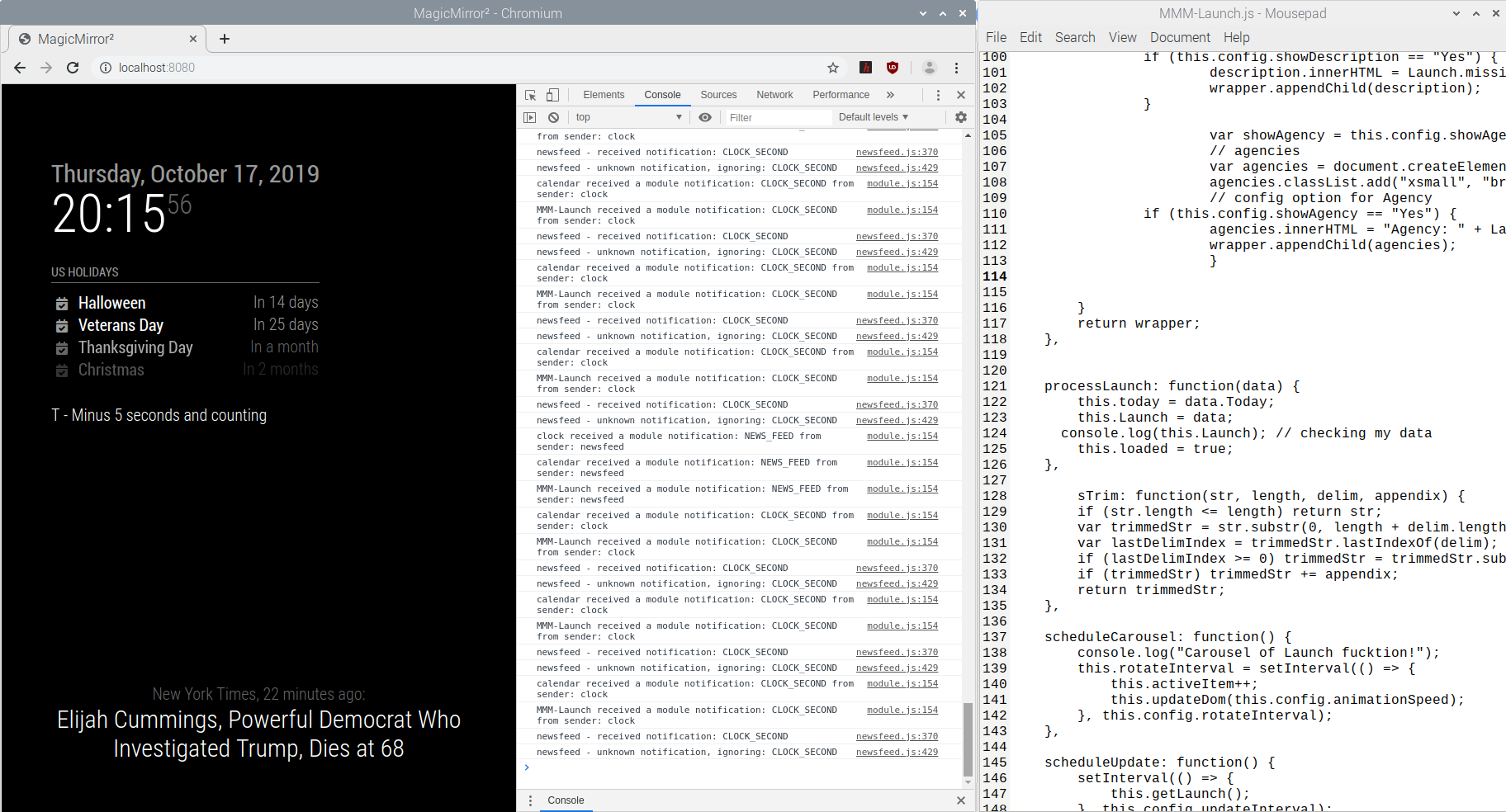
That URL worked great on the browser.
I really appreciate the help troubleshooting.
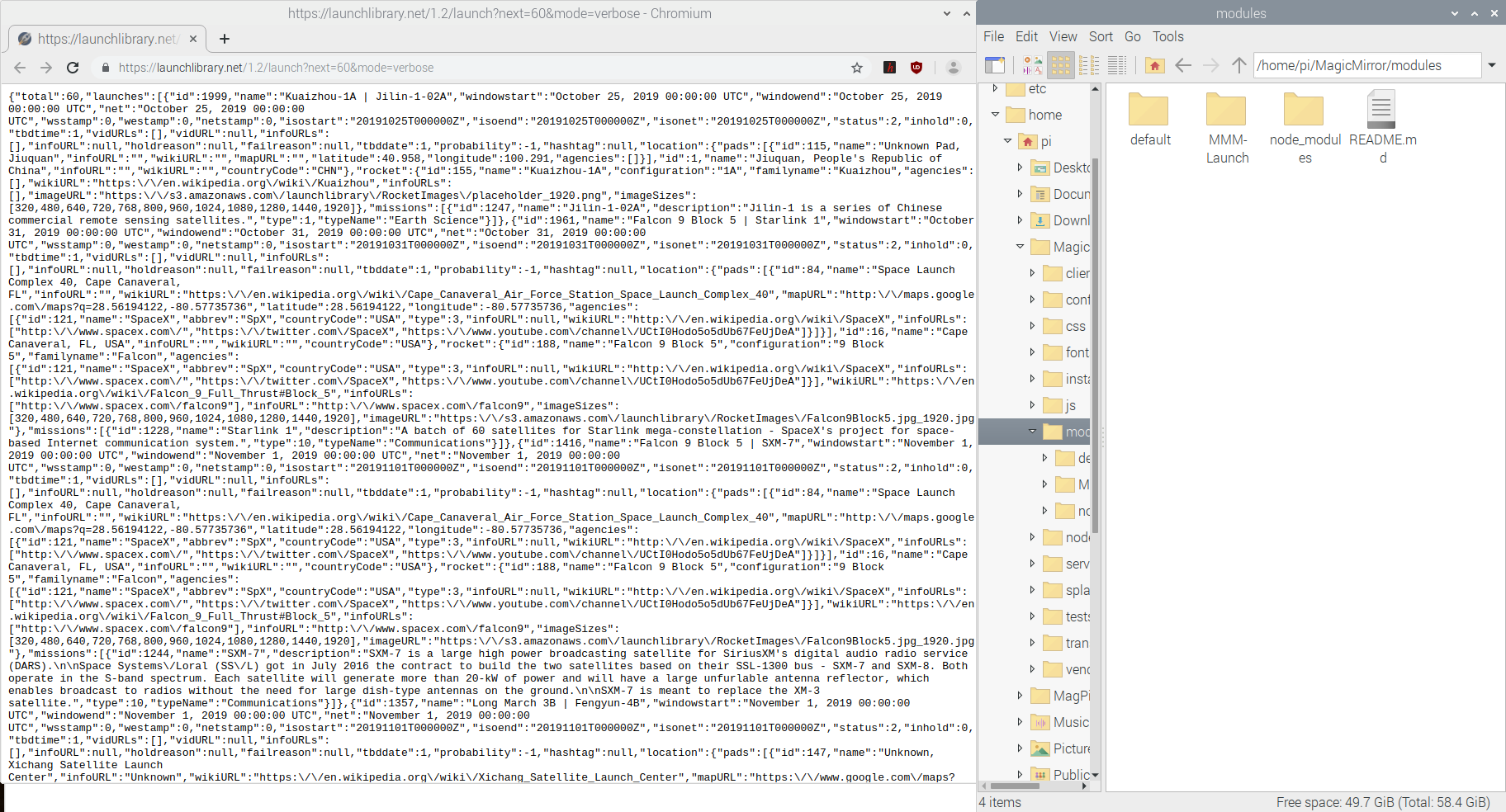
I’ll include a screenshot here in a minute, but I’m noticing that “MMM-Launch received a module notification: CLOCK_SECOND from sender: clock” is being logged. Is that expected?
EDIT: Screenshot.
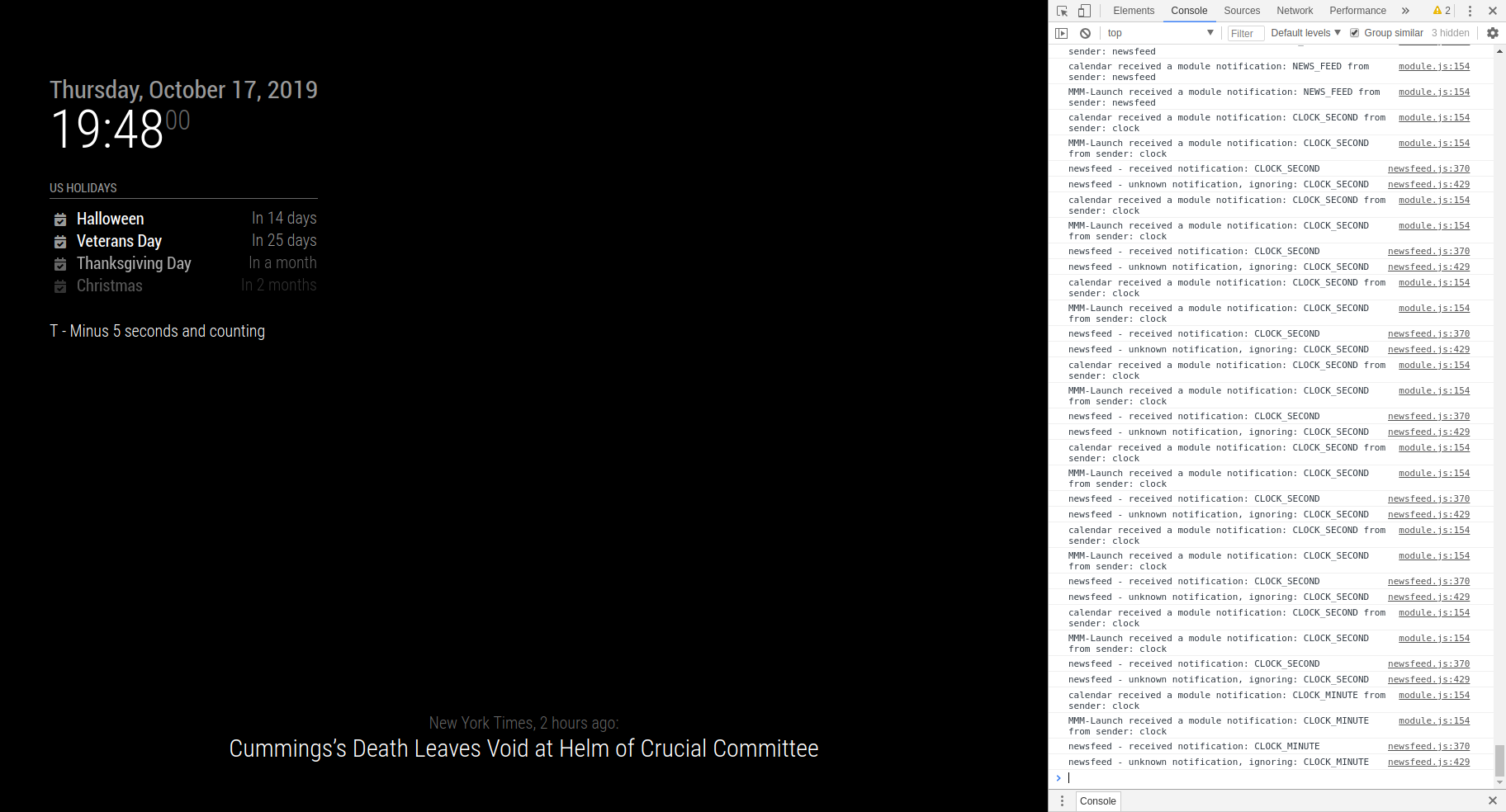
MMM-Launch is located at home/pi/MagicMirror/modules.
The only errors were for openweathermap, so I removed that from the config.
I’m only seeing some warnings, but no more errors.
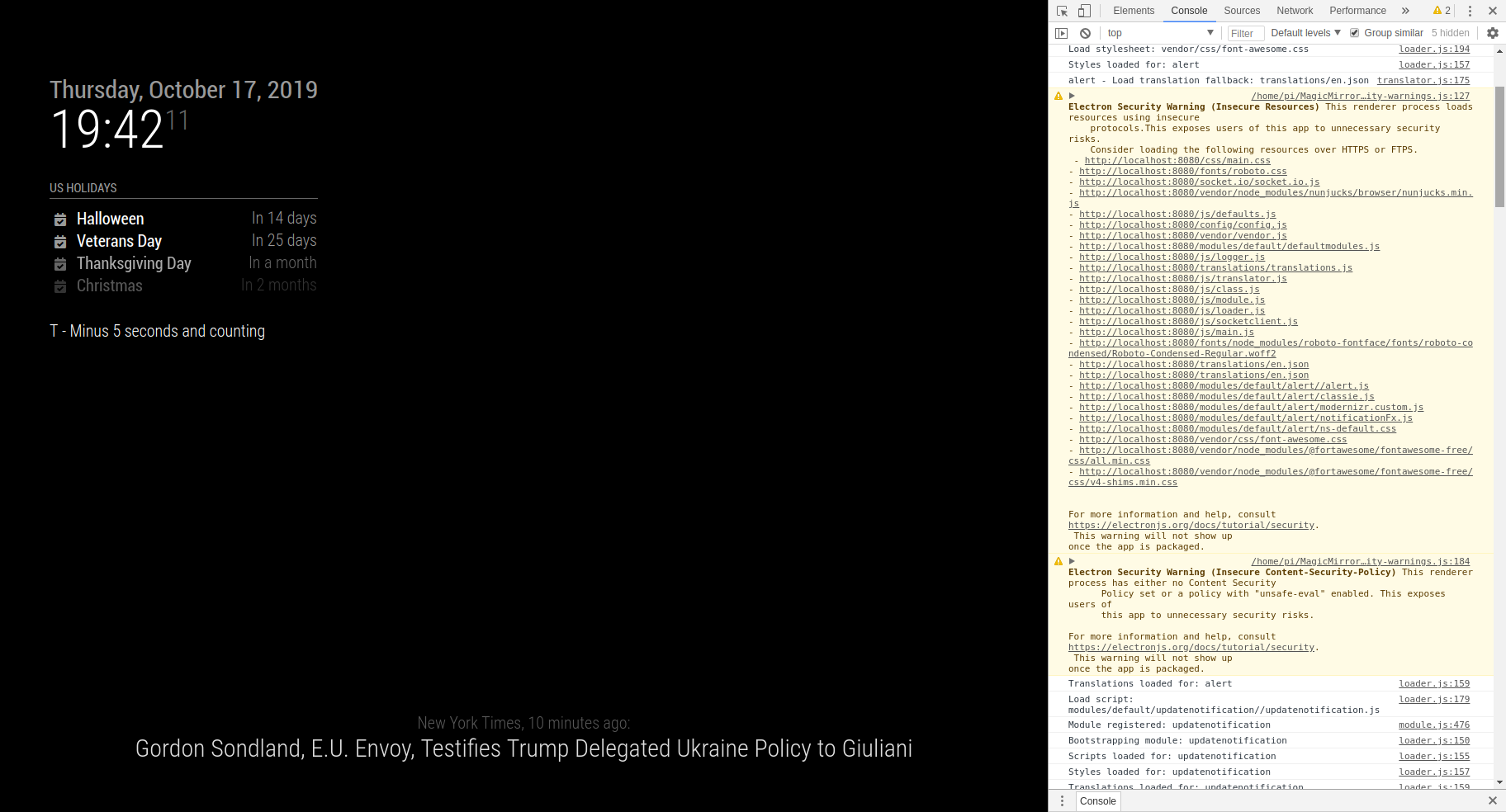
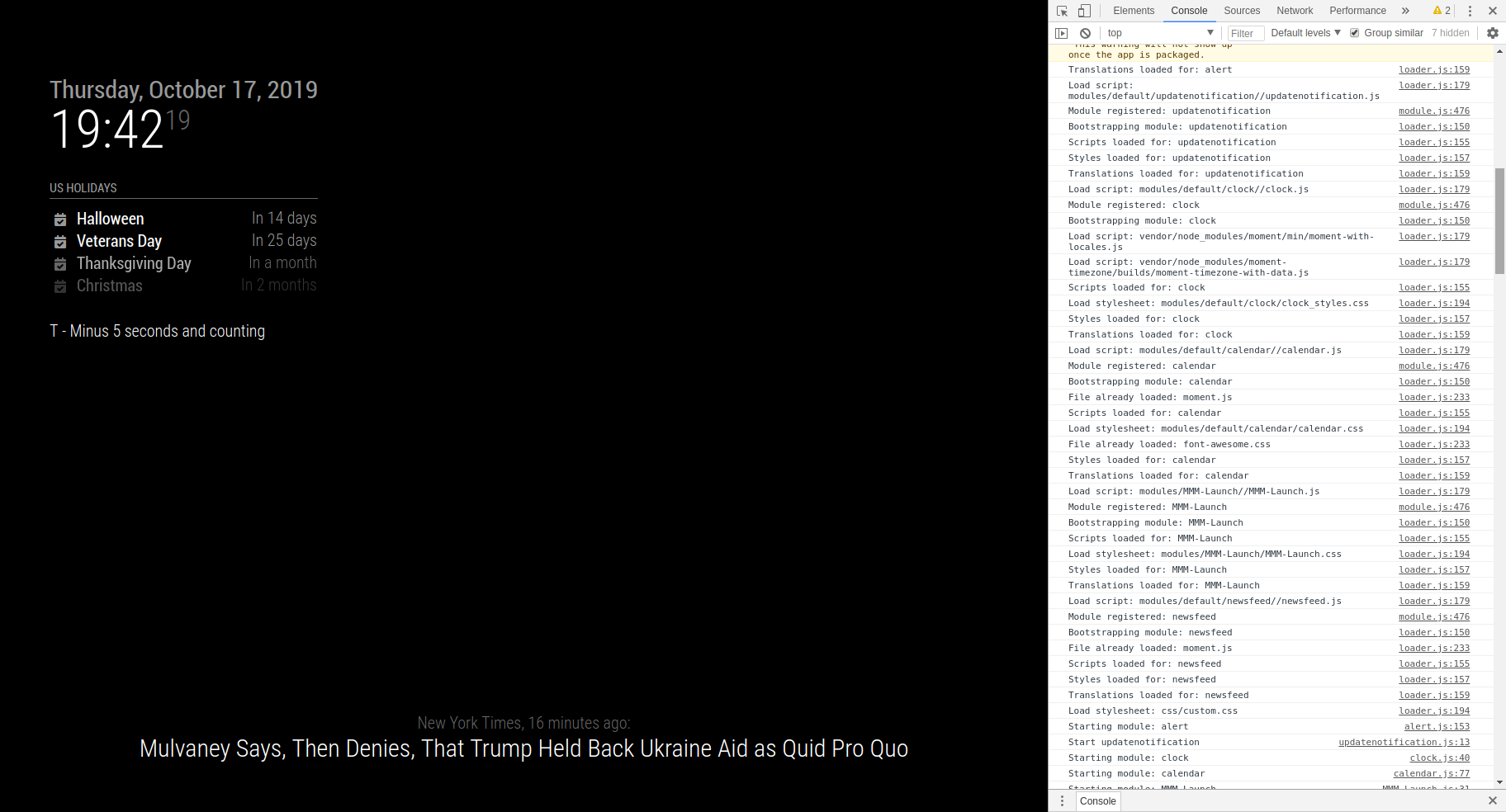
Unfortunately, a fresh raspbian image and MagicMirror install doesn’t appear to solve the problem.
Still open to any/all suggestions.
It’s been sitting on T - Minus 5 seconds for the last 10 minutes.

Removing the modules file, starting from a fresh config.js, cloning back the modules file, and adding the MMM-Launch config didn’t yield any data after the last 5 minutes.
I’m thinking I’ll just cut ties and start again from scratch with a fresh install of raspbian. Maybe that’ll reset anything that might have gone haywire in the setup.
I’ll give that a try.
I’m not concerned with that specific module not working. 3rd Party Modules I’ve installed that do not utilize APIs work perfectly well and the default modules work perfectly well as well.
It is a trend however, that of the six total 3rd Party Modules that I have tried and tested that do connect to APIs, none of them appear to be receiving data, which is why I am still slightly suspicious about something being wrong in the general Raspberry Pi configuration. But that wouldn’t explain why the default modules work perfectly well despite pulling from the openweathermap API.
I’m glad yours works.
Mine still doesn’t.
If 30 seconds is what I have to wait, then I’m already 120+ times past that (over an hour) with no rotation.
I’m curious if you have any suggestions on things to try to help narrow this issue down.
Here’s what I have for my config for those four 3rd Party Modules.
The MMM-Launch config is directly copy/pasted from the module’s README, minus the location to “bottom_right”.
		{
				module: "MMM-MyStandings",
				position: "top_left",
				config: {
				updateInterval: 60 * 60 * 1000, // every 60 minutes
				rotateInterval: 1 * 60 * 1000, // every 1 minute
				sports: [
				{ league: "NBA", groups: ["Atlantic", "Central", "Southeast", "Northwest", "Pacific", "Southwest"] },
					]
			}
		},
		{
				module: "MMM-NFL",
				position: "top_left",
				config: {
				focus_on: "GB"
			}
		},
		{
			module: "MMM-CollegeFootballTop25",
			position: "top_left",
			config: {
				headerText: "AP Top 25",
				teamsToShowAtATime: 2,
				showColumnHeaders: false,
				showPollWeekAndDate: false,
				textClass: "small",
				highlightTeams: ["Wisconsin::#6a2c3e"],
				colorRankChange: false,
				onScreenRefreshRate: 6000,
				animationSpeed: 3000,
			}
		},
		{
    		module: 'MMM-Launch',
    		position: 'bottom_right',               // Best in left or right region
    		config: {
				showPix: "Yes",                 // No = No picture
				showAgency: "Yes",              // No = Launch Agency not shown
				showDescription: "No",          // Yes = full description of mission under picture
				useHeader: false,               // false if you don't want a header
				header: "We have liftoff!",     // Any text you want. useHeader must be true
				maxWidth: "300px",
    		}
		},
Excellent suggestion!
Interestingly enough, the only error logged in the console was for the openweathermap.
There doesn’t appear to be any errors related to any other modules.
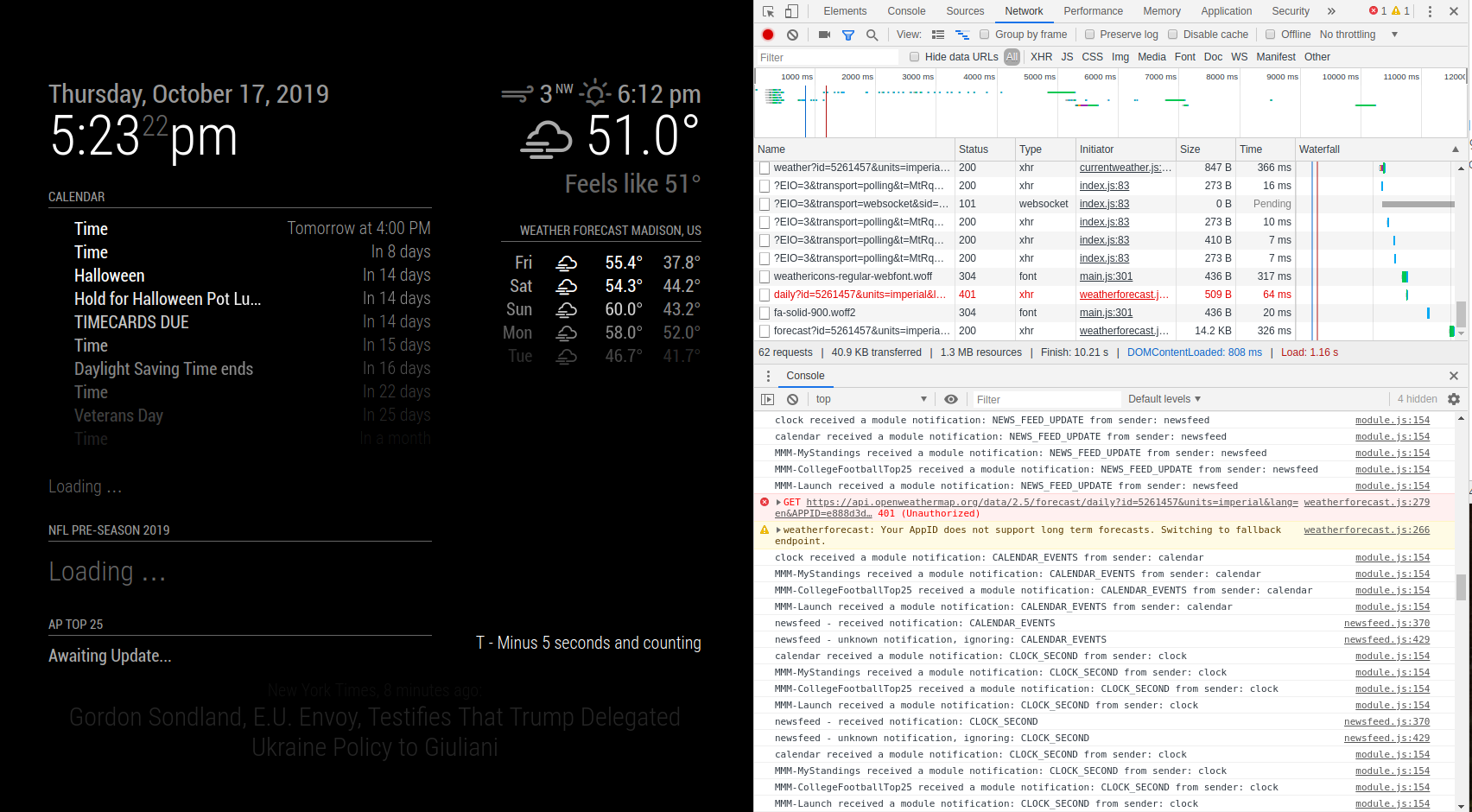
I’m brand new to MagicMirror (as of a few days ago) and moderately new to Raspberry Pis and was able to successfully configure my Google Calendar with local Weather and local Forecasts.
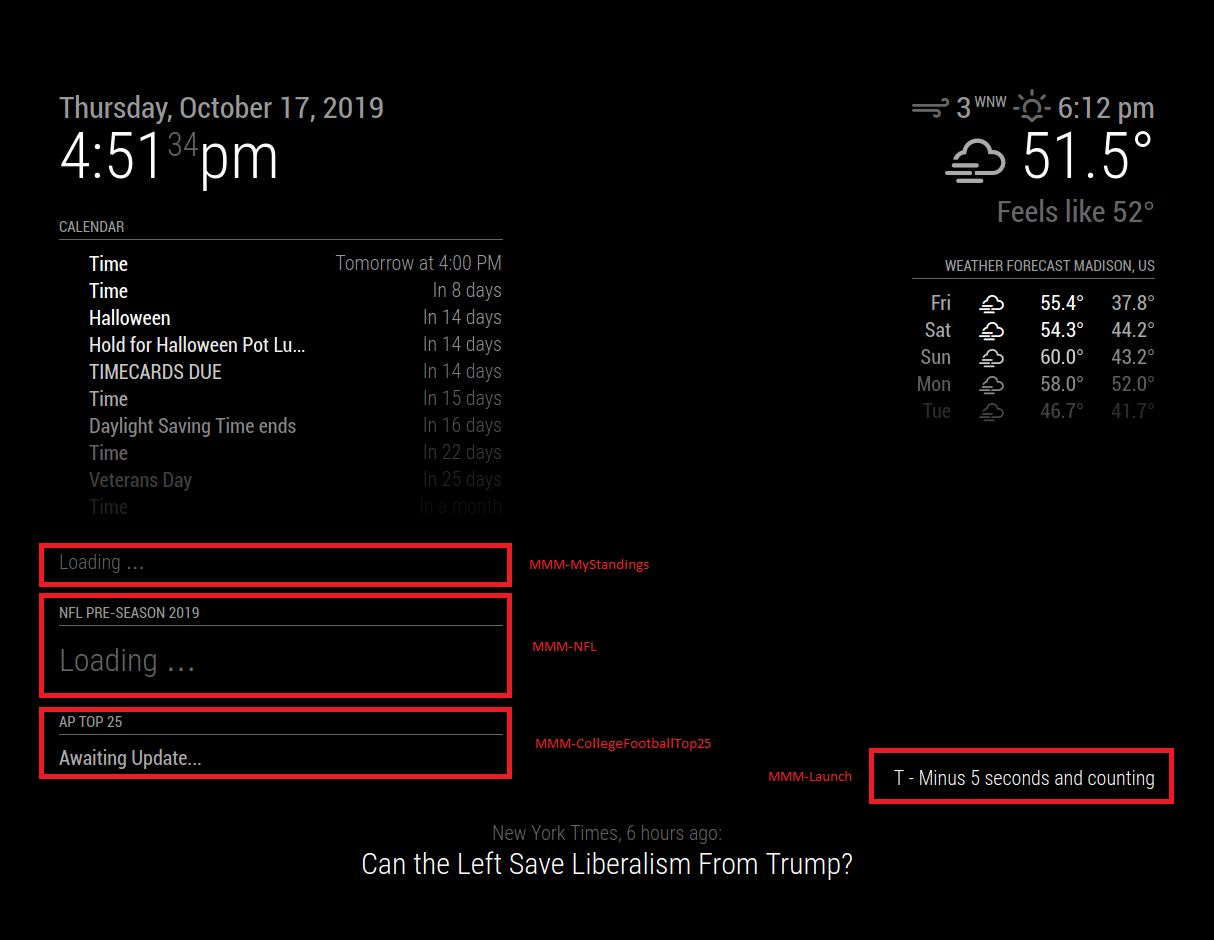
However, I’ve installed a number of third party modules that do not move past “Loading.”
I’ve downloaded a handful of third party modules and the only ones that have issues are ones that are connecting to an API or an external source.
I’m suspicious that this might be a general Raspberry Pi configuration causing issues, but that doesn’t explain why the Calendar and Weather work. In a browser, I can connect to the internet.
I’m not necessarily looking for an absolute answer (that would be nice…), but I’m also interested in knowing how I can further troubleshoot this and narrow down the issue.