@MaxPower hello
i m working with https://github.com/ulrichwisser/MMM-Widget2 and https://publish.twitter.com/# to embed the code…easy to integrate
@MaxPower hello
i m working with https://github.com/ulrichwisser/MMM-Widget2 and https://publish.twitter.com/# to embed the code…easy to integrate
Hello everybody,
since i changed tv i can’t connect to vnc after a sleeping of tv. the connection comes again when i turn on…for a few moment i see black screen when i turn off. i changed parameters tv and it works for ssh but not vnc (hdmi off during sleeping ?)
Thanks
@rubenix or pi 4 8GB. :) i have a lot of modules switching with the module mm pages and i have no problem with rain map (power on during 24h/24)
salut.
You can use mmm pages and define display time for all pages. there is an automaticallly loop
@P_Tmans try a sudo reboot after npm install
@P_Tmans i think…and add only parameters to the config.js and not darsky…js
@P_Tmans said in MMM-DarkSkyForecast Loading...:
     latitude: "52.448896",
     longitude: "-1.74335",
     iconset: "2c",
     concise: false,
     forecastLayout: "tiled"
Only with the config.js it’s ok for me
@P_Tmans edit your config here and i will check with my api key
@P_Tmans no problem with me today. Check your config.js
@Fozi the best way is to add disabled: true at each module one by one and restart mm beetwen
@Jalibu thank to you. It’s a nice module even if the rain is null in south of france lol
@lavolp3 i don’t think but you can check…the format was only in 12h
Nice and working module for me (conf openstreetmap)…Be carefull with timeformat, need no " "
Hello,
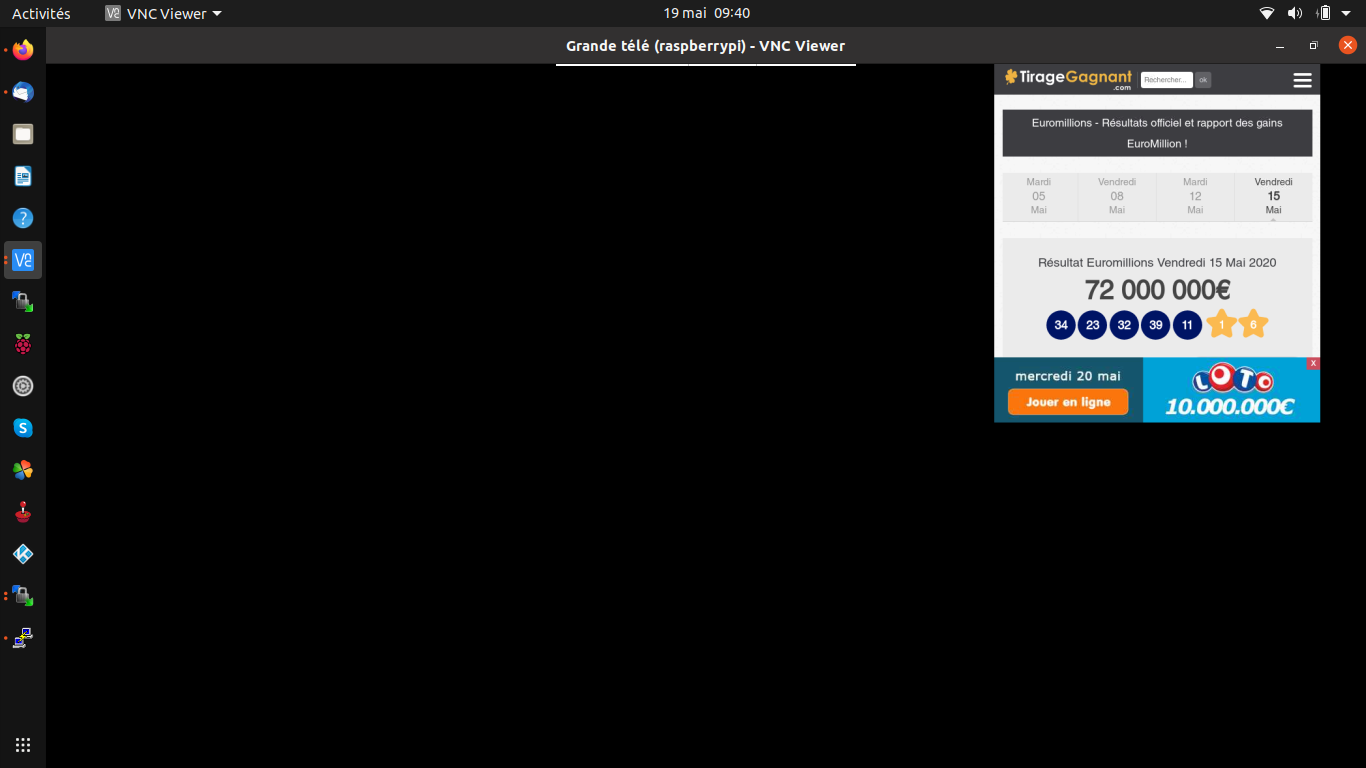
i 'm using the module MMM-smartwebdisplay to display some web url on my magicmirror, like sncf, magicmirror,…
You can use this for the moment with this configuration
		{
			module: 'MMM-SmartWebDisplay',//
			disabled: false,
			position: 'right',	// This can be any of the regions.
			config: {
				// See 'Configuration options' for more information.
				logDebug: false, //set to true to get detailed debug logs. To see them : "Ctrl+Shift+i"
				height:"550", //hauteur du cadre en pixel ou %
				width:"500", //largeur
               				updateInterval: 10, //in min. Set it to 0 for no refresh (for videos)
                				NextURLInterval: 0, //in min, set it to 0 not to have automatic URL change. If only 1 URL given, it will be updated
                				displayLastUpdate: false, //to display the last update of the URL
				displayLastUpdateFormat: 'ddd - HH:mm:ss', //format of the date and time to display
                				url: ["https://tirage-gagnant.com/euromillions/resultats-euromillions/"], //source of the URL to be displayed
                				scrolling: "no" // allow scrolling or not. html 4 only
				}
		},
change options like you want…It’s just an idea for you…Have fun !
PATH=/sbin:/bin:/usr/sbin:/usr/bin:/usr/local/bin
SHELL=/bin/bash
0 20 * * * pm2 stop mm
0 6 * * 1-5 pm2 start mm