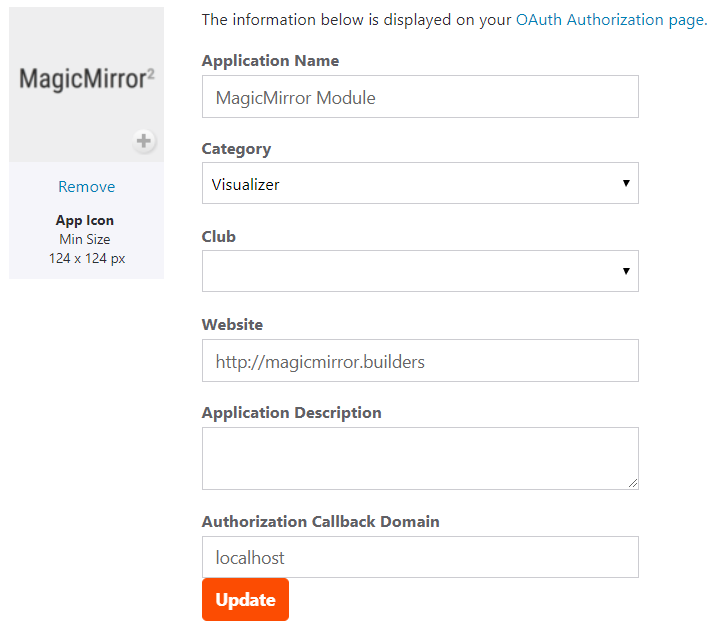
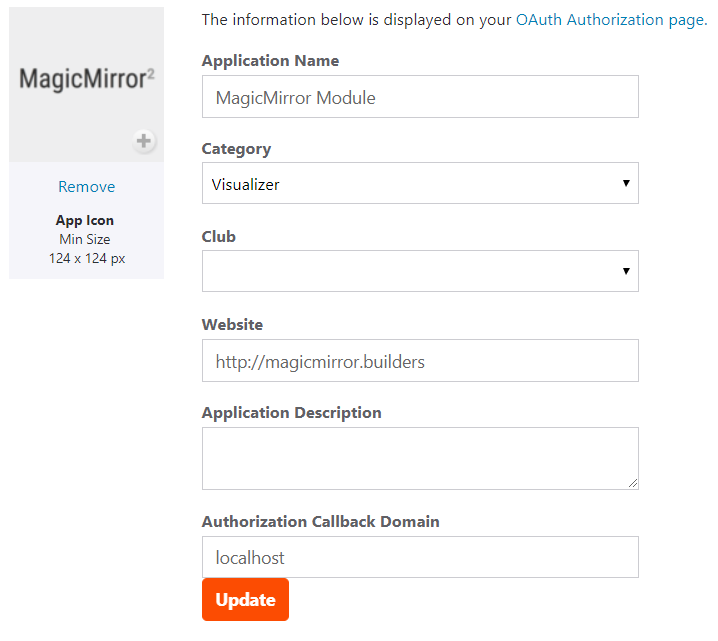
When creating your Strava API Application in Step 2, the key value is the Authorisation Callback Domain. This needs to the IP address or domain name you use to access the MagicMirror otherwise subsequent steps will fail. So in your case it looks like you should use 192.128.1.99
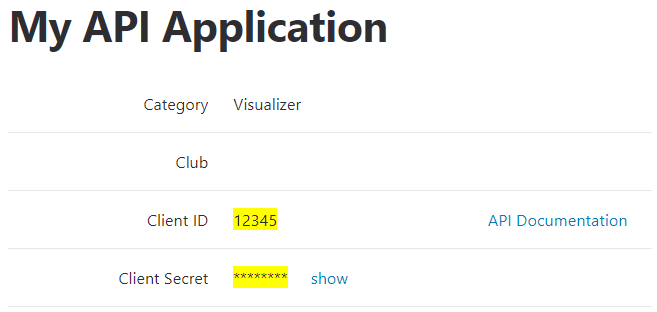
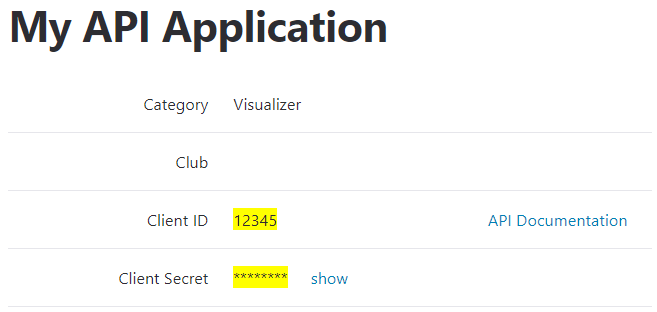
Once the API Application is created, add the module to your config.js file with the client_id and client_secret then restart the mirror.
The module should then state Client id unauthorised and provide a link to the authorisation process. At which point you should be able to follow step 5
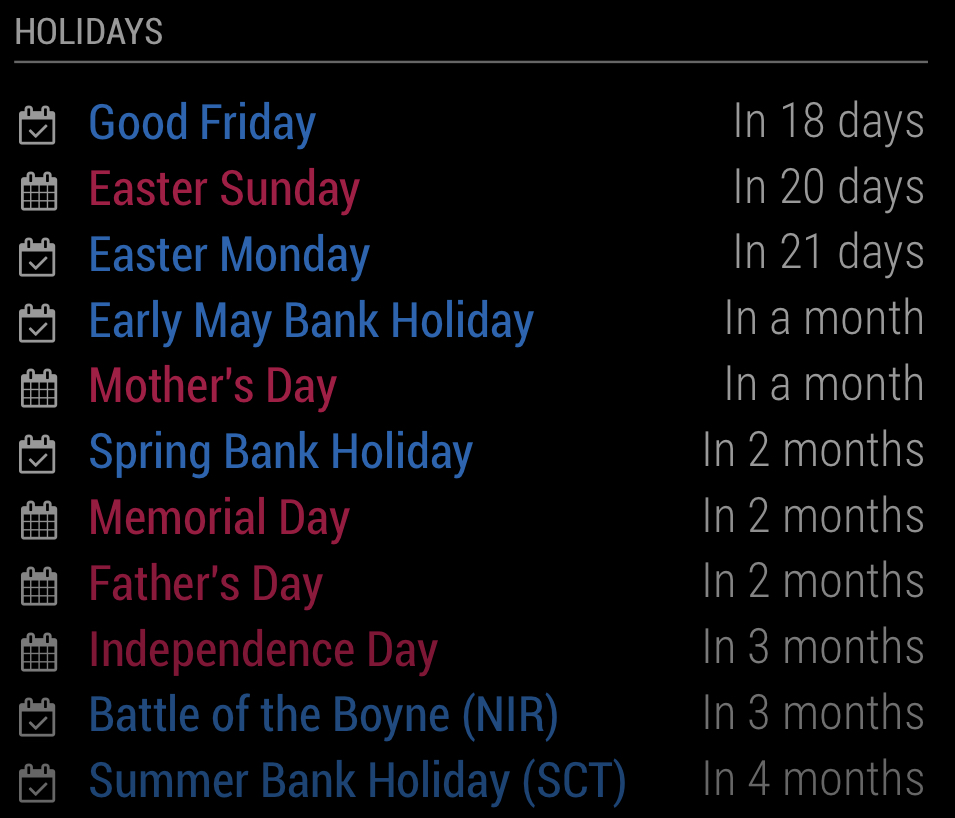
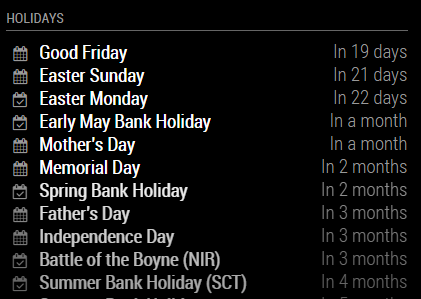
Here’s two screenshots which might help: