Are you wanting something to play a single mp4 file or several (like in a playlist) or to be given a choice to play from of a list of files stored in a local directory?
A New Chapter for MagicMirror: The Community Takes the Lead
Read the statement by Michael Teeuw here.
Read the statement by Michael Teeuw here.
 Offline
Posts
-
RE: Playing a local mp4 file as a module
-
RE: O365 task solution?
Which aspect of Office 365 are you referring to?
-
RE: Magic Vanity Mirror
is the mirror round or oval?
or is it square or rectangle?
With the square or rectangle, you could easily place a white frame around the mirror with a bit of custom css code, with the mirror having black background, this white frame might just be enough light to not have to worry about external light reflections.
Add this to the top of your custom.css file:
html {
  cursor: none;
  overflow: hidden;
  background: #fff;
}

body {
  margin: 60px;
  height: calc(100% - 120px);
  width: calc(100% - 120px);
}
then adjust the size of the frame to suit the needs:
note that the height and width are 100% -
So, if you change the margin size to 80px, you’ll need tot change the height & width to 100% - 160pxPlay with those numbers and see if you can get a good lighting with the mirror’s built-in frame.
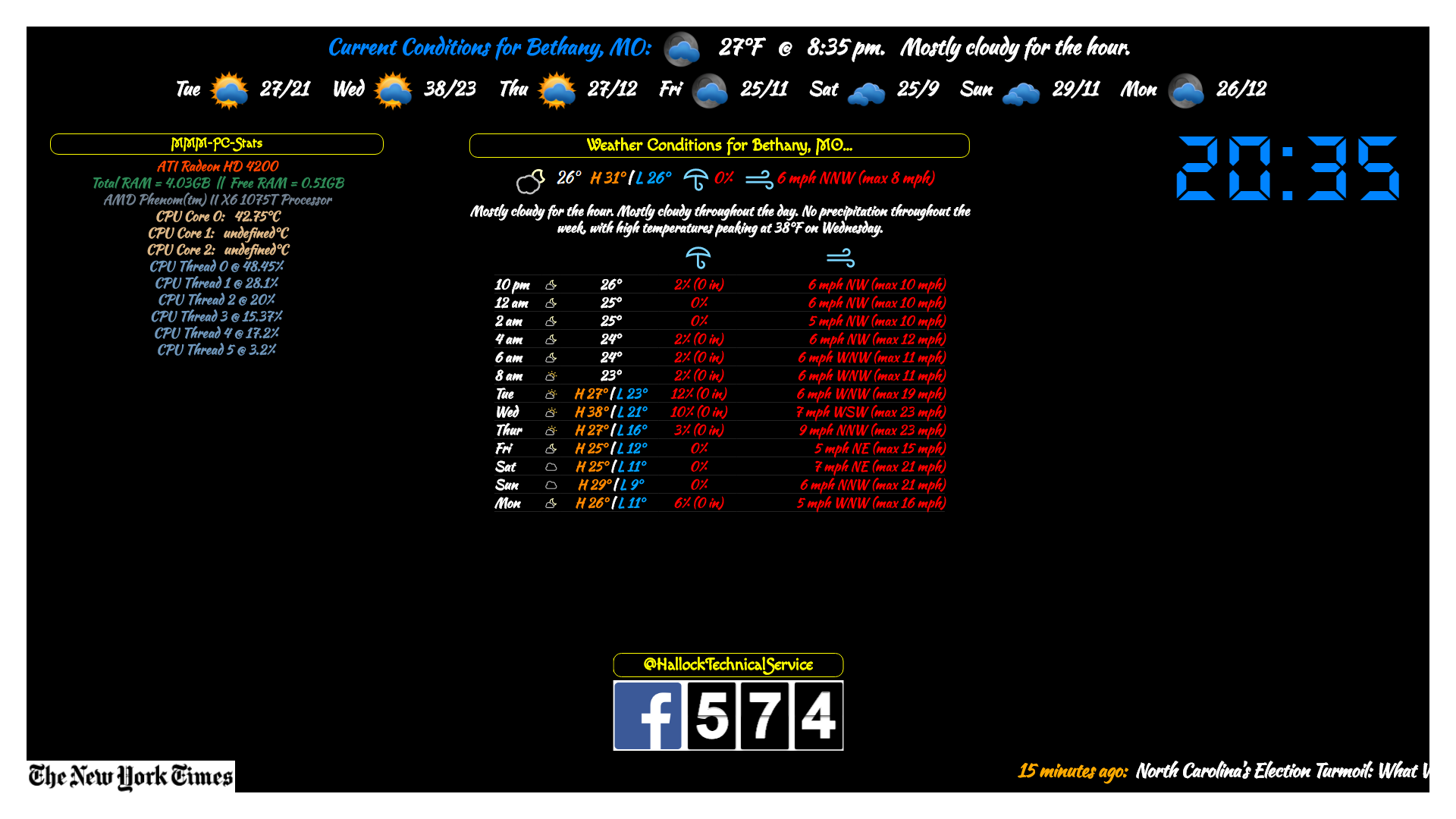
My example:
with margin: 80px and H & W at 100% - 160px
-
RE: Forum bug
If you set the skin to forums to dark, the buttons show…
-
RE: MMM-NewsFeedTicker
If you did not make any changes to the original files, run
git pull && npm installIf you made changes to any of the original files that you want to keep, rename those files, then run
git pull && npm installif there isn’t anything you need saved, delete the MMM-NewsFeedTicker directory and run the
git clone '. . .' -
RE: MMM-NewsFeedTicker
This error you got is just letting you know it can’t overwrite file within the module that you made any changes to
You have to rename the file or delete it or just remove it from the directory -
RE: MMM-NewsFeedTicker
New Update —> please run a
git pull && npm installwithin the NewsFeedTicker directory -
RE: MMM-NewsFeedTicker
If anyone is interested…
Adding the following will scroll the image with the article, but it will stop at the left while the rest of the article finishes scrolling:
@Keyframes marqueeImage { 0% {left: 100%;} 100% {left: 0;} } .MMM-NewsFeedTicker .image { position: absolute; display: inline-block; vertical-align: middle; margin-left: 0; height: 100px; z-index: 1; background-color: rgb(175, 175, 175); animation: marqueeImage 20s linear; } -
RE: MMM-NewsFeedTicker
Nothing just yet, been a bit under the weather with the flu. Keep falling asleep or losing concentration.
I will keep trudging through. :winking_face:
-
RE: MMM-NewsFeedTicker
Yep! Always lad to help! :smiling_face_with_sunglasses:
-
RE: Syntax Errorn in Config.js
@sollekram said in Syntax Errorn in Config.js:
{
module: “currentweather”,
position: “top_right”,
config: {
location: “New York”,
locationID: “”, //ID from http://www.openweathermap.org/help/city_list.txt
appid: “YOUR_OPENWEATHER_API_KEY”
}
},
{
module: “weatherforecast”,
position: “top_right”,
header: “Weather Forecast”,
config: {
location: “New York”,
locationID: “5128581”, //ID from http://www.openweathermap.org/help/city_list.txt
appid: “YOUR_OPENWEATHER_API_KEY”
}
},one thing I see is a blank spot…
{
			module: "currentweather",
			position: "top_right",
			config: {
				location: "New York",
				locationID: "",  //ID from http://www.openweathermap.org/help/city_list.txt
				appid: "YOUR_OPENWEATHER_API_KEY"
			}
		},
		{
			module: "weatherforecast",
			position: "top_right",
			header: "Weather Forecast",
			config: {
				location: "New York",
				locationID: "5128581",  //ID from http://www.openweathermap.org/help/city_list.txt
				appid: "YOUR_OPENWEATHER_API_KEY"
			}
		},
locationID: "",can’t be left blank
use the same code for weatherforecast:locationID: "5128581", -
RE: MMM-NewsFeedTicker
@cr4z33 said in MMM-NewsFeedTicker:
you might have better luck using
encoding: "ISO-8859-15"orencoding: "ISO-8859-9"
The latter one is supposed to work best with European characters -
RE: MMM-NewsFeedTicker
In the css file, just change
background-color: maroon;tobackground: none;
can be done with the image as well, but that could make the image difficult to see. -
RE: MMM-MyScoreboard
So, I know this result was an accident for @xclsior

But I would like to do it on purpose so that I can scroll the scores across the screen…
Any ideas how this can be done?
-
RE: alarm clock on/off
I have been able to press the spacebar to turn it off. Found that out by accident.
-
RE: MMM-MyScoreboard
Did you get your one line issue fixed?
And, Do you know what caused it?
I was looking to actually do this on purpose as a scroll to show the results along the bottom or top of the screen.
If you don’t remember, that’s ok, just thought if you did it would make it easier for me to figure out. :winking_face: