I think I figured it out…
I’ve been getting it from your repository list and not from the 3rd party list. Look at them and you’ll see the same differences I have been experiencing
 Offline
I think I figured it out…
I’ve been getting it from your repository list and not from the 3rd party list. Look at them and you’ll see the same differences I have been experiencing
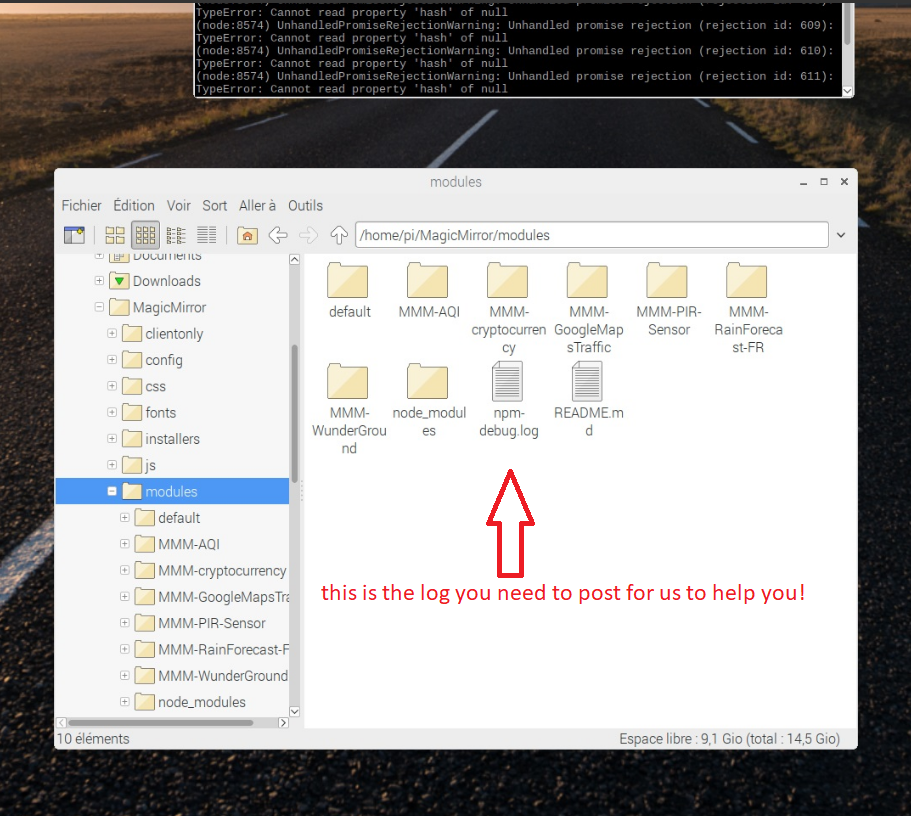
After further research, I found that the dependencies needed to be manually installed.
this fixed the blank pages problem.
I can post the th.json file on here if you want
I tried to do a commit and a pull request to add the Thai translation.
I have no idea if it worked or what.
If you didn’t get notified regarding it, let me know.
And then, learn me on how to do a pull request.
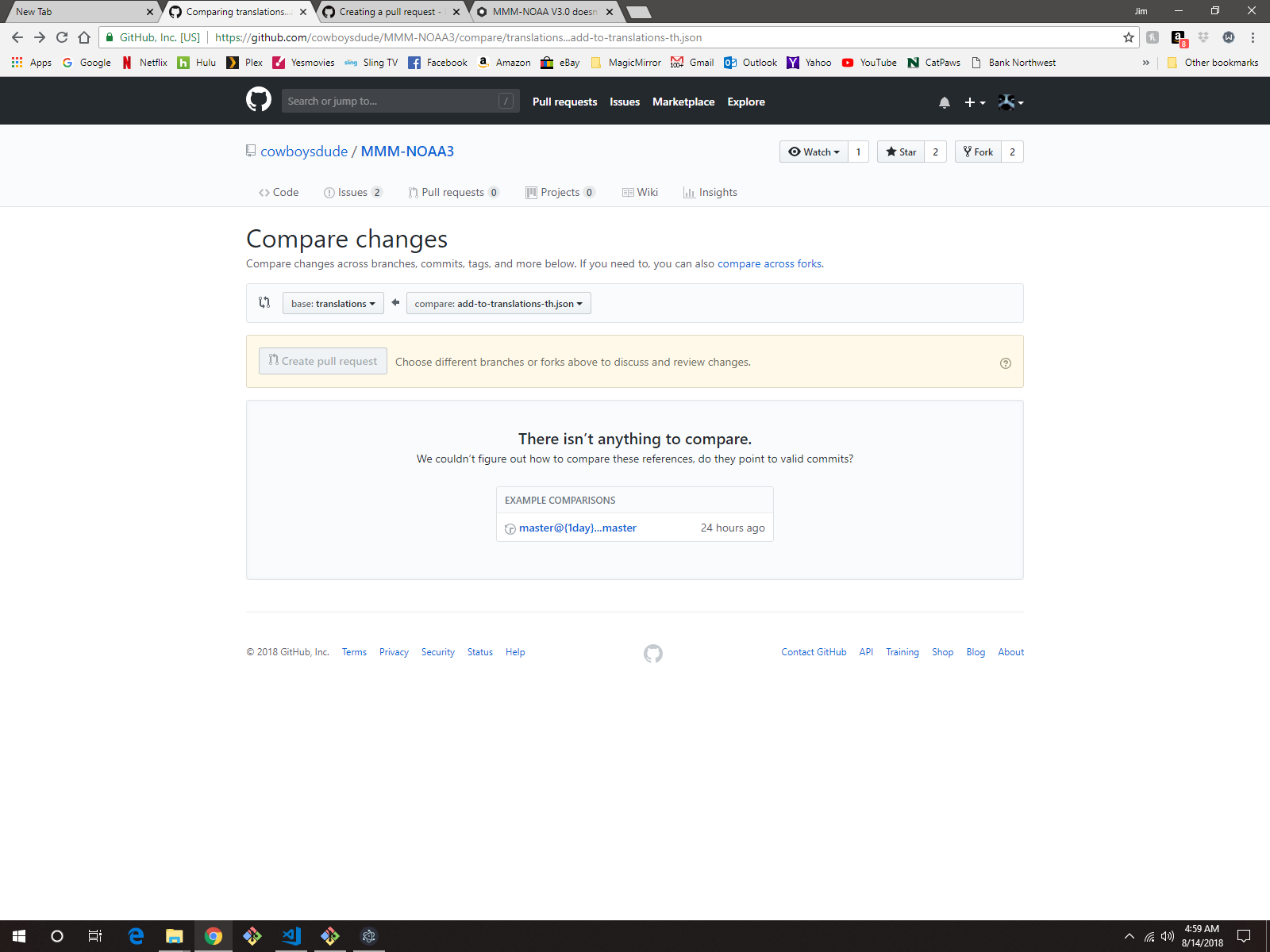
The instructions just aren’t clear enough on how to do the compare part,
I kept getting the message : “There isn’t anything to compare.”…
Ok, here’s a screen shot of what it looks like…
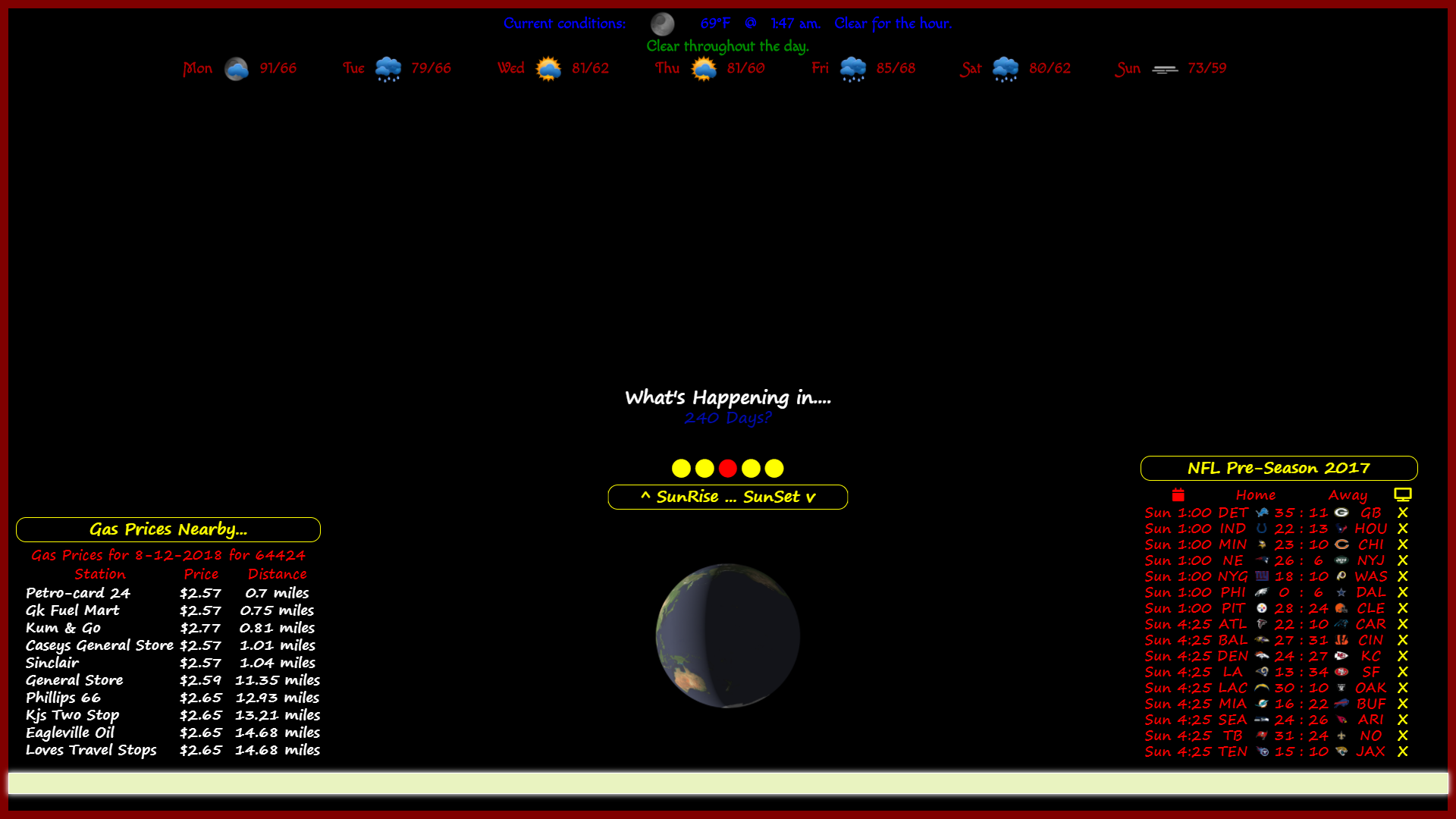
As you can see… It says ‘NFL Pre-Season 2017’ in the header.
the actual list of games are from the final regular season week of 2017.
It doesn’t show, in the Readme regarding any modes to use in the config.
added the ‘focus_on’ in the config, nothing changed…
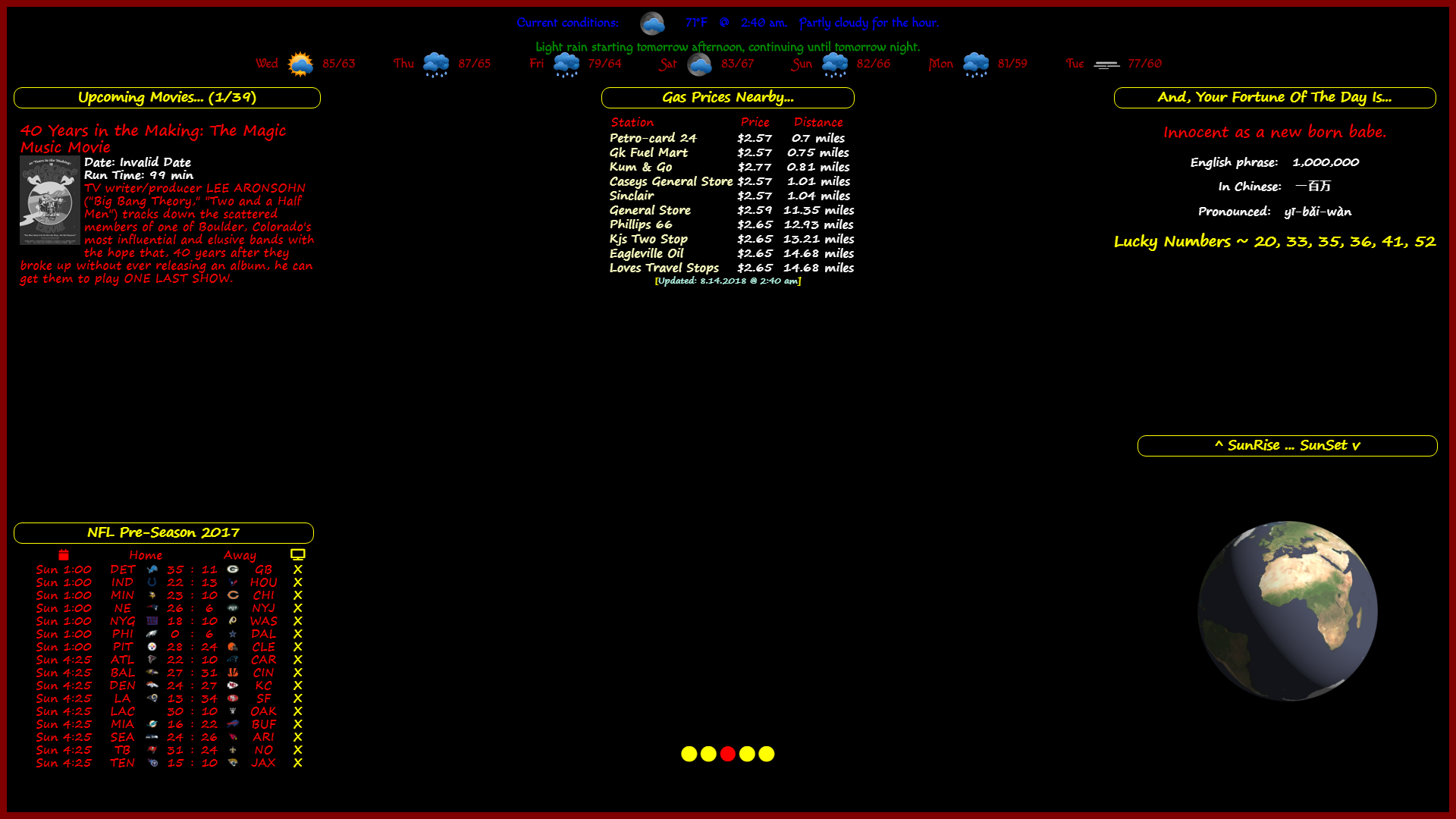
which by the way, is also not explained or covered in the Readme,
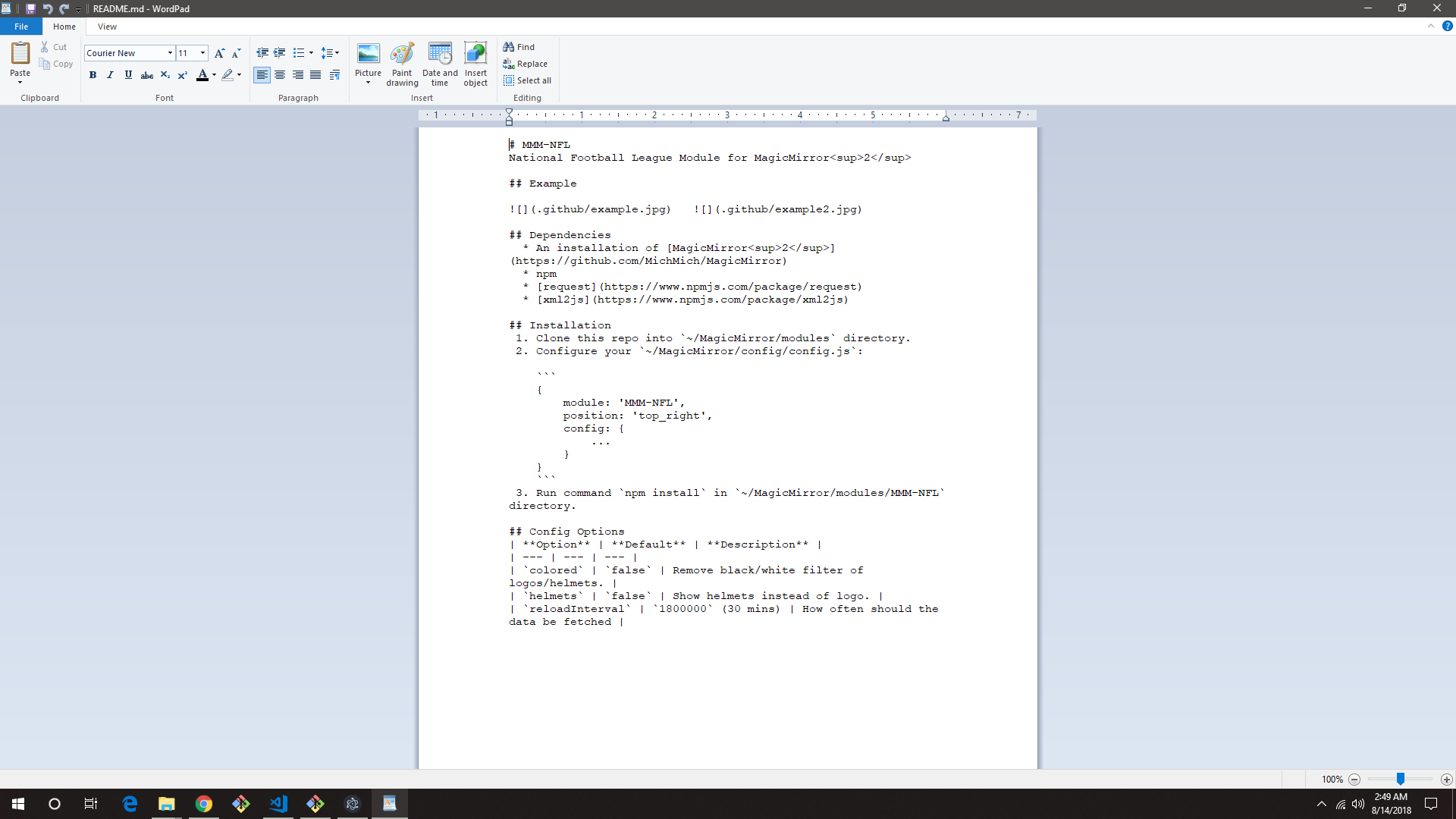
I’ve had this module for quite a while now, have never been informed of any changes.
But, I decided to trash it and restart it with a fresh install of the module…
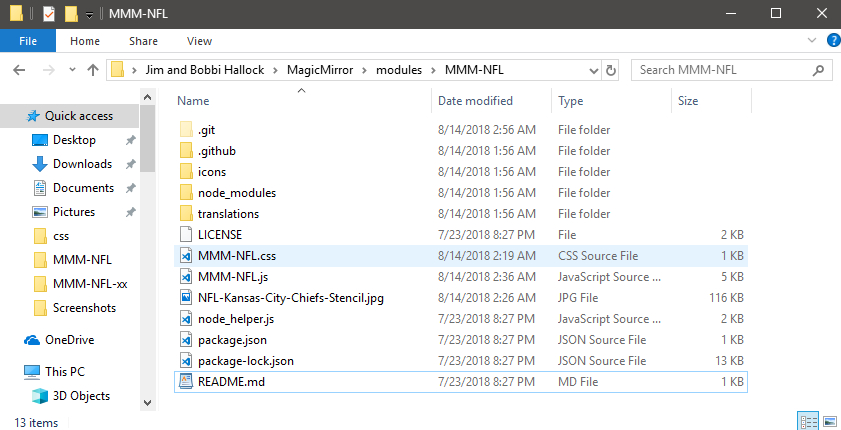
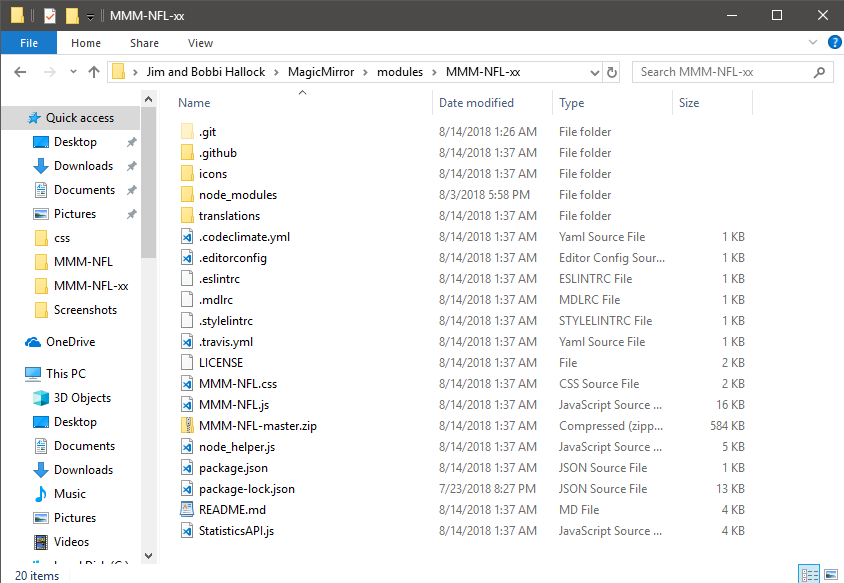
I noticed several differences in the first one I had and the current one…
the files of the one I’ve had for a while…
the files of the one I downloaded and installed a little while ago…
this is the difference of the MMM-NFL.js files…
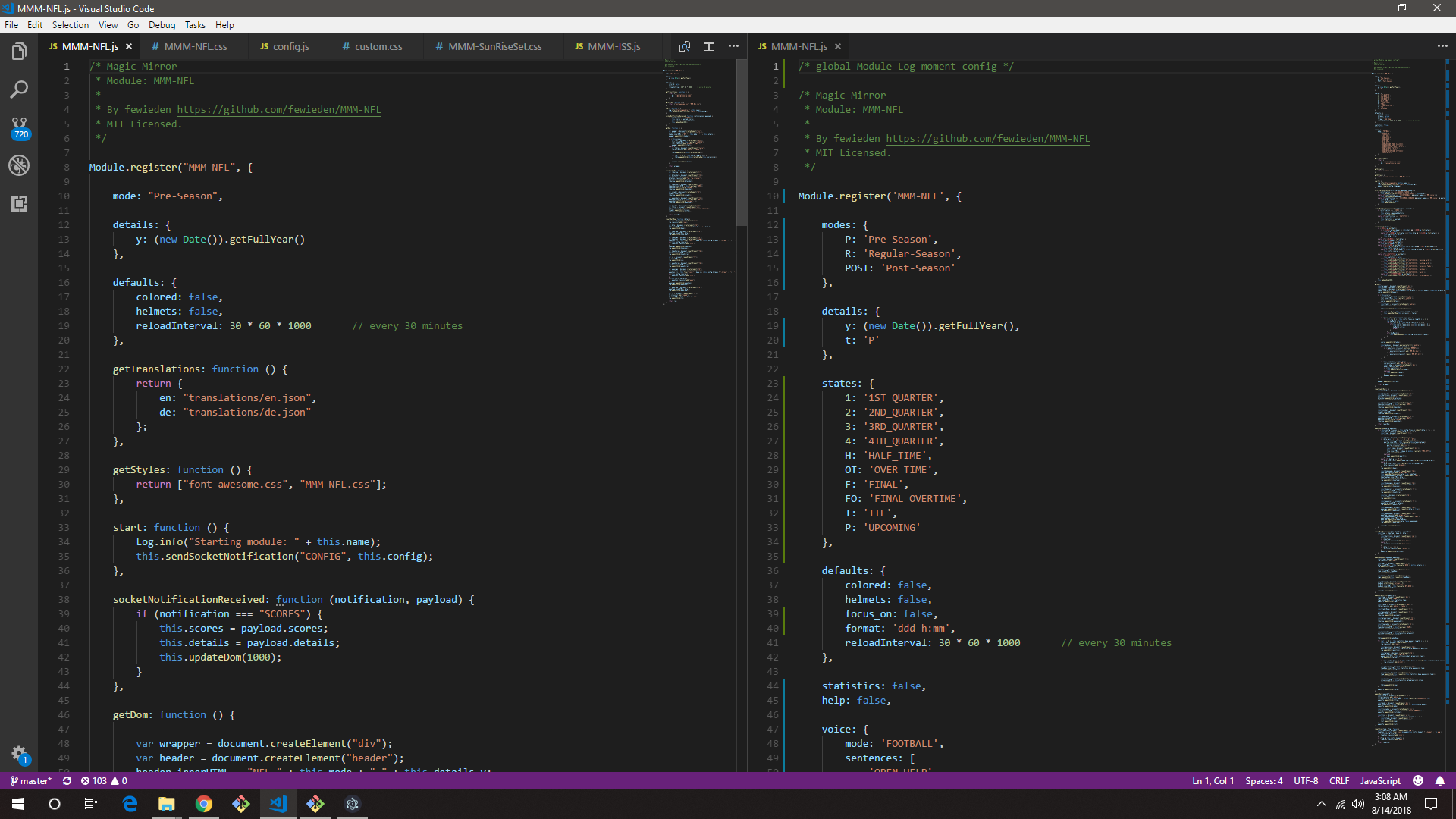
the latest one shows modes for Pre-Season, Regular-Season, & Post-Season…
If I use the modes, Pre & Post, I get a blank mirror, and this error in my terminal…
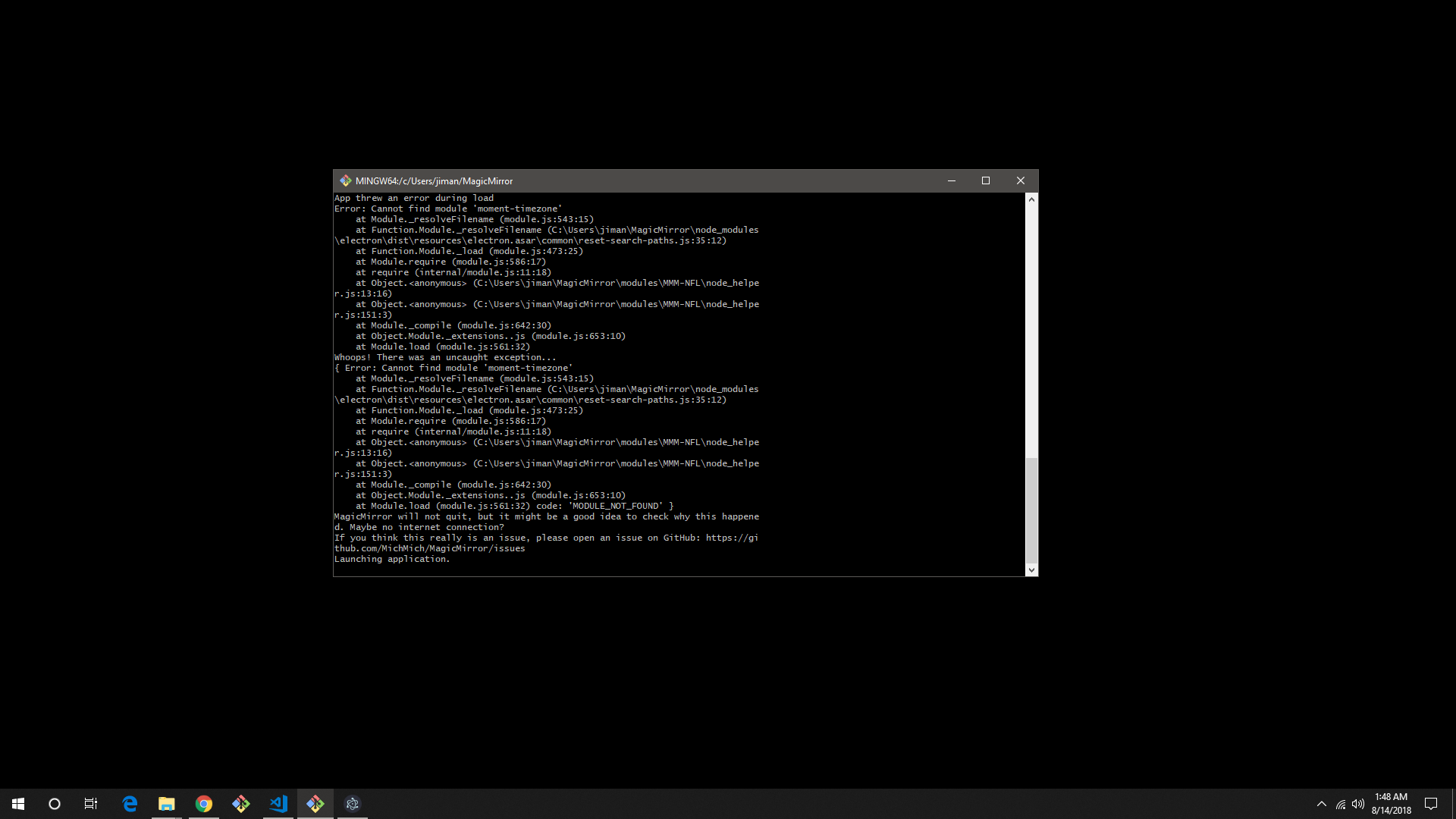
here’s what it looks like with the 'Regular-Season" mode and the ‘focus_on’ added in the config…
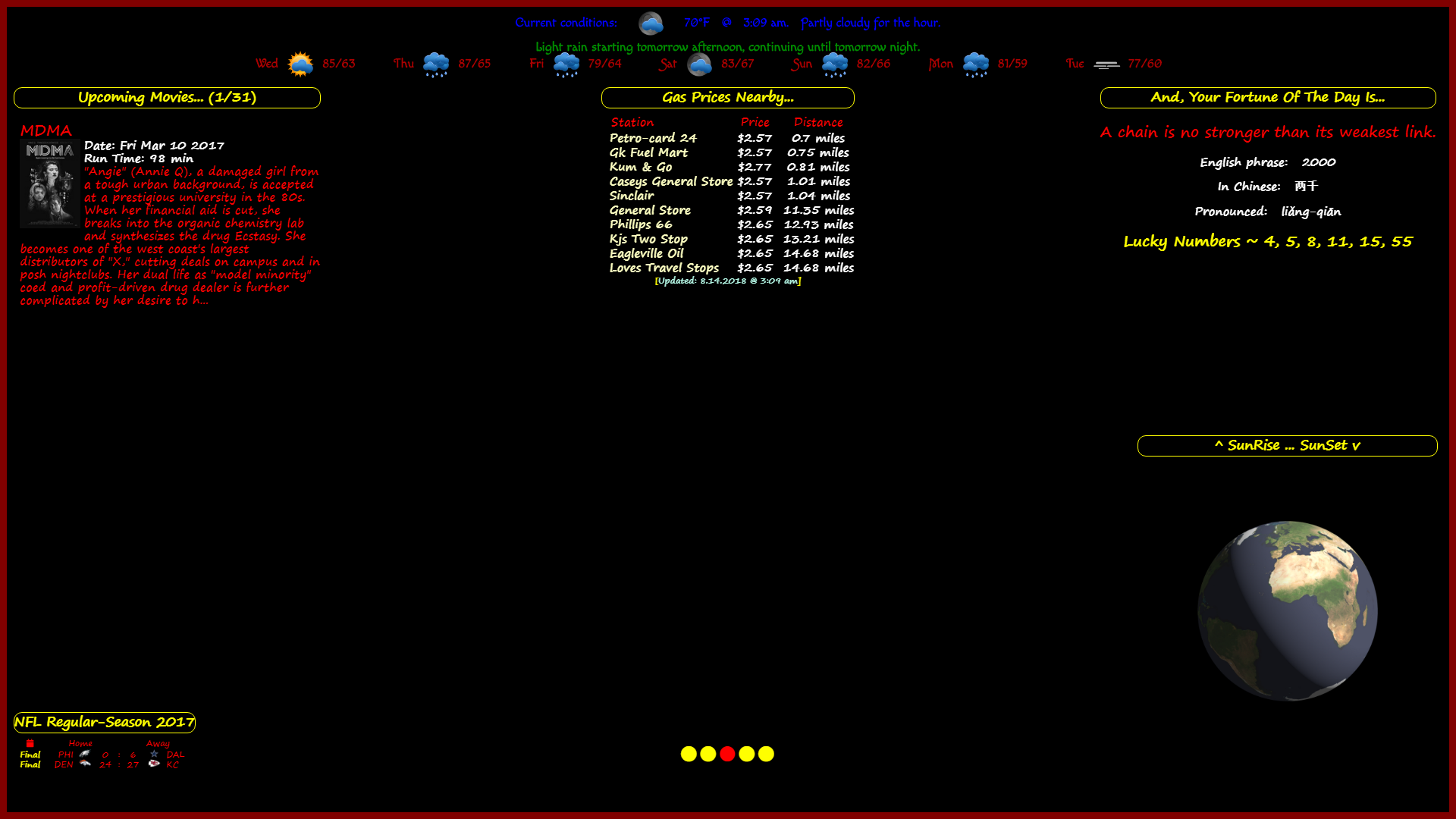
I also get a blank screen with the same error in my terminal when leaving out the mode and the focus_on.
So, now you can see why I have had so many problems with it!
BTW…
I’ve tried to place 3 iFrames on one page, one to show each schedule in a live updated format. But I cannot figure out how to get it to work. Is it even possible to use the same module coded in 3 different ways to show on the same page??? :thinking_face: :thinking_face: :thinking_face:
@strawberry-3-141
@cowboysdude
This MMM-NFL module only shows the preseason from last year…
How do I get it to show the current week’s games and scores?
Or, better yet, How can I get it to show the pre-season, regular season, and playoff games for a single particular team or teams???
What I am wanting is a single page on my mirror to show all the above for 3 certain teams: Chiefs, Cowboys, & Broncos, side-by-side for one view of each team on the same page, so that my eldest son (Broncos), my son-in-law (Cowboys), and myself (Chiefs - of course!) can easily see the comparison between them.
here’s my css input…

@Sean
Here are the pics being used…




@sean
Any chance you know the best way to convert a program from HTML, CSS, & jQuery to a module for MM2??
@sean the first time i tried, it didn’t even show up that I had typed anything.
I was actually gonna take a screen shot of it if this didn’t post.
But, loss of electricity, tends to put a damper on things like this.
@sean
I didn’t have spaces. that is weird that it pasted that way.
had a storm here and literally lost connection, electricity , and everything just moments after clicking submit. just came back on.
That code is being used in a module I’m working on, and that is not how it is typed in!!! :confused_face:
Try something like this…
< iframe src=" " name="myIframe" style="border:none;height:600px;width:500px;"></iframe>
Hope this helps!
edit by yawns
Did you try to remove the comma as I suggested?
Those give me fits everytime… no errors. black screen
@rsellmer said in Calling a general function:
afternoonEndTime: 17,
try removing the comma at the end of this line.
@smartsoldier said in Quick Syntax Error:
dateTimeFormat: “HH:mm MMM Do, YYYY”, // See. moment.js .format()
take out the comma after YYYY"