@sdetweil It’s really nice of you to share all these elements, I’m going to look at it while taking my time, I feel like the possibilities are endless
M
Offline
A New Chapter for MagicMirror: The Community Takes the Lead
Read the statement by Michael Teeuw here.
Read the statement by Michael Teeuw here.
Posts
-
RE: Changing icons of the modules Current Weather and Weather Forecast
-
RE: Changing icons of the modules Current Weather and Weather Forecast
@sdetweil Thanks to you, I finally managed to configure the weather module with animated icons, I finally understood the advantages and the settings possible with the console (ctrl+shift+i) it also allowed me to make other settings on other modules, it’s been 5 years since I did this MM and I learned more with you in 3 days than in 5 years, a big thank you for your help
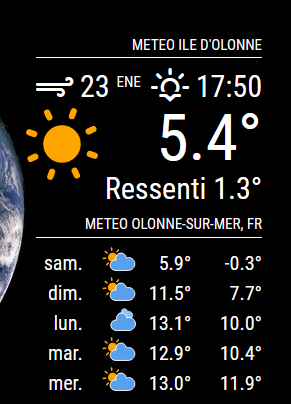
-
RE: Changing icons of the modules Current Weather and Weather Forecast
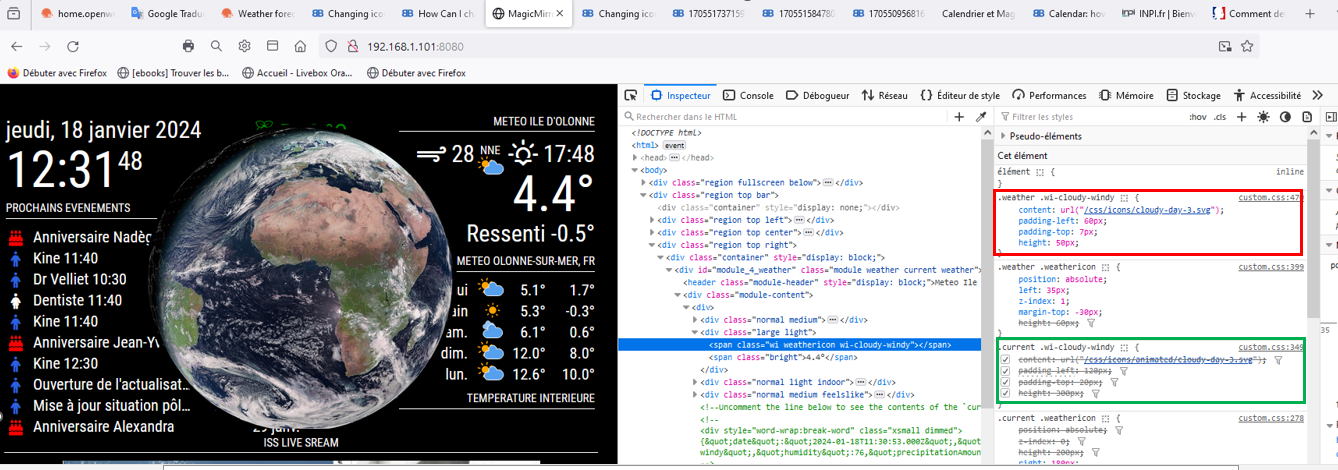
@sdetweil I try to move forward on the folder, I changed the destination folder for the “current” part by directing to a folder in css/icons/animated, but nothing changes, the supported icon is that of css/icons, red square (which keeps the properties, size, positioning of weather) I have the impression that “css/icons/animated” is not supported, green square, I think I am not far from the solution, but without your help I don’t think I’ll get there
-
RE: Changing icons of the modules Current Weather and Weather Forecast
@sdetweil
there, am I on it? I’m going to get there, I’m going to get there !!!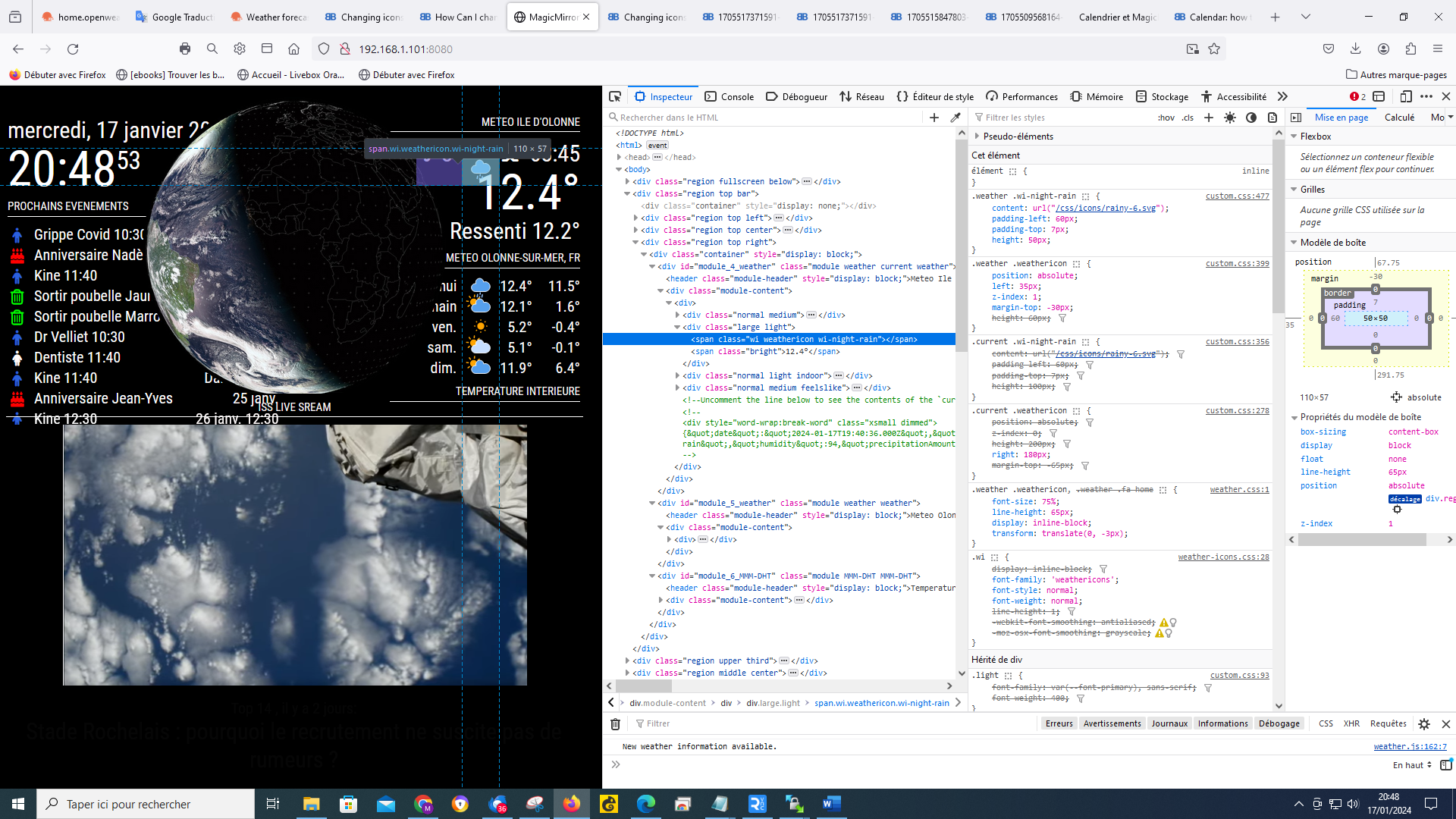
-
RE: Changing icons of the modules Current Weather and Weather Forecast
@sdetweil
I do what you tell me, but I must admit that I’m lost :-) I actually saw the “current” in the lines so that means that the icon is in the custom css, it’s that right? if so why can’t I manage it? you are too strong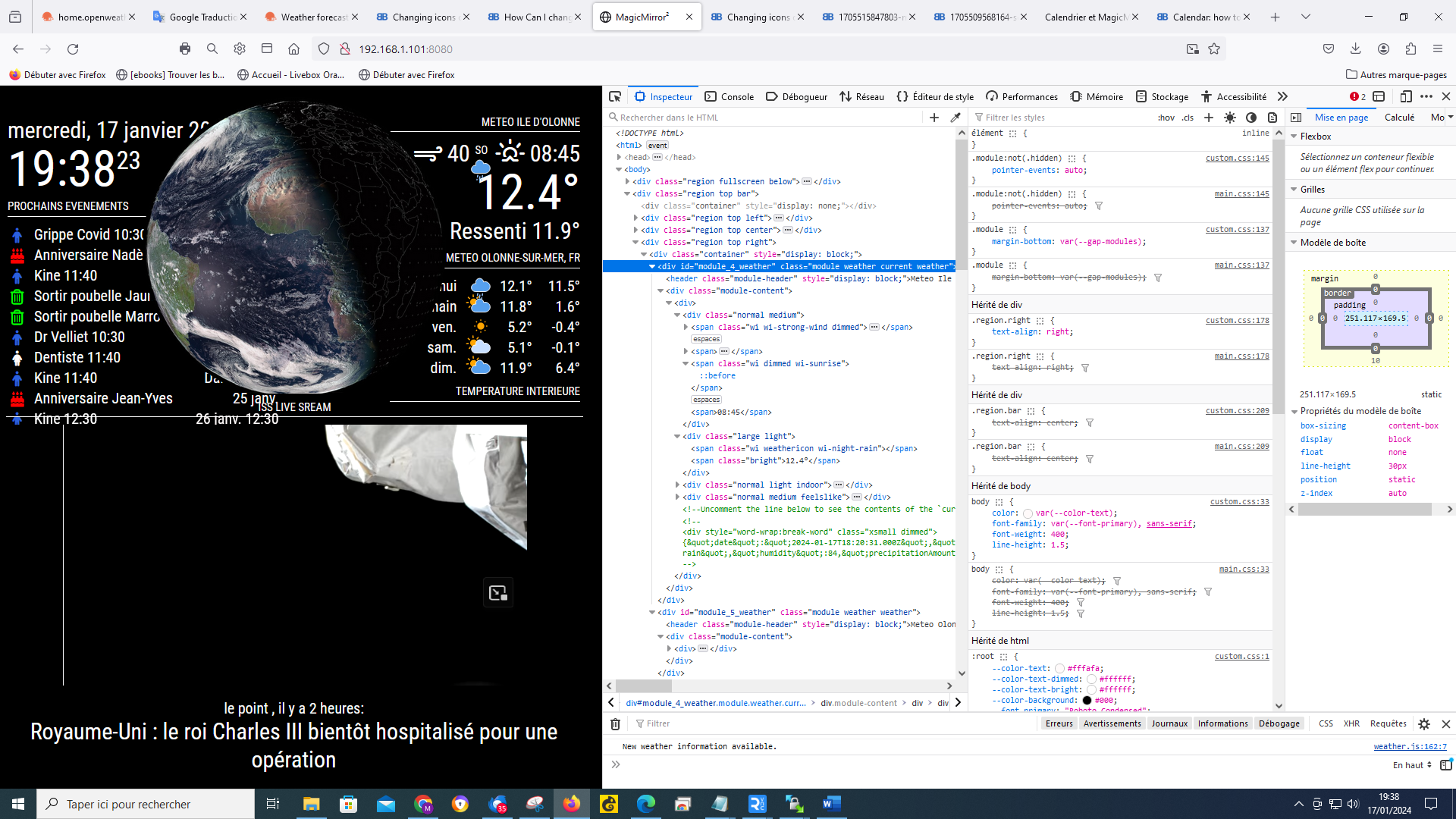
-
RE: Changing icons of the modules Current Weather and Weather Forecast
@sdetweil
when I position myself on a weather icon, it gives this, I cannot choose several I have a “grid” which follows the mouse and which changes when I move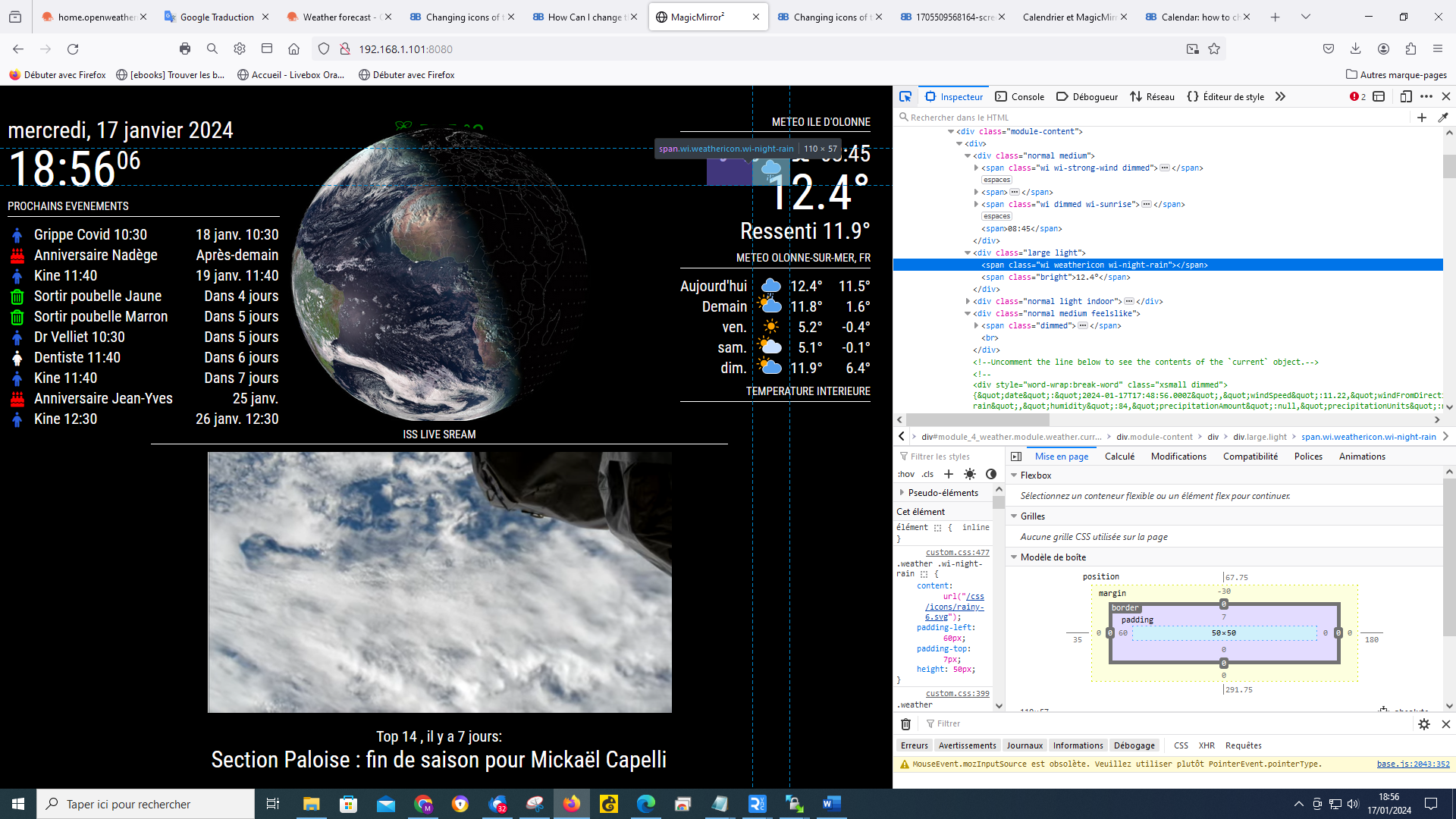
-
RE: Changing icons of the modules Current Weather and Weather Forecast
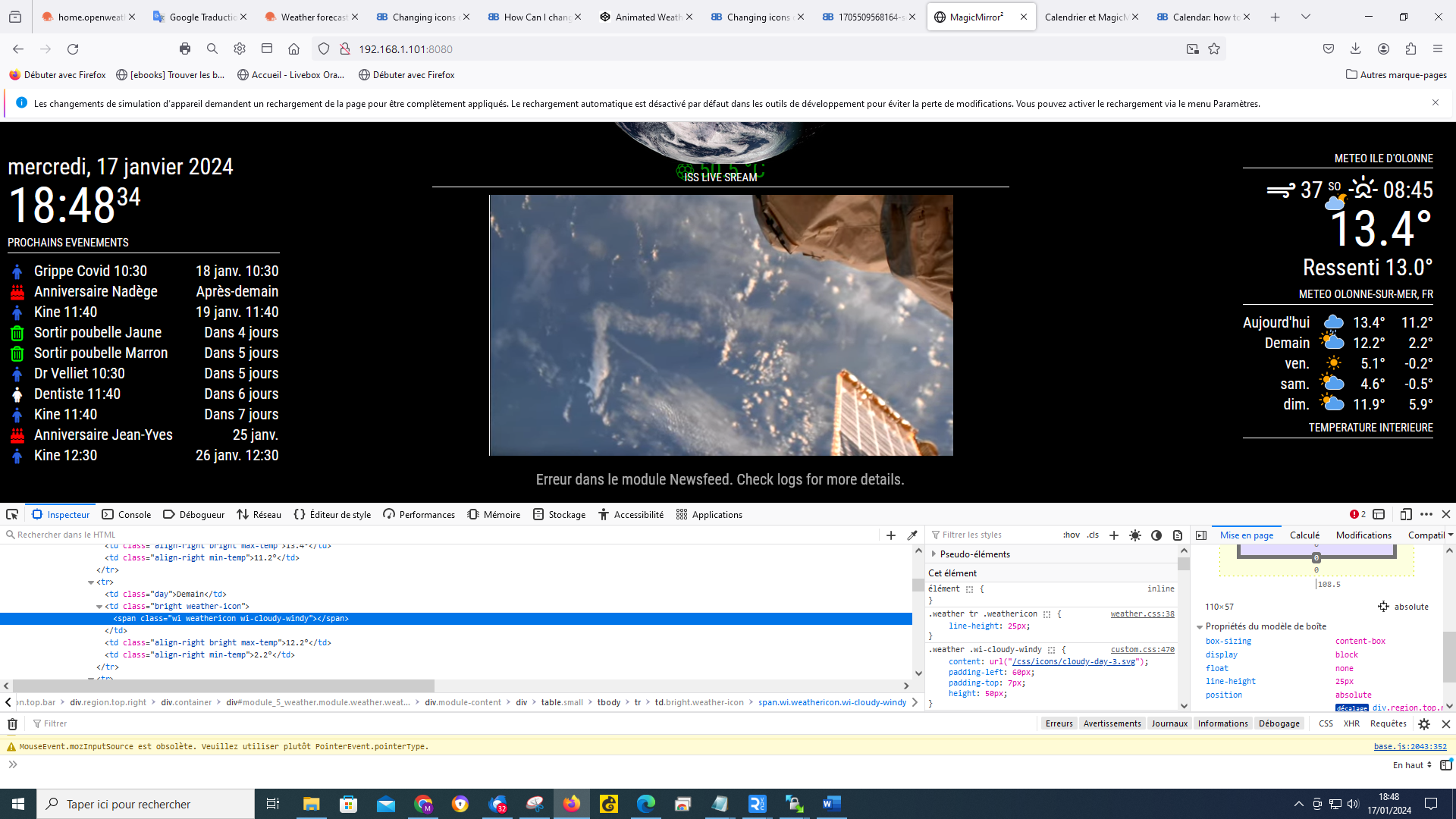
@sdetweil by doing ctrl shift i my window opened like this
-
RE: Changing icons of the modules Current Weather and Weather Forecast
@sdetweil ok it’s done and it’s actually much better
-
RE: Changing icons of the modules Current Weather and Weather Forecast
@sdetweil my js config says that!
fig = { address: "localhost", // Address to listen on, can be: // - "localhost", "127.0.0.1", "::1" to listen on loopback interface // - another specific IPv4/6 to listen on a specific interface // - "", "0.0.0.0", "::" to listen on any interface // Default, when address config is left out, is "localhost" port: 8080, ipWhitelist: ["127.0.0.1", "::ffff:127.0.0.1", "::1"], // Set [] to allow all IP addresses // or add a specific IPv4 of 192.168.1.5 : // ["127.0.0.1", "::ffff:127.0.0.1", "::1", "::ffff:192.168.1.5"], // or IPv4 range of 192.168.3.0 --> 192.168.3.15 use CIDR format : // ["127.0.0.1", "::ffff:127.0.0.1", "::1", "::ffff:192.168.3.0/28"], -
RE: Changing icons of the modules Current Weather and Weather Forecast
@sdetweil
it’s complicated, I can’t have a selection like you, I selected the icon at the top with the cloud and the moon I have lines that have changed on the table on the right but I don’t have another window that opens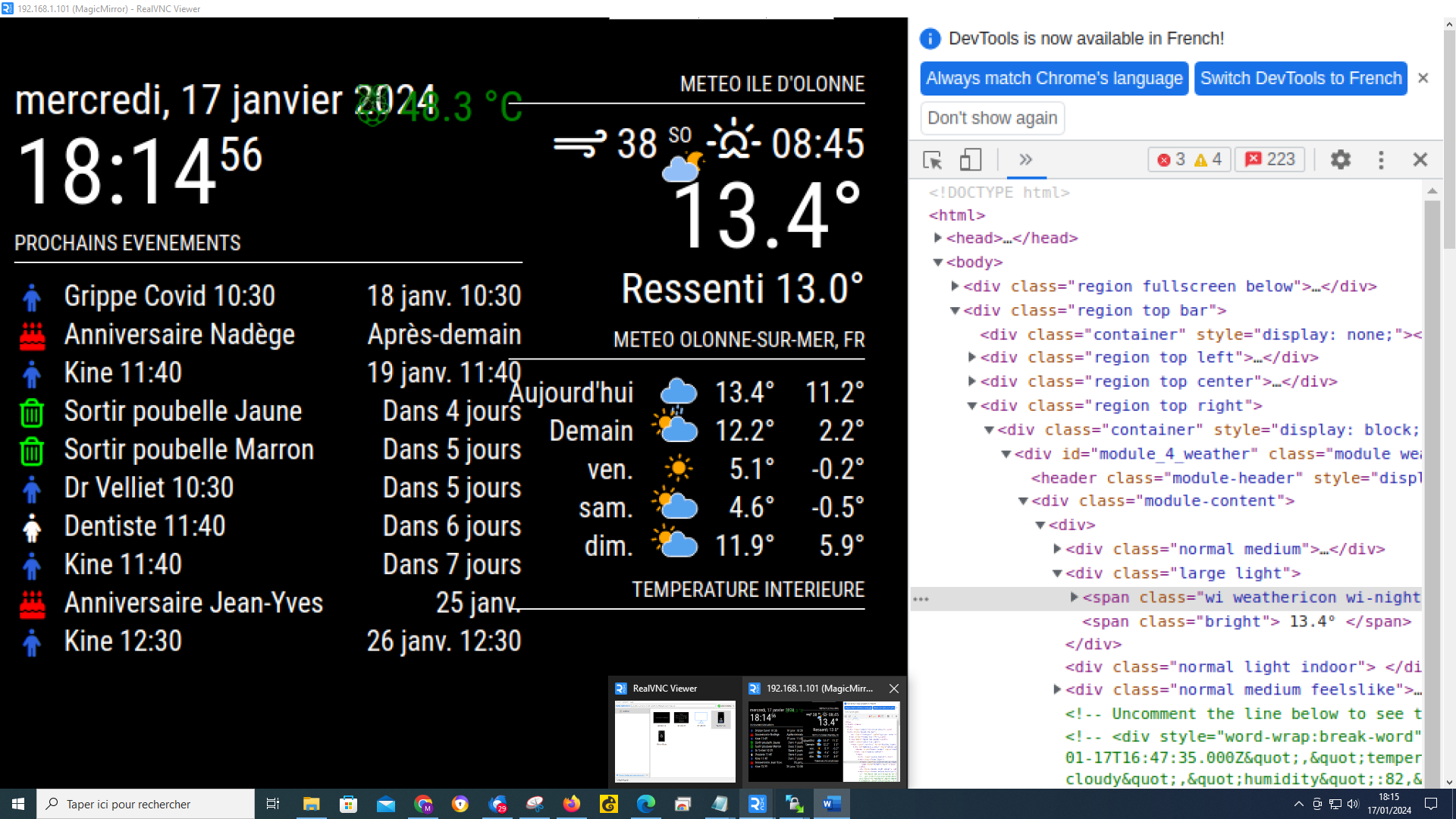
-
RE: Changing icons of the modules Current Weather and Weather Forecast
@sdetweil
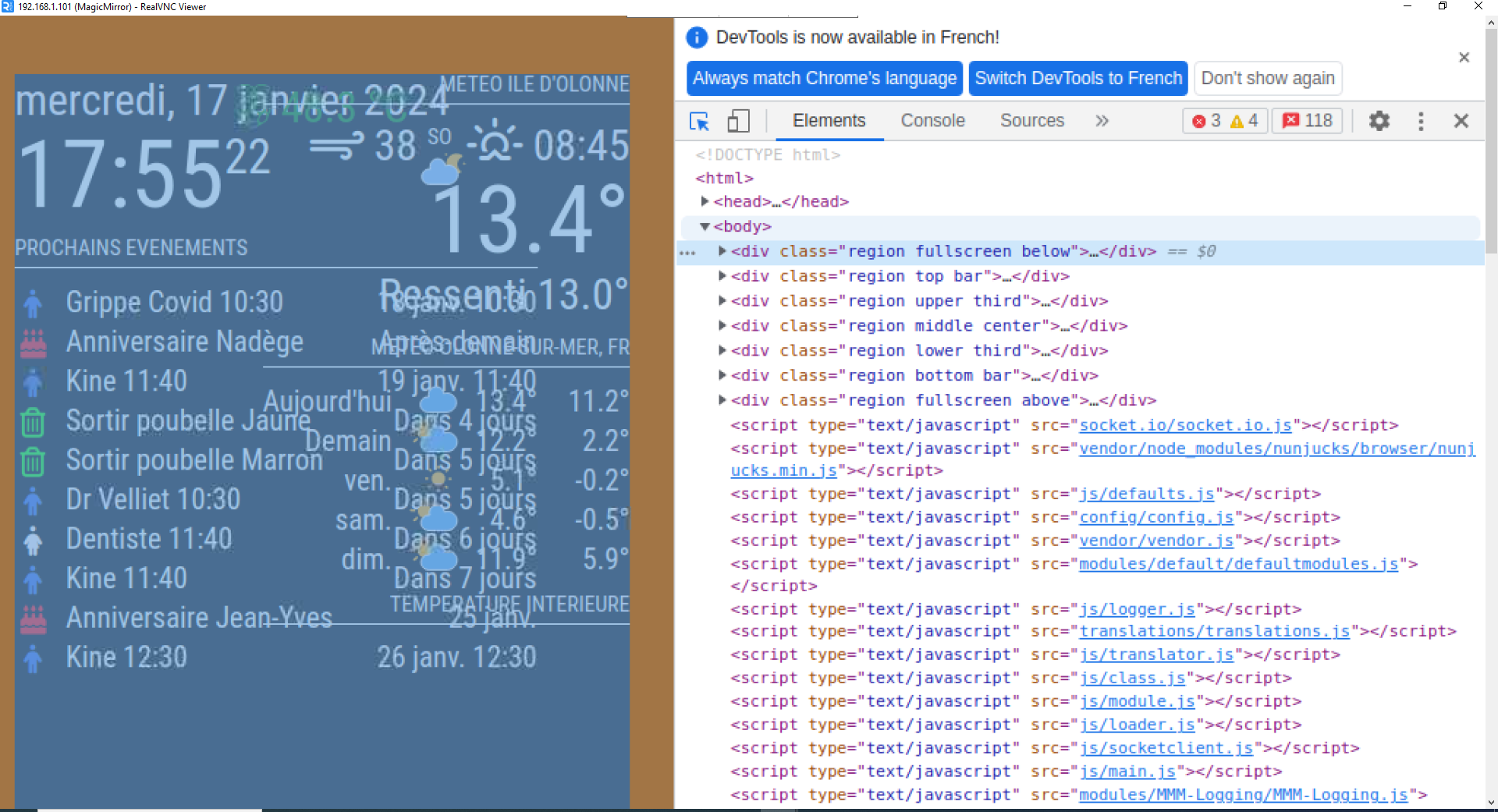
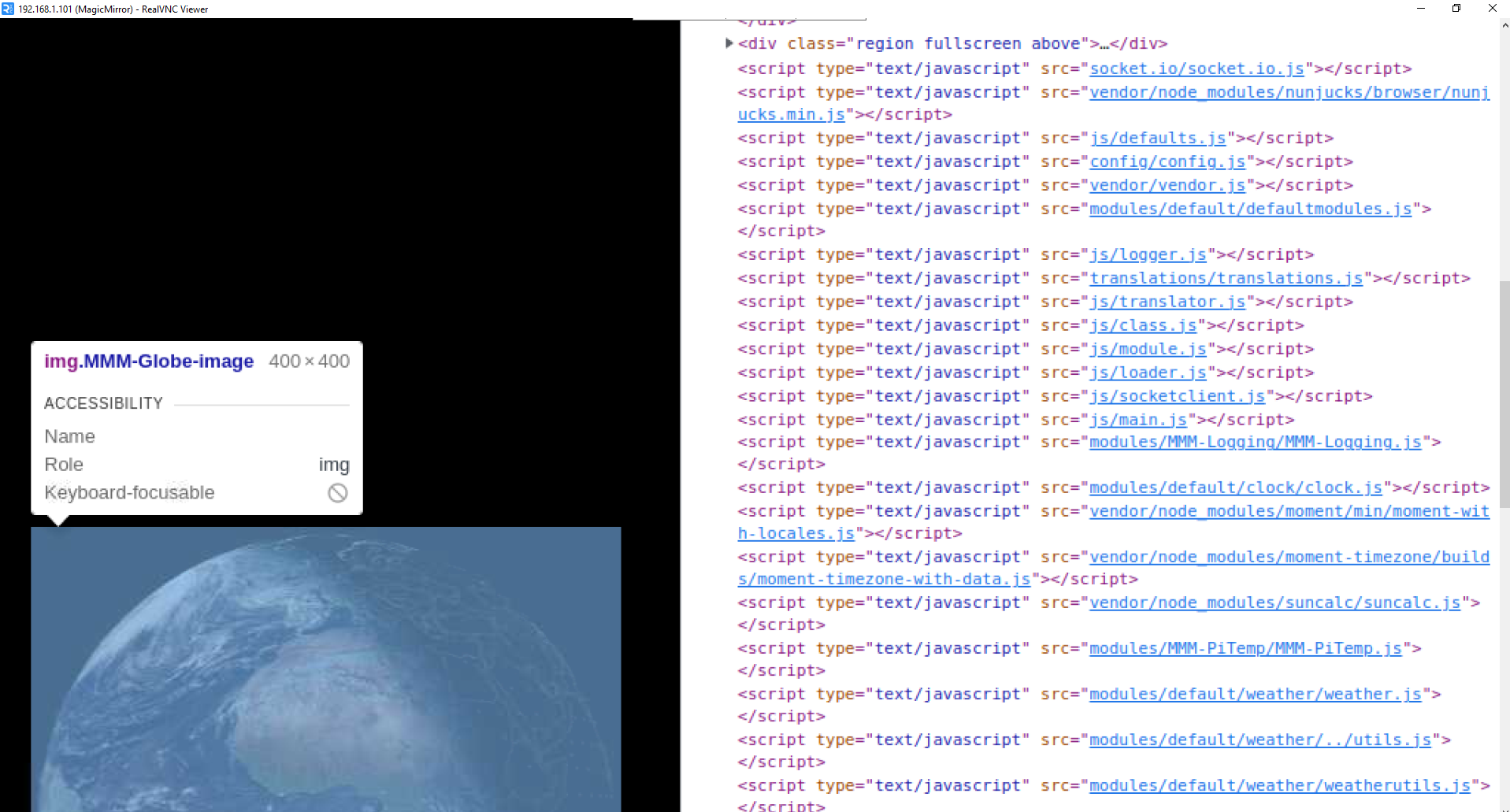
I use RealVNC Viewer and when I do ctrl-shift-i I have this window which opens I click at the top left and with my mouse I browse the lines, I have several lines with weather but when I click on them none opens another window
-
RE: Changing icons of the modules Current Weather and Weather Forecast
@sdetweil I tried but it doesn’t work, I don’t know if I did things wrong, in config.js I added the line < classes: “current”,’ > I changed forecast to current:
{
			disabled: false,
			module: "weather",
			classes: "current",
			position: "top_right",
			header: "Meteo Ile d'Olonne",
			config: {
				weatherProvider: "openweathermap",
				type: "current",
				location: "Olonne-sur-Mer,France",
				locationID: "2989572", //ID from http://bulk.openweathermap.org/sample/city.list.json.gz; unzip the gz file and find your city
				apiKey: "xxxxxxxxxxxxxxxxxxxxxxxxxxxxxxx"
			}
		},

		{
			disabled: false,
			module: "weather",
			position: "top_right",
			header: "Meteo",
			config: {
				weatherProvider: "openweathermap",
				type: "forecast",
				location: "Olonne-sur-Mer,France",
				locationID: "2989572", //ID from http://bulk.openweathermap.org/sample/city.list.json.gz; unzip the gz file and find your city
				apiKey: "xxxxxxxxxxxxxxxxxxxxxxxxxxxxxxxxxx"

			}
then I changed the first part of the lines in my custom ccs by adding current, I send you the first lines, but it doesn’t change anything, the icons are still identical:
/* Aenderungen Wetter Icon */ /* Aenderungen aktuelles Wetter */ .current .weathericon { position: absolute; z-index: 0; height: 200px; right: 180px; margin-top: -65px; } .current .wi-day-sunny { content: url("/css/icons/day.svg"); padding-left: 60px; padding-top: 7px; height: 100px; } .current .wi-day-cloudy { content: url("/css/icons/cloudy-day-1.svg"); padding-left: 60px; padding-top: 7px; height: 100px; } -
RE: Changing icons of the modules Current Weather and Weather Forecast
@sdetweil Ok, I will try, thanks for your help, you are the best:clapping_hands:
-
RE: Changing icons of the modules Current Weather and Weather Forecast
Your precious help allowed me to succeed in having the icons on the mirror :-), I added a few lines in the custom to position each icon, for example:
.weather .wi-day-sunny {
content: url(“/css/icons/day.svg”);
padding-left: 60px;
padding-top: 7px;
height: 50px;
}
the last thing to do is how to manage the current day icon (position and size) because on the original file there was a part:.currentweather .weathericon { and another part:.weatherforecast .weathericon {
Following your help I named everything: .weather .weathericon { so that it works and I think that now it no longer makes a difference between current and forecast and I cannot manage the icon of the current day. Do you have any ideas on how to handle this?
Thank you for your valuable help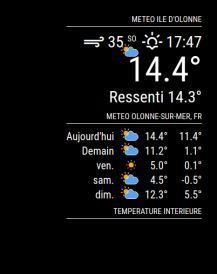
-
RE: Changing icons of the modules Current Weather and Weather Forecast
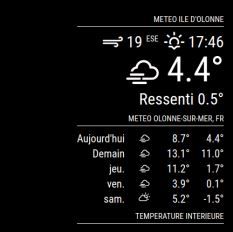
@sdetweil by putting them straight up and down my weather has the original icons
-
RE: Changing icons of the modules Current Weather and Weather Forecast
@sdetweil excuse me, I’ll do it right away
-
RE: Changing icons of the modules Current Weather and Weather Forecast
@sdetweil like that ?
.currentweather .wi-night-clear { content: url("/css/icons/night.svg"); } -
RE: Changing icons of the modules Current Weather and Weather Forecast
@sdetweil do they have to be like that? because that’s how they were before I modified them with </>
}.currentweather .wi-day-sunny {
content: url(“/css/icons/day.svg”);
}.currentweather .wi-day-cloudy {
content: url(“/css/icons/cloudy-day-1.svg”);
}.currentweather .wi-rain {
content: url(“/css/icons/rainy-6.svg”);