@j-e-f-f Thank you. Will correct it
M
Offline
A New Chapter for MagicMirror: The Community Takes the Lead
Read the statement by Michael Teeuw here.
Read the statement by Michael Teeuw here.
Posts
-
RE: MMM-OpenWeatherForecast - Replacement for MMM-DarkSkyForecast
-
RE: MMM-OpenWeatherForecast - Replacement for MMM-DarkSkyForecast
@stoffbeuteluwe In the custom.css i added the following:
.MMM-OpenWeatherForecast .current-conditions-wrapper .current.temperature:after {
    content: "C";
}
.MMM-OpenWeatherForecast .extra-current-conditions-wrapper  . temperature-container . high-temperature:after,
.MMM-OpenWeatherForecast .extra-current-conditions-wrapper  . temperature-container . low-temperature:after {
    content: "C";
}
.MMM-OpenWeatherForecast .forecast-item.daily .high-temperature:after,
.MMM-OpenWeatherForecast .forecast-item.daily .low-temperature:after {
    content: "C";
}
You can change “C” to “F” if needed depending on which units you want to use.
-
RE: Two side by side modules in the same region
@sdetweil cool… will experiment :thumbs_up:
-
RE: Two side by side modules in the same region
@sdetweil sure have been working on custom.css on other modules. Just need some guidance and will figure it out. Was just wondering where to have this code and how to define both modules
if(this.config.float!== ""){ // get the MM div container for this module (parent of our wrapper div) document.getElementById(this.identifier).style.float=this.config.float; // adjust the border between instances if(this.config.spacing !==""){ if(this.config.float === "left") document.getElementById(this.identifier).style.marginLeft=this.config.spacing else if(this.config.float === "right") document.getElementById(this.identifier).style.marginRight=this.config.spacing } } -
RE: Two side by side modules in the same region
@sdetweil i am trying to do the same thing. I want worldclock and WiFiPassword side by side in bottom_left. Where do I need to make the change? in the config.js file? and how do I define which modules I want there?
-
RE: where to buy the mirror in India?
@nikhil What did you use as a mirror? and where did you buy your mirror/acrylic?
-
RE: Where can I find Two Way Magic Mirror Acrylic or Glass in india anybody please help.
@abdul What did you use as a mirror? and where did you buy your mirror/acrylic?
-
RE: MMM-OpenWeatherForecast - Replacement for MMM-DarkSkyForecast
@j-e-f-f Thank you it worked just the way I wanted it. Appreciate it :oncoming_fist:
-
RE: My MM set up now need help with Wifi
@sdetweil i tried GB, US and IN
-
RE: My MM set up now need help with Wifi
@sdetweil i did try that with the latest but would not let me set WIFI country as it was greyed out. I tried multiple images and must have read various posts to figure out. spent a week trying to get the wifi working but had to give up and used a network cable. Now that I have set up the MM I am trying again to set up wifi. you are right so many old posts (some without dates) so am trying everything right now just to get it working. Any post you can direct me to have a look?
-
RE: where can i set a colour for up/down in MMM-ServerStatus?
Solved, i figured it out but going through how it works on other modules. Just incase anyone else needs to know this is what I added to custom.css
.MMM-ServerStatus table td { text-align: left !important; } -
RE: where can i set a colour for up/down in MMM-ServerStatus?
Is there a way to left-align the device/network names and right-align the status? current view looks centred
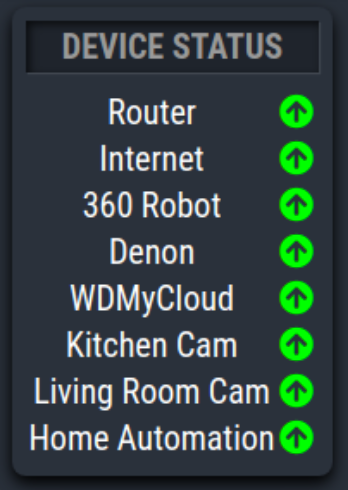 .
. -
RE: My MM set up now need help with Wifi
@thgmirror thank you. but that didnt work either. I did add that file when I created the original image. I also tried again after getting MM working. Also checked the file by
sudo nano /etc/wpa_supplicant/wpa_supplicant.confany my wifi set up is there.
-
RE: My MM set up now need help with Wifi
I remember going through this when i was setting up. Didn’t help as when I try this, the result is this.
pi@raspberry:/ $ sudo iwlist wlan0 scan
wlan0 Interface doesn’t support scanning.
pi@raspberry:/ $ -
RE: My MM set up now need help with Wifi
@cowboysdude Thank you for quick reply. Doing it now.
:beer_mug: Cheers -
My MM set up now need help with Wifi
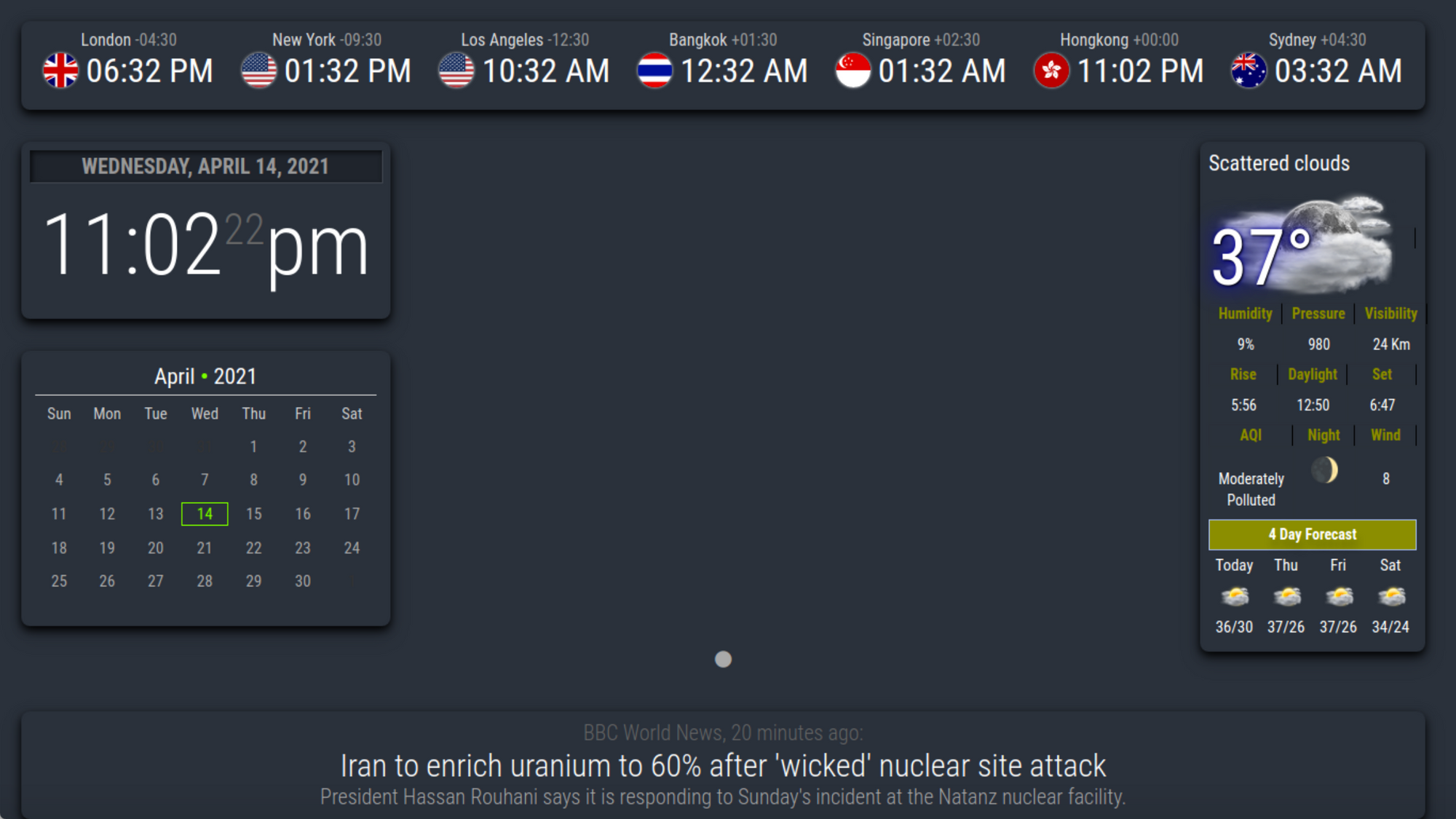
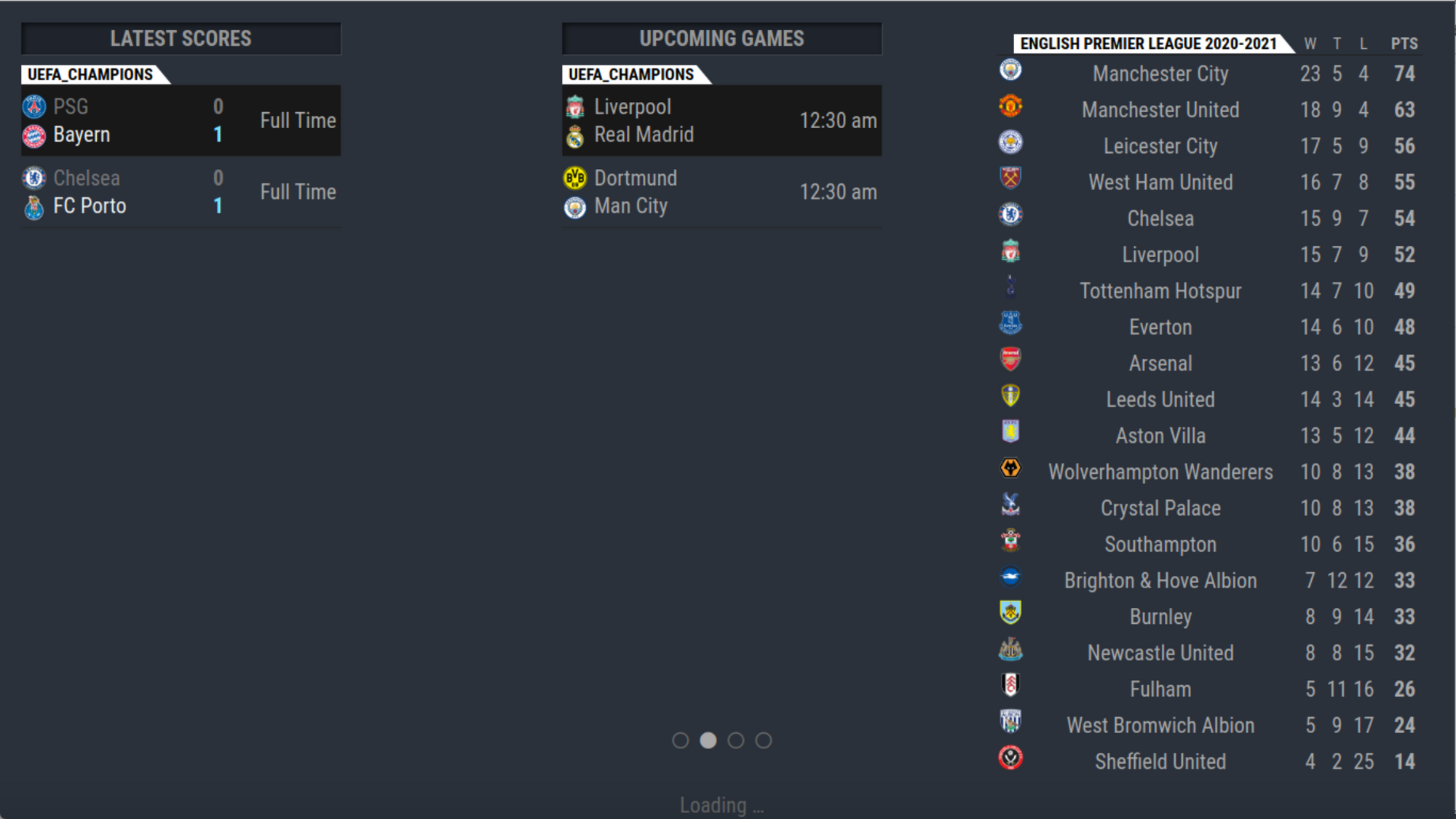
Firstly this forum has been a great help and so much learning from the topics. but now I am looking for help in enabling wifi on my RPI 3 B+. I tried for 2 days and decided to hook up with RJ45 cable to at least get the MM working. I have managed to set up everything but now I don’t have a choice but to set up wifi. Any help will be appreciated.
Am very pleased with what I have achieved by going through the topics. Thank you to all
-
RE: MMM-OpenWeatherForecast - Replacement for MMM-DarkSkyForecast
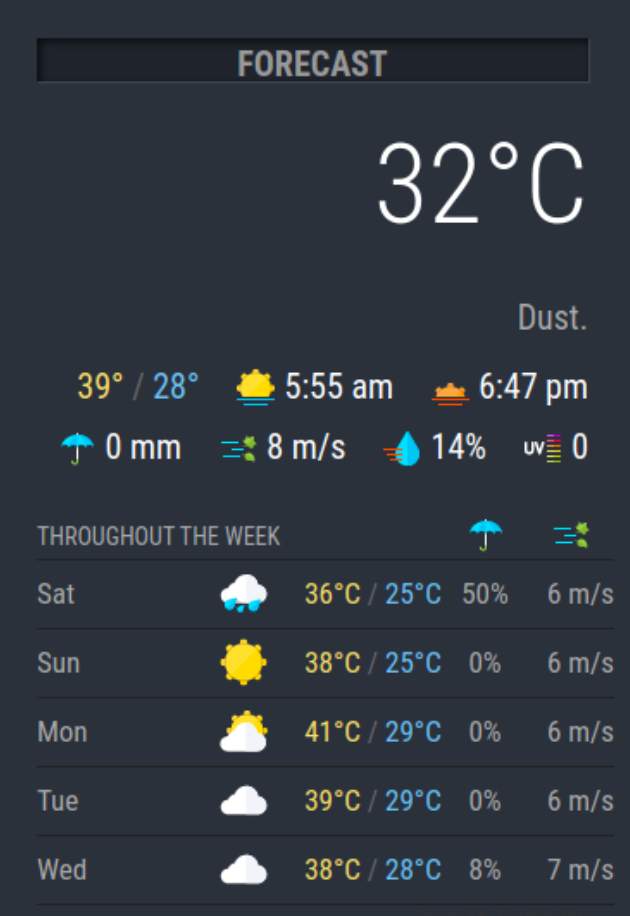
Can someone guide me on how to get the weather icon enabled next to the current temperature, please? Gone through the topic but no one else seems to have this issue.