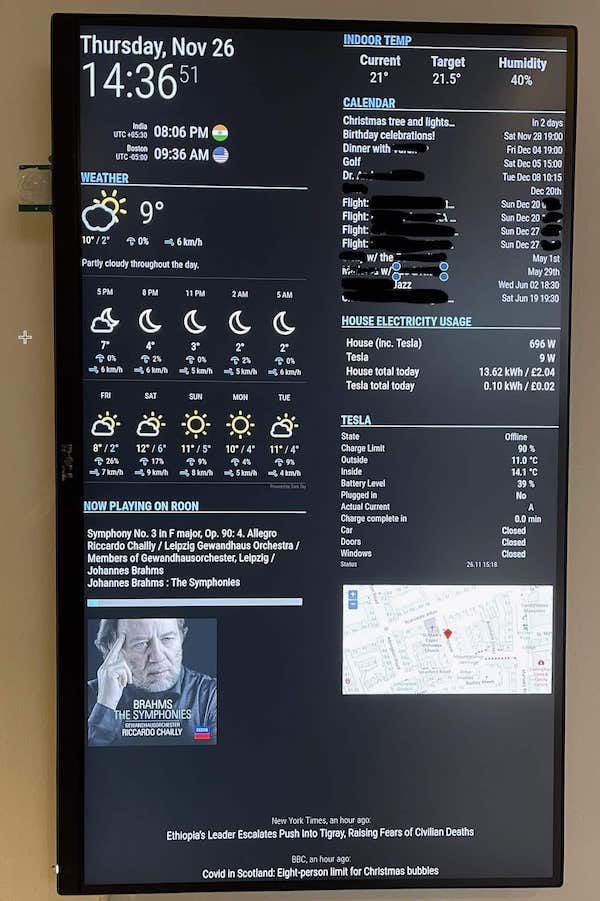
Not sure which subsection to put this in, but this seemed the right place. It may be of some use to people with a MM and a video doorbell
I wanted to have the video from my doorbells (I have 2 on different doors) temporarily show on my MM when someone rung the doorbell.
First attempt was to use MMM-Remote-Control, MMM-Pages, go2rtc and MMM-EmbedURL to show the RTSP video (via go2rtc coverting to WebRTC) using Unifi’s Alarm Webhook feature calling for a page change - The 2 video streams on a hidden page, only shown on the page change call.
This worked in principal, but because the modules on the hidden page kept streaming the video even when not being displayed, the RPi5 got quite hot and the network overhead of the constant 24hr streaming was unneccesary.
The solution was to use a script to do the following:
Unifi alarm webhook calls http://pi_ip:9500/motion
go2rtc starts
Wait 3 seconds for go2rtc to connect to cameras
MagicMirror electron refreshes (/api/refresh) so iframes reconnect to go2rtc
Wait 3 seconds for refresh to complete
Switch to camera page (/api/notification/PAGE_CHANGED/1)
Camera feeds display for 60 seconds via WebRTC
Switch back to main page (/api/notification/PAGE_CHANGED/0)
Wait 2 seconds for page to switch
go2rtc stops
Works perfectly now. RPi stays cool and no constant streaming from camera to MM. There is a few seconds delay before it starts, but that actually works for me because of the location of the MM, the doors and where we usually are in the house.
Hope this helps someone who wants to do something similar.
Happy to answer questions.