Well here I am with another why did I do that moment. For some reason, which seemed like a good idea at the time. I checked the option to boot into the terminal instead of the desktop. Now I can’t get back to the desktop to uncheck the box. What does this old man have to do to get back to desktop ?
Thank for helping out.
Dennis
A New Chapter for MagicMirror: The Community Takes the Lead
Read the statement by Michael Teeuw here.
Read the statement by Michael Teeuw here.
 Offline
Posts
-
Stuck in termial
-
RE: Google calendar link
@sdetweil Well I didn’t see anything like that on the left… I had to go to the settings through the cog on the right. After that I could follow your instructions from there…. But thanks again for everyone’s help.
Dennis -
RE: Google calendar link
Solved… I found this with a lot of following links… Here is what was said.
I found something helpful on this; It explains how to share the URL link address as well:"Google Calendar - how to share your calendar
Google Calendar is used by both individuals and businesses. And what’s not to like? It’s free, simple to use and easy to share. If you want to share a Google calendar with another application just follow these instructions:
Log in to your Google account
Go to Google Calendar (opens new window)
Click on the Settings menu cog button  and select Settings
Under Settings for my calendars click on the calendar you want to share
Scroll down to the Integrate section
Select the url labelled Secret address in iCal format and copy it (Can't see the link? Click here)
This is the link to your Google calendar for use in iCalendar applications"
Read more on this here:
https://www.smsclientreminders.com/how_to_share_your_calendar_with_other_applications
I hope this answer helps! Thanks for your question.
-
RE: Google calendar link
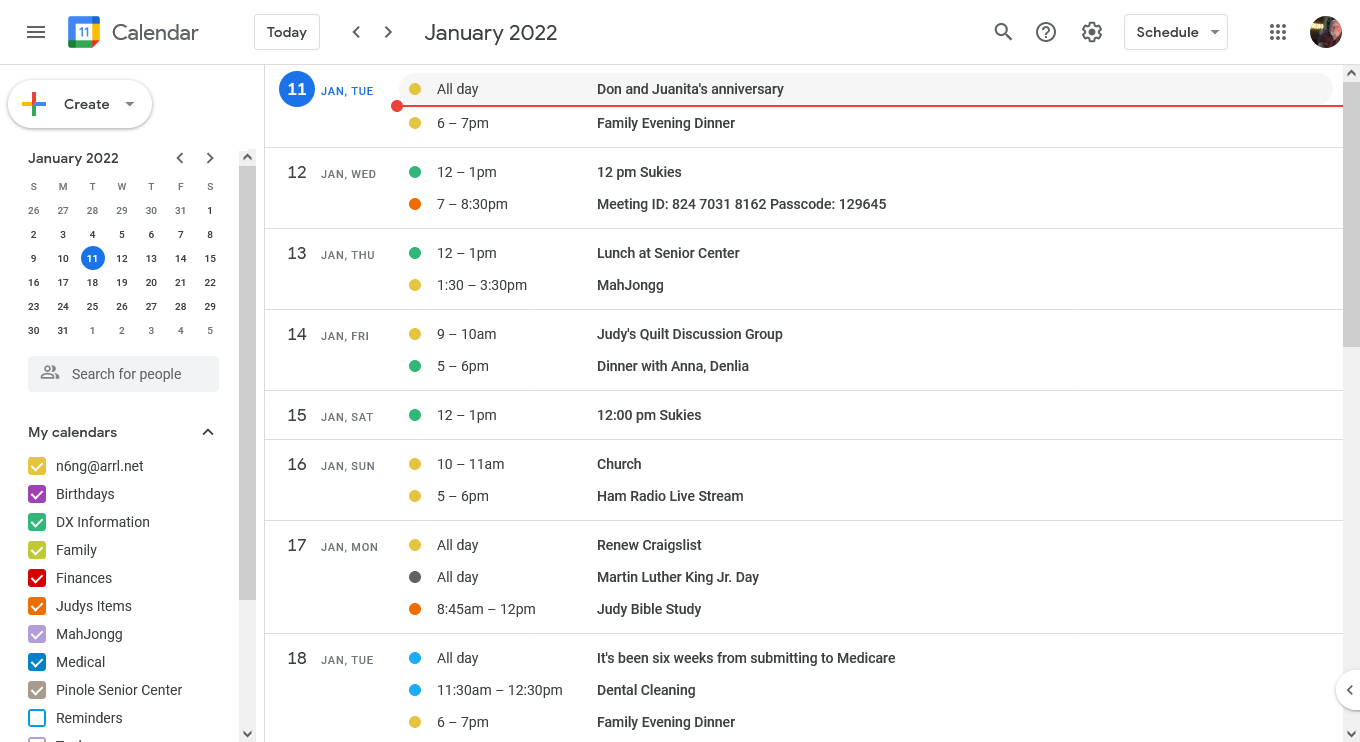
@n6ng This is the main screen if I click on the 3 bars on the left again.
Dennis
-
RE: Google calendar link
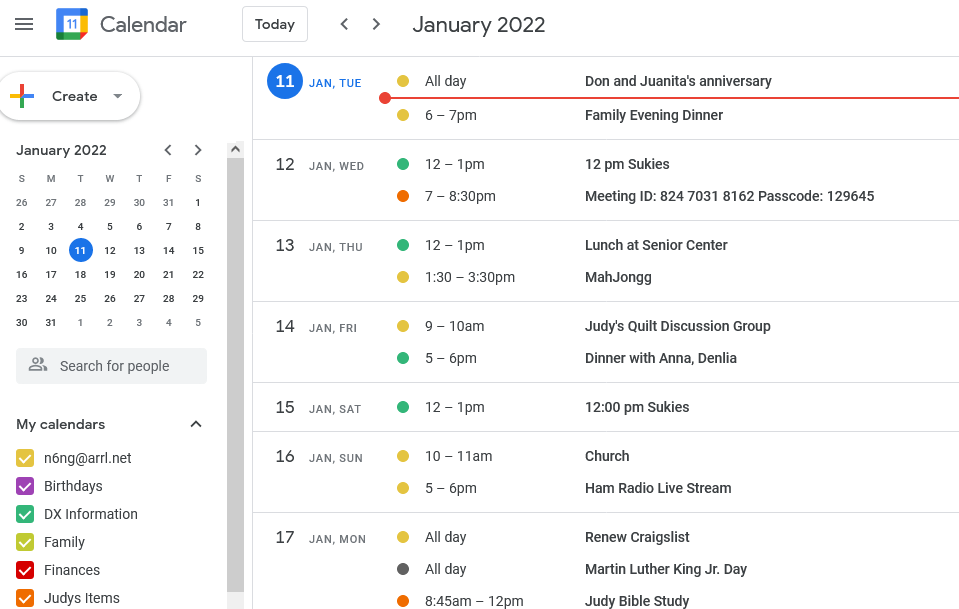
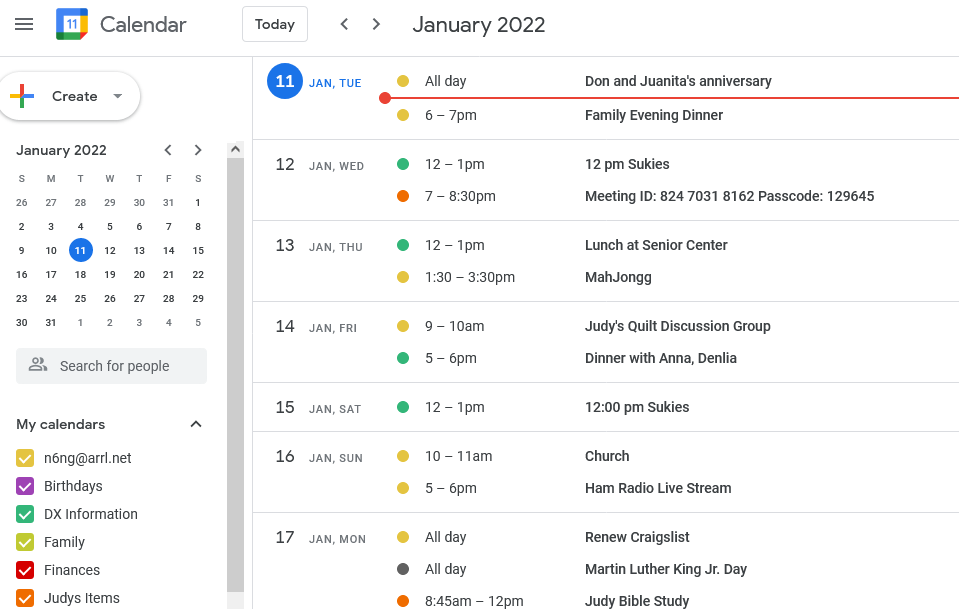
@sdetweil Sorry Sam… this is the main screen of my desktop.
If I left click on the 3 bars on the left I get the main menu… I don’t get anything when I click on name Calendar or Box with the 11 in it… I’ve tried other browsers and they all have the same main image.
Dennis
-
Google calendar link
I have looked all over the place for the post that tells you how to make a private link in google calendar that allows you to addd the Google calendar to my mirror. I found it before when I made my first Magic Mirror but now I can’t find it. I know its here somewhere but just cant find it again. I don’t want to sync the two mirrors I just want to add my aoogle calendar to my new mirror… Can someone point me in the right direction?
Thanks as usual…
Dennis -
RE: Dumbest question of the week Calendar Module
@bkeyport That’s my next project, to get the SSH working so I can program the mm from my PC…
Thanks…
There was an error in the calendar address and once I fixed that it works great… now on to the SSH programing…
Thanks again Sam
Dennis -
RE: Dumbest question of the week Calendar Module
@sdetweil Thanks Sam… I’ll give it a try.
Dennis -
Dumbest question of the week Calendar Module
When I start my MM I get a message that says " Error in Calendar Module - Check logs for details"
So my question is… Where are those pesky logs? I tried Whereis *.log but got nothing in return…
Help? and thanks
Dennis -
RE: My Bathroom Mirror
@oberfragger I think it looks great… nice job… well done…