cd ~/MagicMirror
rm -rf node_modules
rm package- lock. json
npm install
then for whatever module was causing problem
cd ~/MagicMirror/modules/modulename
do the same last 3 steps as above
AND THEN
npm install request --save
cd ~/MagicMirror
rm -rf node_modules
rm package- lock. json
npm install
then for whatever module was causing problem
cd ~/MagicMirror/modules/modulename
do the same last 3 steps as above
AND THEN
npm install request --save
@sdetweil after some digging i found another thread you helped on and i got it going again
thank you
Hi all
I just did an update and after MM starts all i get is a black screen?
any suggestions would be great
so I have had some issues with with from the get go, and I taught it was something I did in the programing but now im not sure.
has anyone run into the problem with either the HDMI wire or the raspberry pi board given you issues for resolution? sometime I can jiggle the wire and it wont get me select certain resolutions (see pictures below
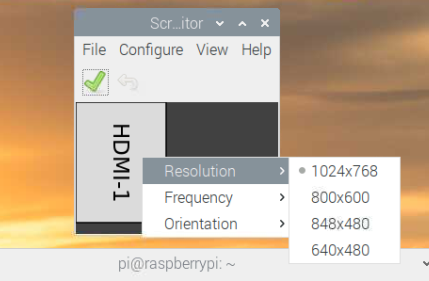
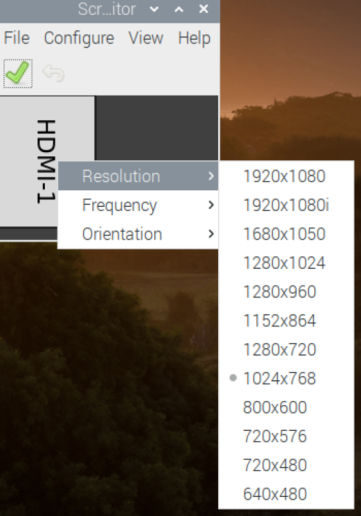
well, i now have it syncing with my google calendar and with my iphone. the last issues i have is its not showing birthdays on the MM, i dont know if that its because its an all day event but i dont think it has to do with the MM i think its a google calendar thing…i hope :)
so originally MM was not even booting up said i had a bad config file. but now that i know about the brackets at the end of the url (that i removed) the program is booting up fine.
New problem is, its not loading my google calendar. i got the url from my google account with the private-XXXX numbers, but it is still not loading anything i have set in the calendar.
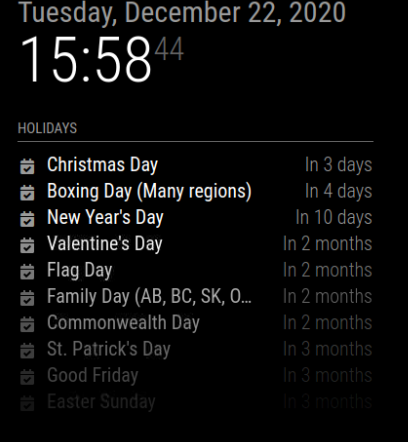
i am racking my brain here trying to figure out how to add my google calendar and i tried to follow some steps i found but i keep getting config file error. i am very new to programing but I don’t know where i am going wrong. any help would be great
module: "calendar",
			header: "Holidays",
			position: "top_left",
			config: {
				calendars: [
					{
						symbol: "calendar-check",
						url: "https://www.calendarlabs.com/ical-calendar/ics/39/Canada_Holidays.ics"					}
					},
					{
						symbol: "mycalendar",
						url: "https://calendar.google.com/calendar/ical/xxxxxxxxxxxxxxxxx/public/basic.ics"					}
					}
					]
			}
		},
		{
@lavolp3 yes the mirror is the same. I did check that and it’s set for 1024x768
@Mykle1 thanks for the suggestion. but it was a no go still. i should point out also but its not just the MM that seams like its over lapping and just large its also the deskop
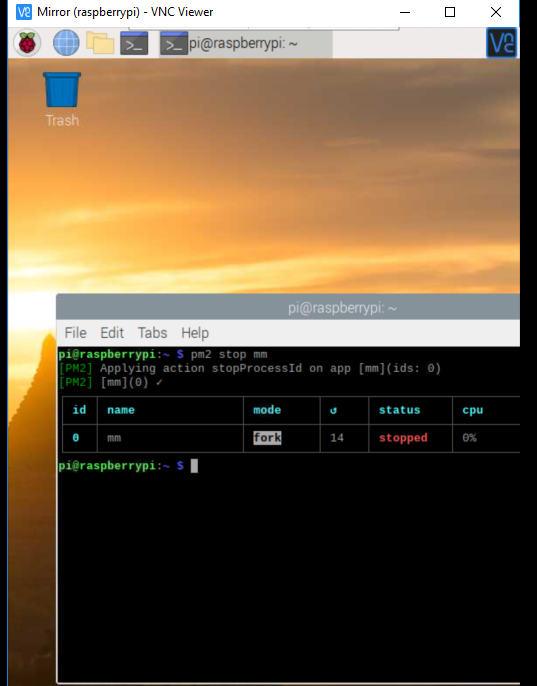
Hello all
I am very new to all of this but I am still learning. I have ran into a little snag I do not know what I did or how to fix it.
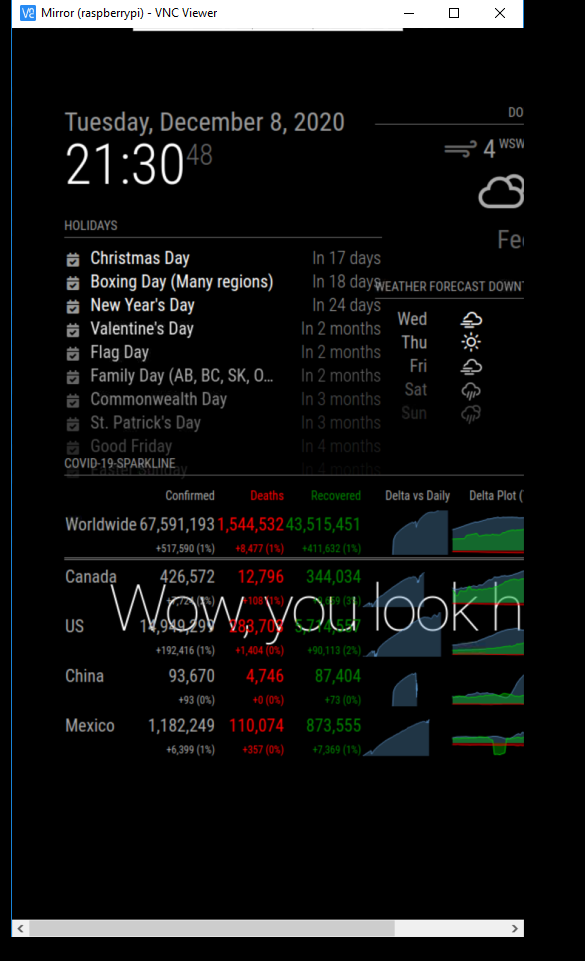
I have been slowly programming my Pi device and everything has been going good, until I turned it on yesterday and everything looked a little crazy. The last thing I did is at the module for my horoscope, and everything seem to be fine. I rebooted the device many times and it was still working. When I came back Sunday and turned everything on that’s when things started to get strange. It looks Like the resolution is off but I do not know how to fix it any help would be greatly appreciated
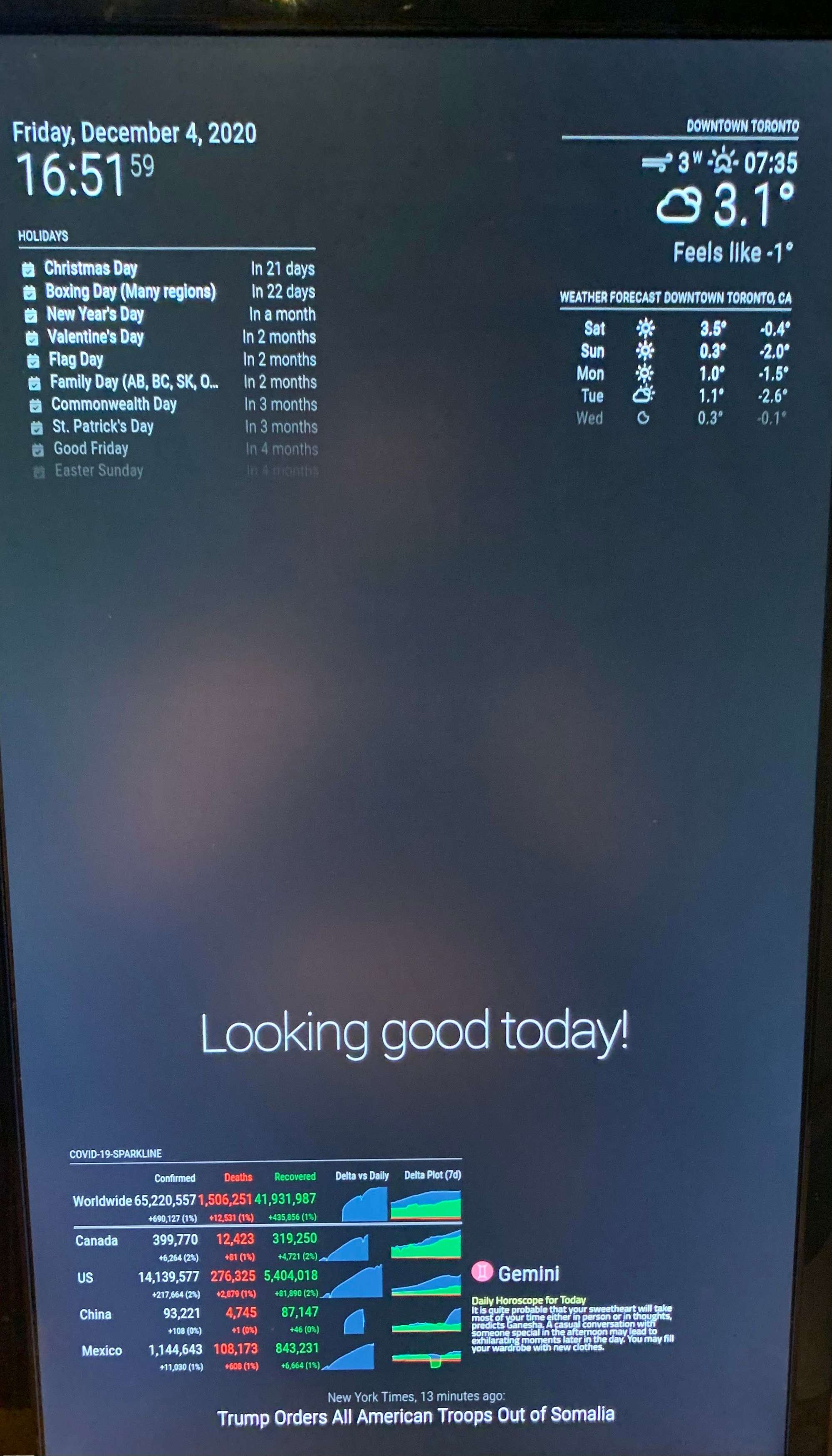

for some reason i can not upload the second picture showing the problem, but everyting is overlapping on top of each other
i am having the same issues. all i get is the, covid 19