Read the statement by Michael Teeuw here.
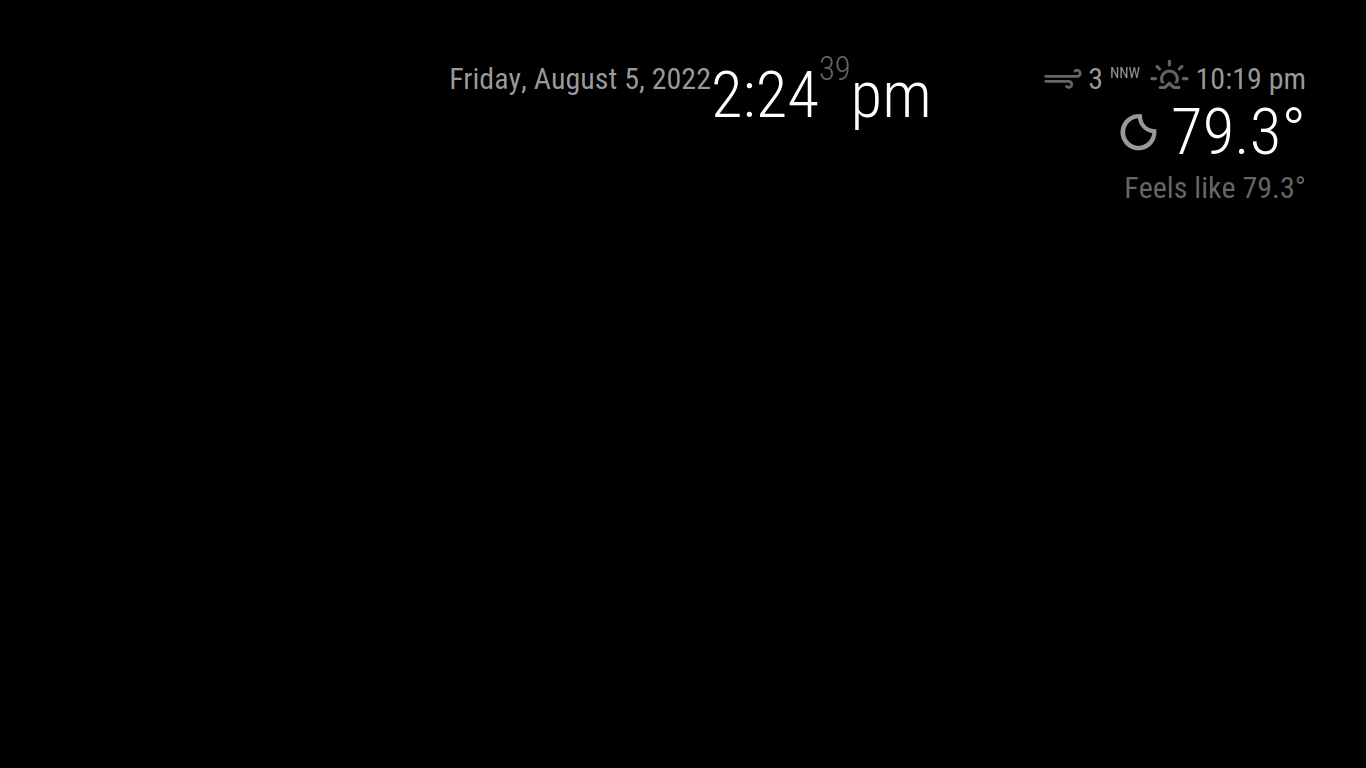
Default Weather module still not displaying
-
@sdetweil thanks… Well, no change. I’ve tried that and also copied the portion of the weather module from the original config.js, which was renamed as config.js.sample during setup. Both attempts still result in the Unexpected Syntax Error: Unexpected token message coming from line 159 of weather.js.
You’re always very helpful, thanks for your time. Any other ideas?
-
ok, I just did this
		{
			module: "weather",
			position: "top_right",
			config: {
				locationID: "361058",
				apiKey: "xxxxx"
				}
		},
try that with your openweathermap apiKey
-
@sdetweil no luck. Still receiving the same error on line 159, and no display on the MM.
-
this is on pi, or windows, or ??
ok, do this
cd ~/MagicMirror
rm -rf node_modules
npm install
#added
git checkout modules/default/weather/weather.js
git status
then try again
-
@Jarhead96097 Could be the comma after “true” on the last line of config … not necessary, and causes an error when I run a :check
-
I added a command above to restore the original weather.js from the git repo
-
@sdetweil I added “npm audit fix” as there was 1 high severity vulnerability found. It didn’t solve the vulnerability (didn’t try “npm audit fix --force”), and I’m getting the same error.
Jarhead96097
-
@sdetweil Oh, okay. Let me try that updated string of commands…
Jarhead96097
-
@Jarhead96097 please never do audit… causes more problems than it fixes
-
@Jarhead96097 Rule of thumb is to never run npm audit fix.
-
@mumblebaj and we have found npm install parms to turn off the warning coming in next release, and already in my scripts.
-
@sdetweil That’s great
-
@sdetweil Good to know…that may be the root cause of all of this. After rebuilding my MM on 2.20.0, I did the npm audit fix. If we can’t get to a resolution in the next few minutes, I’ll chalk this up to a learning experience and do another rebuild.
-
May I ask how you are using
classes: "daytime_scheduler"Are there two instances of
daytime_schedulerI use
classes: “currentweather”

type: “current”
and
classes: “weatherforcast”

type: “forecast”
to replace the deprecated modules.
-
@Jarhead96097 use my install script
-
@sdetweil “On branch master,” and up to date with origin/master. I also meant to reply earlier that this is on a RPI 4B. Unfortunately, still getting the same error and the weather module is not displaying information.
I appreciate everyone’s time…but I’m going to cut to the chase and rebuild using your install script.
Thanks again for the time, you’re always very helpful, and I appreciate it.
-
@Jarhead96097 ah, one other question, what is the current node level
node --version
-
@sdetweil sorry, already using your installation script (but no “npm audit fix” this time around).
-
@sdetweil On my RPi4 it’s 16.16.0, and I’m getting the same problems as Jarhead. After an upgrade there’s now just no reaction to starting mm.
-
@Blackeye can u show the output of the npm start or, if using pm2 , then
pm2 logs --lines=50
how did u do the upgrade?


Hello! It looks like you're interested in this conversation, but you don't have an account yet.
Getting fed up of having to scroll through the same posts each visit? When you register for an account, you'll always come back to exactly where you were before, and choose to be notified of new replies (either via email, or push notification). You'll also be able to save bookmarks and upvote posts to show your appreciation to other community members.
With your input, this post could be even better 💗
Register Login