Read the statement by Michael Teeuw here.
Adding background image to analog clock.
-
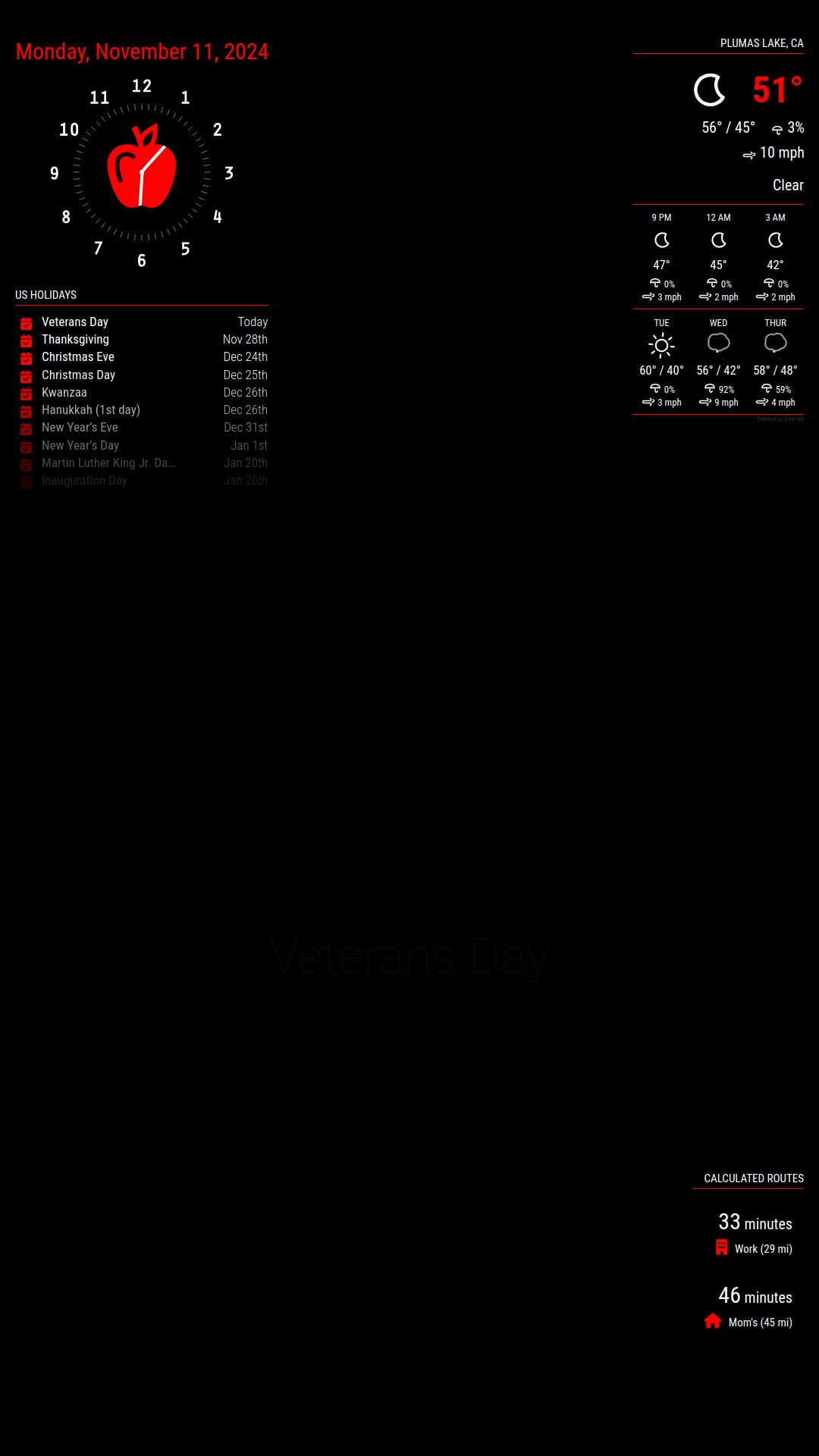
Hello, I’m trying to add a svg image to the default analog clock module in a way that will allow me to change it’s color along with the other elements using custom.css.
However the problem is the image hides part of the clock hands and I can’t figure how to fix it. Any suggestions?
Here’s my entry in the custom.css file:
.clock-face {
.clock-face {
  -webkit-mask: url('apple-fresh-fruit-svgrepo-com.svg') center/cover no-repeat;
  mask: url('apple-fresh-fruit-svgrepo-com.svg');
  display: block;
  margin: auto;
  margin-top: 60px;
  height:45%;
  width: 45%;
  background:var(--use_color);
}
-
I found a way to make this work, though it’s not the cleanest.
1:
In the clock.js file I add these lines to the bottom of these sections:/************************************ * Create wrappers for analog and digital clock */ const analogBackground = document.createElement("div"); analogBackground.className = "clock-grid-background";/**************************************************************** * Create wrappers for ANALOG clock, only if specified in config */ clockFace.appendChild(analogBackground);2:
Added this section to the clock_styles.css:
Note the “z-index: 0;”.clock-grid-background { position: absolute; display: block; z-index: 0; }I then added “z-index: 99;” to the following sections to make sure they stay on top:
.clock-circle
.clock-face
.clock-face::after
.clock-hour
.clock-minute
.clock-secondAdded this code to the custom.css file:
.clock-grid-background { -webkit-mask: url('apple-fresh-fruit-svgrepo-com.svg') center/cover no-repeat; //mask: url('apple-fresh-fruit-svgrepo-com.svg'); display: block; margin: auto; margin-top: 60px; margin-left: 65px; height: 120px; width: 120px; background-color: var(--use_color); } -
@ChrisLeduex cool. you should submit that as an enhancement
-
@ChrisLeduex is z-index:99 below above? so would be hidden by module in fullscreen_above. don’t want them peeking thru
-
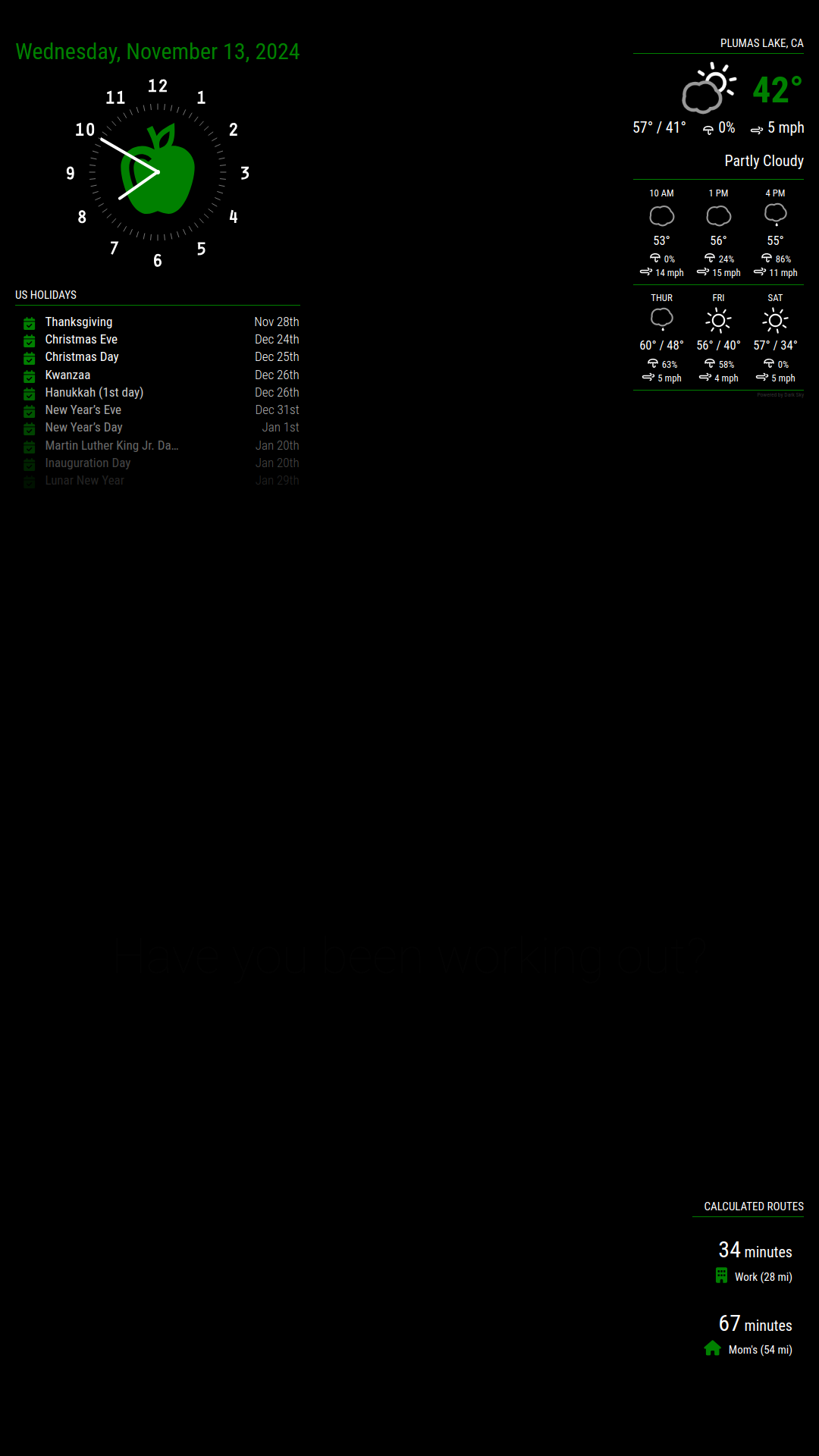
@sdetweil Larger numbers sit on top of smaller numbers. In this case I wanted to make sure the svg image was always underneath the clock face/hands (z-index: 0) and the clock hands were always on top (z-index: 99). I could have used ‘z-index: 0’ and ‘z-index: 1’ instead but picked a larger number just to be sure the clock is always on top of anything else that might get added.
I’m still working on it because I’d like to have a solution that doesn’t require any code changes to the module files. I’d like something that only requires using the custom.css file.
-
@ChrisLeduex cool, it was just a question of implementation checking… good work
-
Sorry @sdetweil, this is my first MM project and I have no idea what I’m doing. So I didn’t understand that “fullscreen_above” was a position option for modules.
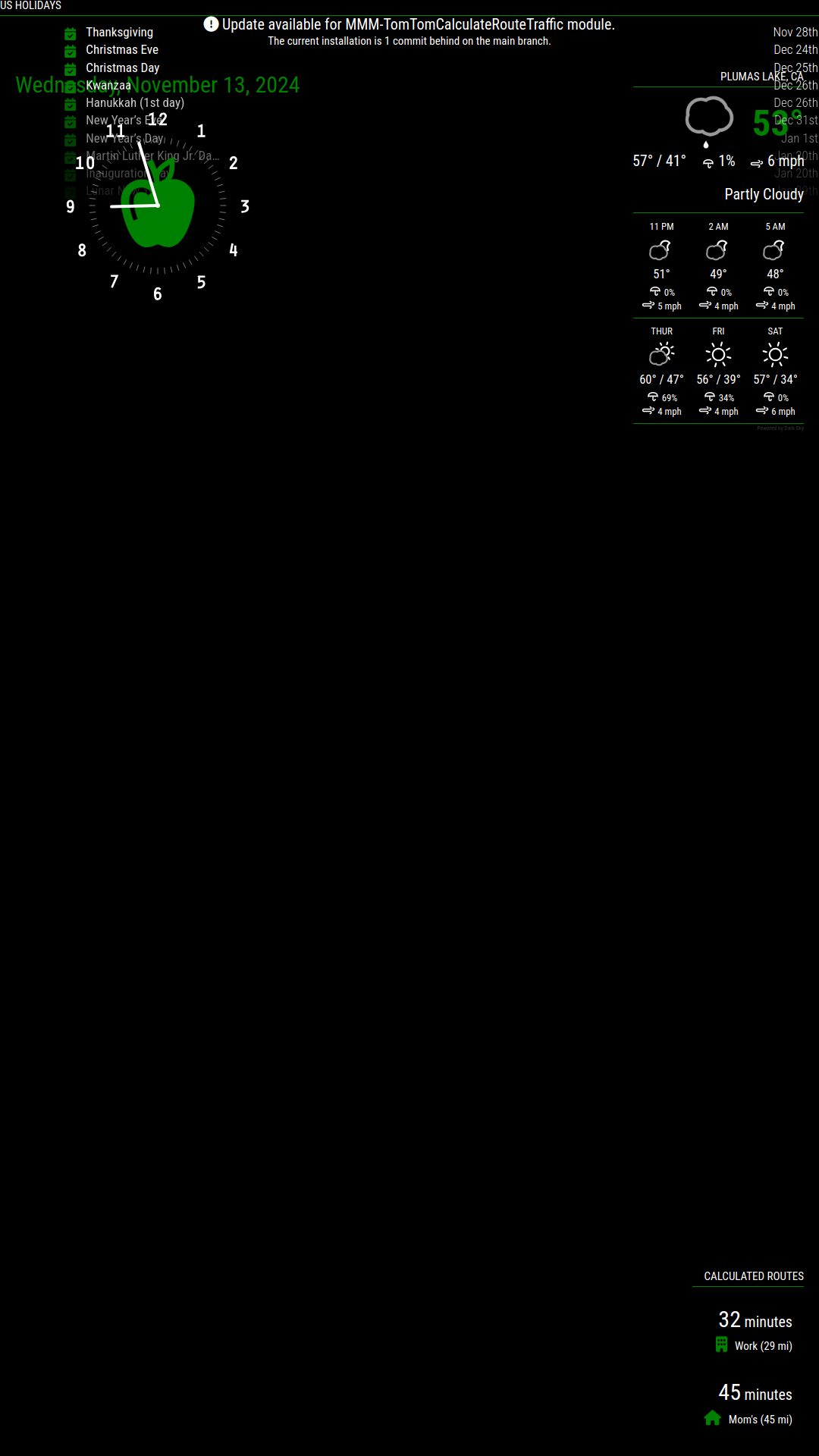
In the screen shot below I left my clock the same as before with ‘z-index: 0’ on the apple and ‘z-index: 99’ on all the other classes of the clock. I then set my calendar module to “fullscreen_above” to see what would happen.
Not easy to see in the screen shot but all of the components of the clock that have a z-index are on top of the calendar and the date which doesn’t have any z-index values is underneath the calendar. So it would appear that any z-index value, even 0, puts those components on top of “fullscreen_above”. So yes, it should be used carefully because it will peek through.
{
	module: "clock",
	position: "top_left",
	config: {
		displayType: "analog",
		displaySeconds: false,
	}
},
{
	module: "calendar",
	header: "US Holidays",
	position: "fullscreen_above",
	config: {
		calendars: [
			{
-
@ChrisLeduex – Interesting exercise. Where did you put the .svg image[s]? In with the clock faces in the module folder? In the module folder root? Other?
-
S sdetweil has marked this topic as solved on
-
@JohnGalt I just put them directly in the CSS folder with the custom.css file while I was testing everything. But they can certainly go wherever you like based on how you organize stuff.
-
@ChrisLeduex – OK, thanks. I wasn’t sure that the url path went anywhere in particular.
Hello! It looks like you're interested in this conversation, but you don't have an account yet.
Getting fed up of having to scroll through the same posts each visit? When you register for an account, you'll always come back to exactly where you were before, and choose to be notified of new replies (either via email, or push notification). You'll also be able to save bookmarks and upvote posts to show your appreciation to other community members.
With your input, this post could be even better 💗
Register Login