Read the statement by Michael Teeuw here.
MagicMirror is Failing to start at all
-
@karsten13 have any debug advice here?
-
can you see what I’m doing right now ;)
I used my containers a few minutes ago to see if I can reproduce but I can’t. So no idea.
-
@Sampleswow ok, it makes no sense
I would suggest starting over
Reflash the SD card
Use the script to Install -
@sdetweil
is that the only way? I have a lot of setup, I would hate to lose by starting over.also again What script i have no idea what your referring to, or how to use it. I am a basic user of Magic Mirror
-
I have two sets of scripts, install/update are listed in the MagicMirror doc
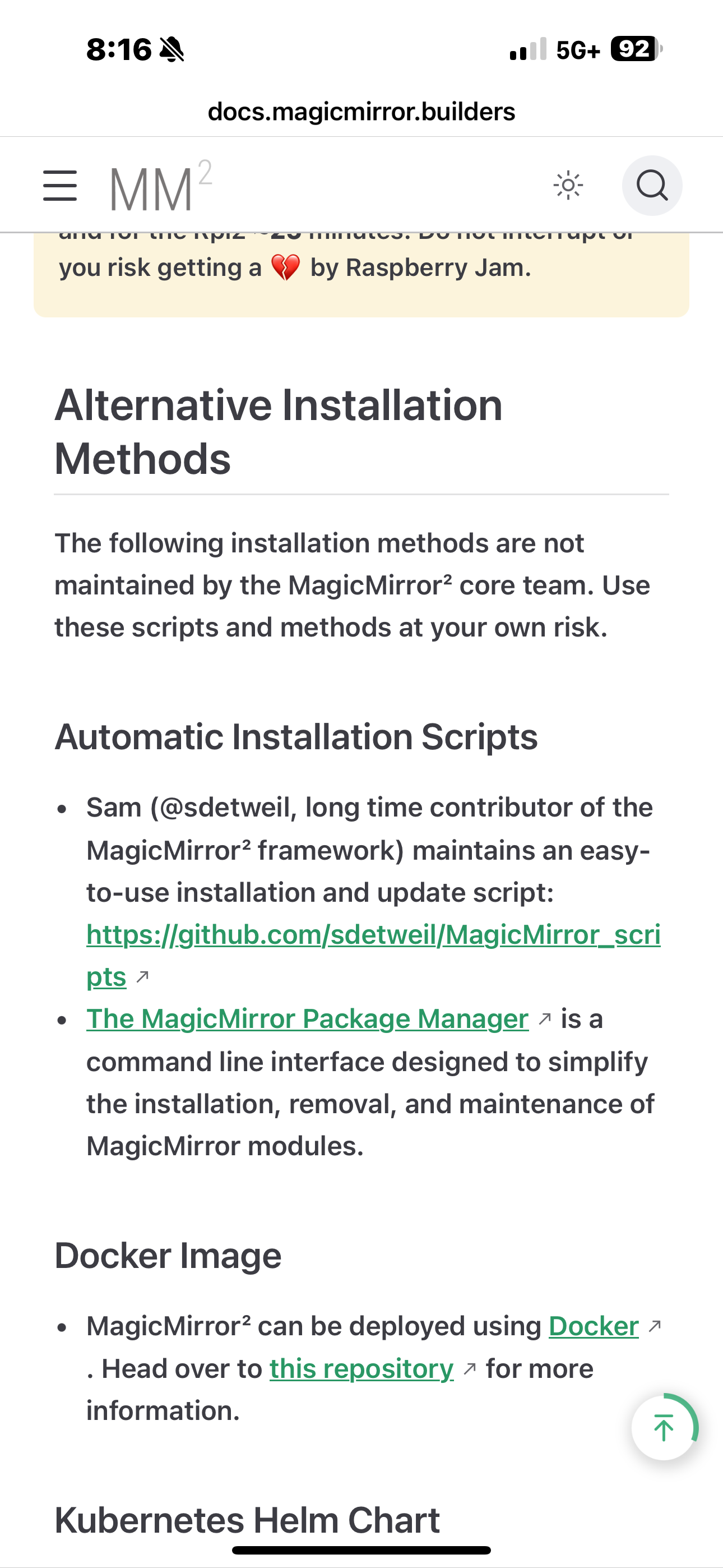
Install/upgrade
https://github.com/sdetweil/MagicMirror_scriptsBackup/restore, which can save your MagicMirror setup and place it in a GitHub repo, with versions (it does not backup folders, only info required to restore the config onto a new MagicMirror install.).
https://github.com/sdetweil/MagicMirror-backup-restore
You can backup Your config now, copy off system, upload to GitHub as part of backup
config.js, custom.css, all the installed modules and where they came from. And any new files they createdI always recommend using a new SD card anyhow, just in case there is something (which I will fix)
Nodejs is just a tool we use to launch Our app, and run our code.
I don’t see any reports of problems like this so, I don’t know -
If
--runis a bad option let’s try run the long command directly and see what happens.So instead of
npm run, try this:On Wayland:
WAYLAND_DISPLAY="${WAYLAND_DISPLAY:=wayland-1}" ./node_modules/.bin/electron js/electron.js --enable-features=UseOzonePlatform --ozone-platform=waylandOn X11:
DISPLAY="${DISPLAY:=:0}" ./node_modules/.bin/electron js/electron.jsThis may show us the real core of the problem, or it works and starts MM properly and we could make it a little more comfortable (even if it is a bit hacky).
-
@KristjanESPERANTO said in MagicMirror is Failing to start at all:
DISPLAY=“${DISPLAY:=:0}” ./node_modules/.bin/electron js/electron.js
This Command STARTED my Mirror!!!
Im super excited everything is the way I left it even no loading google images lol (I know i have to find and alternative now )
-
@Sampleswow awesome
edit the package.json
and change the “start”
to “startx”
then add this line after"start":"DISPLAY=${DISPLAY:=:0} ./node_modules/.bin/electron js/electron.js",then
npm startshould start your MagicMirror
this was the way it was before this release
-
@sdetweil
That worked i picked the right start because there is apparently 2 of them in the text code -
S sdetweil has marked this topic as solved on
-
@sdetweil
Update for the Jan 1 2026,
This no longer fixes the issue. I used your update script and now i get this error;
sh: 1: ./node_modules/.bin.electron.js: not found -
@Sampleswow should not say electron.js
Do
cd ~/MagicMirror
ls node_modules/electron
If not found do
npm install electron@39.2.7If successful
Donpm startPlease advise
-
@sdetweil
That fixed it for now. I guess will talk again next update lol, Thank you for your dedication to resolving my issue! -
@Sampleswow can you send me the ~/MagicMirror/installers/upgrade.log
Via email.The same userid as here at gmail


Hello! It looks like you're interested in this conversation, but you don't have an account yet.
Getting fed up of having to scroll through the same posts each visit? When you register for an account, you'll always come back to exactly where you were before, and choose to be notified of new replies (either via email, or push notification). You'll also be able to save bookmarks and upvote posts to show your appreciation to other community members.
With your input, this post could be even better 💗
Register Login