Read the statement by Michael Teeuw here.
Family Command Center – Pi 5 Touch Mirror with 19 Pages, AI Comics & Presence Control
-
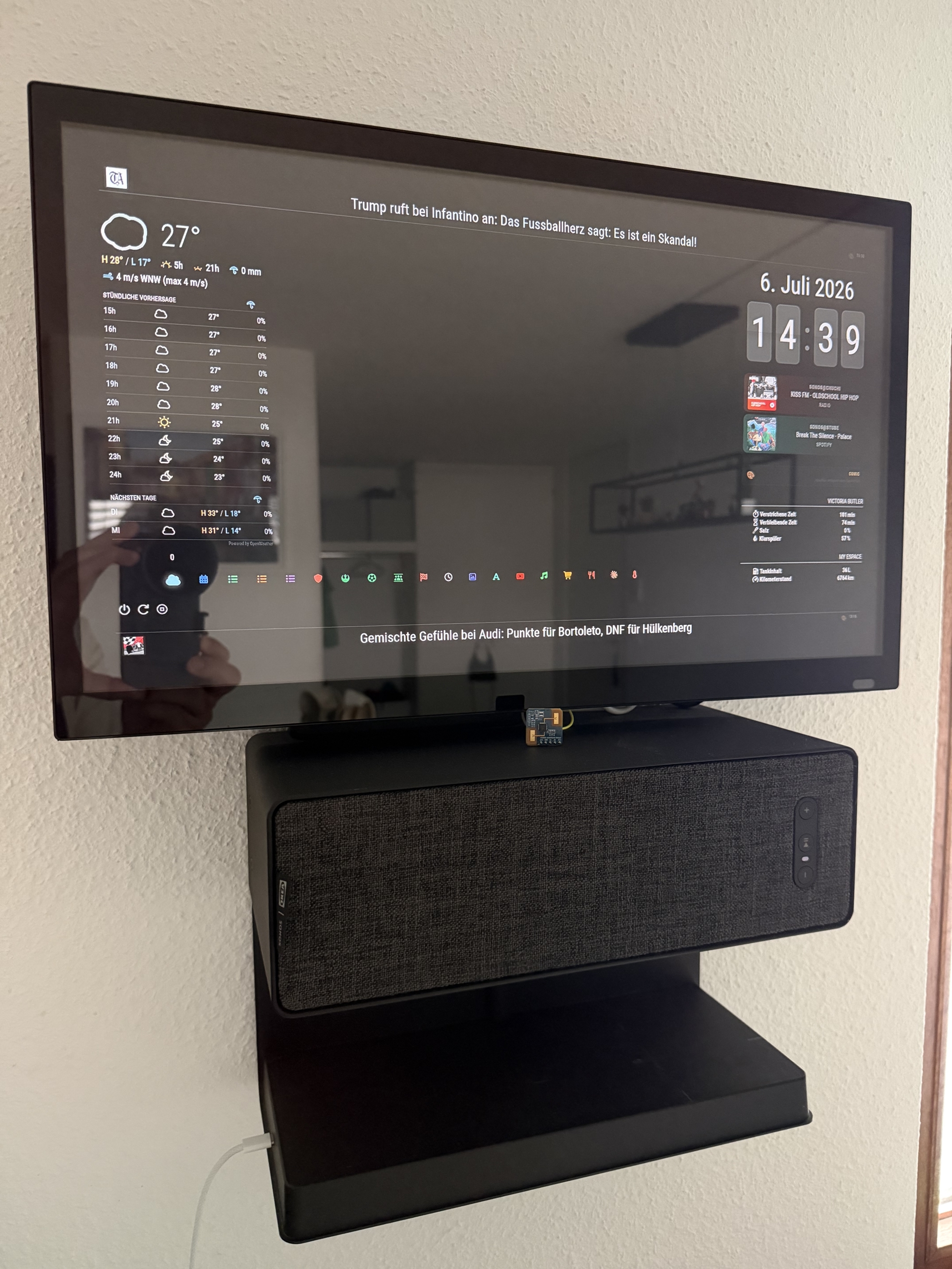
Hi everyone! After many evenings of tinkering I’d like to share our family’s MagicMirror² build. It hangs in the hallway and has become the central info hub for a family of five – calendars, school timetables, shopping lists, news, music, and a few experiments with AI. Everything is touch-operated.
Hardware
- Raspberry Pi 5 in a passive Flirc case, booting from USB
- Samsung DB22D – 22" Smart Signage LED display, mounted horizontally
- Connected via HDMI (video) and USB (touch)
- IKEA SYMFONISK bookshelf speaker (Sonos) mounted below the screen, sitting on the SYMFONISK shelf with built-in wireless phone charging – so the mirror doubles as a charging station
- S3KM1110 mmWave radar sensor for presence detection (much more reliable than PIR – it detects you even when you stand still)
Software overview
- MagicMirror² on Raspberry Pi OS Bookworm
- 19 pages, navigated by swipe gestures (MMM-Touch + MMM-pages + MMM-page-indicator with custom FontAwesome icons per page)
- MMM-ModuleScheduler switches between day and night layout automatically
- MMM-Remote-Control for administration and as an API for my presence script
The pages
Family calendar
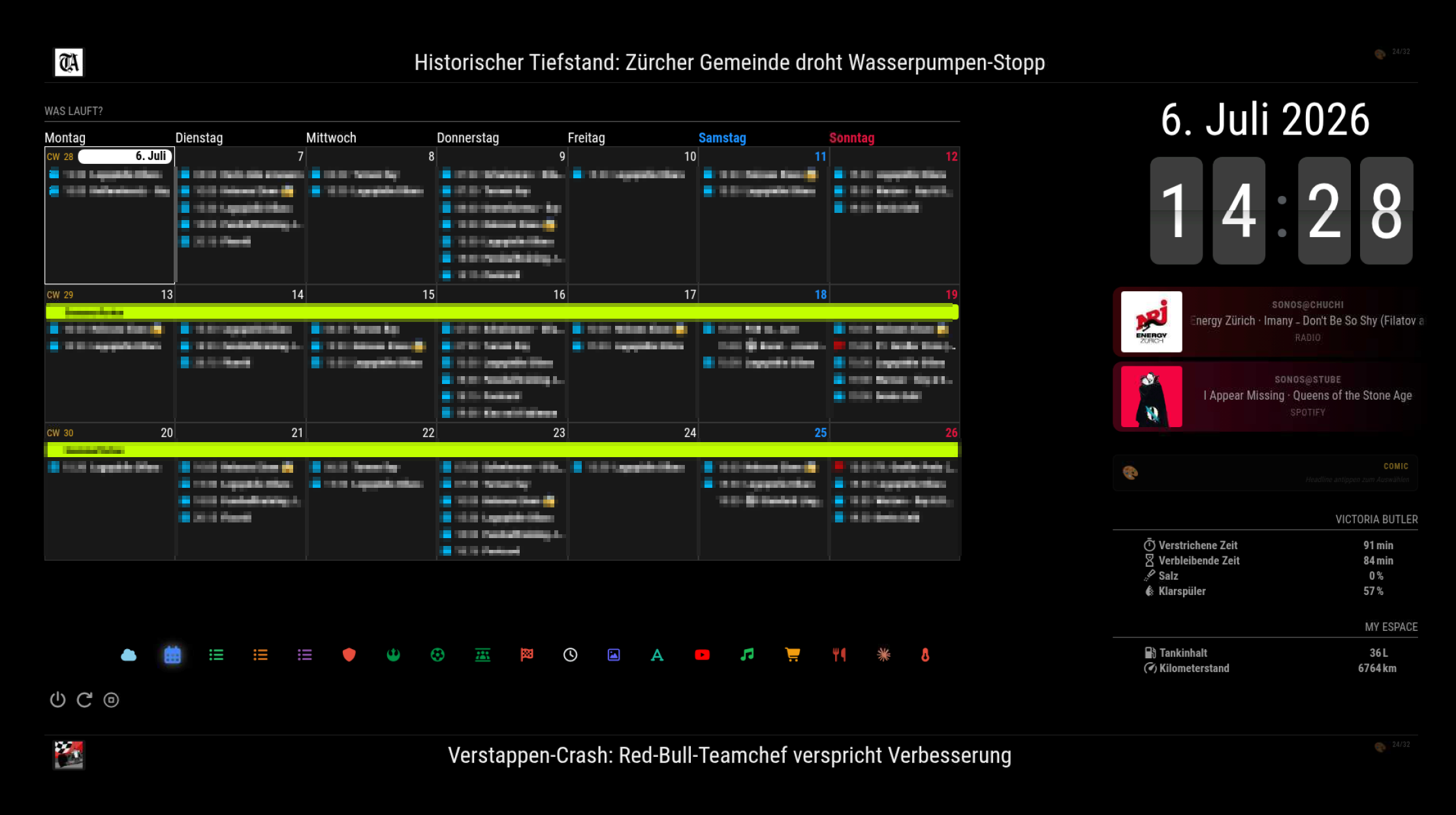
MMM-CalendarExt3 in week view, merging iCloud family calendars, school holidays, both kids’ football clubs’ match schedules (auto-imported from the association’s ICS feeds), Juventus fixtures and the F1 calendar – color-coded per source.
School timetables (3 pages)
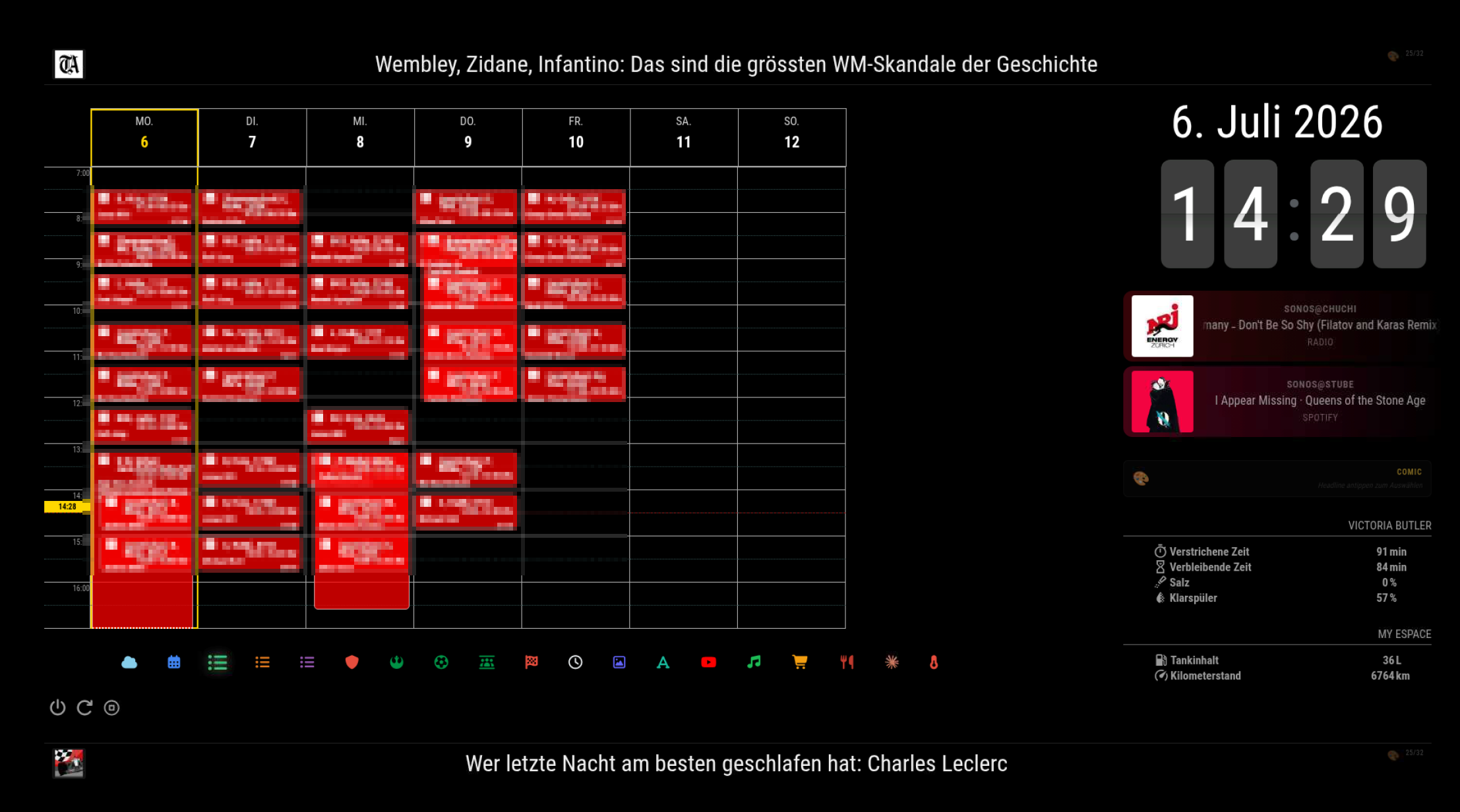
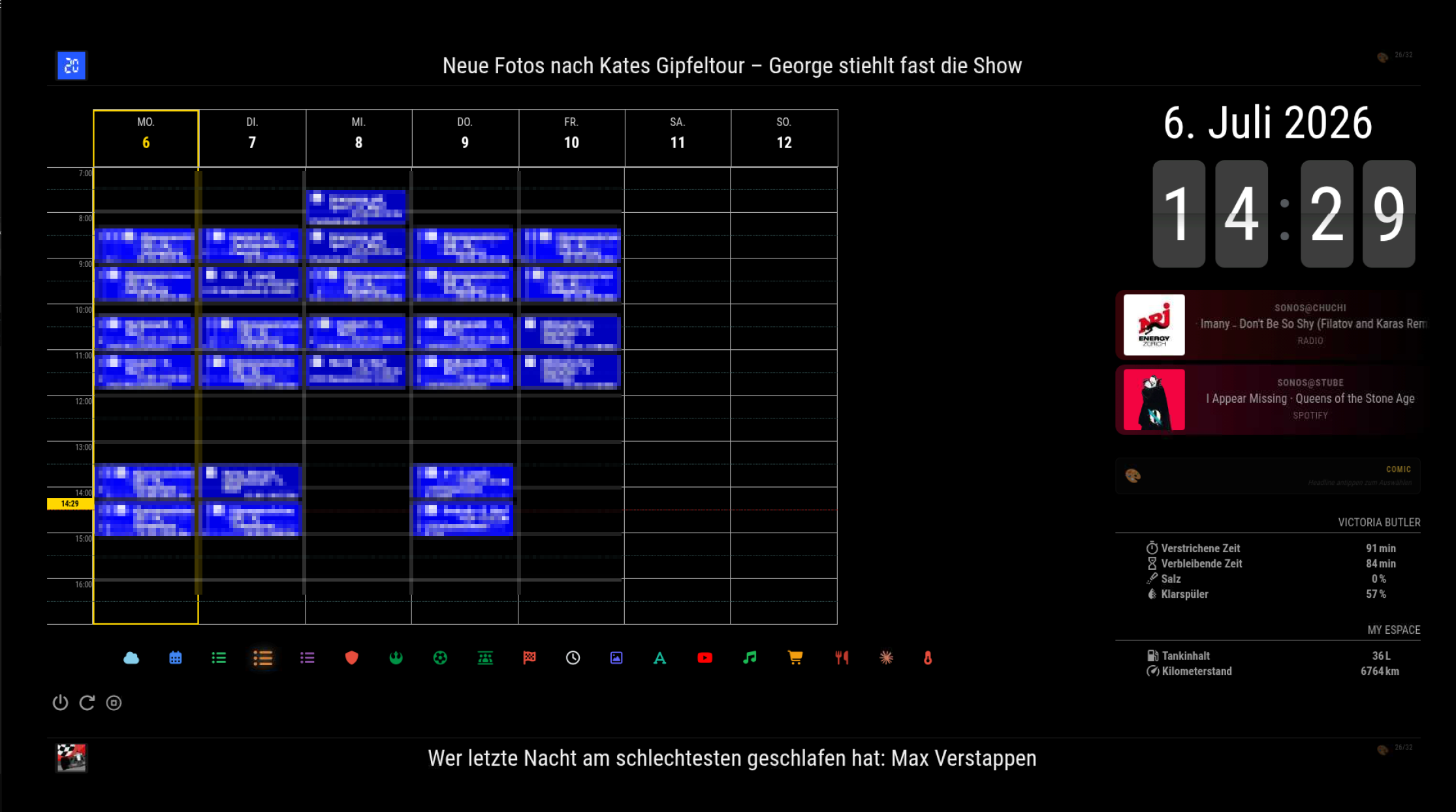
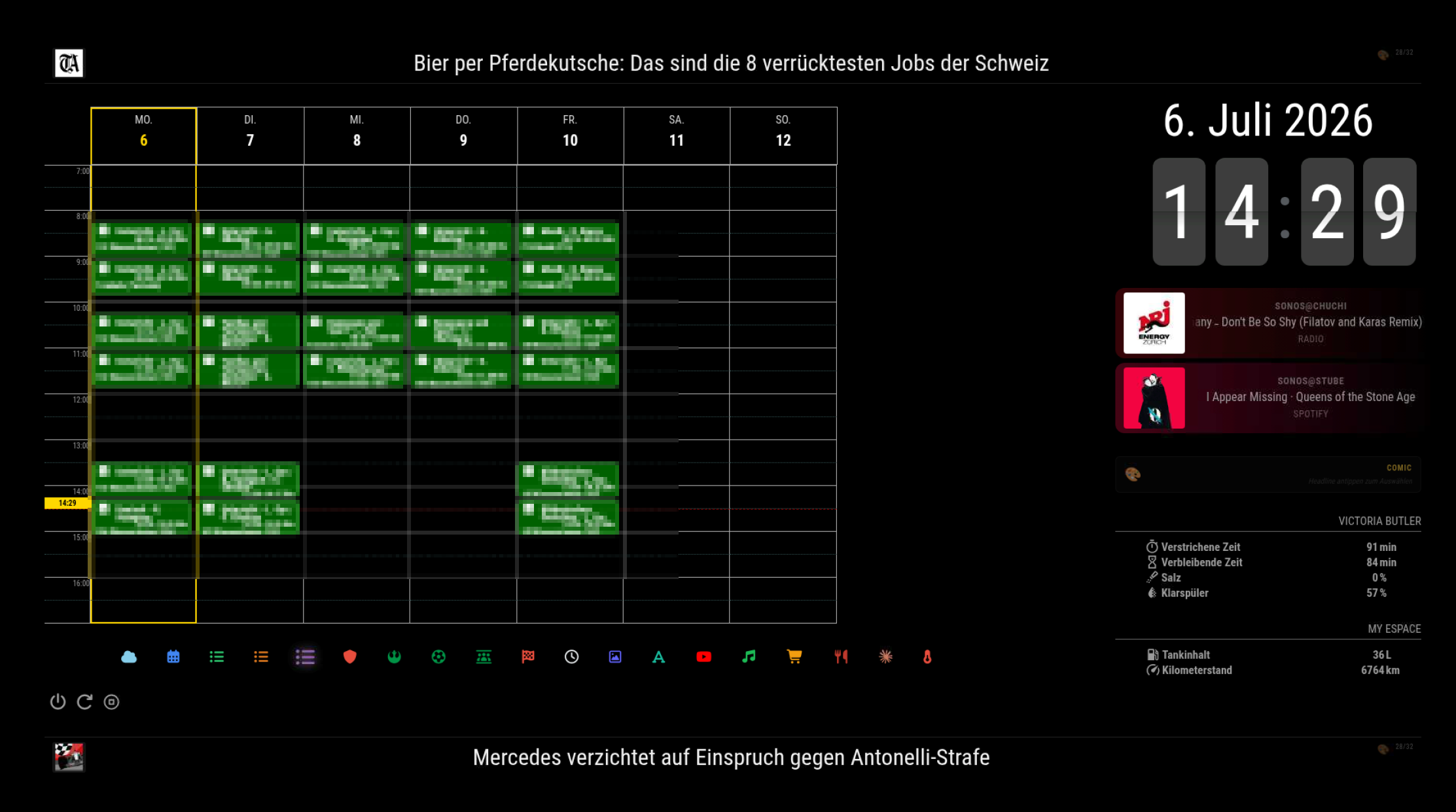
One page per child, rendered with MMM-CalendarExt3Journal as a proper weekly timetable grid. The data comes straight from the schools’ ICS exports, so it updates itself – no manual maintenance. The kids check their own page in the morning.
Shopping list with recipe integration
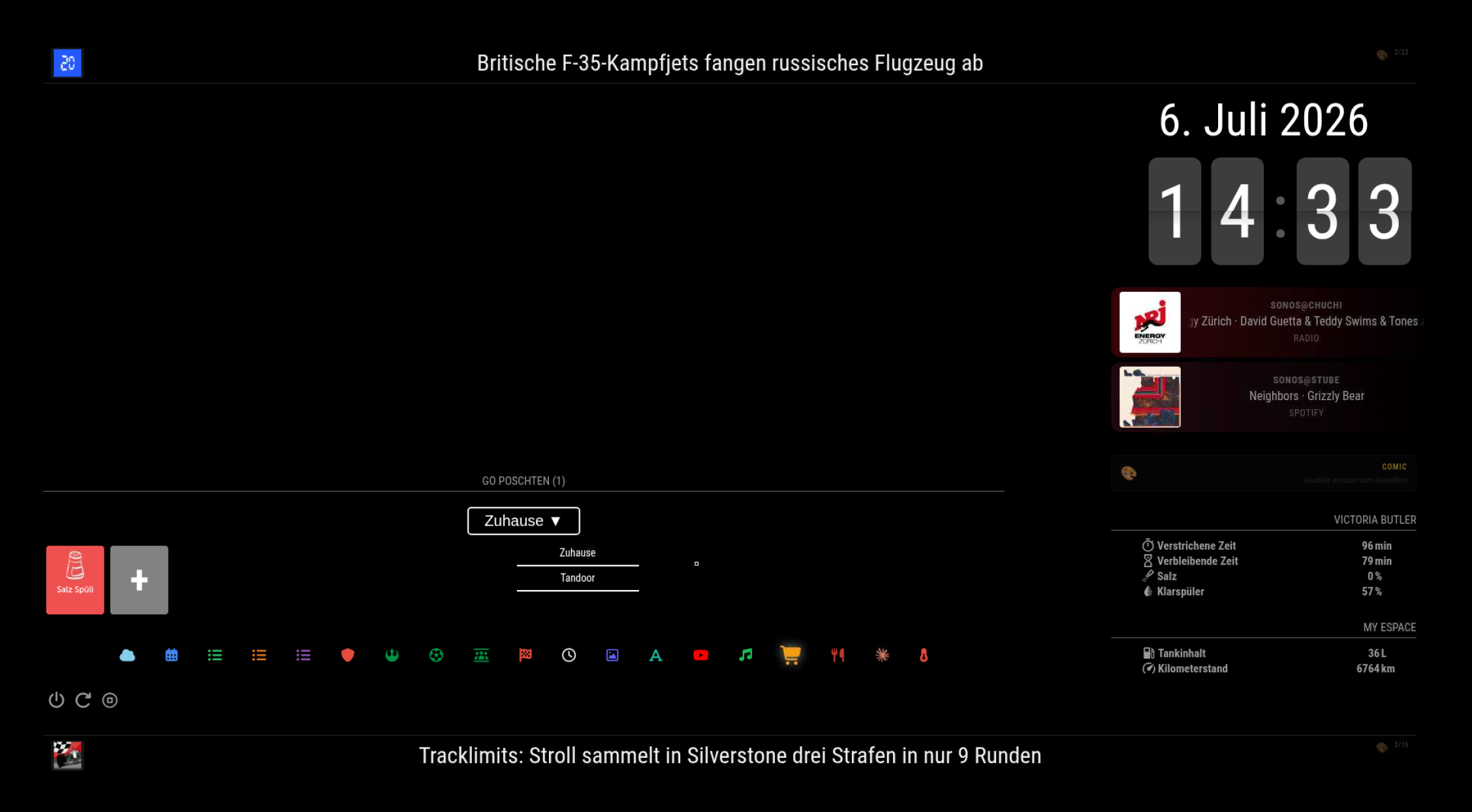
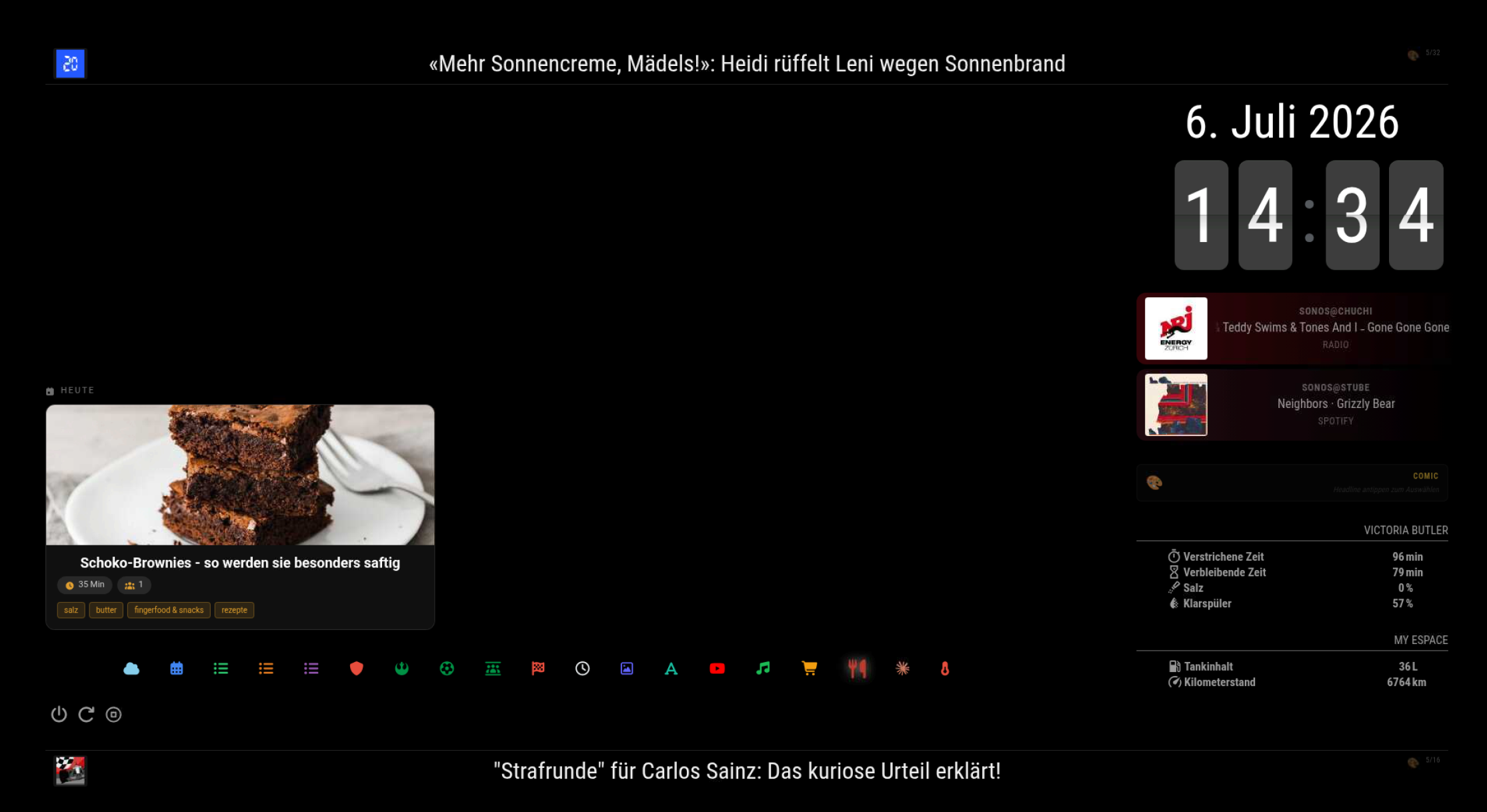
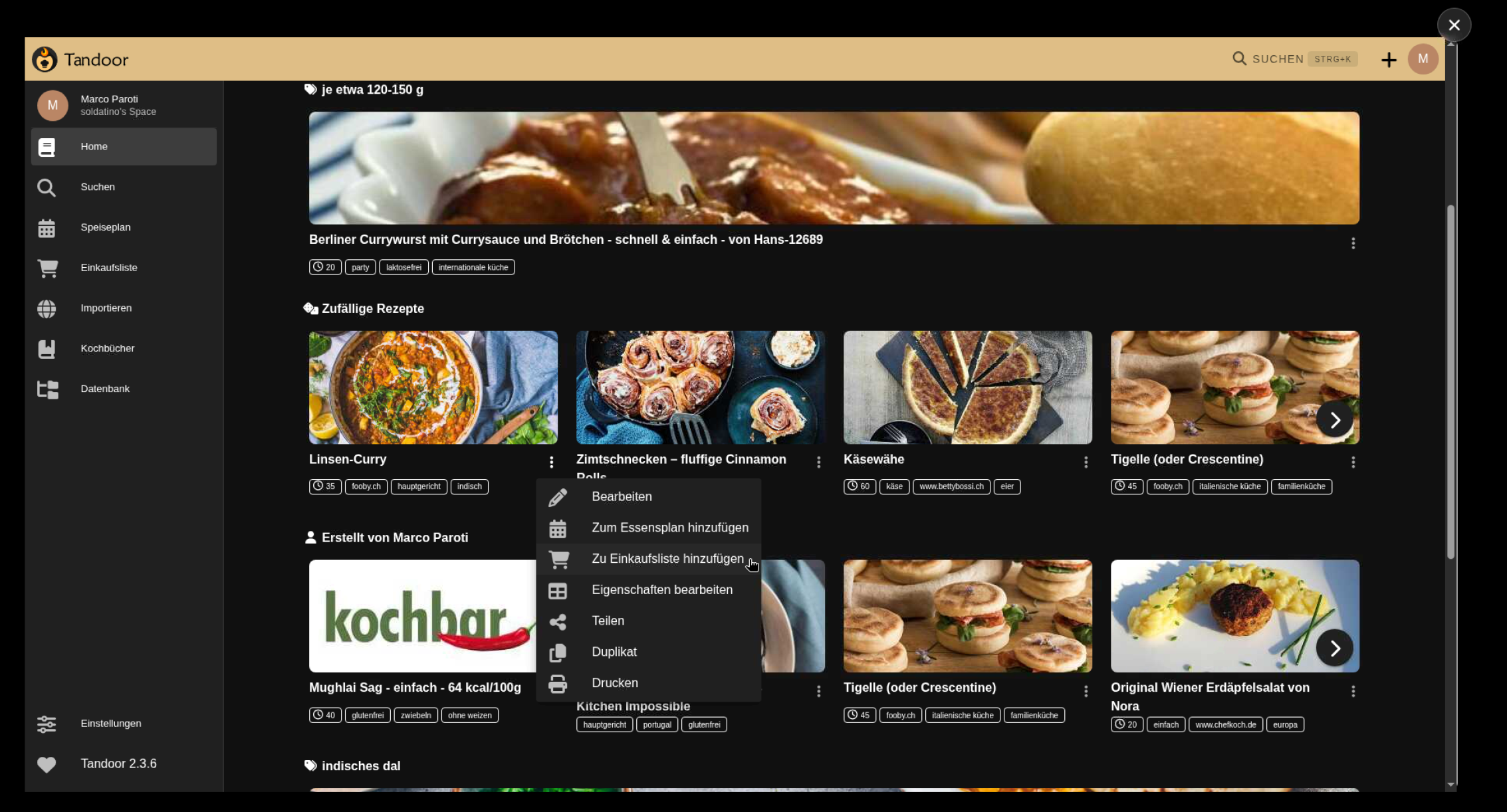
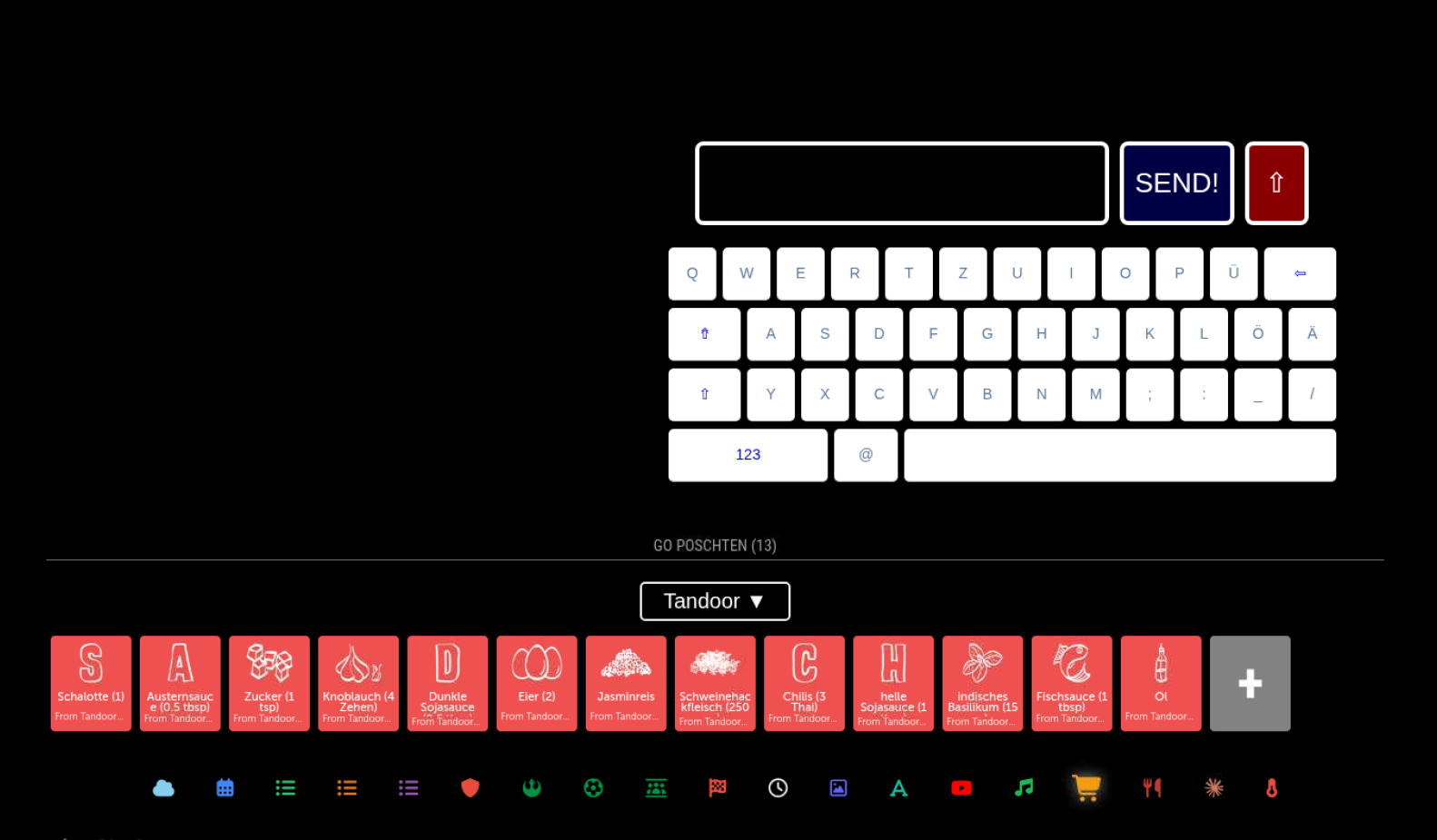
MMM-Bring shows our Bring! lists with full touch support – tap to add items (on-screen keyboard), tap to check them off. We use multiple lists; one of them is fed by Tandoor Recipes (self-hosted on a Synology NAS): when I add a recipe’s ingredients to the shopping list in Tandoor, they appear on the mirror. Meal plan and recipe of the day come from a small self-written MMM-Tandoor module.
News ticker with AI comic generation
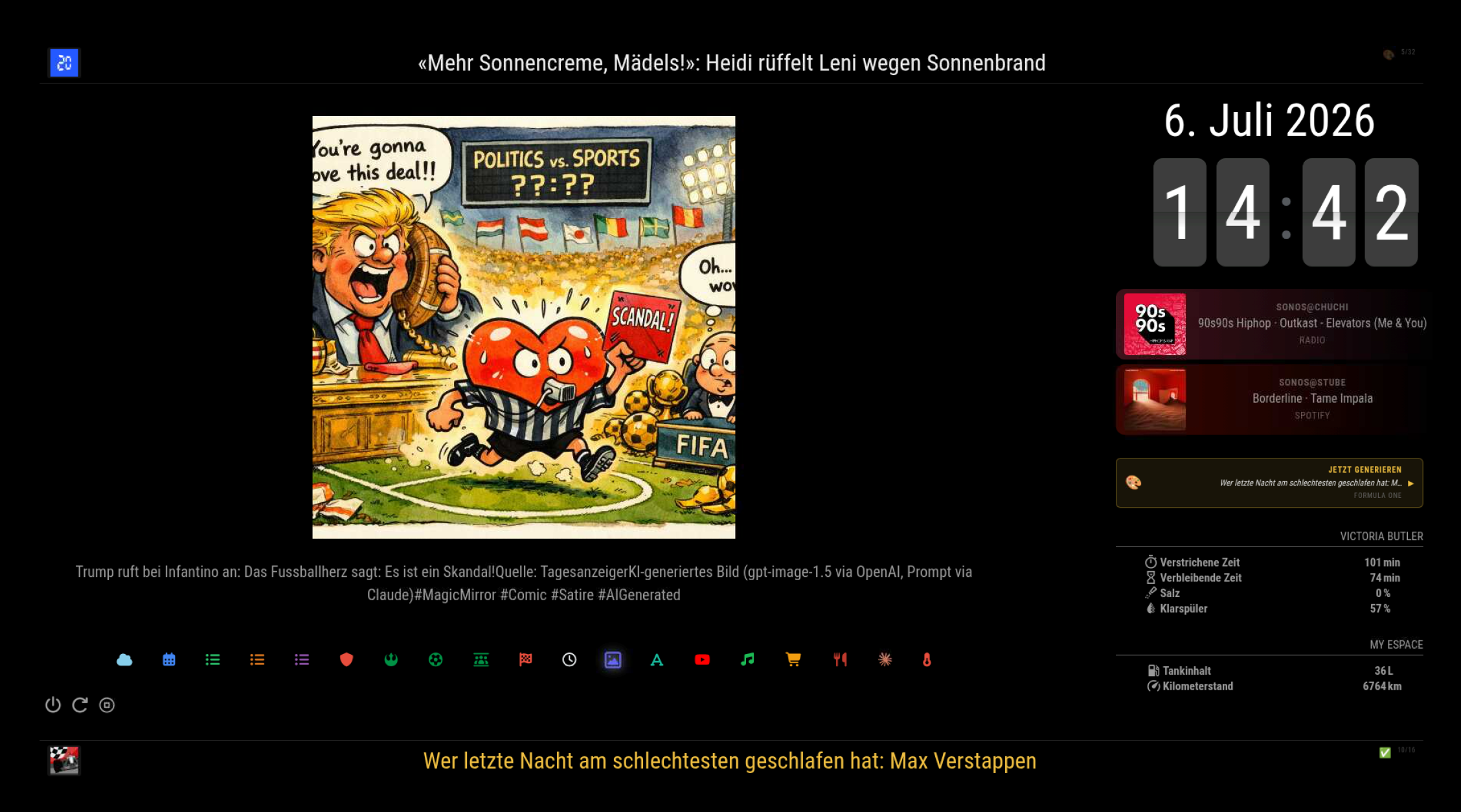
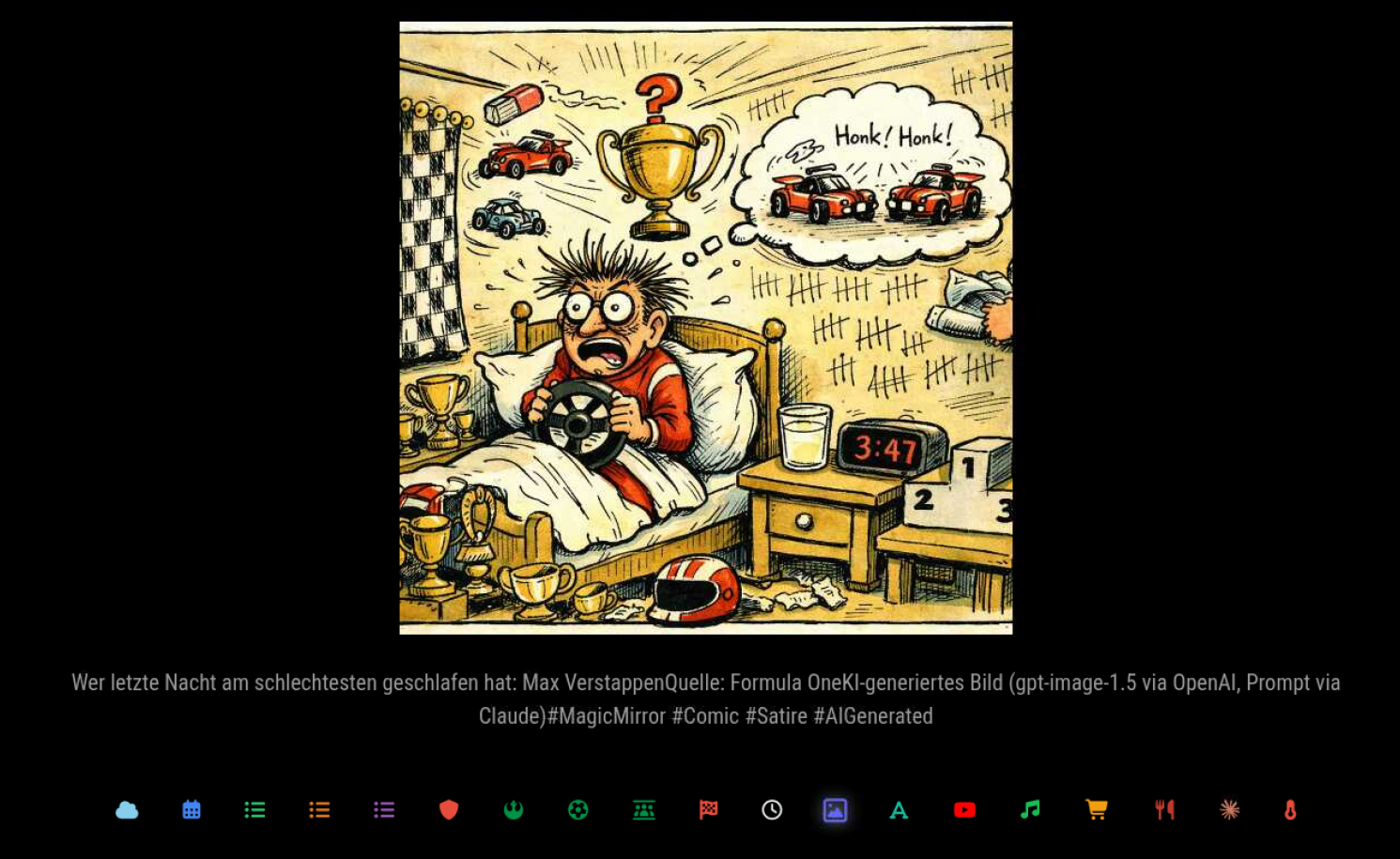
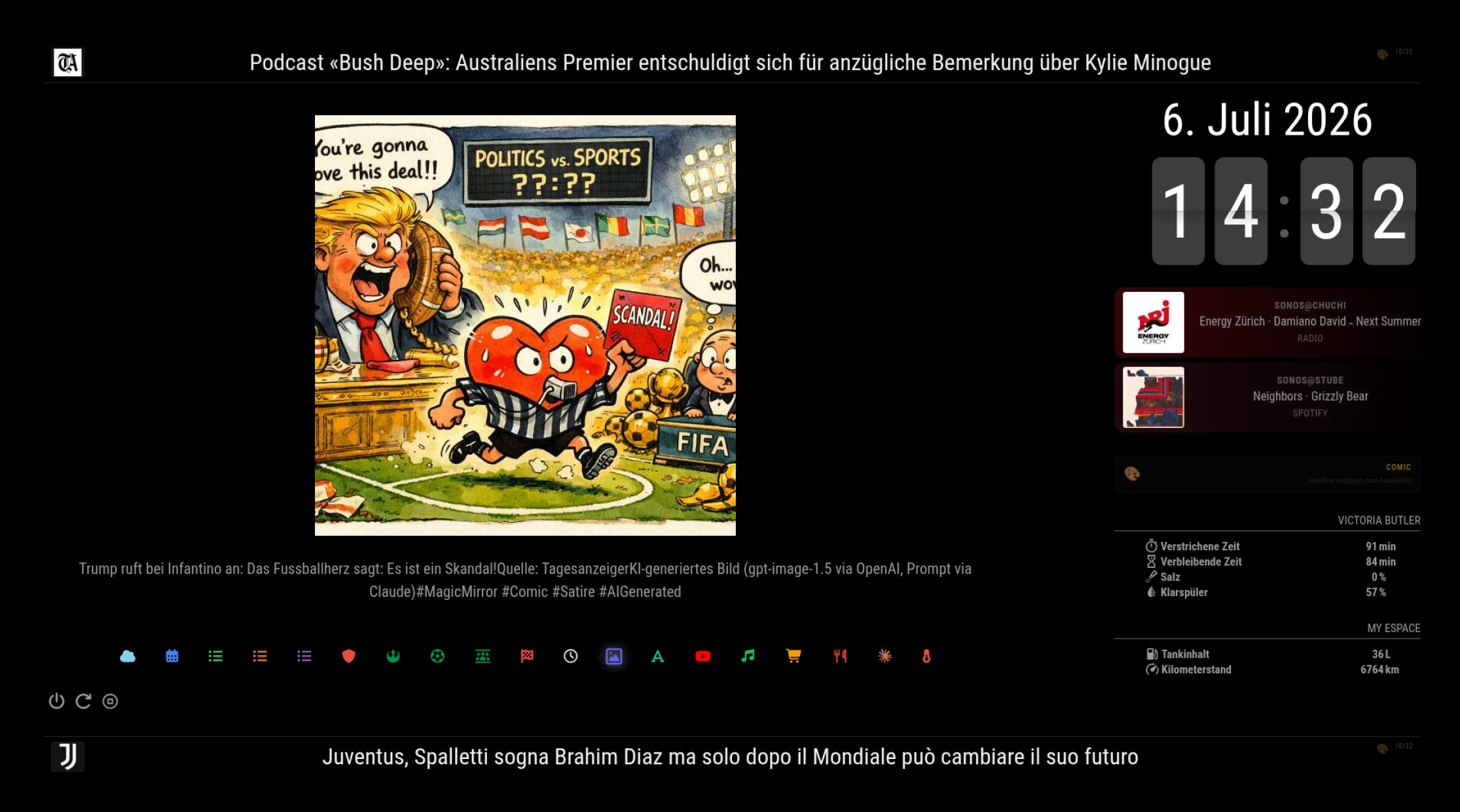
This is my favorite gimmick. A self-written module (MMM-NewsComicFeed) shows rotating headlines from Swiss news sources at the top, plus Juventus/F1 feeds at the bottom. Tapping a headline sends it through the Claude API, which writes a comic scenario in one of 15 styles; an image model renders it, and the result is posted to Mastodon and shown on the mirror. Instant satire from the morning news.
Claude assistant page
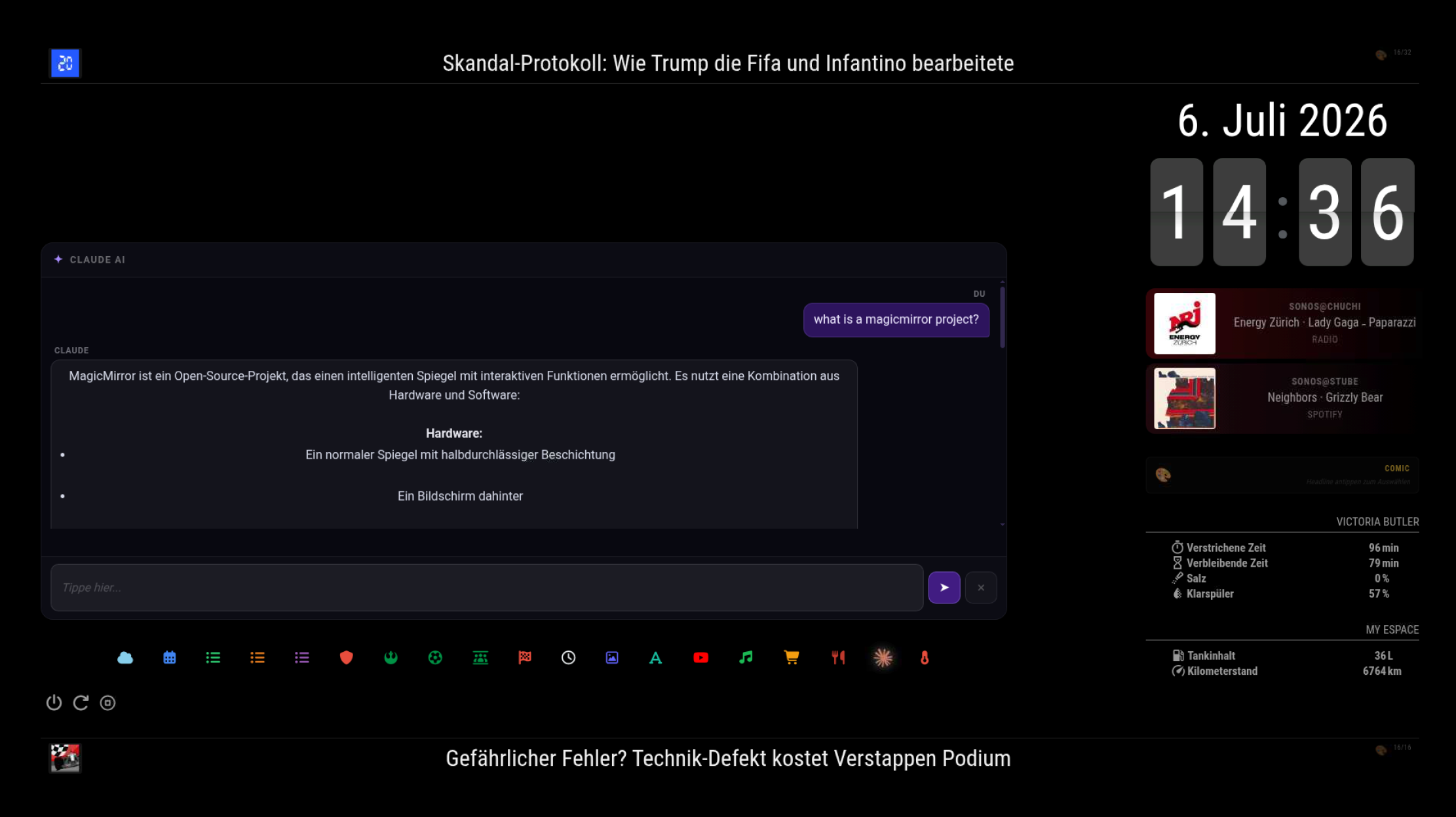
A self-written chat module with an inline DE/CH keyboard, Markdown rendering and optional web search – the family can ask anything directly on the mirror. The comic generation can be triggered from here as well.
More pages
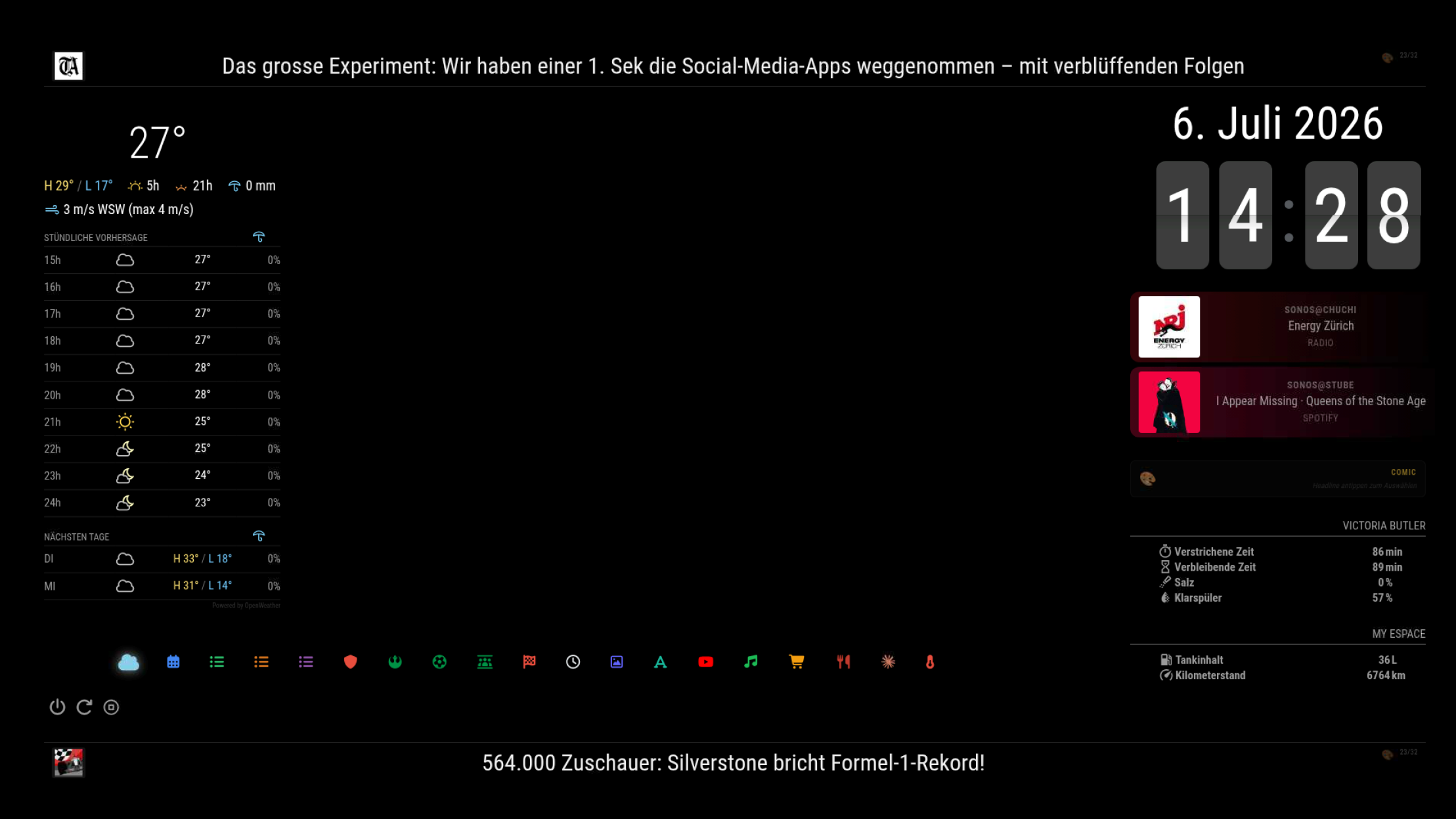
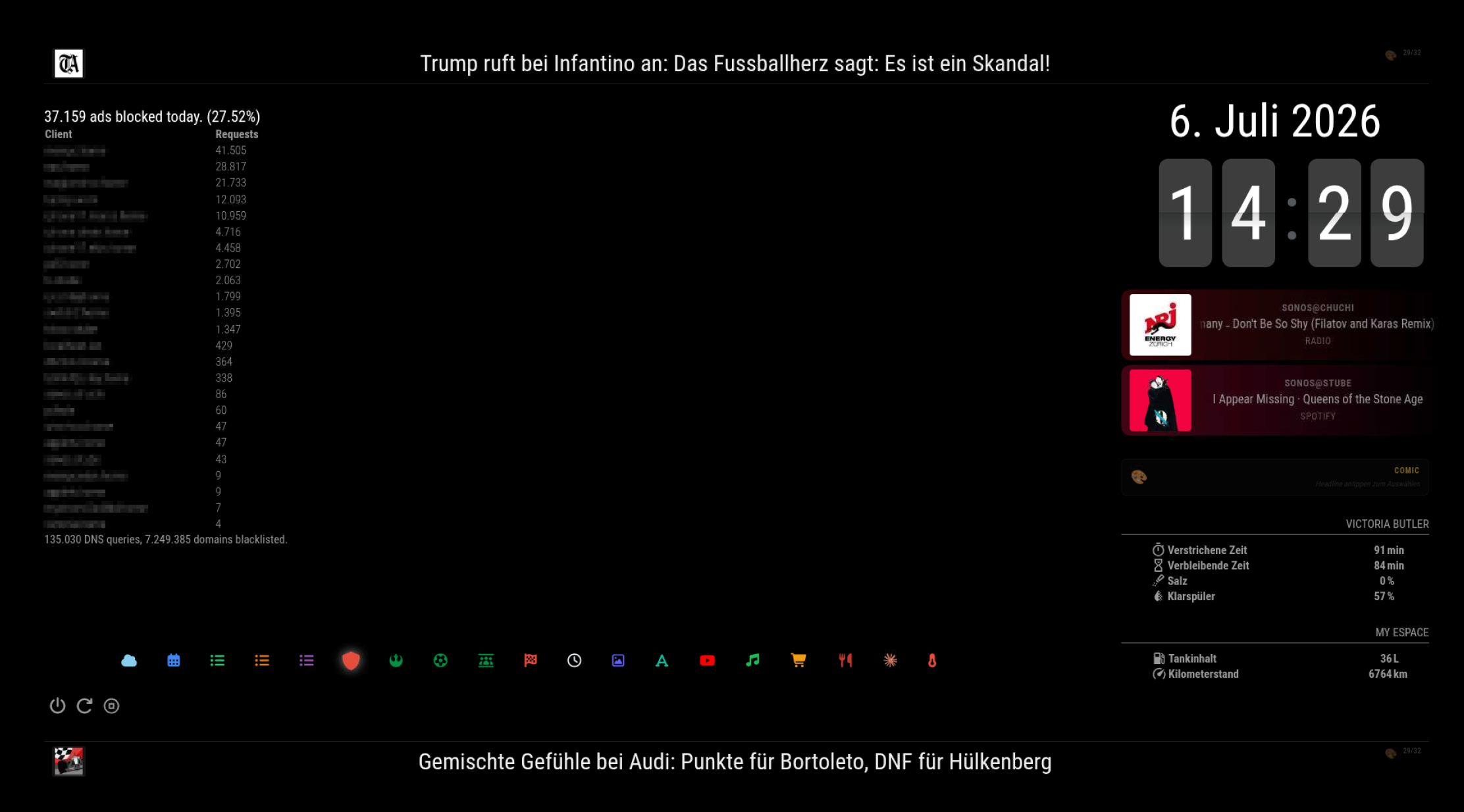
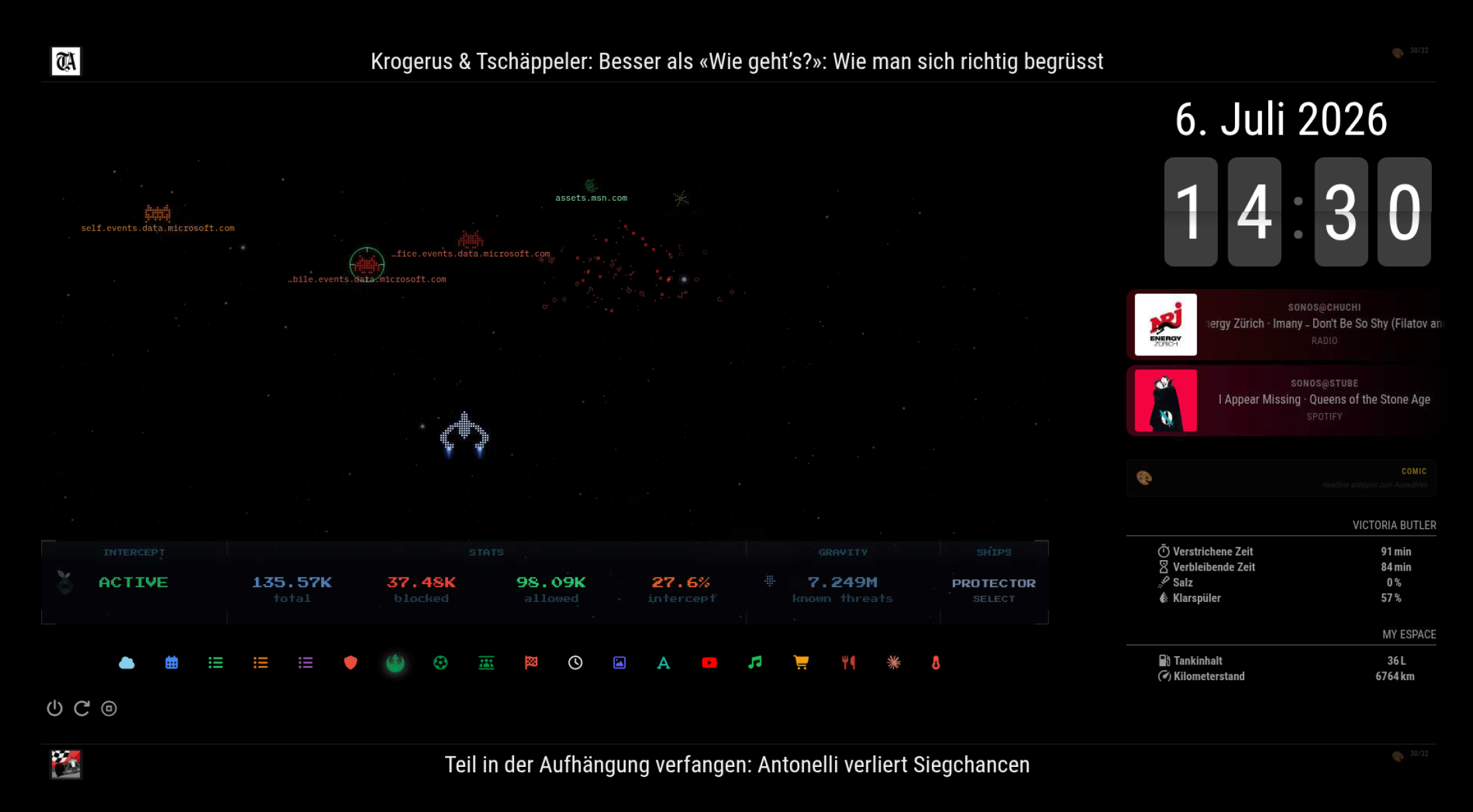
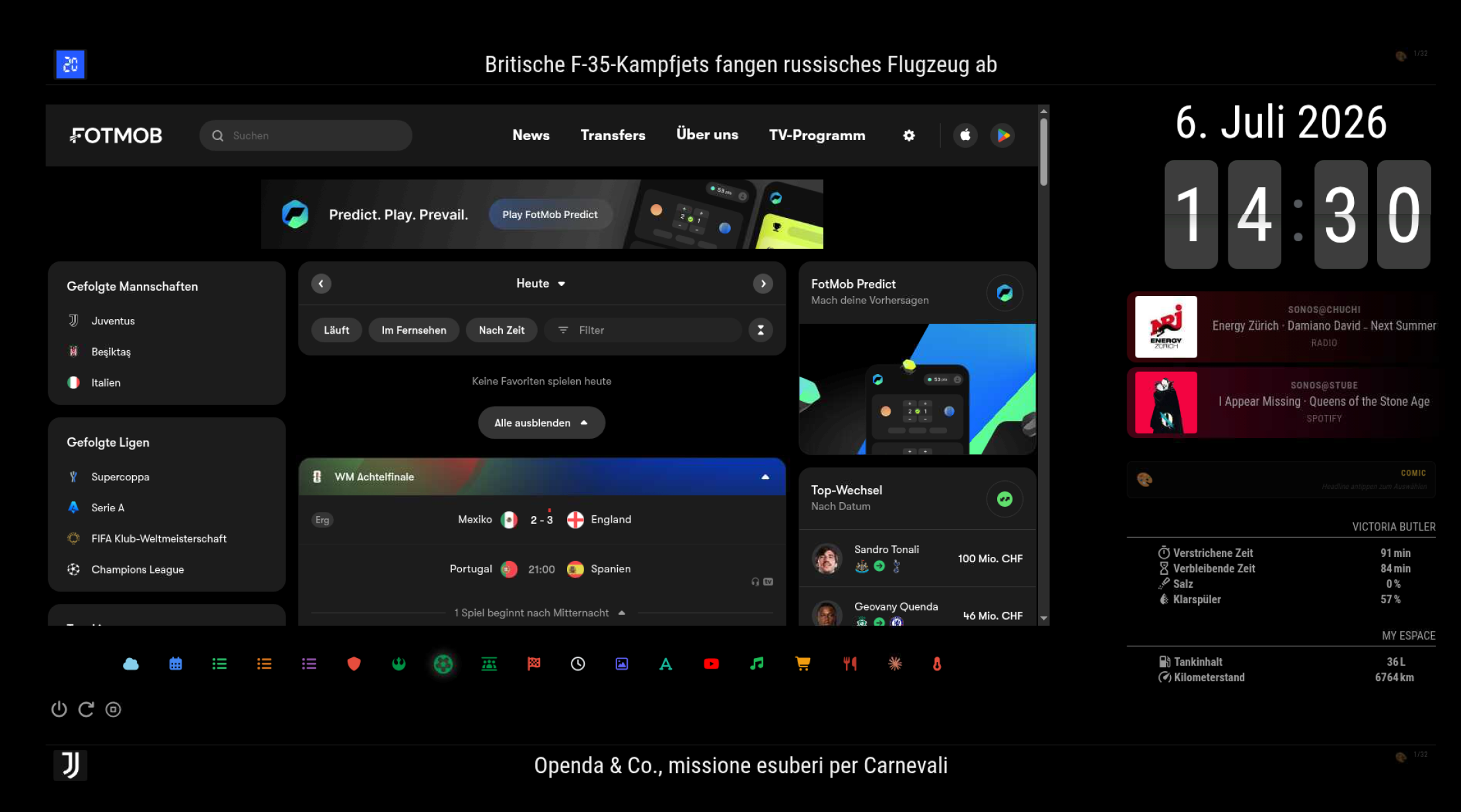
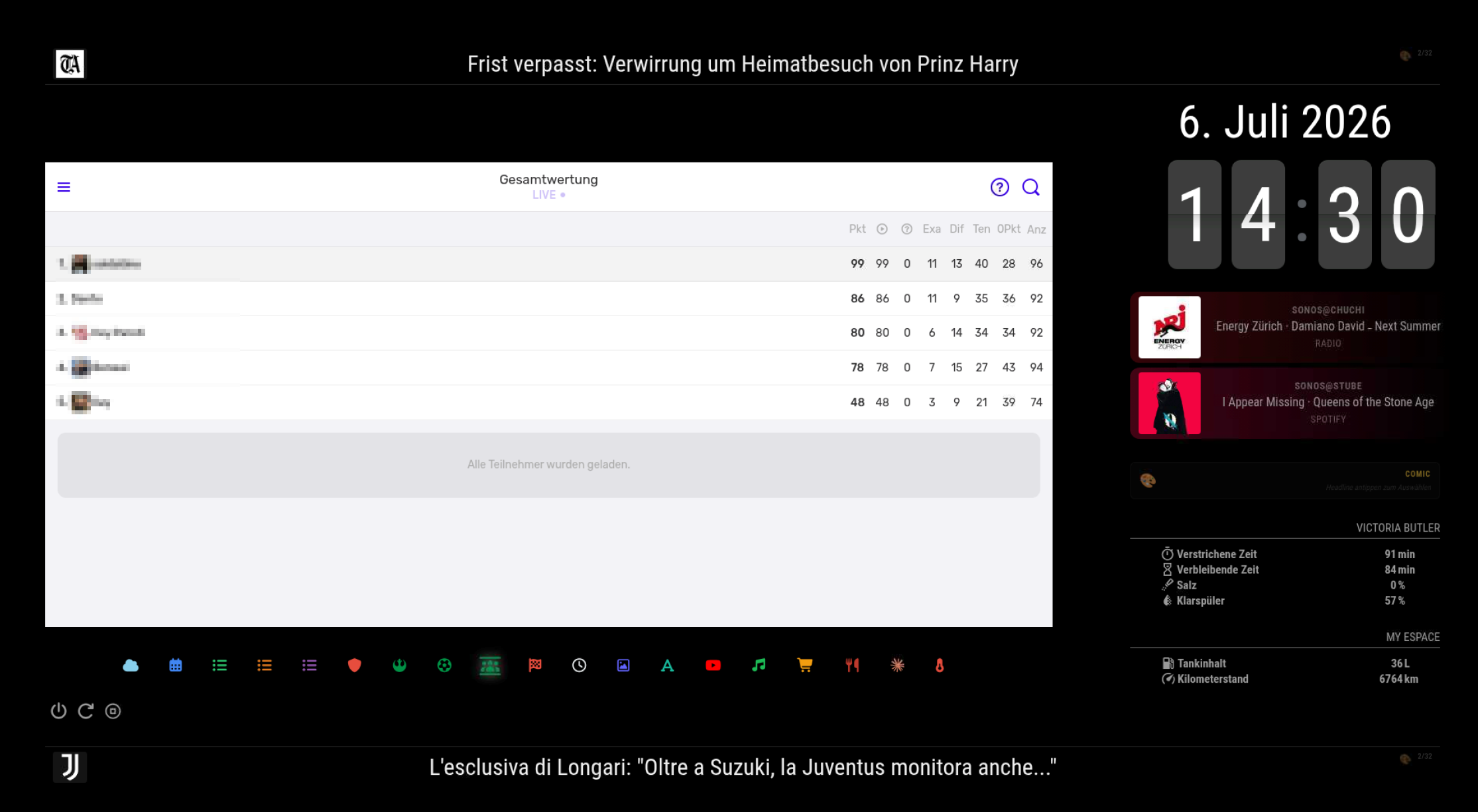
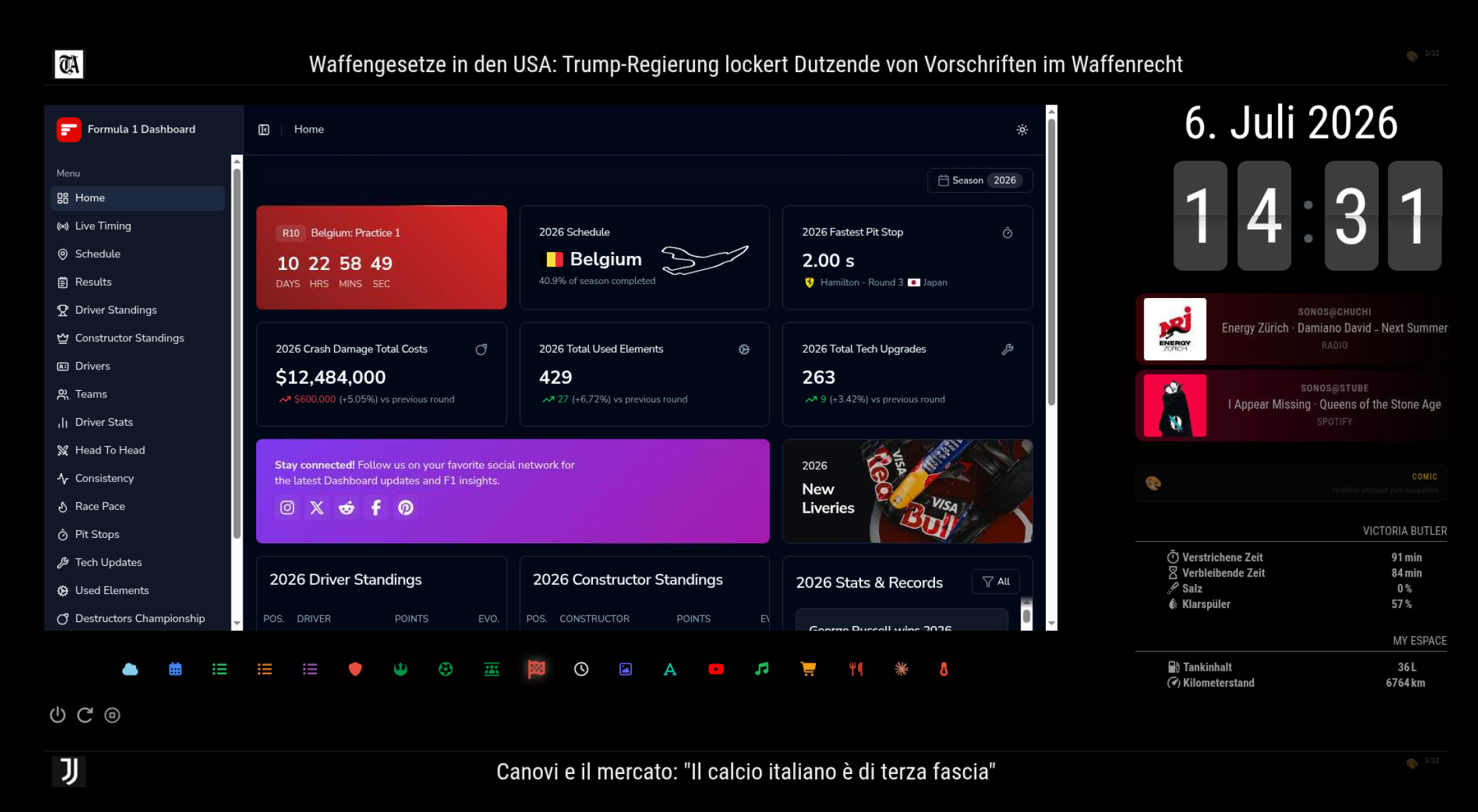
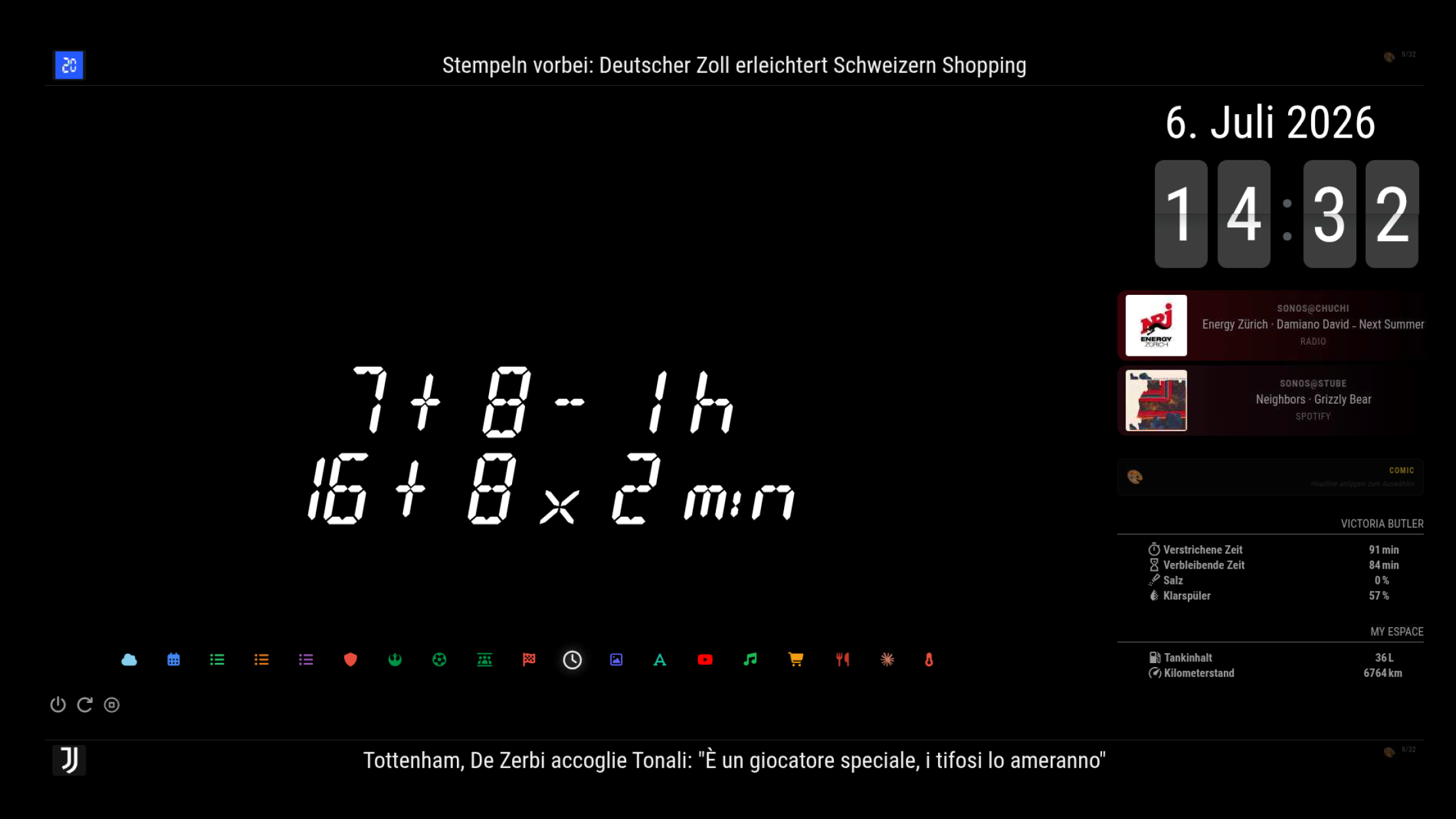
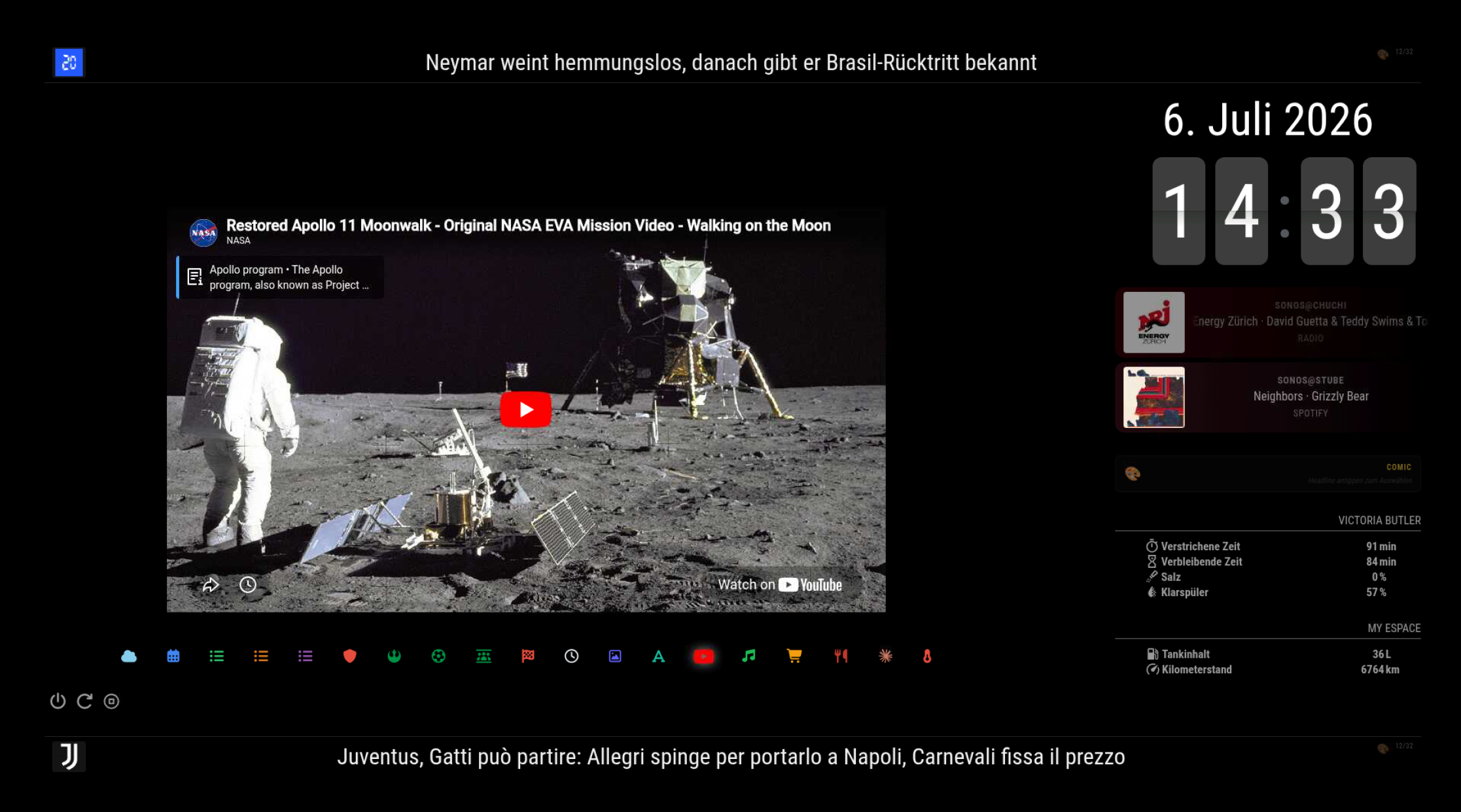
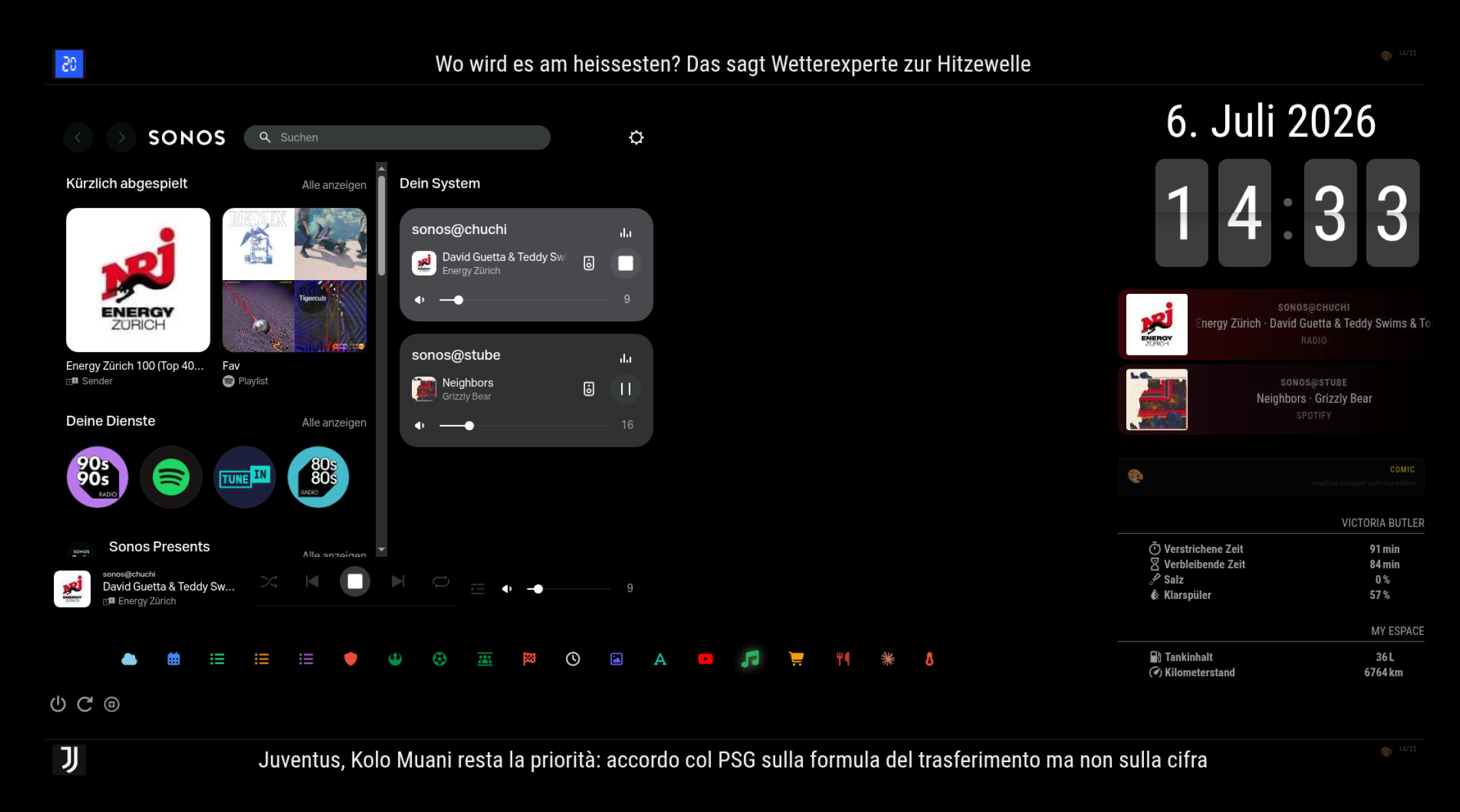
Weather (OpenWeather one-call), Pi-hole statistics, live football scores, F1 dashboard, a math clock (AlbertClock), a German word clock, YouTube playlists, Sonos control, Mastodon timeline, Home Assistant sensors (dishwasher status and even the car’s fuel level on the main page), and a thermal dashboard (see below).
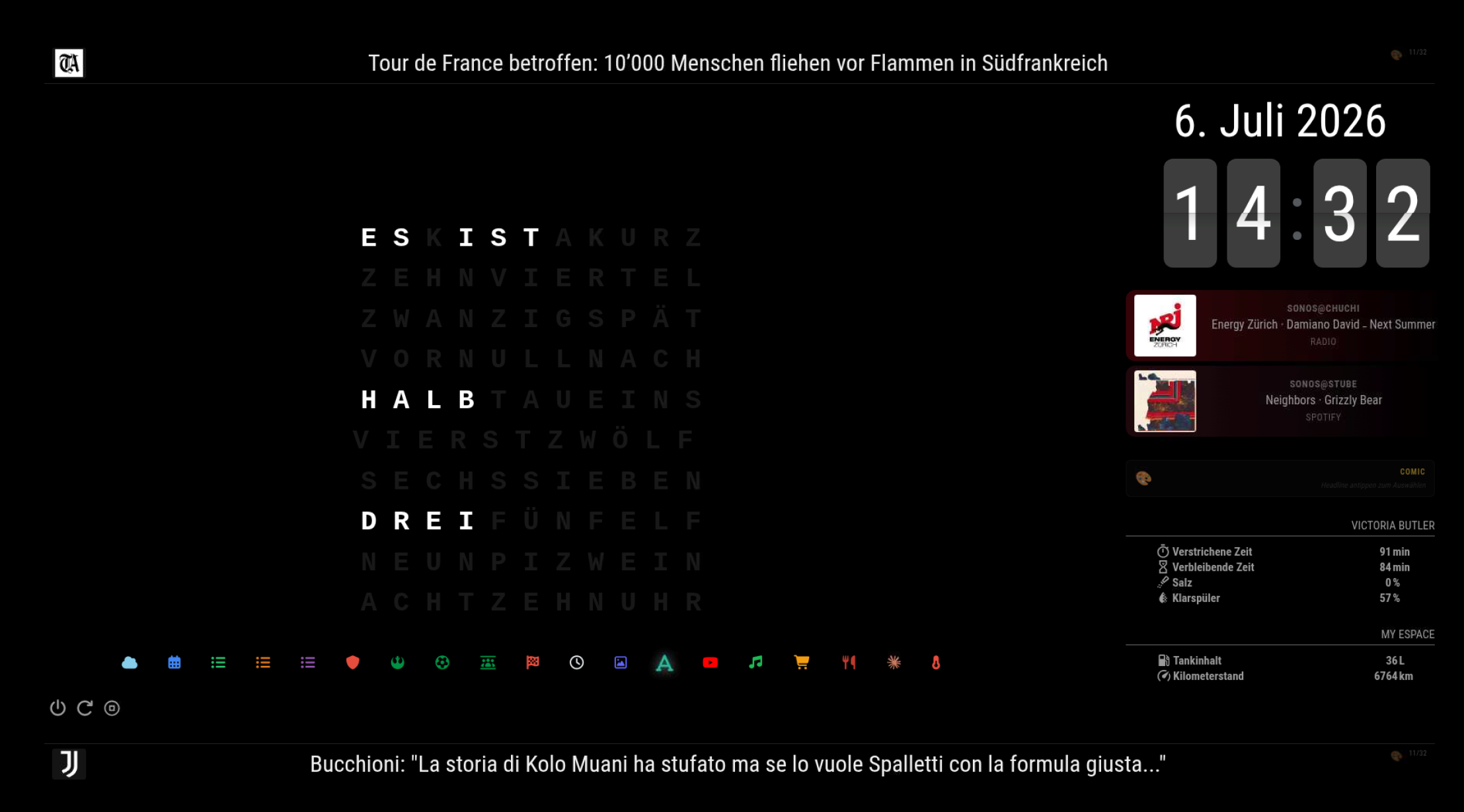
Presence detection & power management
A Python script reads the mmWave sensor via GPIO and controls the display: DPMS + HDMI-CEC off after 1h without presence during the day, 15 min at night. When the screen turns off, the script also calls the MMM-Remote-Control API to switch the mirror to an empty hidden page.
Why that last step matters: I rewrote MMM-Webview so that embedded web pages unload their Electron renderer process when hidden and reload when shown. Combined with the presence script, all heavy web content dies as soon as nobody is around – a big win for RAM, CPU and temperature on a passively cooled Pi.
Heat management (passive case, no fan)
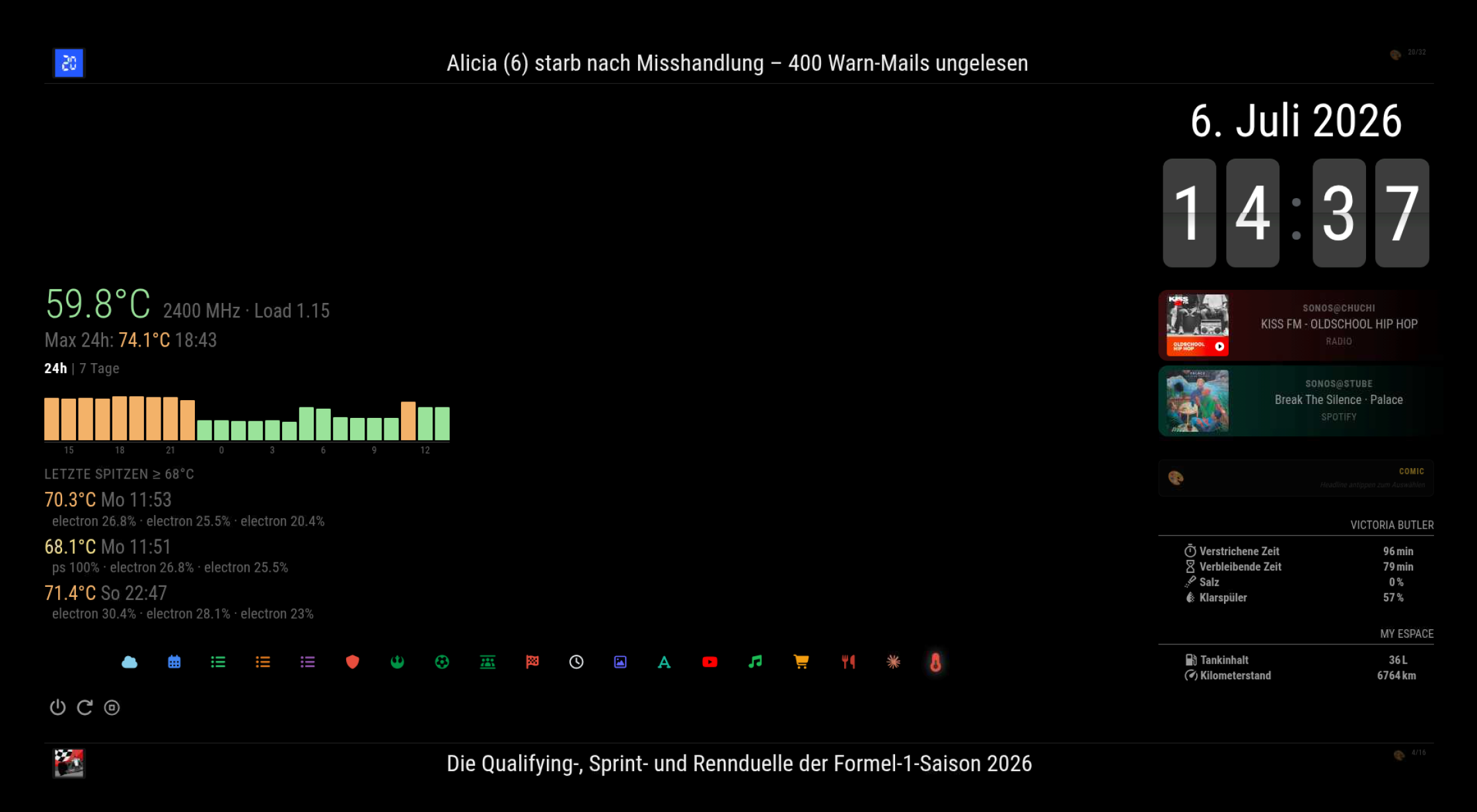
With several Electron webviews the Pi used to sit at 55–75 °C. To understand what was going on I built MMM-ThermalWatch: current temperature/clock/load, a 24h/7-day max-temperature bar chart (touch to switch views, tap a bar for details), throttle-flag decoding, and a peak log that captures which processes were actually busy whenever a temperature threshold is crossed – measured as instantaneous CPU from /proc snapshots, with proper labels for Electron child processes.
The verdict: the peaks were exactly the parallel webview renderers. Since the suspend/resume rewrite and the presence integration, evenings run noticeably cooler – all of it without a fan.
[SCREENSHOT: ThermalWatch page]Complete module list
Navigation, layout & system
- MMM-pages – 19 pages plus hidden pages (screensaver, admin)
- MMM-Touch – swipe gestures for page navigation
- MMM-page-indicator – with custom FontAwesome icons per page via CSS
- MMM-TouchButton – shutdown / reboot / stop buttons on the mirror
- MMM-ModuleScheduler – automatic day/night layout switching
- MMM-Remote-Control (+ MMM-Remote-Control-Repository) – admin UI and REST API (also used by my presence script)
- MMM-Keyboard – on-screen keyboard, used by Bring!
- alert, updatenotification – MagicMirror core
Always visible
- MMM-FlipClock – flip-style clock
- MMM-DateOnly – date display
- MMM-Sonos – now-playing cards for all Sonos groups (mini mode, album-art colors, progress and source icons)
Calendars & family
- MMM-CalendarExt3 – merged family week view
- MMM-CalendarExt3Journal – 3× weekly timetable grid (one per child)
- calendar (core module) – ICS feed provider for all of the above: iCloud family calendars, exam calendar, school holidays, two football club match calendars, Juventus fixtures, F1 calendar, and both schools’ timetable exports
- MMM-homeassistant-sensors – 2× on the main page: dishwasher status (elapsed/remaining time, salt, rinse aid) and the car’s fuel level + mileage from Home Assistant
Content pages
- MMM-OpenWeatherForecast – current conditions, hourly and daily forecast
- MMM-pihole-stats – Pi-hole DNS statistics
- MMM-Webview – 5× (own rewrite, see below): Home Assistant dashboard, football live scores, betting-pool rankings, F1 dashboard, Sonos web app
- MMM-HTMLSnippet – AlbertClock (math clock, hosted locally on the Pi-hole)
- MMM-germanwordclock – word clock
- MMM-RemoteYoutube – YouTube playlists with time-based switching
- MMM-Mastodon – Mastodon timeline (shows the generated comics, among other things)
- MMM-Bring – Bring! shopping lists with touch add/check-off
- MMM-Tandoor – meal plan / recipe of the day (self-written)
- MMM-NewsComicFeed – 2× news ticker, top (Swiss news) and bottom (Juventus + F1), with tap-to-comic (self-written)
- MMM-ComicButton – comic generation pipeline (self-written)
- MMM-Claude – AI assistant page (self-written)
- MMM-ThermalWatch – thermal dashboard (self-written)
Self-written modules in this build
- MMM-NewsComicFeed – RSS ticker with tap-to-comic function
- MMM-ComicButton – Claude → image model → Mastodon pipeline, 15 comic styles
- MMM-Claude – chat assistant with on-screen keyboard and web search
- MMM-Tandoor – meal plan / recipe display from a self-hosted Tandoor instance
- MMM-Webview (rewrite) – webview embedding with suspend/resume of hidden pages
- MMM-ThermalWatch – thermal dashboard with process-level peak diagnosis
-
Awesome! 👏
One nitpick:
MMM-Remote-Controldoesn’t needMMM-Remote-Control-Repositoryanymore. -
Dear @soldatino,
very (!) impressive!
Not really MY usecase because of my explicite approach to use my mirror as a viewing port but really nice.To my big surprise I found your fifth screen with Bring! integration and was therefore inspired to try this again (longer time ago for some strange reasons the module didn’t work on my installation and i stopped trials around that, assuming that +six years old code doesn’t work at all).
With your awesome setup I gave it a second try - and it worked.
But: It throws severe security issues and in addition it doesn’t work exactly as desired (by me).That’s the reason why I forked & refactured the original module.
You can check the whole story behind my approach in this post - if you like.I would like to say “thanks” to you for this “kick” and inspiration.
Warm regards,
Ralf -
@soldatino Very Nice Job… I just have 15 pages…
Your Self-written modules are interessting. Did your share your work for the community please?
Regards Niggich
-
This post is deleted! -
Hi. This is very nice. Can you share please your module for Renault? The one you use for your Espace. I drive also a Renault and that will be usefull for me. Thank you


Hello! It looks like you're interested in this conversation, but you don't have an account yet.
Getting fed up of having to scroll through the same posts each visit? When you register for an account, you'll always come back to exactly where you were before, and choose to be notified of new replies (either via email, or push notification). You'll also be able to save bookmarks and upvote posts to show your appreciation to other community members.
With your input, this post could be even better 💗
Register Login