Read the statement by Michael Teeuw here.
Playing a local mp4 file as a module
-
I have been trying to play a locally stored mp4 file within a module.
I used the existing config.js file and placed the mp4 in the same folder on my Raspberry Pi3. Is it possible to include just a player command within an existing module e.g. Alerts or Compliments ot see the video ?
Or do I need to create an entirely new module for this purpose, if Yes how would that look like (do I use omxplayer ?)? -
@sputnik said in Playing a local mp4 file as a module:
a module.
I used the existing config.js file and placed the mp4 in the same folder on my Raspberry Pi3. Is it possible to include just a player command within an existing module e.g. Alerts or Compliments ot see the video ?
Or do I need to create an entirely new module for this purpose, if YeDid you find a solution ?
-
@remylpat a lot of solutions out there, it depends on how noob you’re :)
-
@ramez I am noob on magic mirror
I am trying to set up something simple for my wife to use (WAF) but I can go deeper on the config
Any pointer really apreciated -
@remylpat great so first thing need to know is that your module will consist of 2 files the
YOUR_MODULE_NAME.jsandnode_helper.jsand maybe third file calledYOUR_MODULE_NAME.css, The short brief description of thoses files is:1-
your_module_name.jsfile builds you module and communicate with other modules “like alerts and voice commands module…etc”
2-node_helper.jsfile communicate with OS itself "where you would ask it to play MP4 files or songs or send and Email or even shutdown the whole system!
3-your_module_name.cssbuilds the shape of your module and how it look like on the mirror “I think you don’t really need it as your module idea is to take an alert or command from other modules then run omxplayer or vlc”Excuse me I don’t know what is WAF? also do you run your mirror with voice commands? I mean how you really wanna to play the MP4 file by telling the mirror or setting it to play at exact time in the day? or even play it when the weather becomes raining! and the most important question…do you’ve time to read :) here is The full desc. on how to make a module if you’re lazy like me :D so here is a great module MMM-voiceradio that you can simply edit it to best suite your needs, so it’s main
MMM-Myvoiceradio.jsjust take a command (which is called a notification in our mirror) from voice module and pass it to thenode_helper.jsto run some system files, what you need to edit here is the notification that make your module intialized and the exec command to play your file.Do some progress I’m waiting for your next question (^_^)
-
@ramez Thx a lot.
I’ll play with that later today and let you know.
Just to let you know I am building the smart mirror in order to have it as an Advertisement mirror and I would like to trigger by myself some video through a remote or button on it.
I’ll try your recommandations and let you know where I land :-)WAF : Woman Acceptance Factor (the most important thing that drive your life :-)
-
WAF : Woman Acceptance Factor (the most important thing that drive your life :-)
Ha! Great!
Isn’t there already at least one video player module out?
Can’t you use that one for your purpose.
Have a look into the 3rd party modules section at the MM github site. -
@remylpat nice, you may have to check those 2 modules MMM-Buttons and capacitve touch buttons fork
-
Are you wanting something to play a single mp4 file or several (like in a playlist) or to be given a choice to play from of a list of files stored in a local directory?
-
@justjim1220 said in Playing a local mp4 file as a module:
g something to play a single mp4 file or several (like in a playlist) or to be given a choice to play from of a list of files stored in a local directory?
My target is having like 5 files and 1 button per file to launch each of them.
I want mirror to diplay a video when I click on a remote then back to normal state (no video / minimal display) then click again (on another button for example) and the other video launch.
The mirror is to be used on a shop like a haircut -
I think I can work out something. might take me a few days to get it done, but I should be able to come up with something.
“Life’s Too Short To Dance With Ugly People”
Jim Hallock - 1995 -
Are one of these modules that you are planning to use for the buttons?
https://github.com/ptrbld/MMM-Button
https://github.com/Jopyth/MMM-Buttons
https://github.com/tosti007/MMM-TouchNavigation -
@justjim1220 Here’s an idea…
https://medium.com/@daspinola/video-stream-with-node-js-and-html5-320b3191a6b6
https://stackoverflow.com/questions/24976123/streaming-a-video-file-to-an-html5-video-player-with-node-js-so-that-the-video-c -
@justjim1220 said in Playing a local mp4 file as a module:
https://github.com/ptrbld/MMM-Button
https://github.com/Jopyth/MMM-ButtonsYes I was planning using the MMM-Button but right now it is not yet working on my side. I am resolving some depandencies issues
-
@cowboysdude Thanks CBD! :winking_face:
-
Just making sure I’m on the same page as you…
You are wanting to use a button for each video on your Raspi which would mean you are going to have 5 buttons conected to the Raspi?
And, you are not wanting clickable buttons on the screen?
are you going to have a keyboard connected to your Raspi?
-
-
@justjim1220 You are right. No clickable button on screen. My preference is physical button on GPIO or bluetooth remote if simple.
-
@justjim1220 said in Playing a local mp4 file as a module:
https://github.com/ptrbld/MMM-Button
https://github.com/Jopyth/MMM-ButtonsAnyone give me an idea on which of these module works the best with RasPi?
I want to integrate one of them into a different module I am creating that will also use them…
So looking for ease of use and understand-ability not only by myself, but for the user.
(I don’t have a RasPi, So will also be looking for anyone willing to help test it for me as well.) :smiling_face_with_sunglasses: :smiling_face_with_sunglasses: :smiling_face_with_sunglasses:
-
Give this a try…
See if it is anything close to what you are wanting…
Still tweaking it a bit, but it is working.
I am working on getting it to work with the RasPi buttons also.
Please give me any and all feedback, Thanks! :smiling_face_with_sunglasses:
Description:
A very simple video player module with clickable thumbnails to show playlist.
Screenshots:
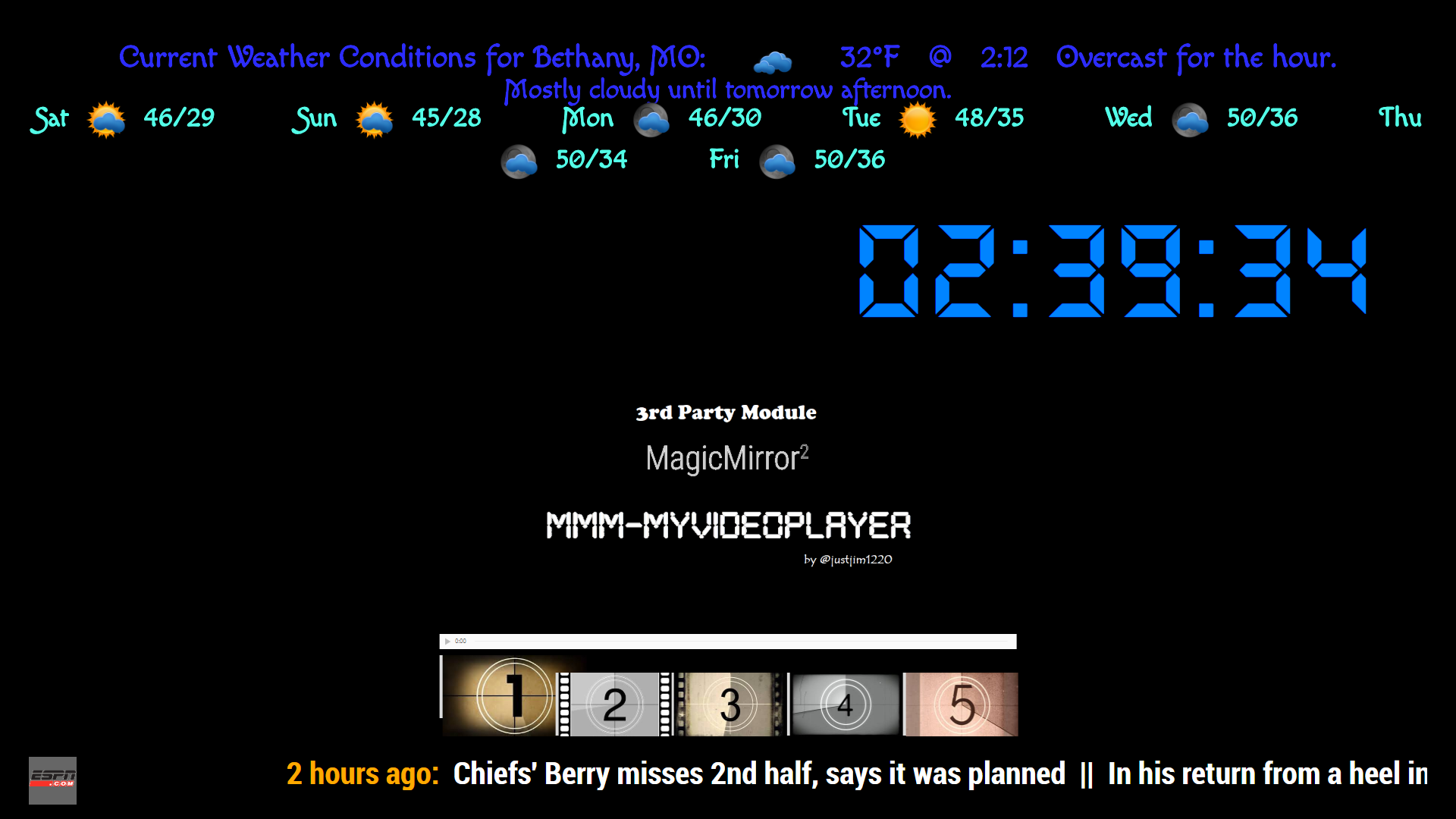
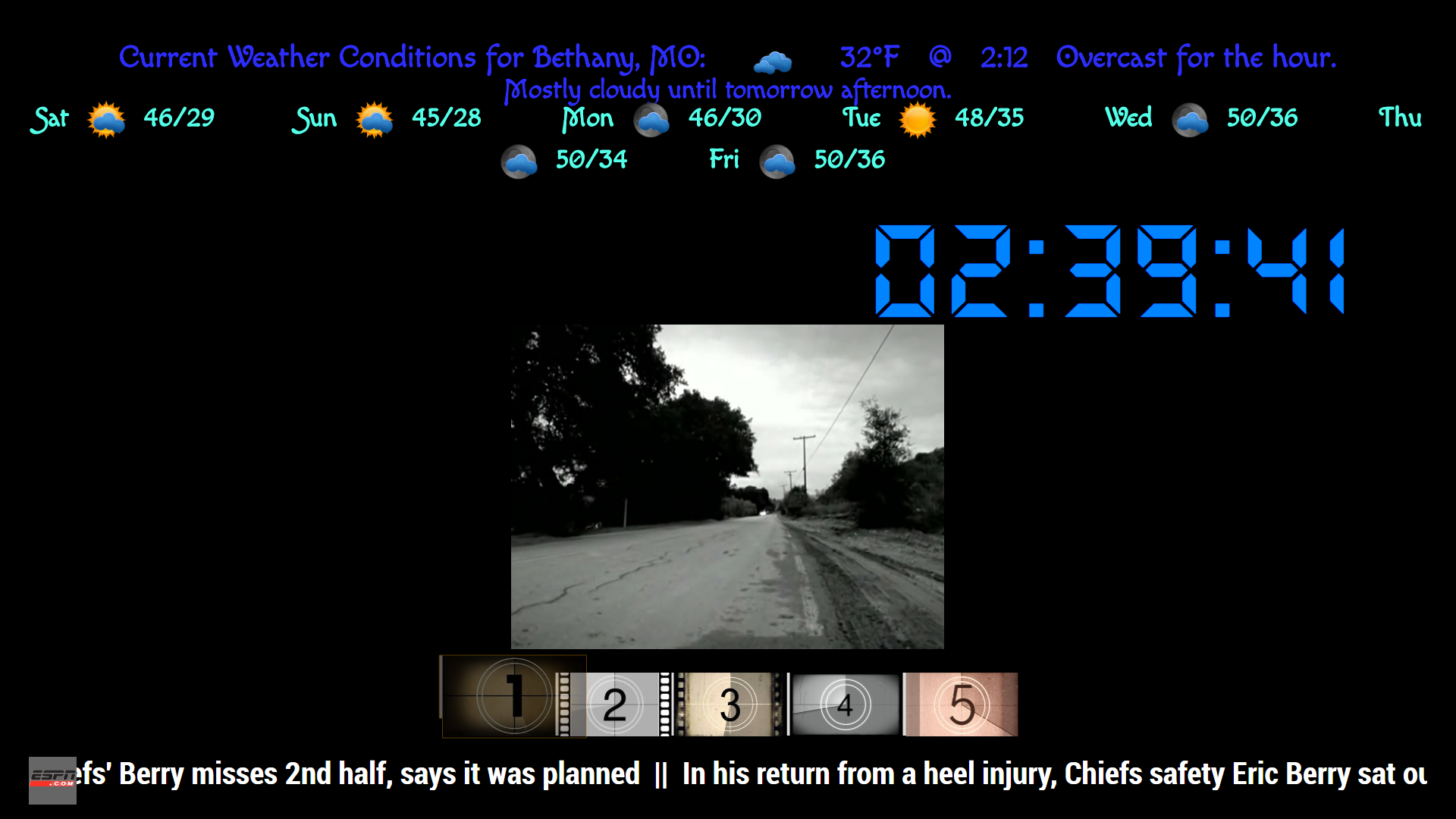
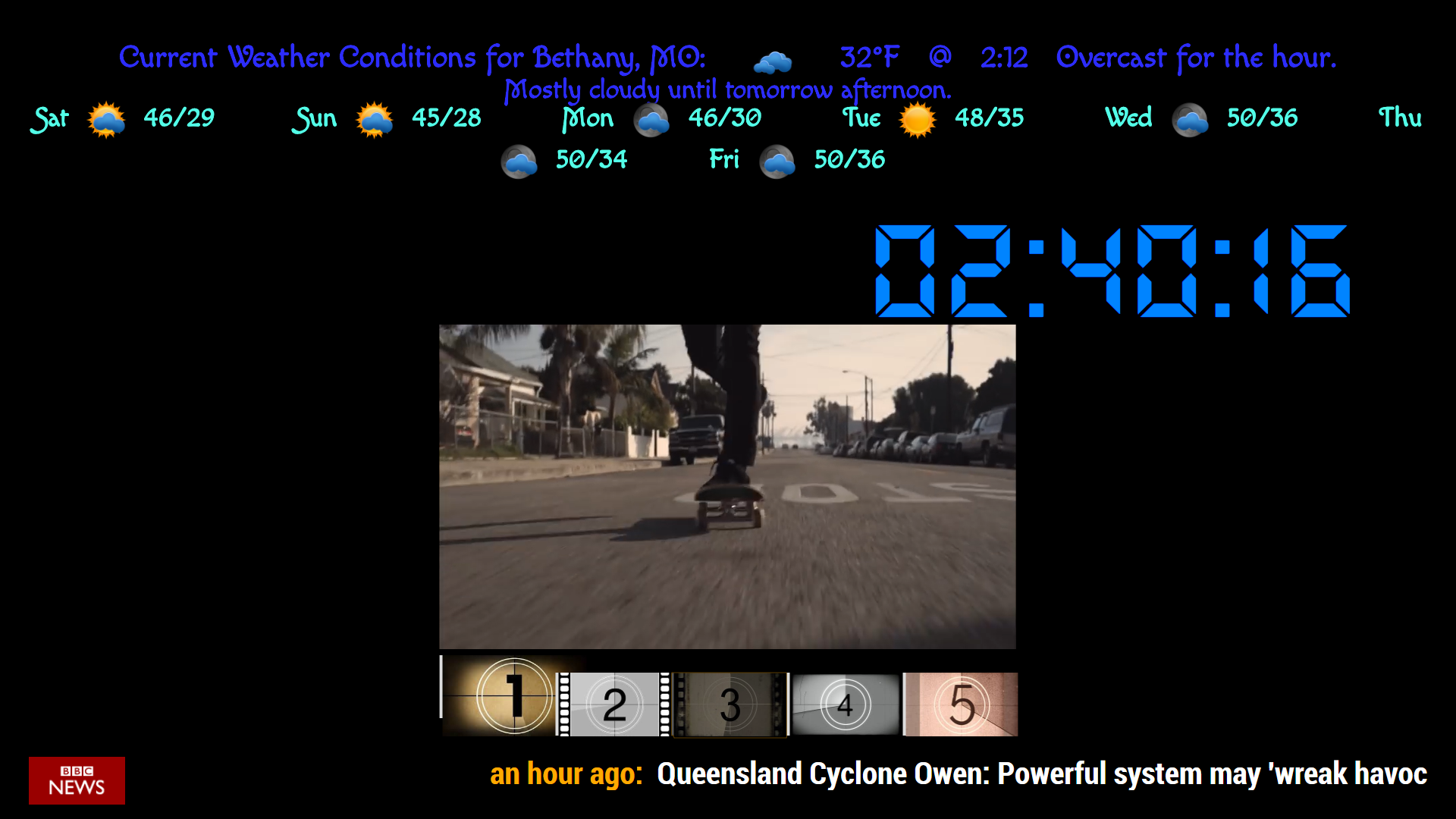
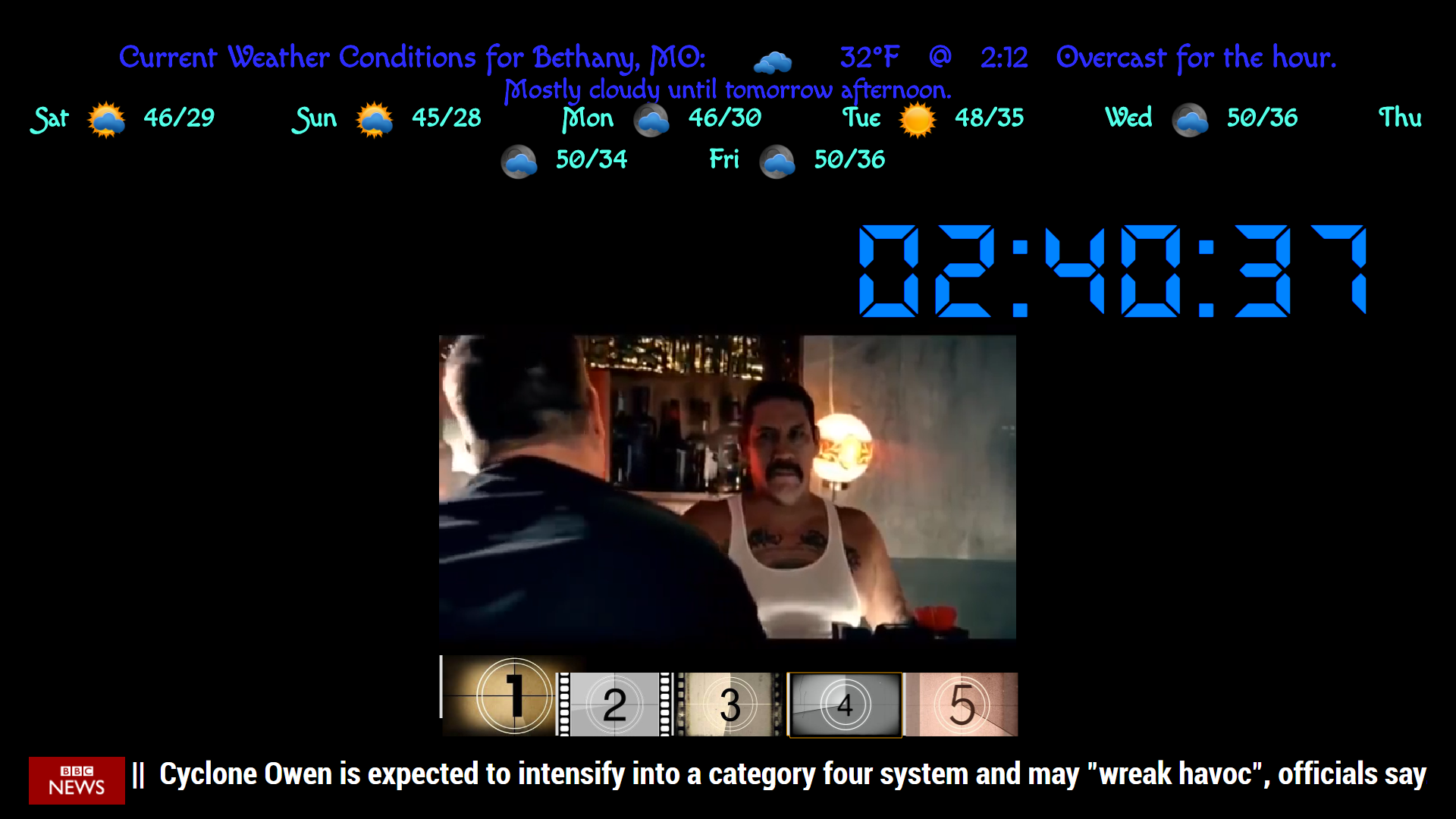
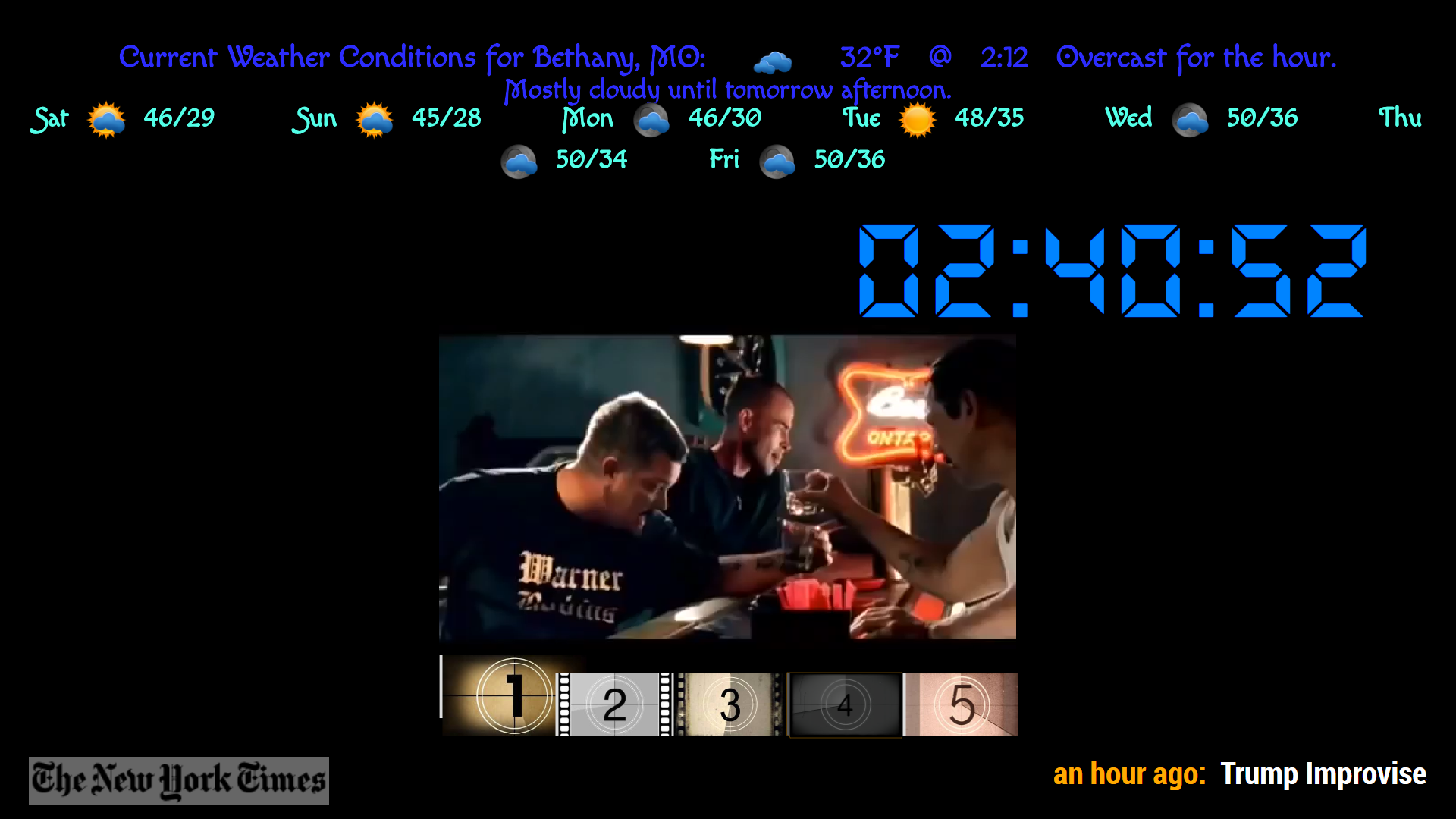
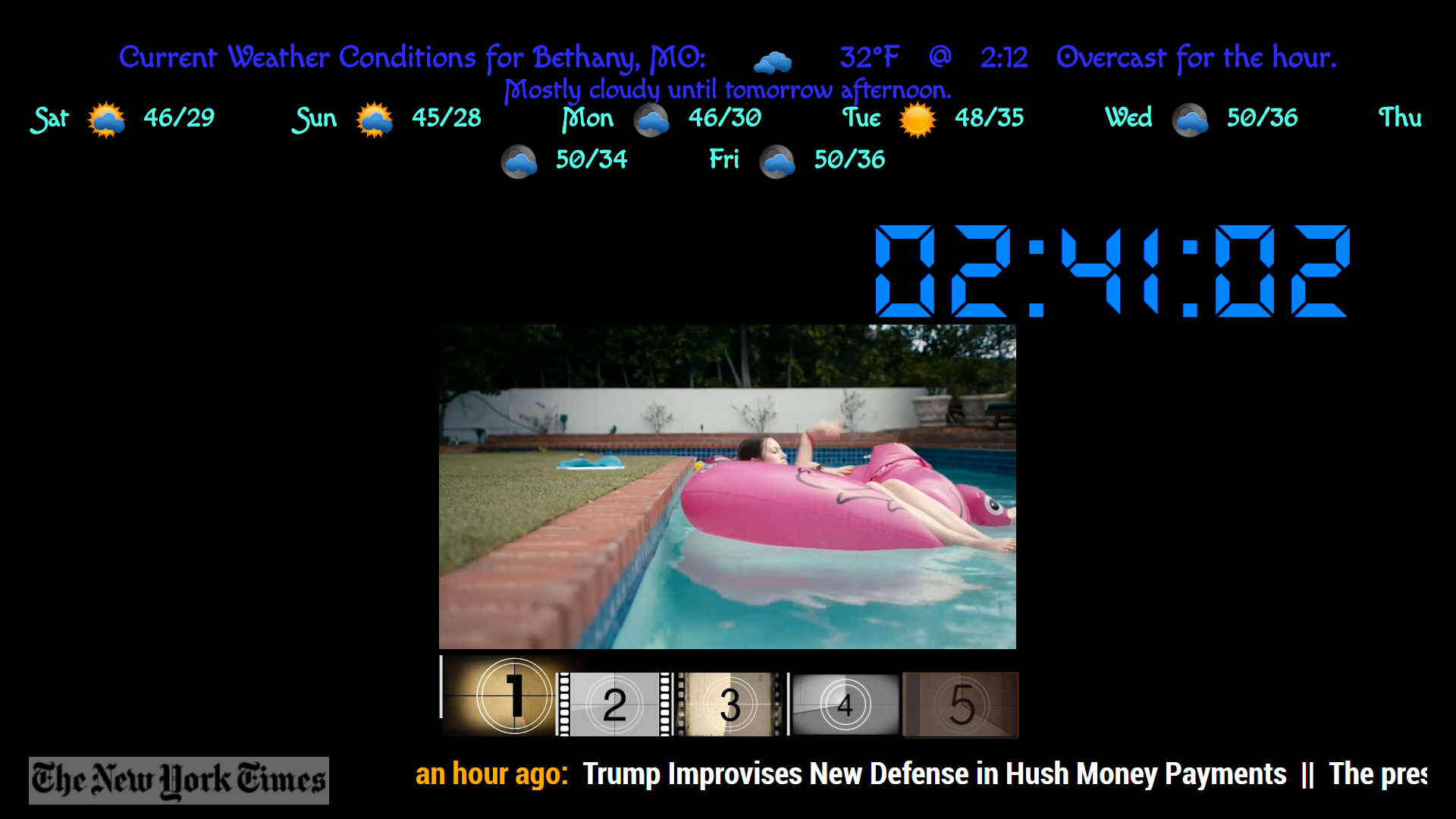
Variations:
this is the first version, working on: simplifying configurations,
size of player, buttons, number of videos, buttons can be changed to text as well as color
and upcoming… option to use physical buttons on RasPiAny options anyone may want with this module… Feel free to let me know! :smiling_face_with_sunglasses:
Download:
[card:justjim1220/MMM-MyVideoPlayer]



Hello! It looks like you're interested in this conversation, but you don't have an account yet.
Getting fed up of having to scroll through the same posts each visit? When you register for an account, you'll always come back to exactly where you were before, and choose to be notified of new replies (either via email, or push notification). You'll also be able to save bookmarks and upvote posts to show your appreciation to other community members.
With your input, this post could be even better 💗
Register Login