Read the statement by Michael Teeuw here.
Chromium RPI-1 display strange
-
Hi
tryed to display MM2 on a RPI 1 (the one that runs Magic Mirro 1 with chromium) from a server only RPI2
I just change url from/etc/xdg/lxsession/LXDE-pi/autostart
(which is user to launch MM1)options of autostart:
@lxpanel --profile LXDE-pi
@pcmanfm --desktop --profile LXDE-pi
@xscreensaver -no-splash
@xset s off
@xset -dpms
@xset s noblank
@chromium --kiosk --incognito http://192.168.92.57:8080
But I have a display issue:
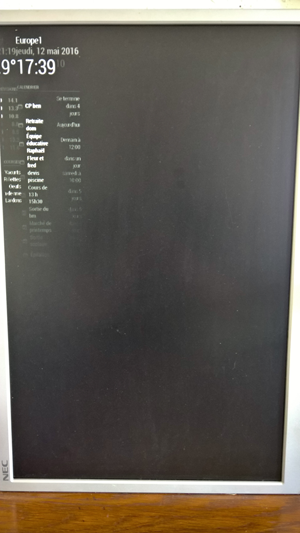
Everything is glued to left side !!
any idea ?
Thank you
Note from admin: Please use Markdown on code snippets so it is easier to read!
-
RPI1s chromium version is too old to support calc in css. Try changing the main css file and replace the calcs with 100%
-
Preferrable do this in custom.css. This way you can upgrade your mirror when you need to.
-
I would rather know how to uninstall Chromium and install a compliant brower following same how-to than modify code (that would be updated…)
-
@benjee I have the same problem. I’m running MM2 on RPi 1 (Version B with Debian) through Chromium. I’ve been trying to fix the layout in ~/MagicMirror/css/main.css. By changing position of the body to relative and leaving the positions of regions as absolute, I was able to get to this point. I still can’t figure out how to get the compliments (or newsfeed) to the bottom. I also can’t get the calendar to sync. Let me know if you find a fix beyond this.
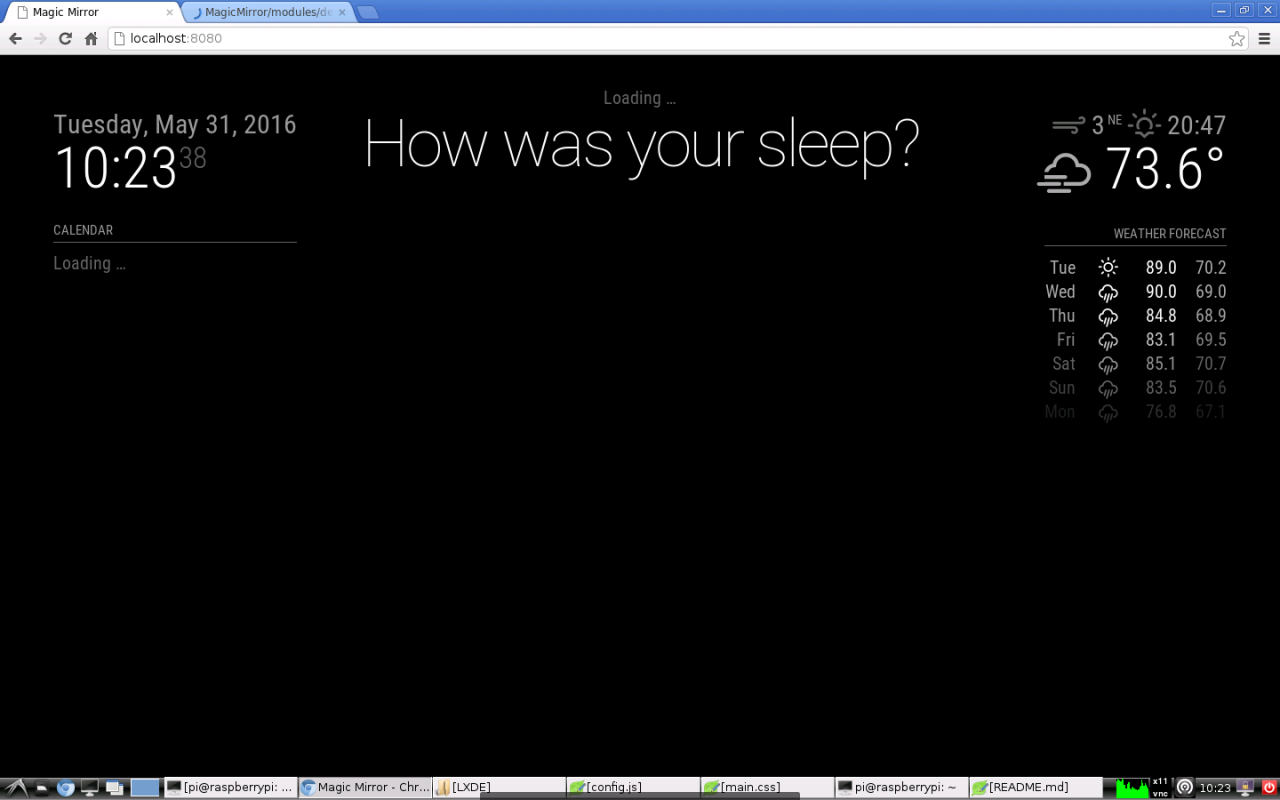
-
I used @PtdBld 's recommendation and it worked. Now I just need to figure out why the calendar and newsfeed aren’t working.
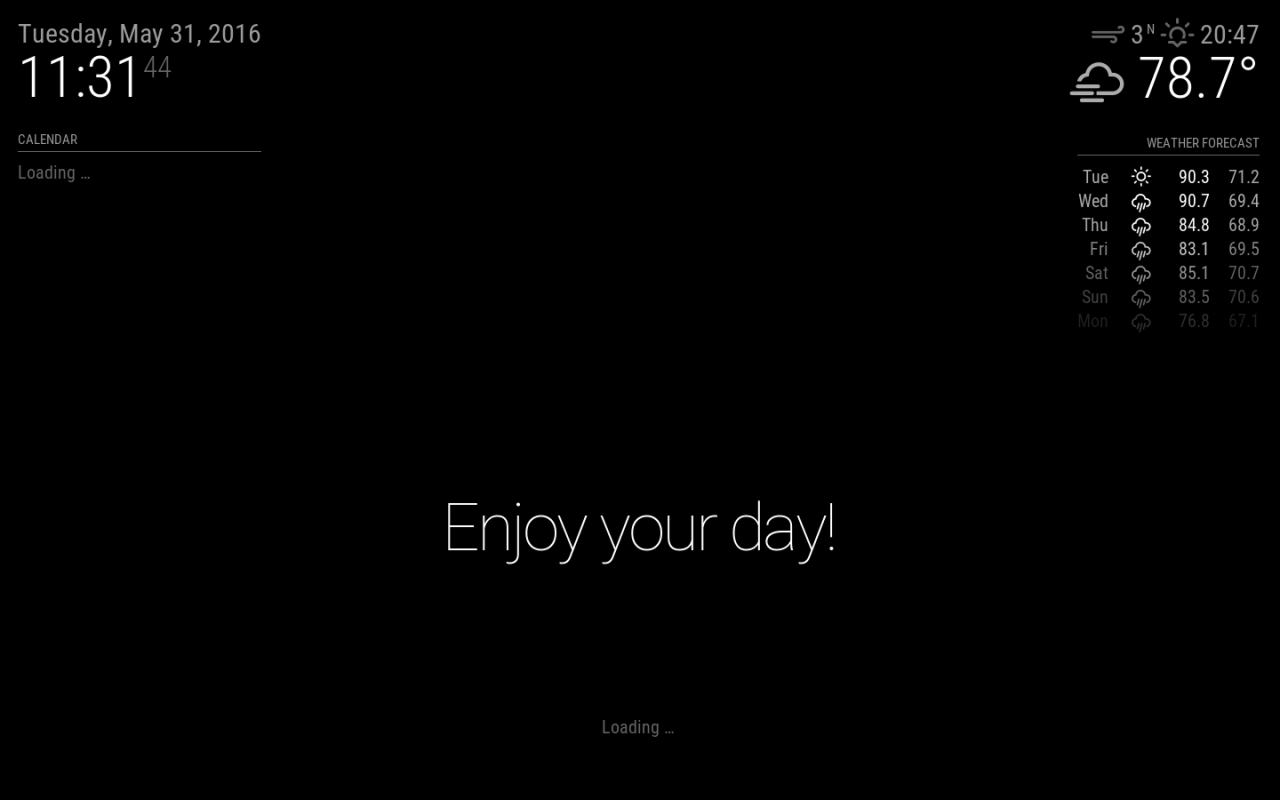
-
@chenz0 I am having the same issue with the compliments and newsfeed not going to the bottom, I am also running this on a B+. Could you explain in a little more detail what you changed? Changing calc(100%-120px) to 100% just makes everything go off the right of the screen (and those are the only uses of the calc function I could find in main.css). I am very new to CSS.
-
This post is deleted!

Hello! It looks like you're interested in this conversation, but you don't have an account yet.
Getting fed up of having to scroll through the same posts each visit? When you register for an account, you'll always come back to exactly where you were before, and choose to be notified of new replies (either via email, or push notification). You'll also be able to save bookmarks and upvote posts to show your appreciation to other community members.
With your input, this post could be even better 💗
Register Login