Read the statement by Michael Teeuw here.
MMM-YouTube
-
@Sean Hi. After installing the module. When I start the MagicMirror I get this error
magicmirror@2.8.0 start /home/pi/MagicMirror
sh run-start.shStarting MagicMirror: v2.8.0
Loading config …
WARNING! Could not validate config file. Starting with default configuration. Please correct syntax errors at or above this line: ReferenceError: disabled is not defined
at Object. (/home/pi/MagicMirror/config/config.js:86:14)
at Object. (/home/pi/MagicMirror/config/config.js:210:3)
at Module._compile (internal/modules/cjs/loader.js:711:30)
at Object.Module._extensions…js (internal/modules/cjs/loader.js:722:10)
at Module.load (internal/modules/cjs/loader.js:620:32)
at tryModuleLoad (internal/modules/cjs/loader.js:559:12)
at Function.Module._load (internal/modules/cjs/loader.js:551:3)
at Module.require (internal/modules/cjs/loader.js:658:17)
at require (internal/modules/cjs/helpers.js:20:18)
at loadConfig (/home/pi/MagicMirror/js/app.js:64:12)
Loading module helpers …
Initializing new module helper …
Module helper loaded: updatenotification
No helper found for module: helloworld.
All module helpers loaded.
Starting server on port 8080 …
Server started …
Connecting socket for: updatenotification
Sockets connected & modules started …
Launching application. -
@juantata can u paste your config here, three back-tics before and after
-
@juantata
Sorry, there was my mistake. I left my experimental codes on config example. I fixed the README. Back to the page and copy again (Just removedisabled:disabled["MMM-Youtube"],line.) -
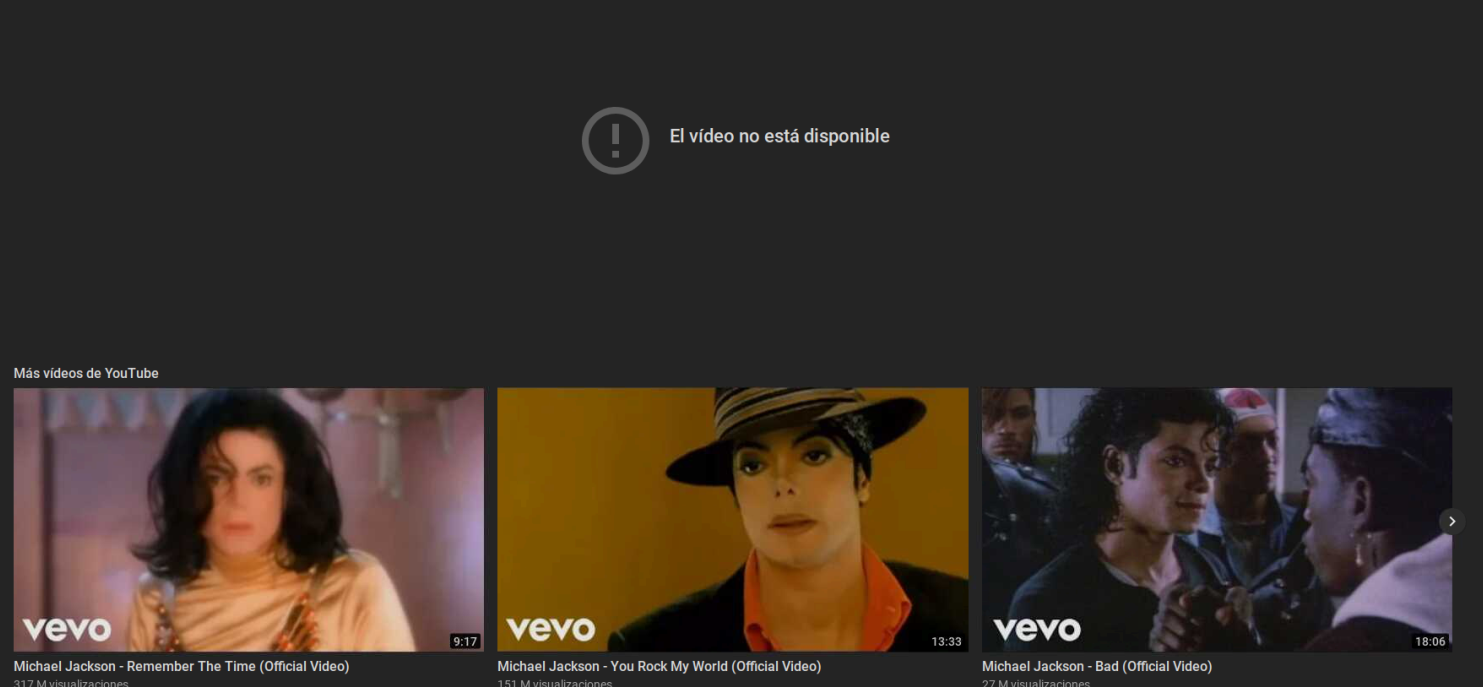
@Sean I say: YouTube Michael Jackson Thriller. And the answer is
-
@sdetweil {
module: “MMM-YouTube”,
position: “top_center”,
config: {
verbose:true,
defaultQuality: “default”,
disableCC: true,
showPlayingOnly: true,
defaultLoop: false,
defaultShuffle: false,
defaultAutoplay: true,
onStartPlay: null,
playerVars: {
controls: 0,
hl: “en”,
enablejsapi: 1,
showinfo: 0,
rel: 0,
cc_load_policy: 0,
},
outNotifications: {
“-1”: “UNSTARTED”,
“0”: “ENDED”,
“1”: “PLAYING”,
“2”: “PAUSED”,
“3”: “BUFFERING”,
“5”: “VIDEO CUED”,
}
}
}, -
@juantata it seems not allowed. some clips are limited by right owner not to be played out of youtube
-
@juantata forgot the 3 backticks before and after
-
@sdetweil said in MMM-YouTube:
backticks
Sorry but I’m a newbie. What do you mean with the three backticks?
-
@juantata on the US keyboard, shifted key left of the number 1 ` (like single quote, but leaning to the left) . the non shifted symbol is tidle ~
see https://github.com/adam-p/markdown-here/wiki/Markdown-Cheatsheet
Code and Syntax Highlighting -
@sdetweil I thought it was the other way around? Tilda (~) was shifted and back tick (`) non shifted? :smiling_face_with_open_mouth_smiling_eyes:
-
@mumblebaj maybe, my keyboard has them labeled backwards
-
@sdetweil
Hi. I don’t know where it could be wrong. I have copied it the same.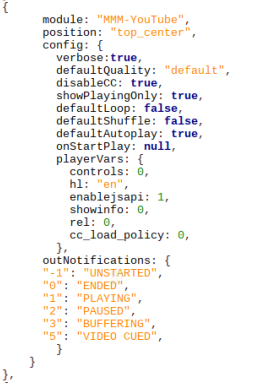
-
@juantata
I don’t know Spanish at all, Anyway “El video no esta disvonible” looks like “The video is not available”
The reason would be various.- The clip is removed (sometimes it is searchable but not playable)
- The clip is not allowed to be played outside of YouTube websites by it’s right owner. (I don’t know why owners restrict their clip, but some did)
Anyway, that is not the issue of module itself.
-
@Sean Hi. It asks me to update. How is it done?
-
@juantata ???
-
@Sean An update is available for the MM-Youtube module.
Your current installation is 1 commint changes behind the master branch. -
@Sean

-
@juantata Go to MMM-YouTube directory then do the command
git pull, but the update was not so important so you can ignore it. -
@Sean Hi. I’m sorry to give you the can so much.
To call the youtube module I say:
Ok google + singer’s name + song title, and the result is this
The result is the same with any video I request.
-
@juantata what version of MagicMirror are u running? we added a fix in 2.8 to allow autoplay
edit ~/MagicMirror/js/electron.js
make sure the line below is present
// Keep a global reference of the window object, if you don't, the window will
// be closed automatically when the JavaScript object is garbage collected.
let mainWindow;

function createWindow() {

	app.commandLine.appendSwitch("autoplay-policy", "no-user-gesture-required"); //< --- this line
if not, add it then stop and restart MagicMirror

Hello! It looks like you're interested in this conversation, but you don't have an account yet.
Getting fed up of having to scroll through the same posts each visit? When you register for an account, you'll always come back to exactly where you were before, and choose to be notified of new replies (either via email, or push notification). You'll also be able to save bookmarks and upvote posts to show your appreciation to other community members.
With your input, this post could be even better 💗
Register Login