Read the statement by Michael Teeuw here.
MMM-Carousel not displaying
-
{ module: 'MMM-Carousel', position: 'bottom_bar', config: { whatever config for this module } } -
@sdetweil ```
So now is gets an Undefined displayed at the bottom of the display.. }, { module: 'MMM-Carousel', position: 'bottom_bar', config: { transitionInterval: 10000, ignoreModules: [], mode: 'global' } }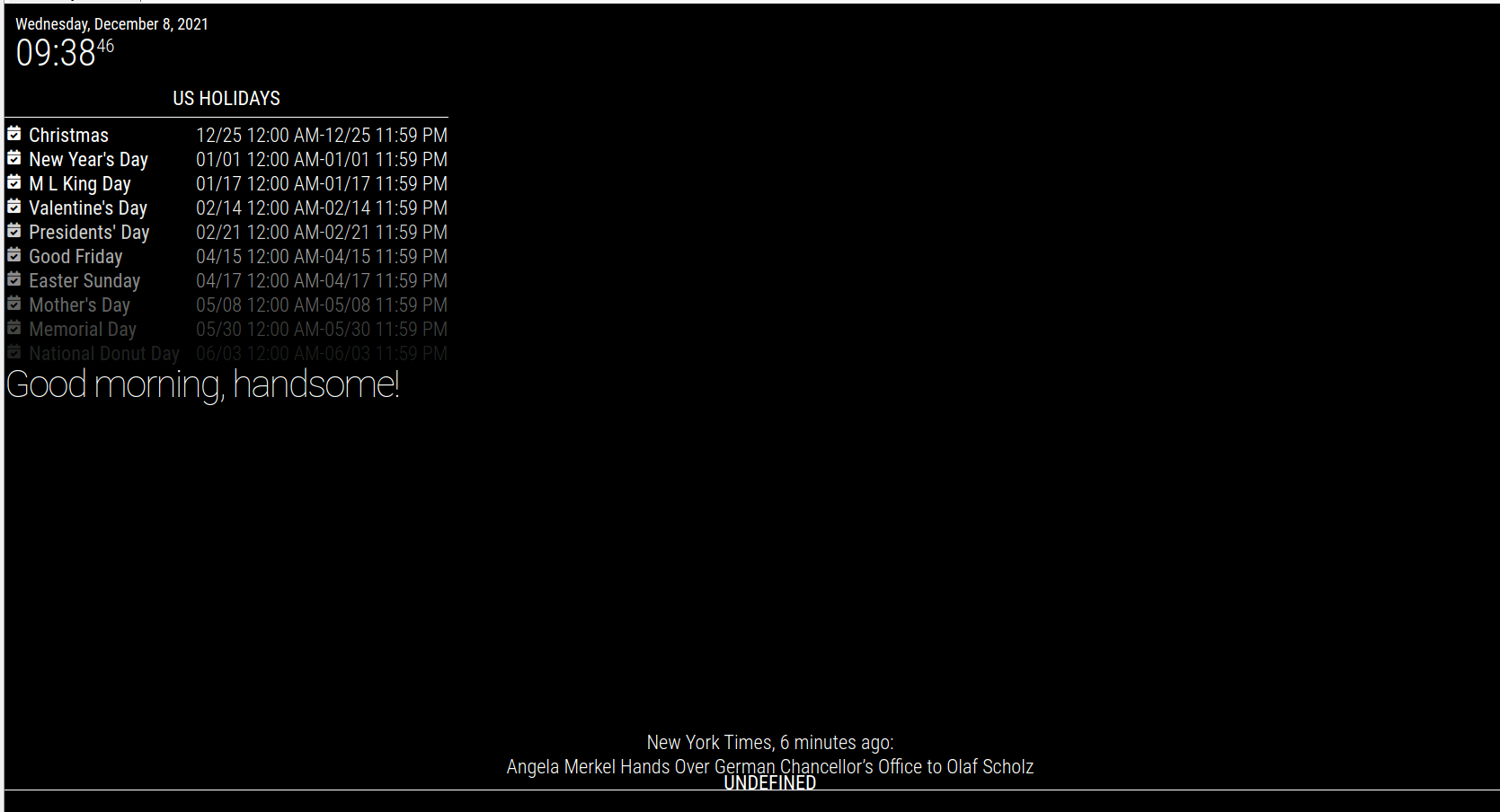 -
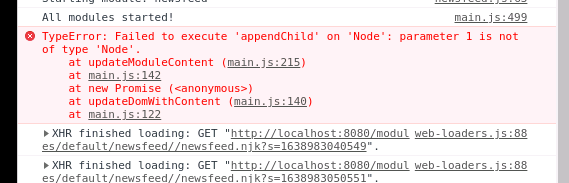
@pastormingle getting the following error in the dev windows now.
TypeError: Failed to execute ‘appendChild’ on ‘Node’: parameter 1 is not of type ‘Node’.
at updateModuleContent (main.js:215)
at main.js:142
at new Promise ()
at updateDomWithContent (main.js:140)
at main.js:122 -
@pastormingle this is my config
        {
            module: 'MMM-Carousel',
            position: "bottom_bar",
            config: {
                transitionInterval: 10000,
                ignoreModules: ['clock', 'alert'],
                mode: 'slides',
                slides: [
                    ['calendar', 'compliments', 'weather'],
                    ['newsfeed'],
                ]
            }
        }
but you wanted slides mode… why are u set to global?
-
I changed ‘slides’ to ‘global’ and it worked too
you are using this version
https://github.com/shbatm/MMM-Carousel.gitin the MMM-Carousel folder do
git remote -v
-
-
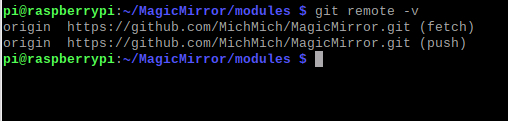
@pastormingle So, what @sdetweil meant was that in the terminal window in the ~/MagicMirror/modules/MMM-Carousel/ folder you should run the command
git remote -vand post the output of that.For me it is:
origin https://github.com/barnabycolby/MMM-Carousel (fetch) origin https://github.com/barnabycolby/MMM-Carousel (push) -
@mumblebaj hm… that one also works… (but works without position, but doesn’t have a getDom function)
the sabatm version has page indicator buttons u can push too… -
@sdetweil Ah, now I understand the earlier differences. We were looking at different modules. Which one is @pastormingle using?
-
@mumblebaj still waiting for that info
-
@sdetweil Unless there is a 3rd one that we are not aware of…:face_with_monocle:
-
@mumblebaj yeh, I posted a fix to the one I was using, after it stopped working on 2.14
https://github.com/shbatm/MMM-Carousel/issues/31 -
@sdetweil And there is this one as well:
https://github.com/schramkef/MMM-Carousel -
@mumblebaj yep, thats the newest… 9months old, shbatm is 3 years, and the barnaby is 5 years old
-
@sdetweil Lets see which one he is using. I am off to bed. Been a long day.
-
-
@sdetweil so do i need to upgrade my magicmirror ?
-
-
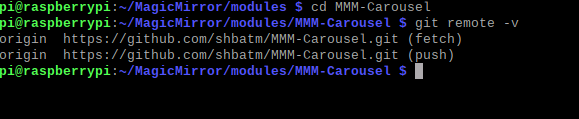
@pastormingle you need to get into the MMM-Carousel folder
cd ~/MagicMirror/modules/MMM-Carousel git remote -v -
@pastormingle no, shouldn’t have to
that error is typically from bad position:

Hello! It looks like you're interested in this conversation, but you don't have an account yet.
Getting fed up of having to scroll through the same posts each visit? When you register for an account, you'll always come back to exactly where you were before, and choose to be notified of new replies (either via email, or push notification). You'll also be able to save bookmarks and upvote posts to show your appreciation to other community members.
With your input, this post could be even better 💗
Register Login