MagicMirror Forum
    • Recent
    • Tags
    • Unsolved
    • Solved
    • MagicMirror² Repository
    • Documentation
    • 3rd-Party-Modules
    • Donate
    • Discord
    • Register
    • Login
    A New Chapter for MagicMirror: The Community Takes the Lead
    Read the statement by Michael Teeuw here.

    My third MagicMirror, InfoScreen

    Scheduled Pinned Locked Moved Show your Mirror
    10 Posts 5 Posters 7.9k Views 4 Watching
    Loading More Posts
    • Oldest to Newest
    • Newest to Oldest
    • Most Votes
    Reply
    • Reply as topic
    Log in to reply
    This topic has been deleted. Only users with topic management privileges can see it.
    • uros76U Offline
      uros76
      last edited by

      After good success with my previous MM projects, I decided to give it a try with a smaller format of MM.
      In fact, I got this idea from my brother who wanted a small screen for his work desk with various live information displayed on it.

      He also wanted to edit the list of stocks for MMM-Jast module without messing up the base config file. This proved to be a challenge that I solved with python script. Basically, I gave him samba shared access to an additional text file which includes editable list of displayed stocks. Then I run a python script to merge two files (stocks list and config template) into one working config file.
      I tried to solve this with MMM-Config module (thanks to the developer for helping me get it to work) but that one exposes too many settings, it would pose a risk that my brother would mess it up :slightly_smiling_face:.

      Overall I am happy with this project and it looks great with a painted front finish. It will be hard to give it away, kind of like it and want to keep it for myself :smirking_face:.

      Parts used:

      • Rpi 3 B+ with 3A power supply
      • Waveshare 4.3" touch screen
      • 3D printed case from existing thingverse design
      • Power switch
      • Black spray paint and few plastic parts to hold the screen in place

      Modules used:

      • clock, calendar, newsfeed, weather
      • MMM-Jast, MMM-Carousel, MMM-EasyPix, MMM-AirQuality, MMM-SystemStats, MMM-News

      Finished project:
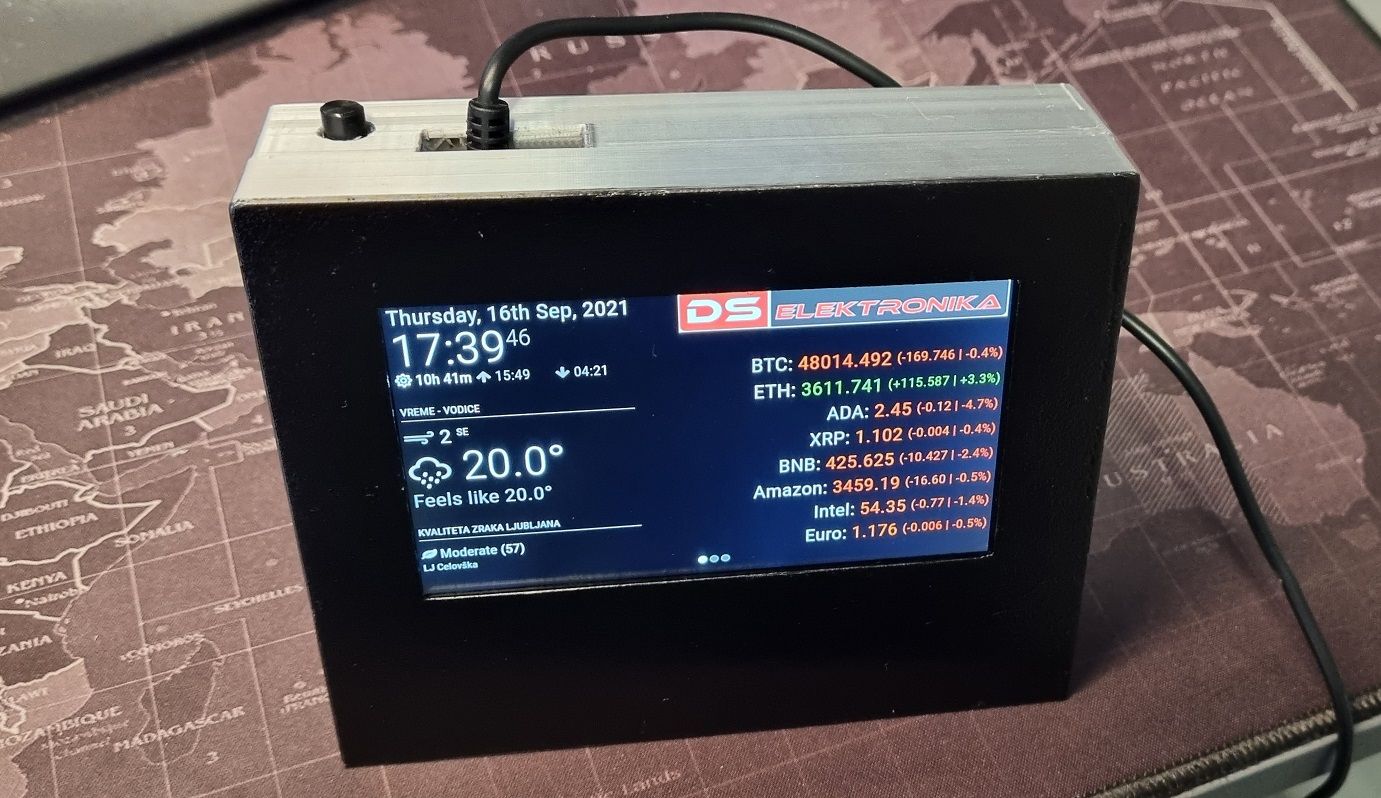
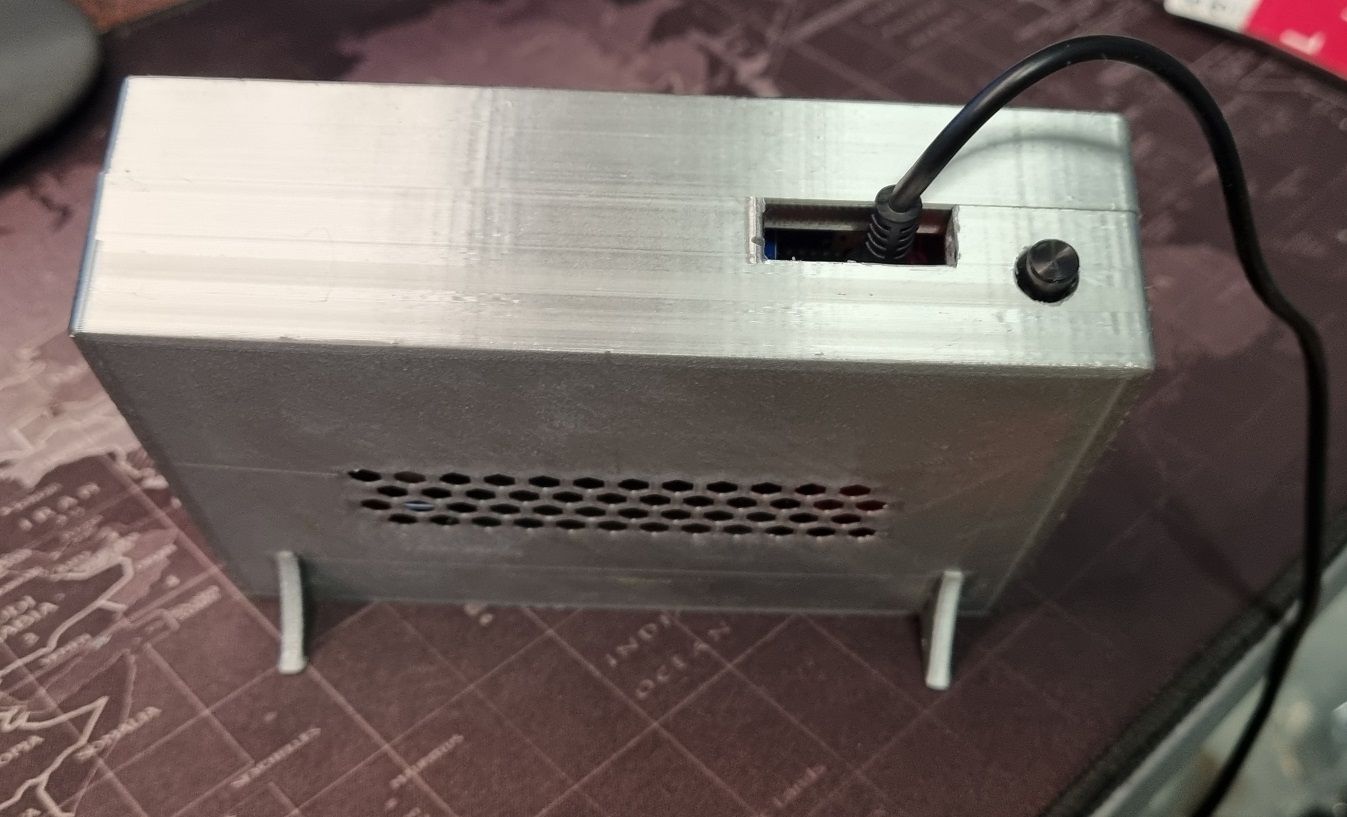
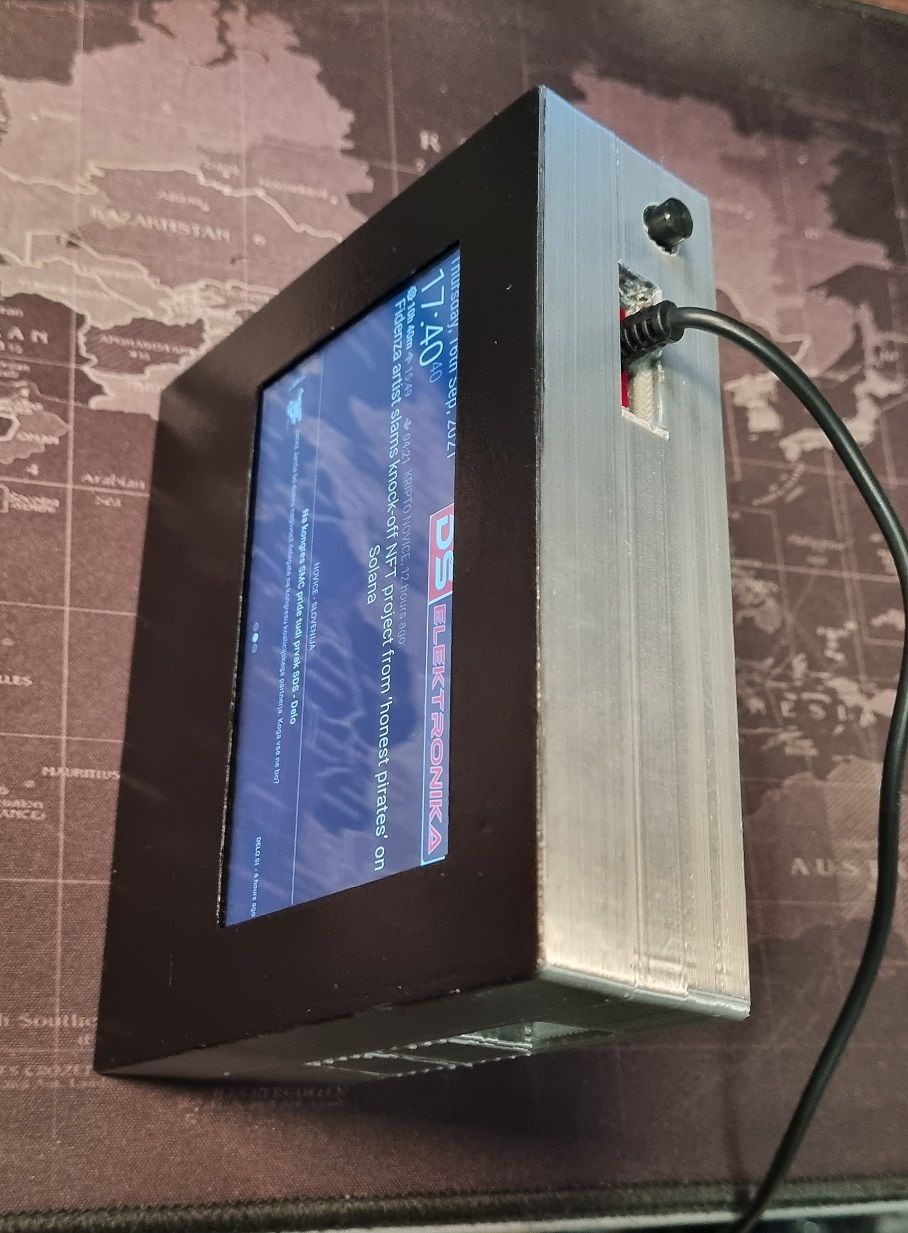
      20210916_173944.jpg
      20210916_174016.jpg
      20210916_174038.jpg

      My magicmirror projects: https://forum.magicmirror.builders/post/79889, https://forum.magicmirror.builders/post/93241 and https://forum.magicmirror.builders/post/94586

      JalibuJ ankonaskiff17A 2 Replies Last reply Reply Quote 4
      • JalibuJ Offline
        Jalibu Module Developer @uros76
        last edited by

        @uros76 :thumbs_up:
        MMM-Jast :smiling_face_with_heart-eyes: ;-)

        uros76U 1 Reply Last reply Reply Quote 1
        • uros76U Offline
          uros76 @Jalibu
          last edited by

          @jalibu he he yeah! I love it and use it on all of my MM projects :heart_suit:

          My magicmirror projects: https://forum.magicmirror.builders/post/79889, https://forum.magicmirror.builders/post/93241 and https://forum.magicmirror.builders/post/94586

          1 Reply Last reply Reply Quote 0
          • SnilleS Offline
            Snille Module Developer
            last edited by

            Looking great! I like the idea! :)

            If you cant find it, make it and share it!
            Modules: MMM-homeassistant-sensors, MMM-Modulebar, MMM-Profilepicture, MMM-Videoplayer

            1 Reply Last reply Reply Quote 1
            • ankonaskiff17A Offline
              ankonaskiff17 @uros76
              last edited by

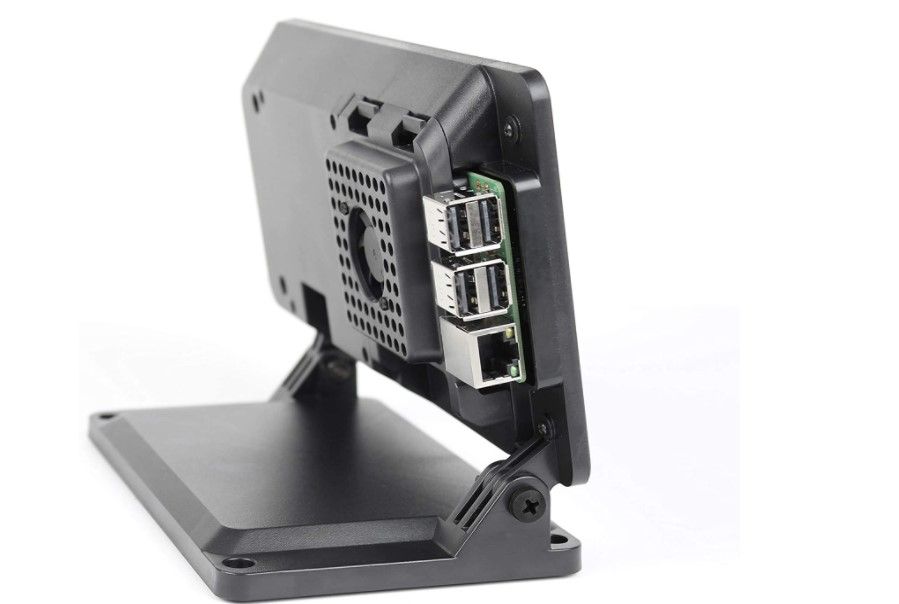
              @uros76 I’ve made a couple using this case and 7" screen. Nice tidy setup for a desk.
              Screenshot 2021-09-19 095612.jpg

              uros76U 1 Reply Last reply Reply Quote 0
              • uros76U Offline
                uros76 @ankonaskiff17
                last edited by

                @ankonaskiff17 this looks awesome! Do you have link to case, where to buy?

                My magicmirror projects: https://forum.magicmirror.builders/post/79889, https://forum.magicmirror.builders/post/93241 and https://forum.magicmirror.builders/post/94586

                S ankonaskiff17A 3 Replies Last reply Reply Quote 0
                • S Do not disturb
                  sdetweil @uros76
                  last edited by

                  @uros76 amazon info
                  https://www.amazon.com/SmartiPi-Touch-Official-Raspberry-Touchscreen/dp/B07WXK38YM/ref=sr_1_4?crid=2MK1Y65UPG90H&dchild=1&keywords=pi+4+case+with+screen&qid=1632061862&sprefix=pi4+case%2Caps%2C200&sr=8-4

                  Sam

                  How to add modules

                  learning how to use browser developers window for css changes

                  1 Reply Last reply Reply Quote 0
                  • S Do not disturb
                    sdetweil @uros76
                    last edited by

                    @uros76 i have a system with this one

                    https://www.amazon.com/Raspberry-Screen-Monitor-Touchscreen-Display/dp/B081VT2CPW/ref=sr_1_8?crid=2MK1Y65UPG90H&dchild=1&keywords=pi+4+case+with+screen&qid=1632062314&sprefix=pi4+case%2Caps%2C200&sr=8-8

                    I don’t like that the power cable comes out the top…
                    gonna try a 90 degree adapter…

                    Sam

                    How to add modules

                    learning how to use browser developers window for css changes

                    1 Reply Last reply Reply Quote 0
                    • ankonaskiff17A Offline
                      ankonaskiff17 @uros76
                      last edited by

                      @uros76 I use SmartPi from Amazon but if you do a search on 7" raspberry pi screen case or similar on Amazon there are lots of alternatives. Thing I like about that particular case is it comes with a Y cable that powers both 7" screen and the Pi with one power supply. I looked at others that utilize 7" screen, bought it and have subsequently bought a couple more. I think initial driver for me was the base but I am well satisfied with that brand/style case + screen setup.

                      S 1 Reply Last reply Reply Quote 1
                      • S Do not disturb
                        sdetweil @ankonaskiff17
                        last edited by sdetweil

                        @ankonaskiff17 the one I use above, powers the screen from the pi.

                        Sam

                        How to add modules

                        learning how to use browser developers window for css changes

                        1 Reply Last reply Reply Quote 1

                        Hello! It looks like you're interested in this conversation, but you don't have an account yet.

                        Getting fed up of having to scroll through the same posts each visit? When you register for an account, you'll always come back to exactly where you were before, and choose to be notified of new replies (either via email, or push notification). You'll also be able to save bookmarks and upvote posts to show your appreciation to other community members.

                        With your input, this post could be even better 💗

                        Register Login

                        • 1 / 1
                        • First post
                          Last post
                        Enjoying MagicMirror? Please consider a donation!
                        MagicMirror created by Michael Teeuw.
                        Forum managed by Sam, technical setup by Karsten.
                        This forum is using NodeBB as its core | Contributors
                        Contact | Privacy Policy