Read the statement by Michael Teeuw here.
Developer Wanted To Modify Default Newsfeed Module
-
I would like to discuss prices with a developer to make make a new module based on the default newsfeed module with the following changes.
Display image(s) included in the RSS feed.
Add the ability to remove phrases from the description. For example, if the words “Get Ticket” appears in the description remove those words from the description. -
@sifuhall
So, is this what you want similar?
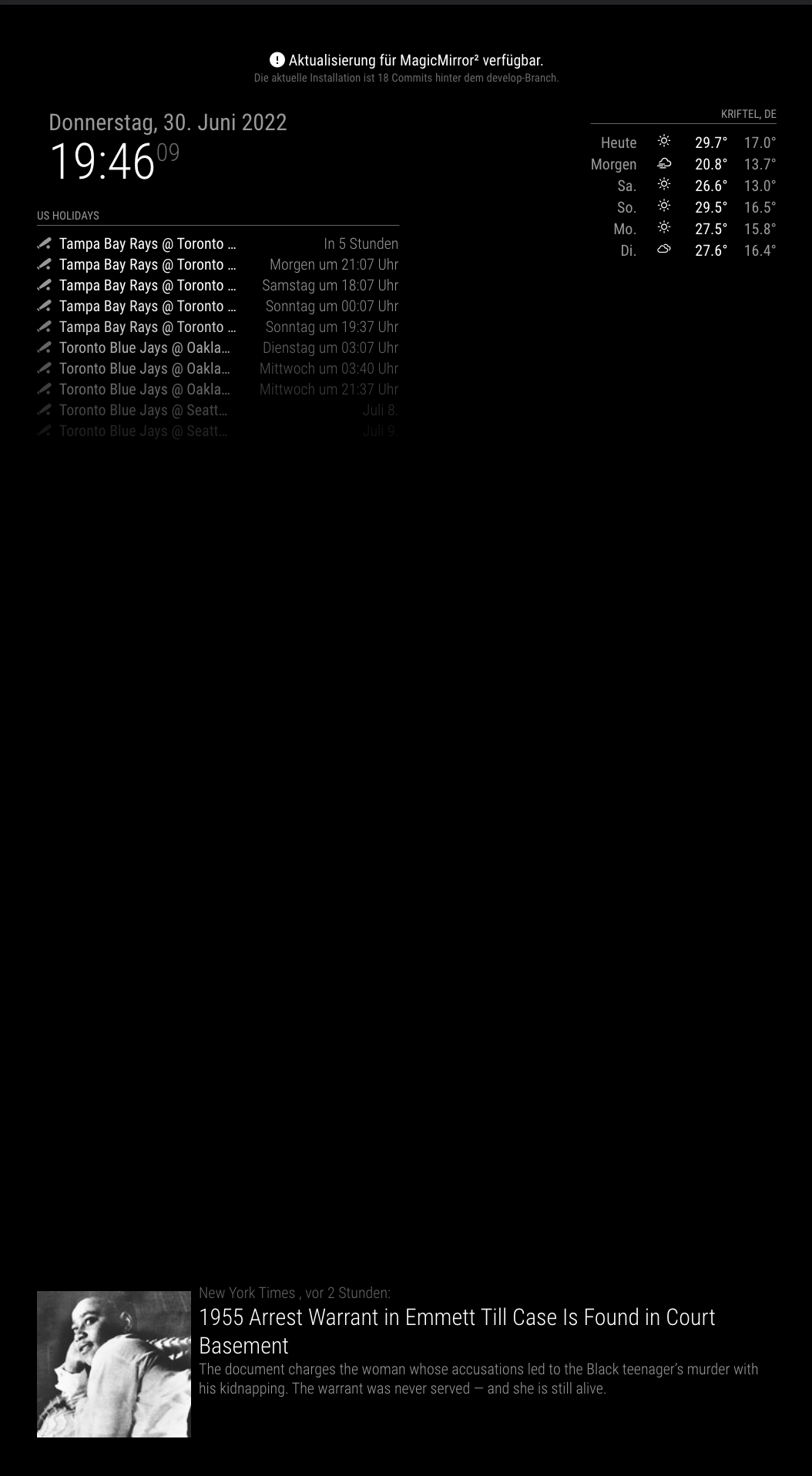
If what you want is “censoring some improper articles”, it is already applied in original newsfeed module. (See
prohibitedWordsoption) -
@MMRIZE
Thanks for the reply!
Yes, with the image, however I want to display in list view (like the newsfeed module can do as well).Regarding removing words, I only want to remove words, not remove the article. For example, one of the RSS feeds has a link that says Get Tickets. I would like the feed to not display Get Tickets on the mirror.
-
@sifuhall
Maybe like this;
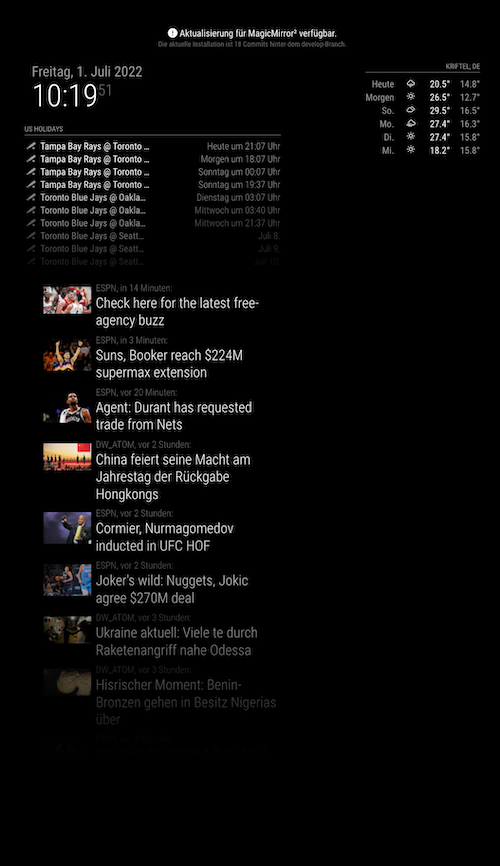
Some test words are censored and removed already, so you cannot see them in title (and in description). (test words are “FBI”, “in data”, ‘man’, “to”)Anyway, it is a tiny modification of the original Mich’s default module. So real monetized reward is not fair (at least, I think)
You can get it here;
https://github.com/MMRIZE/MMM-anotherNewsFeedBut if you want more than the little modification, anyway contact me.
-
@MMRIZE Thank you! And of course I would love to pay you for your time.
I do have a question. This works with the first RSS feed I tried but not the next. I validated the feed using a few online validators and the feed seems ok but it is never picked up.
The feed is here:
https://www.ccwky.org/parser/parser.phpWhat is the best way to send payment?
-
@sifuhall
Yes, that is the issue of Feed.
Each RSS1.0/RSS2.0/XML/ATOM feed has each standard syntax, but not strictly. So every feed provider (e.g. news site) serves slightly-similar-but-different-syntax-feed.
Your link has NO IMAGE by definition of the standard syntax, but it has a commonCDATAtag to contain an image in the description really. The image doesn’t belong to the article item layer itself, but to its subcomponent description layer. It might be a kind of exception rule.I can add some codes to pick up that kind of image from the description of the article. But before that, if I could know which feeds should the module parse, I can make a dedicated-efficient version for your usage. To make an all-bullet-proof version is somehow inefficient. Could you tell me which feed you are considering to show on MagicMirror?
-
@MMRIZE the feed I linked will be the final feed.
Please tell me how I can pay you
-
This post is deleted! -
M MMRIZE referenced this topic on
-
-
@greedyvegan not default, see
-
I got my hopes up
-
@greedyvegan a different module, he does amazing work
-
I tried to use it but it’s not working for me.
it just says “no news at the moment”
it’s fine, I’ll just use the default newsfeed -
@greedyvegan
Give me your target feed. I’ll check -
@MMRIZE said
Give me your target feed. I’ll check
I’m trying two modules out:
MMM-anotherNewsFeed
MMM-NewsFeedTickerthe configs and css are identical (bottom_right and new feed sources
config.js
{
module: "MMM-anotherNewsFeed ",
header: "ANOTHER News Feed",
position: "bottom_right",
config: {
feeds: [
{
title: "New York Times",
url: "https://rss.nytimes.com/services/xml/rss/nyt/HomePage.xml",
customLogo: "NYT_logo_rss_250x40.png",
},
{
title: "CBC World",
url: "https://www.cbc.ca/webfeed/rss/rss-world",
customLogo: "CBC_140x140.png"
},
{
title: "BBC World News",
url: "https://feeds.bbci.co.uk/news/world/rss.xml",
customLogo: "bbc_news_120x60.gif",
}
],
showImage: true,
showSourceTitle: true,
showPublishDate: true,
broadcastNewsFeeds: true,
broadcastNewsUpdates: true

}
},
{
module: "MMM-NewsFeedTicker",
header: "News Feed Ticker",
position: "bottom_right",
//classes: "day_scheduler",
config: {
feeds: [
{
title: "New York Times",
url: "https://rss.nytimes.com/services/xml/rss/nyt/HomePage.xml",
customLogo: "NYT_logo_rss_250x40.png",
													},
{
title: "CBC World",
url: "https://www.cbc.ca/webfeed/rss/rss-world",
customLogo: "CBC_140x140.png"
},
{
title: "BBC World News",
url: "https://feeds.bbci.co.uk/news/world/rss.xml",
customLogo: "bbc_news_120x60.gif"
}
]
}
},
custom.css
.MMM-anotherNewsFeed. {position:relative}
.MMM-NewsFeedTicker. {position:relative}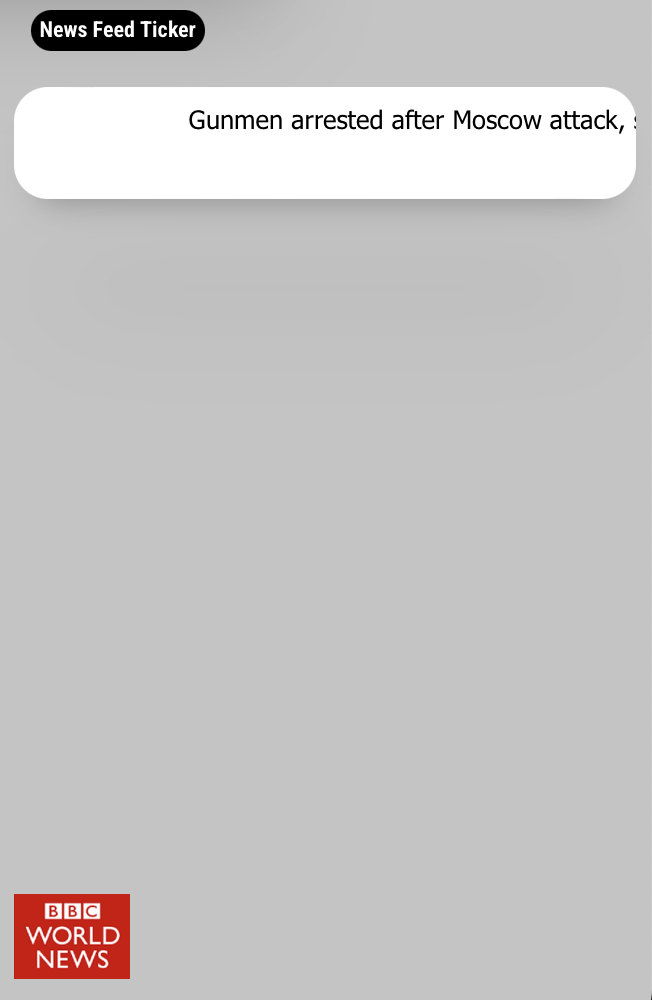
-
@greedyvegan newsfeedticker designed to be bottom bar , full width . takes a lot of space to display all that and make it readable
-
@greedyvegan
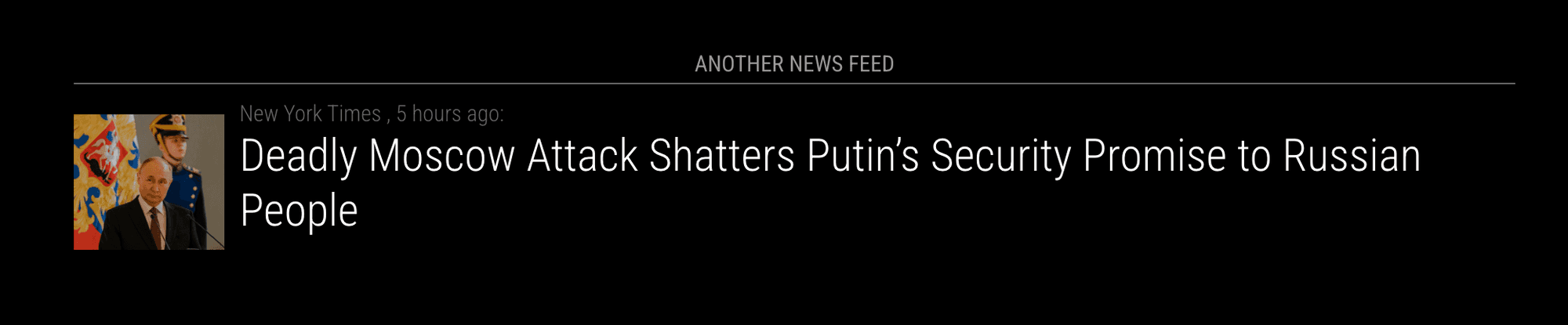
Even thoughMMM-AnotherNewsFeedwas not updated for 2 years, it still works.{ module: "MMM-anotherNewsFeed", header: "ANOTHER News Feed", position: "bottom_bar", config: { feeds: [ { title: "New York Times", url: "https://rss.nytimes.com/services/xml/rss/nyt/HomePage.xml", }, { title: "CBC World", url: "https://www.cbc.ca/webfeed/rss/rss-world", }, { title: "BBC World News", url: "https://feeds.bbci.co.uk/news/world/rss.xml", } ], showImage: true, } }, -
@MMRIZE said
thank you, copied and pasted your code and it’s working.
the screensho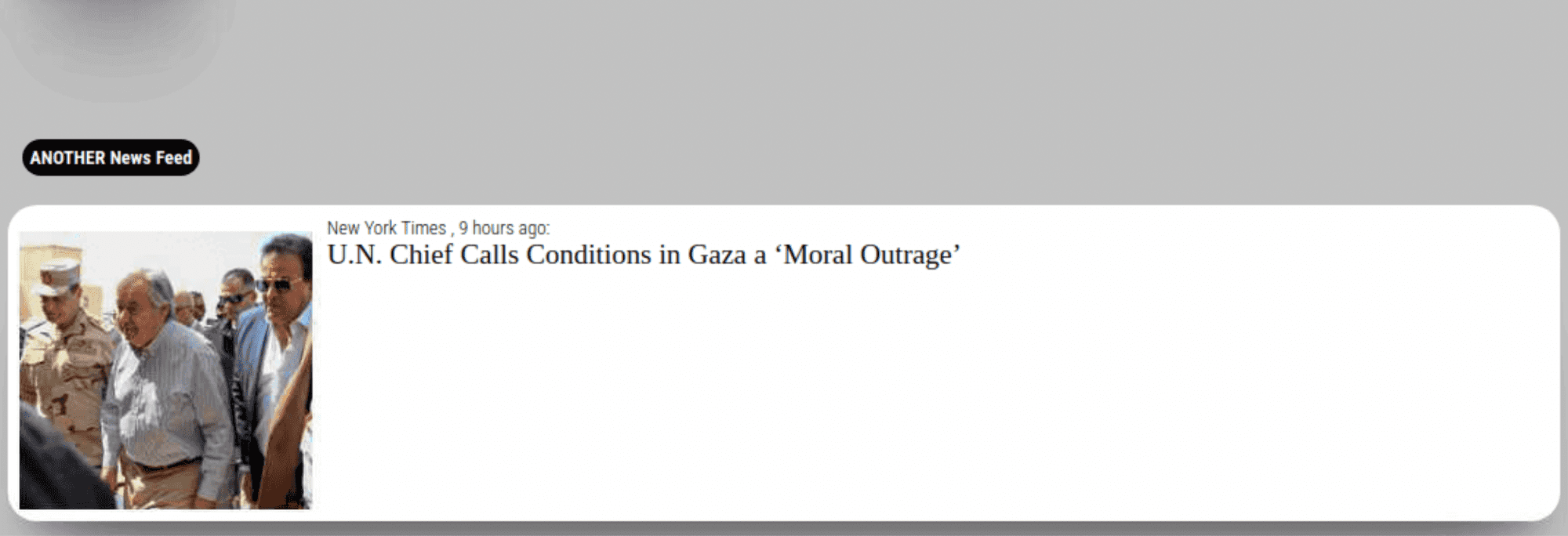
-
@MMRIZE Since more than one user is using MMM-AnotherNewsFeed, would it make sense to add it to the list of 3rd party modules? :slightly_smiling_face:
-
@sdetweil said newsfeedticker designed to be bottom bar ,
full width . takes a lot of space to display all that and make it readableI totally understand what you’re saying, but:
- some news articles only have seven words in their event
- every newsfeed does not display an image
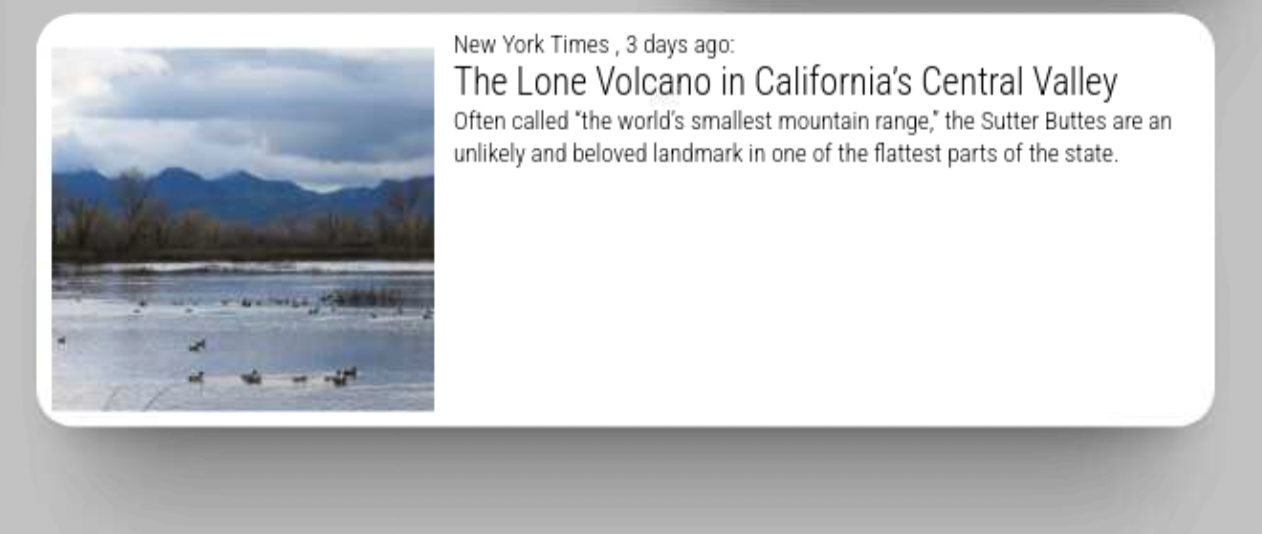
is there a way that I can force the module to remain and not animate/blink, so the background is always visible?
And can I force the article to be on the right side of the article image whether it is displayed or not?
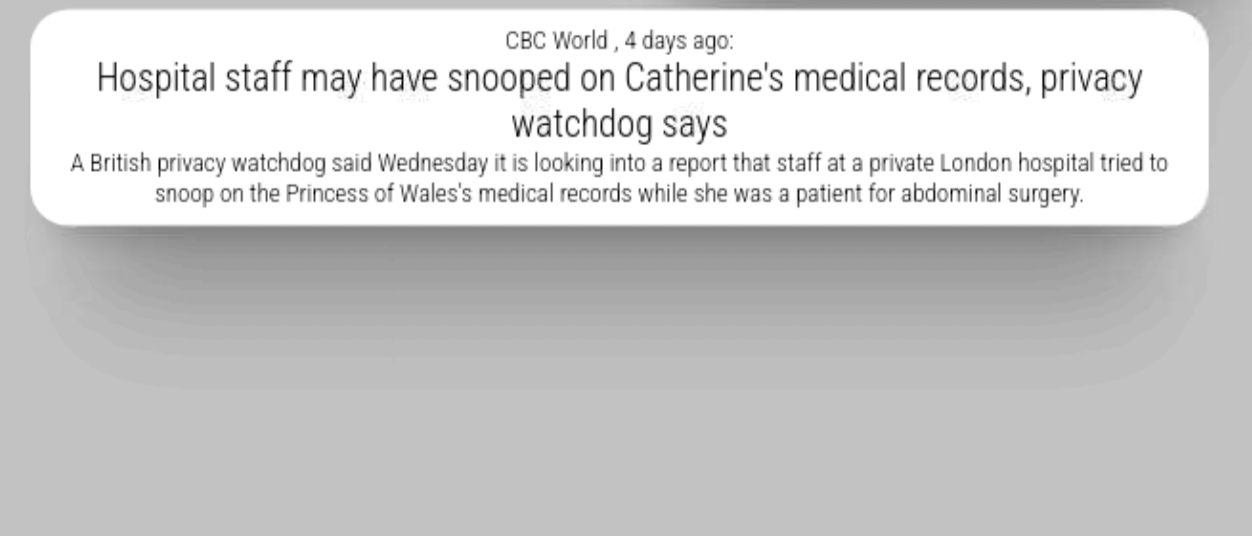
forgive me, I’m still learning, is that the display: block/flex/inline or margin:left/right % px?

Hello! It looks like you're interested in this conversation, but you don't have an account yet.
Getting fed up of having to scroll through the same posts each visit? When you register for an account, you'll always come back to exactly where you were before, and choose to be notified of new replies (either via email, or push notification). You'll also be able to save bookmarks and upvote posts to show your appreciation to other community members.
With your input, this post could be even better 💗
Register Login