Read the statement by Michael Teeuw here.
ALT not doing anything
-
@ankonaskiff17 npm is installed globally (-g)
effectively as root… system widethe pm2 install for auto start is to execute the command output from the command, pm2 startup
and npm (node package manager). is what loads the dependencies listed in package.json (npm install) and then executes the command listed in the scripts section of package.json (npm start, or npm run xxxxx, see the list)
I posted the command line parms to launch chromium instead of electron, so try that and see what keyboard handling there is…
-
@sdetweil It’s alive.
-
@ankonaskiff17 which. prior, this w chromium, it’s Tuesday?
-
@sdetweil I took two identical Pi 4B’s, formatted them intalled 64 bit PI OS on both.
Then installed MM 2.22.0 on one and 2.23.0 on the other.
No VNC or SSH, start to finish.2.22.0 I hit ALT (only) and the expected toolbar with VIEW then Toggle Full Screen and the Open Developer Tools come up as I am accustomed to.
2.23.0 exhibits that same unexpected behavior that started us down this road.
The whole ALT+F11 is WAY WAY beyond me but it does shrink the size of the MM overlay. Unfortunately it does not give you Open Developer Tools so that is a problem.
Beyond that, I am clueless. Why 2.22.0 works as desired and 2.23.0 doesn’t is way out beyond my level of knowledge.
I never got to the Chromium stuff you described but more than happy to run that down on the Pi with 2.23.0 on it.
Once I saw that 2.22.0 install give me what I wanted I was going see if I could repeat that. -
@ankonaskiff17 yes, the electron version changed between 22 and 23…
so, we are back to the original statement… something changed in electron…
-
@sdetweil You won’t get any argument out of me on that score.
As I said, glad to help if I can just as long as you tell me what to do. -
@sdetweil I’m calling it a wrap for today but is there a way to make the developer tools to open that is not “open developer tools”?
I did something yesterday and that launched but when you move the mouse around it is like it is behind the MM window. If it wasn’t doing that you could right click page and bring that up up.
Reason I ask is I did see some Electron errors yesterday but I’ve seen them in past so I just ignored.
-
@sdetweil Can you tell me how to easily capture/install the prior 2.20.0 version ether direct to the Pi I want to install MM on. I have two upcoming MM projects and while the one Pi is ready, it is going to be a simple build as far as MM’s go so will knock it out pretty quickly.
I have successfully installed that earlier version twice but still way more hunting and pecking than is desireable. Plus it would be good to know more generally.
Is
sudo rm -r MagicMirrorthe best way to remove the problematic2.23.0version? That is what I have been doing and since I have only just installed MM and no modules it seemed like that would do what I needed. -
@ankonaskiff17 you can rename it
mv MagicMirror new_name
later rm -rf MagicMirror to delete it
I posted on the github issue on how to git clone a tag
and where to find the tags
each release is saved as a tag -
@sdetweil Thank you.
I’ve piddled around with computers since THE computer was a Tandy Something Something I bought at a Radio Shack when they and hardware focused mom & pop computer stores were the only way to buy/build a NOT $7,000.00 IBM. There was an EGG Computer store as big as a Best Buy big box store in Charlotte, NC I used to go to and drool at all the hardware.
Been several multi-year gaps in there for sure but I can always rely on computers to tax my brain. Just like this.
I appreciate your help and patience.
-
@sdetweil I assume it is on you all to resolve MM’s conflict with the newest version of Electron?
I could see that going both ways. If new version of Electron broke EVERYONE’s application that uses Electron is different than if it only breaks one or two applications. -
@sdetweil I went to the Github Issue to see what you wrote and I don’t see anything relating to to how to retrieve an older version of the repository. All my Googling I had found how each version has tag associated with it but I can’t find in the issue stream anywhere.
-
@ankonaskiff17 issue stream?
have to look at the changelog of the tag
you should be able to
git checkout -b branch_name tagnameI think.
but if you used my script to install, then I strip out all the extra branches to save space
so you would have to use the clone approach
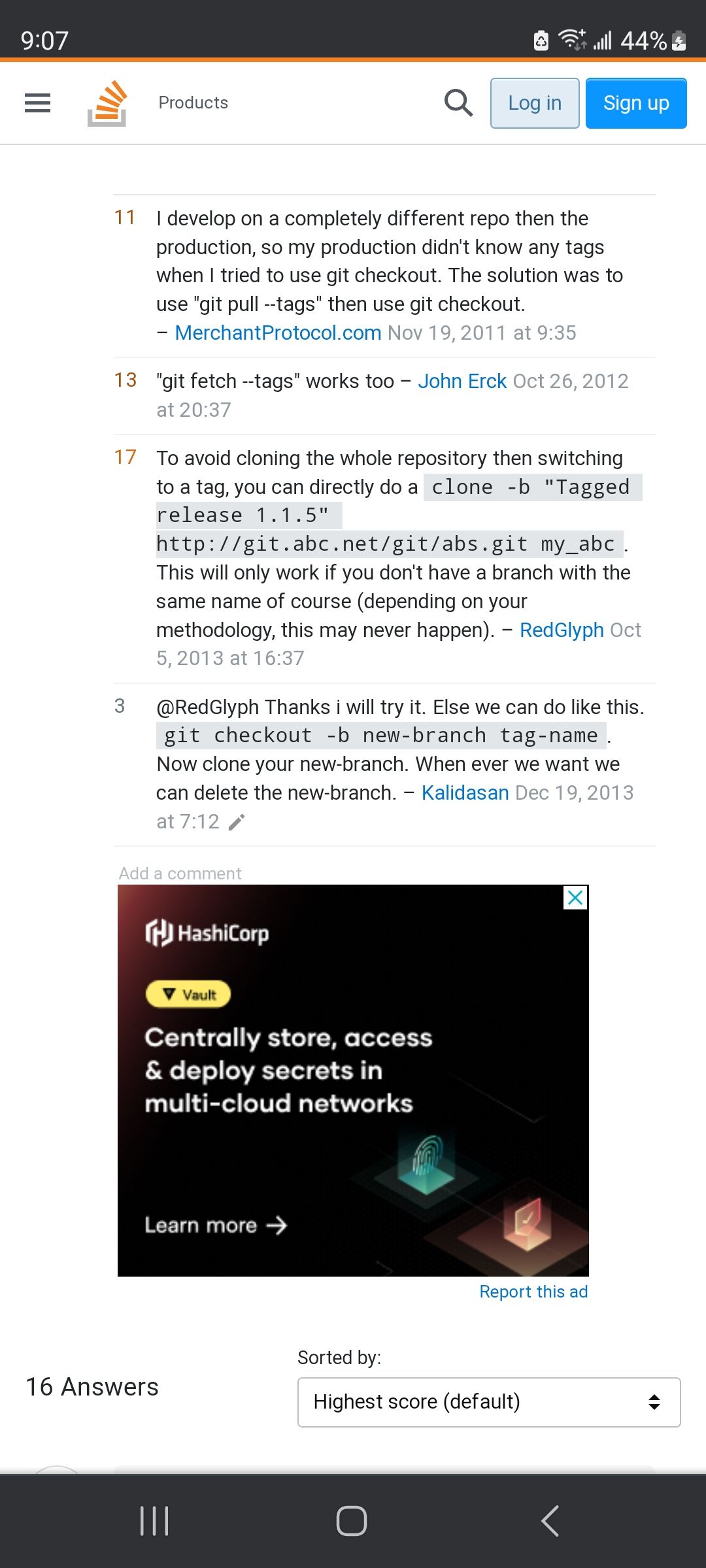
-
@ankonaskiff17 I did this
git clone -b v2.19.0 https://github.com/MichMich/MagicMirror.git mm2.19to get the v2.19.0 tag into the folder called mm2.19
if you don’t have the name at the end the folder will be MagicMirror
(and fail if there is one already) -
@sdetweil Used your script and worked like a charm. Didnt put in
mm2.22at end since I had no previous install.Then did the various appropriate steps from the “official” manual install, like node and everything running as desired.
-
@ankonaskiff17 my script does everything… no extra steps required
-
@ankonaskiff17 I meant the one where you use the version tag. Not the one that
alternative Installation methods is in . That pulls in the current version which is causing me problems with the ALT keygit clone -b v2.19.0 https://github.com/MichMich/MagicMirror.git mm2.19I was unsure if
git clone -b v2.19.0 https://github.com/...was going to installnode.js, orPM2so I did those portions of manual installation. -
-
Hello all,
I just install MagiMirror on a new RPI5 and I get the same problem : Alt key doesn’t give me the menu.
I have compared electron.js from an old installation that works fine with the one I just install on my RPI5 and I remark the line “electronOptionsDefaults.autoHideMenuBar = true;” is missing in the new version. I add this line in the new version, similar place in the code list, and now the Alt command works like the old version : I get the menu.
So it is solved for me, until the next update of electron.js file…If it can help you…
EricD
-
@EricD yes electron changed the key behavior again. nothing we can do

Hello! It looks like you're interested in this conversation, but you don't have an account yet.
Getting fed up of having to scroll through the same posts each visit? When you register for an account, you'll always come back to exactly where you were before, and choose to be notified of new replies (either via email, or push notification). You'll also be able to save bookmarks and upvote posts to show your appreciation to other community members.
With your input, this post could be even better 💗
Register Login