Read the statement by Michael Teeuw here.
MMM-Remote-Control
-
@sdetweil
OK; thanks for this hint.
May npm install has avoided the resulting error which I had to solve…Anyway: Thanks a LOT!
Regards,
Ralf -
Thanks for the feedback!
Since Sam has already addressed some of the issues, I won’t go into them again.
A few problems were mentioned, some of which I have just addressed with v4.1.0. E.g.:
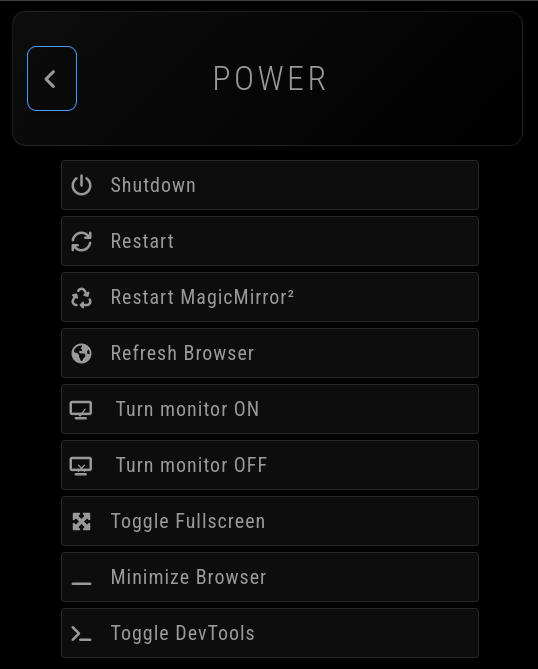
- Restart/Shutdown: Should now also work on systems without PM2.
- Minimize: Now says “restart to restore” so you know how to undo it.
About the monitor control issue:
This would be tricky to get running by default everywhere because every system uses different commands (X11/Wayland/etc). You have to check the Monitor Control docs and configure the right commands for your specific setup - the defaults won’t work everywhere.
About the “npm install/npm ci” topic:
Yes,
npm cican be problematic for modules with native dependencies that need platform-specific builds. However, MMM-Remote-Control only uses pure JavaScript dependencies (marked, qrcode, simple-git, swagger-ui-dist, uuid) - no native modules that require compilation.For this module,
npm ciis actually the better choice because:- Guarantees exact tested versions which the developers released
- Faster installation (no dependency resolution)
- Same behavior in CI and production
- No change on the package-lock.json
So the warning about
npm ciis valid in general, but doesn’t apply here.
About the microupdates. Since the test suite does not a lot parts yet, some details simply go unnoticed after major changes. If you are not experiencing any problems with the module, you do not need to install every update.
About node update: I recommend using nvm for node updates. This is also what is offered as default for Linux on the official download page. This makes many things easier - like if something does not work after an update, you can easily switch back to the previous node version. So you don’t need to be so afraid of updates.
-
@S374n said in MMM-Remote-Control:
First update changes my main.css - took me a while to figure it out and redo all my customizations.
You should not change main.css. All customizations should be made in custom.css: https://docs.magicmirror.builders/modules/customcss.html#custom-css
-
@KristjanESPERANTO n also allows you to change version on the fly.
One nvm ‘benefit’, it stores the node versions in the users home folder at .nvm
So, on a multi-user system each user could have different node versions.
As MagicMirror is deployed as only user, it’s functionally the same.
One n benefit, it stores the version in the /usr/ local folder
So it requires sudo to make the change, cannot be accidental -
@sdetweil said in MMM-Remote-Control:
So it requires sudo to make the change, …
This can also be seen as a disadvantage 🙂
-
@KristjanESPERANTO maybe, if you never use sudo, but we use it very often
-
@KristjanESPERANTO Hi, I very much like MMM-Remote-Control!
The last update has possibly introduced an error with respect to the “Custom Menu Items” => I have a menu item which still shows, but the sub menu items don’t show anymore?
Else wise please let me repeat: excellent job on MMM-Remote-Control!
-
said in MMM-Remote-Control:
@KristjanESPERANTO Hi, I very much like MMM-Remote-Control!
The last update has possibly introduced an error with respect to the “Custom Menu Items” => I have a menu item which still shows, but the sub menu items don’t show anymore?
Else wise please let me repeat: excellent job on MMM-Remote-Control!
FWIW: I’m using the showModuleApiMenu: true setting in config.js as well and the submenus there don’t show either, any more?
-
@meikelrix I’ll take a look asap :-)
-
@meikelrix Please check new release 4.1.1 🙂

