Read the statement by Michael Teeuw here.
Default Weather module not loading and no error showing.
-
@yawns Finally found a way to get in the browser. I’m quite happy with the new weather module. So I stop this thread and mark it as solved in some kind of.
Thank you all for all efforts.
Now the search begins to have a good MP3/radio station player. I would like to build in some speakers I have in my garage and give them a new function in this project. -
Hi,
I am having the same problem right now. I was previously using the default weather module and it was working perfectly fine. However, due to some reasons, I had to uninstall everything on my Pi and start working with a fresh install of OS to everything else.
I installed MM2 again, made necessary changes in config but somehow the weather module is not showing up.
I even tried looking at logs but there is no error there. Even in the browser console.
It would be really appreciated if someone could help me with this. -
@Preve Could you post the solution you found?
-
@gznoble said in Default Weather module not loading and no error showing.:
Could you post the solution you found?
Your default weather is not working? Post your config entry for weather here using this guide. We’ll try to get you sorted.
-
My config for weatherforecast is not working. The odd thing is that current weather is. I can not see the console with F12. I thought this was a keyboard config issue but I have tried several settings and F12 is not bringing up the console.
My config for weatherforecast is
-
This post is deleted! -
This post is deleted! -
{
module: "weatherforecast",
position: "top_center",
header: "Weather Forecast",
config: {
location: "Saint Peters",
locationID: "4407237", //ID from http://www.openweathermap.org/help/city_list.txt
appid: "################################"
}
}, -
It’s not your config that is the problem.
Here is a quote from MichMich just this morning from a similar topic.
“It seems new API keys from open weather no longer are allowed to request the forecast. We are looking into a solution.”
So, for now, you can disable the forecast module. Also, you could try another weather module that IS working. There are quite a few under the Weather heading here.
https://github.com/MichMich/MagicMirror/wiki/MagicMirror²-Modules#3rd-party-modules -
Thank You for your quick response. This was really bugging me that one worked but not the other.
-
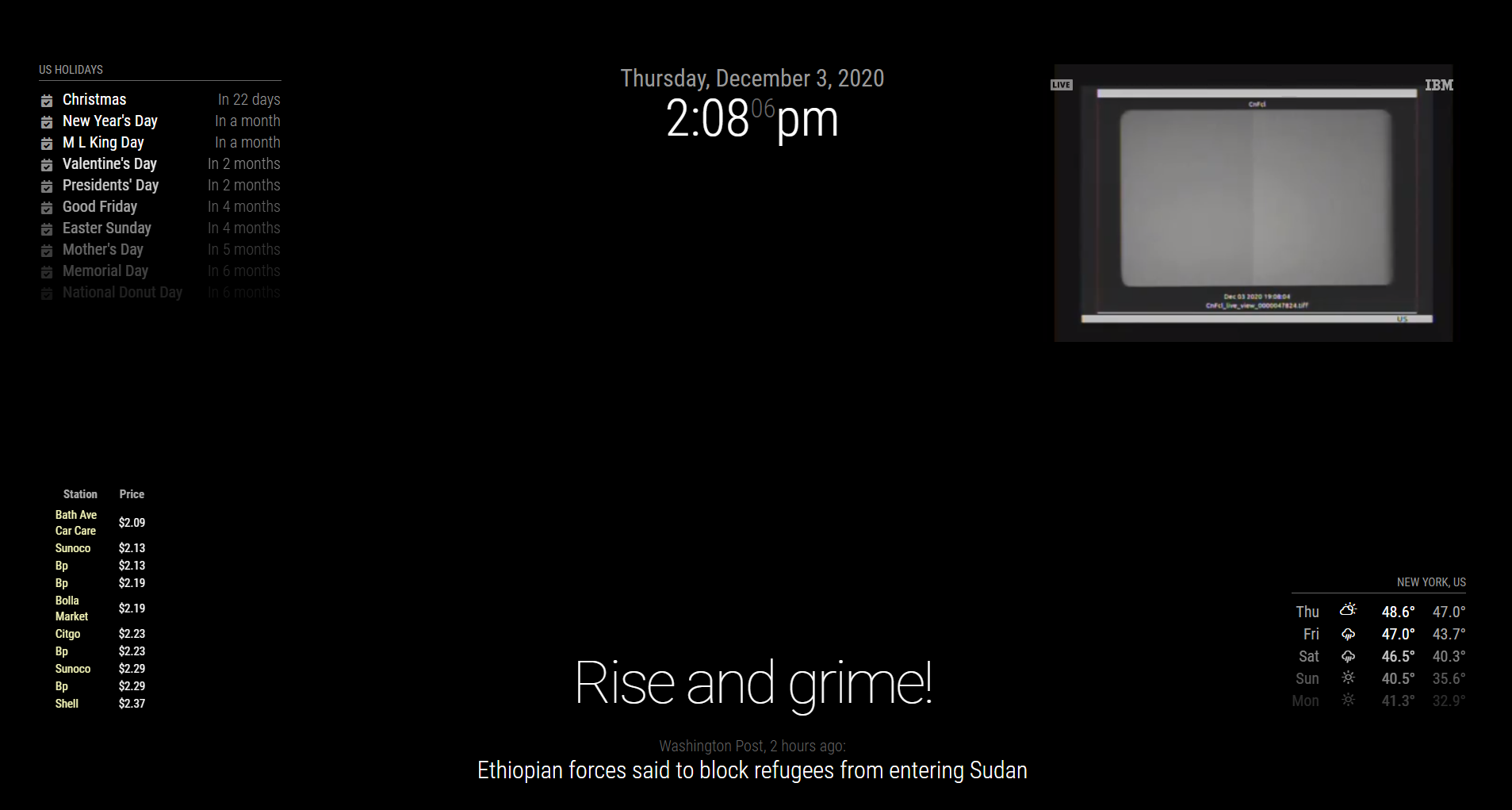
I know this is old but…my weather wasnt loading. I was trying to use the “forecast” option. Figured out (despite what @Mykle1 said above) that it does work with API keys but I needed to changed weatherEndpoint: in the weather.js file
                apiKey: "YOUR-API-KEY",
                apiSecret: "",
                apiVersion: "2.5",
                apiBase: "https://api.openweathermap.org/data/", // TODO: this should not be part of the weather.js $
                weatherEndpoint: "/forecast",
I had it set to forecast in the config/config.js (below) but that wasnt enough. After I changed the weatherEndpoint, it worked. The
                {
                        module: "weather",
                        position: "bottom_right",
                        config: {
                                type: "forecast"
                        }
                },
Hope this helps someone.

Hello! It looks like you're interested in this conversation, but you don't have an account yet.
Getting fed up of having to scroll through the same posts each visit? When you register for an account, you'll always come back to exactly where you were before, and choose to be notified of new replies (either via email, or push notification). You'll also be able to save bookmarks and upvote posts to show your appreciation to other community members.
With your input, this post could be even better 💗
Register Login