Read the statement by Michael Teeuw here.
MMM-GooglePhotos
-
@Sean Sorry to keep kicking a dead horse, but if the API gives access to the creationTime, then can one create a short script to to show a particular photo for a particular date? Like, when in the month of December, only show me photos with a time stamp of 12/**/****.
Here is what I am getting at; I can edit the time stamp on each photo to reorganize in google photos. However, if there is a power glitch, and my Rpi resets, then the photos will start over at the beginning of the photo album. Normally this wouldn’t be a big deal if I were to use my MM as just a photo frame. However I suspect that I’m like most people, and am displaying our family calendar as well (kudos for the CalendarExt BTW). Having the photos coincide with the what time of the year it is would be very beneficial. For instance I wouldn’t want snow scenes to be displayed in the middle of July (unless I am in Australia, :-P ). So far there doesn’t seem to be a module like that.
-
Hello,
The module has been working great , however , i am running into a situation now where it constantly request google authentication. I can leave and come back and there are 50 chromium tabs opened trying to authenticate to google , and it also covers other modules.
Any idea how to fix this ?
Regards!
-
@xundre
give me more details especially server log. -
@Sean said in MMM-GooglePhotos:
@xundre
give me more details especially server log.Hi , Sorry not exactly sure how to get the logs.
-
@xundre
If you are requested to auth your project on each time module running, your authentification was missing something or failed.
Try re auth again. (https://github.com/eouia/MMM-GooglePhotos#get-auth-and-albumid) -
@Sean I do but then it comes back up again in x number of days. I go through the auth process and it works again, but then starts popping up windows to auth after sometime.
It used to work consistently without having to reauth , not quite sure what changed.
-
@xundre
Very weird. If possible, plz contact me tomorrow throughTelegram(my id is @eouia) I’m convenient when normal weekdays 10am ~ 17pm in Central European Timezone. We can see what’s happening on realtime. -
If I have an album with a very large number of photos does it scan all of them? I switched to a small album and it loads nice and fast…but the large one never seems to get a photo. Is this a one time scan (for each time it starts up). Or will it always be super slow.
Google Photos auto adds photos to albums based on who is in them, so its a shame to not be able to use one of these albums.
-
@mcneilp If i let it run long enough it loads an image…but sometimes it goes blank for a while. I assume this is because its processing photos. Too bad it can’t just load a few at a time and run fast.
-
@mcneilp
Show me your config. And Google Photos has its API request limit for usage. -
Sean,
It seems you make my favorite modules. I’m trying to get the GooglePhotos to work and it does if I leave it long enough. On startup though nothing shows (makes it real hard to configure the appearance). I’m seeing this in the log. Is the album I chose too big? I’m using the config you posted for fullscreen (except I changed to mode: hybrid).Error: { Error: Client network socket disconnected before secure TLS connection was established
at TLSSocket.onConnectEnd (_tls_wrap.js:1092:19)
at Object.onceWrapper (events.js:273:13)
at TLSSocket.emit (events.js:187:15)
at endReadableNT (_stream_readable.js:1090:12)
at process._tickCallback (internal/process/next_tick.js:63:19)
code: ‘ECONNRESET’,
path: null,
host: ‘photoslibrary.googleapis.com’,
port: 443,
localAddress: undefined } -
@gonzonia
well, the error log is saying just network problem. However I’m not in front of machine at this moment, but i’ll check this tomorrow -
Thanks. Seems to be working now. Like I said, it starts out that way and then eventually loads fine. The album has about 900 photos I’m showing randomly. Trying to decide if I want them fullscreen or not…
-
@Sean It’s weird. I had it working. I went to adjust the settings (sizing didn’t look good) and then it stopped. Getting the network error consistently.
This is my latest config. I’ve tried various configurations of showWidth/showHeight and originalWidthPx/originalHeightPx
{ module: "MMM-GooglePhotos", position: "top_left", config: { albumId: ["XXX"], // your album id(s) from result of refreshInterval: 1000*60, scanInterval: 1000*60*10, // too many scans might cause API quota limit also. //note(2018-07-29). It is some weird. API documents said temporal image url would live for 1 hour, but it might be broken shorter. So, per 10 min scanning could prevent dead url. sort: "random", //'time', 'reverse', 'random' showWidth: "800", // how large the photo will be shown as. (e.g;'100%' for fullscreen) showHeight: "600", originalWidthPx: 1920, // original size of loaded image. (related with image quality) originalHeightPx: 1080, // Bigger size gives you better quality, but can give you network burden. mode: "hybrid", // "cover" or "contain" (https://www.w3schools.com/cssref/css3_pr_background-size.asp) //ADDED. "hybrid" : if you set as "hybrid" it will change "cover" and "contain" automatically by aspect ratio. } -
@gonzonia
There is nothing related to your network issue on this module. (At least, I think so)
I carefully guess these things;- WLAN sleeping feature might be activated in your RPI.
- Your other module or other background process would make this.
-
@Sean
This module is the only one not working. though and you can see in the error I posted earlier it directly references the “photoslibrary.googleapis.com” which is why I suspected this module.Currently I’m not running over wifi so it’s not that it’s sleeping.
I’ll keep trying things and see if I can find something with some consistency. Thanks for checking.
-
@Sean I’m starting to think the network error is irrelevant.
I am seeing the error sometimes not related to googleapis.com. In those cases the CalendarExt2 data isn’t fully loaded, I refresh and all seems good.The config below seems to work.
{
  module: "MMM-GooglePhotos",
  position: "fullscreen_below",
  config: {
    albumId: ["AD8YTEgKjrQhxAA_30358v4J7I7CXoa1_QIgcebrp1qLcFUvsIU5Hql3wPIvUDesZ72DYwbEhxSz"], // your album id(s) from result of `auth_and_test.js`
   refreshInterval: 1000*60,
    scanInterval: 1000*60*10, // too many scans might cause API quota limit also.
    //note(2018-07-29). It is some weird. API documents said temporal image url would live for 1 hour, but it might be broken shorter. So, per 10 min scanning could prevent dead url.
    sort: "random", //'time', 'reverse', 'random'
    showWidth: "100%", // how large the photo will be shown as. (e.g;'100%' for fullscreen)
    showHeight: "100%",
    originalWidthPx: 1920, // original size of loaded image. (related with image quality)
    originalHeightPx: 1080, // Bigger size gives you better quality, but can give you network burden.
    mode: "hybrid", // "cover" or "contain" (https://www.w3schools.com/cssref/css3_pr_background-size.asp)
    //ADDED. "hybrid" : if you set as "hybrid" it will change "cover" and "contain" automatically by aspect ratio.
  }
  	},
Change to
 position: "top_left",
showWidth: "800",
showHeight: "600",
originalWidthPx: 800,
originalHeightPx: 600,
and it doesn’t
-
@gonzonia
Hmmmm…
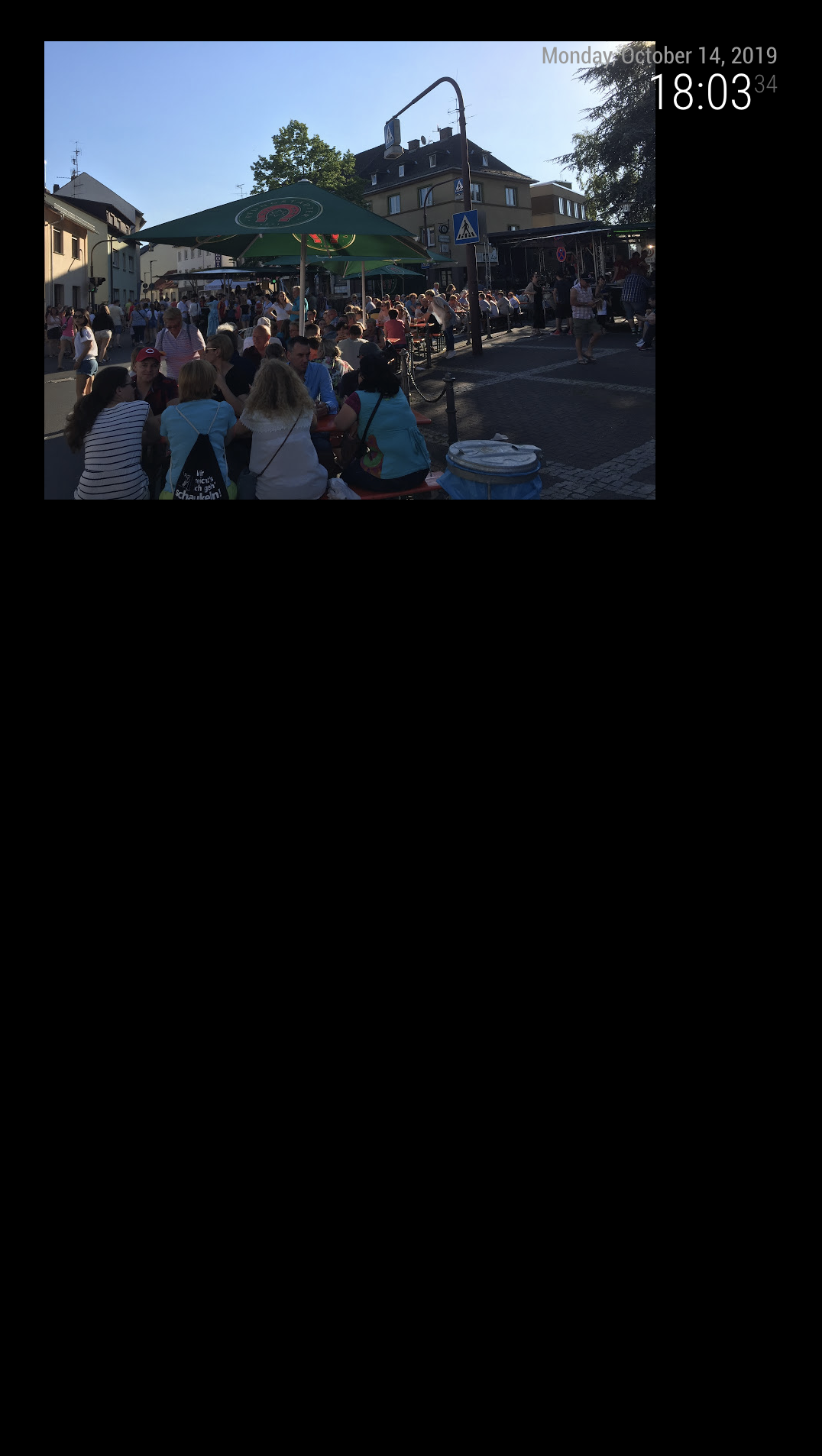
With your config (but change albumId - I cannot use your albumId), I can display.Here is mine.
{ module: "MMM-GooglePhotos", position: "top_left", config: { refreshInterval: 1000*60, scanInterval: 1000*60*10, sort: "random", showWidth: "800px", showHeight: "600px", originalWidthPx: 800, originalHeightPx: 600, mode: "hybrid", albumId: ["AJQR3DjzfO6BkH5eSY1e6Dm3m49QVOmpmXgPy6BOecEwg-f_82H_UJ1v-dvzVIjuezDmb_snettC"], } }, -
Hi,
For some reason noting is showing on the MagicMirror… I’ve pass the Auth test but still nothing is happening…
Here’s the test results:Messages : ABzt7NwkIe_XeUgaOezo-5u4fVUn5Gj7xhp1NfzTvGkZPLsd6Lw_99kXfEe1IOXnglPms7POrP4c
July 29, 2018 : ABzt7Nx3bEIkcn3tX2FFVXsH2fzQVC4Os0CJhfS61mv6pvZSCXoMZymEaf-eZBBL08Lqw0_1fLSC
July 29, 2018 : ABzt7NwUwbPw1vqCOC70DXZ0UuD8ajeummvi6bRvmEDl7TYDqVcQcHT9EfJfZj2St0TunweaEogm
July 29, 2018 : ABzt7NzW5C6q_Z7A5tTgnGYkRfCvCb8KWMOYwmUDSPPco8JN9rFDRU-epLrkGyi-OSde2W0T25nB
July 29, 2018 : ABzt7NyzrxVgSSQ71mMfiRkgnQ_ZbNL5chnZW49kkWE4reAdfakLBb5NJKz24pEYRH7uKlKIRvEQ
July 29, 2018 : ABzt7NwyHnIh7XavY1dbWmsPQqHd34dwJzf0qpGGnZ6GnAiSRAdeooTjkZGPrxHMq0JwNw73AgiK
July 29, 2018 : ABzt7NwVG_h0xWe01FlxcIdIzpTE6FoHnhWmOpiZf8lXQXxT-em4UIv_nR9RTbggkEqLuBqsPI4w
July 29, 2018 : ABzt7NwAVoSsujJwotfz02G3sYbIFIEXh0aT3JjkeIeHvE_ztZJFFIQt0z9W0gLSQQNT_ZQtThrb
July 29, 2018 : ABzt7NxopVxxPrdyilZ3q6OWmDeGEWgdt_KkPEUEYR-ttFS1EFBv37JtPI8E7-JodnNUI7P5N_H_
July 29, 2018 : ABzt7NxbTlUlq0jiUBuNVNLLJt5dRYvIscSCRm0XUiJJEhfzrrRiem0OyuD0dj-cXZ9RNc_gsGal
July 29, 2018 : ABzt7NzsLXU8kvxF8HZnXCBOVzInUhys3dFh5CEmF8YVgiQhWg8Qdv7LHSmF3pnV_EK–jfGTtTW
July 29, 2018 : ABzt7Ny0jW0phJcKPrrCBdmbGKSkAKdXTFFNEAkdiO8apGut1FhIjonLWioEccQrtVSI-490XiPB
July 29, 2018 : ABzt7Nz_iEDYQ4YDVE2BovRN3Ow6jDW7b9Ziu0ayQZqe6JKNSLS3UEUtn4O3A2ugn7BsucrBxR34
July 29, 2018 : ABzt7NzRGIFYYRr2q7EmGopEiXVyUmV4MS-B0PDdnoC0a5nt2nmr00PgjxAxryOa51kCpRw2bUvQand here’s my config… (the size is just for testing)
{
module: “MMM-GooglePhotos”,
position: “top_left”,
config: {
albumId: “ABzt7NwkIe_XeUgaOezo-5u4fVUn5Gj7xhp1NfzTvGkZPLsd6Lw_99kXfEe1IOXnglPms7POrP4c”, // your album id(s) from result ofauth_and_test.js
refreshInterval: 100060,
scanInterval: 100060*10, // too many scans might cause API quota limit also.
//note(2018-07-29). It is some weird. API documents said temporal image url would live for 1 hour, but it might be broken shorter. So, per 10 min scanning could prevent dead url.sort: "random", //'time', 'reverse', 'random' showWidth: "1001px", // how large the photo will be shown as. (e.g;'100%' for fullscreen) showHeight: "1001px", originalWidthPx: 1001, // original size of loaded image. (related with image quality) originalHeightPx: 1001, // Bigger size gives you better quality, but can give you network burden. opacity: 1, // target "opacity" property (https://www.w3schools.com/cssref/css3_pr_opacity.asp) mode: "contain", // "cover" or "contain" (https://www.w3schools.com/cssref/css3_pr_background-size.asp) //ADDED. "hybrid" : if you set as "hybrid" it will change "cover" and "contain" automatically by aspect ratio. } },Hope you will be able to help me out…
-
@mosheva
What log says?
Hello! It looks like you're interested in this conversation, but you don't have an account yet.
Getting fed up of having to scroll through the same posts each visit? When you register for an account, you'll always come back to exactly where you were before, and choose to be notified of new replies (either via email, or push notification). You'll also be able to save bookmarks and upvote posts to show your appreciation to other community members.
With your input, this post could be even better 💗
Register Login