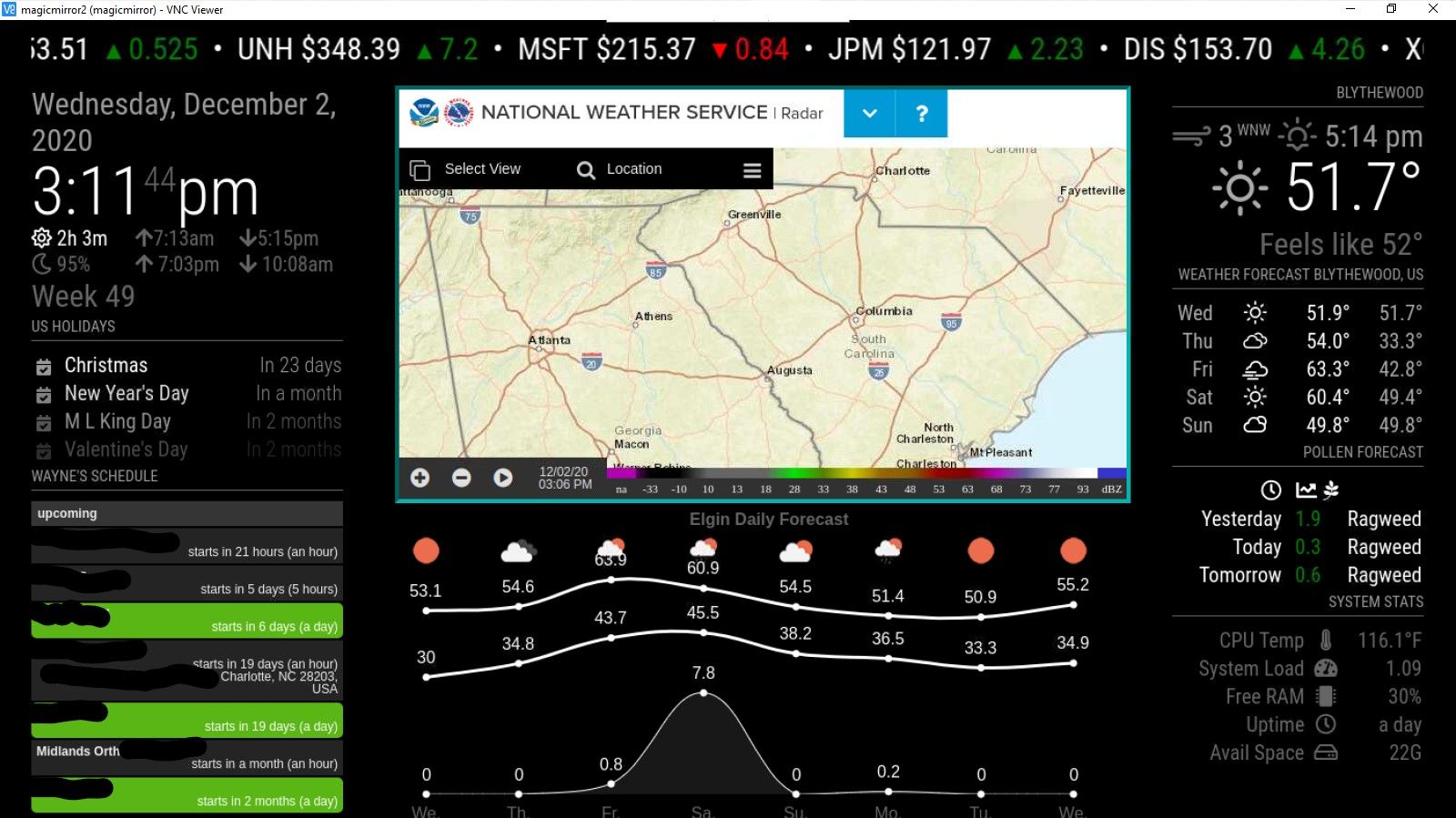
@Mykle1 I want to use whole screen, but I’ve just started thinking about what to put on it. But I’ll give you a quick example. on 24" (pardon if you are metric) diag screen. The default clock is is 4.5" wide.
42" screen, same default clock is 8" wide
My first boneheaded move was to change screen resolution. The underlying Pi OS desktop was so small you needed a magnifying glass to see the little Raspberry icon. My biggest challenge so far is dealing with the region sizes.
Things like that iFrame that has the radar image on it, the iFrame is configured to maintain a standard W x H ratio for a typical monitor and I wrestled with padding on the ticker up top, padding in general to get it centered and not crowd out other modules but also be readable from across the room.
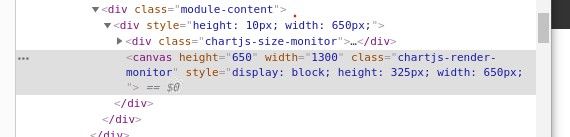
I’ve made abundant use of the developer tool but some stuff still eludes me.
The daily weather line graph below it may look okay to a casual observer but I can NOT get it to widen out to the right no matter how many things I have tried. But per @sdetweil that is due to it incorporating chartjs in the module. I can tell you PM2 RESTART MM is seared in to my brain.
Tweaking the region sizes, and how they are placed is something I don’t understand yet