yes, yes,. of course. the two buttons don’t work. the default does work,. and if I say default = you then I get the modules for You,. so that is no problem. but clicking on the bottom does not change a thing, other bottoms do work fine,…
A New Chapter for MagicMirror: The Community Takes the Lead
Read the statement by Michael Teeuw here.
Read the statement by Michael Teeuw here.
B
Offline
Posts
-
RE: MMM-ProfileSwitcher, A Profile/User/Layout Switching Module
-
RE: MMM-ProfileSwitcher, A Profile/User/Layout Switching Module
Hey there, perhaps I am really too stupid,. I can’t get it to run. I have this config:
{
            module: "MMM-ProfileSwitcher",
            config: {
				//includeEveryoneToDefault: true,
				title: true,
				enterMessages: {
					"you me": "Hey %profile%!",
					"me": ["looking great!"],
					"you": ["looking great!"],
				},
				leaveMessages: {
					"everyone": "C U %person%!",
					"me": ["Hey why gone...?", true]
				},
				timers: {
   				 "you": {},
   				 "me": {},
						},
				enterMessages: false,
				leaveMessage: false,
        			},
        },
and a modulbar that point out this:
"5": {
                       module: "MMM-ProfileSwitcher",
                       text: "you",
                       showUrl: "http://ip:8080/remote?action=NOTIFICATION¬ification=CURRENT_PROFILE&payload=%22you%22",
                       },
but if I hid the bottom, nothing happens!
Think I am missing something. Do I need to set anything else off? My default view is quit perfect and loading, so yes I added the classes for the modules.classes: 'me',Thank You in advance !
Jimmy -
RE: MMM-MotionEye - surveillance video stream on your mirror!
Have a look in motioneye under Videostreaming -> Streaming Port. Use that one,. with me it is 8081. and the snapshot port is 8765.
Hopefully that helps.
-
RE: MMM-MotionEye - surveillance video stream on your mirror!
Change Your port in the config.js from 8765 to 8081
-
RE: MMM-MotionEye - surveillance video stream on your mirror!
I have that more often than I can believe. That normally means motioneye crashed,. or something. there is no connection between MM and Motioneye.
I do the login ins my http://IP:8081 an see if it is running,. normally then MM reloads the full image.Give it a try!
BTW is there a way to let motioneye run through pm2 ?
-
RE: [ORDER CLOSED] Two way mirror order in Germany
hey look awesome ! Are you willing to share that with the community?
-
RE: [ORDER CLOSED] Two way mirror order in Germany
Hey folks, could You please post some photos, how You fixed the mirrorglas to Your framework!? Thank You !
-
RE: [ORDER CLOSED] Two way mirror order in Germany
@Goldjunge_Chriz Yes I am very satisfied !
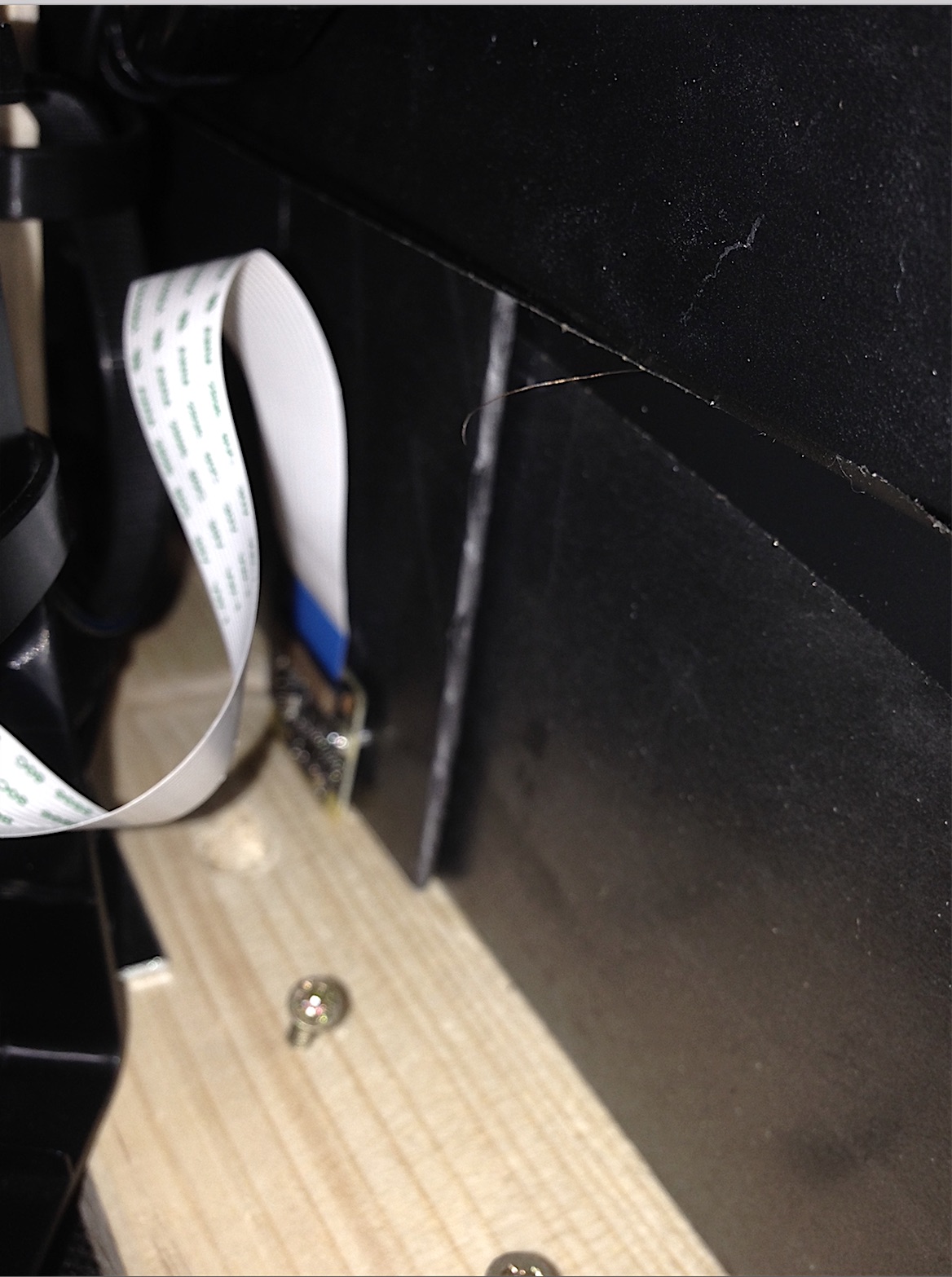
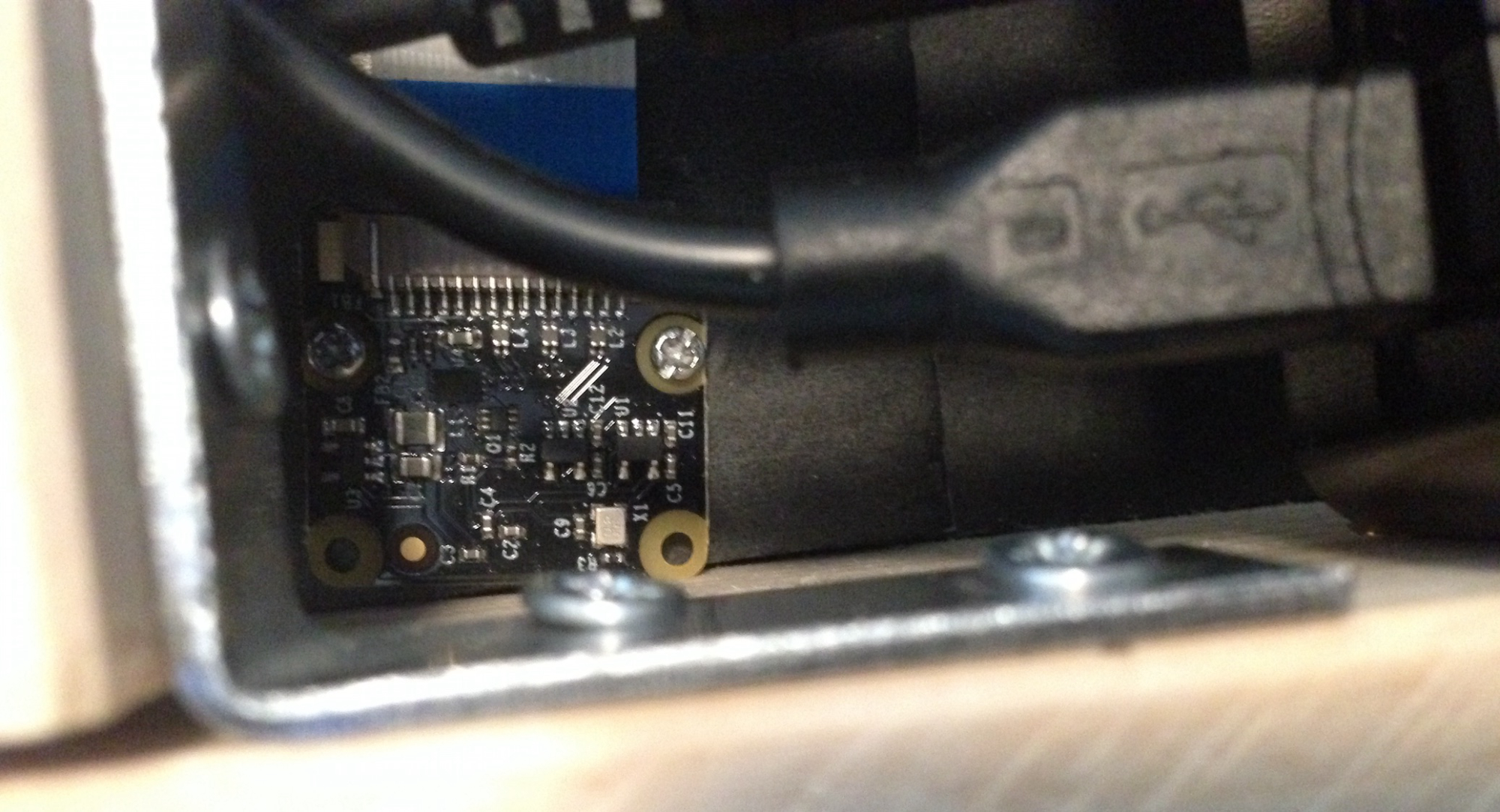
@Hawking I used a official Raspberry NoIR Camera attached via the wired-band to the cis-port of a Raspberry 3. The attachments to the mirror is kind of special, cause it is depending of ones setting.
As You can see in the pictures I used the cut-off of the pass-par-tout as a first framework, pooled two screws in it, unfortunately one was shorter than the other one, that is, in the other picture, You realized the camera is odd, but that doesn’t matter as I didn’t want to take photos rather then detect motion. The image by raspistill is very unsharp, but that isn’t important either. It does what it does, detecting motion.
As the pass-par-tout is kind of foam I could screw-in the screw directly. In total the framework fits neatly between monitor and mirror-frame.Hopefully that helps build Your mirror.
-
RE: [ORDER CLOSED] Two way mirror order in Germany
Hey there !
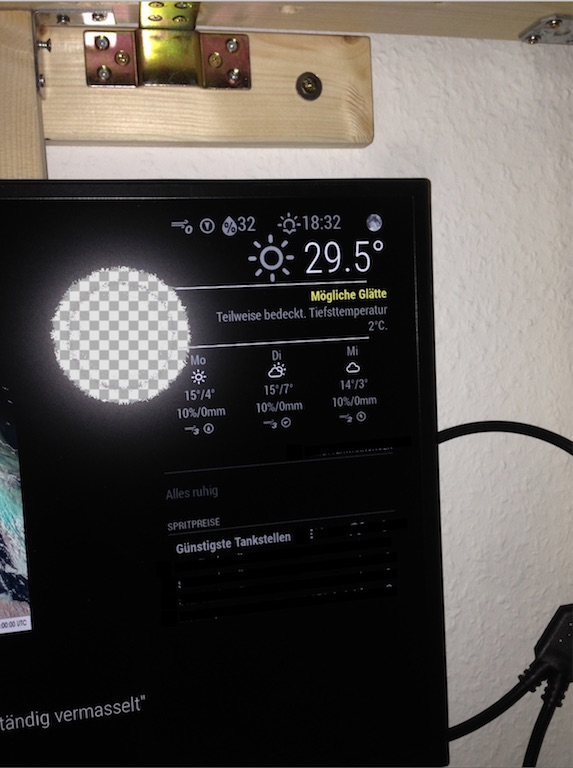
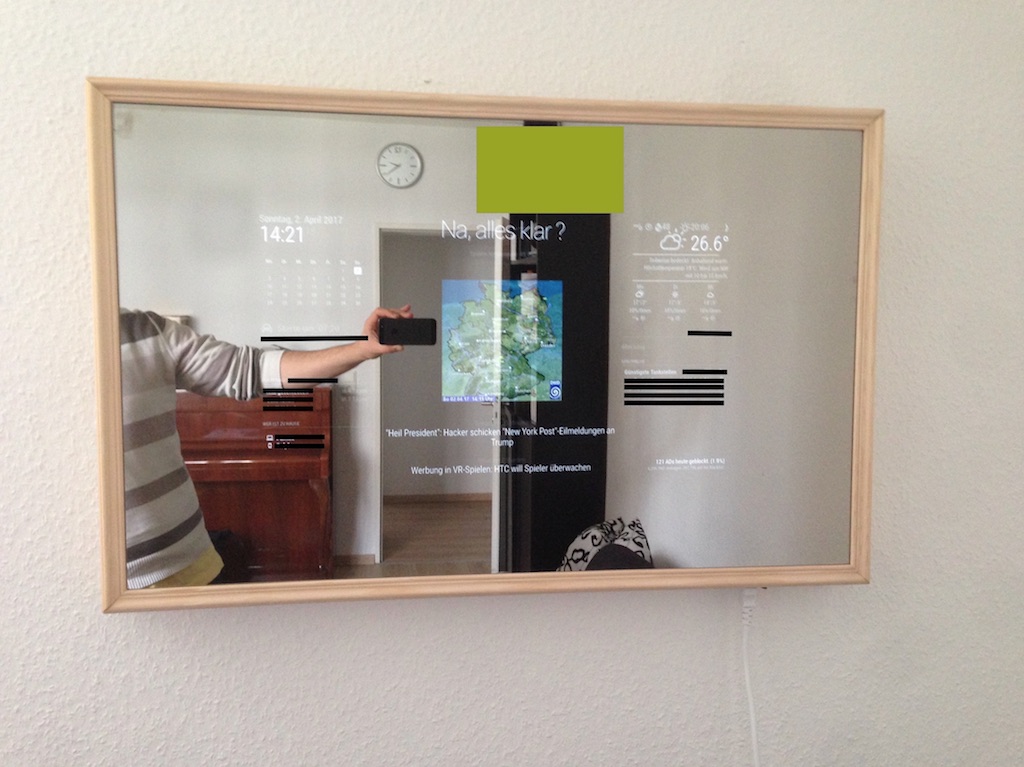
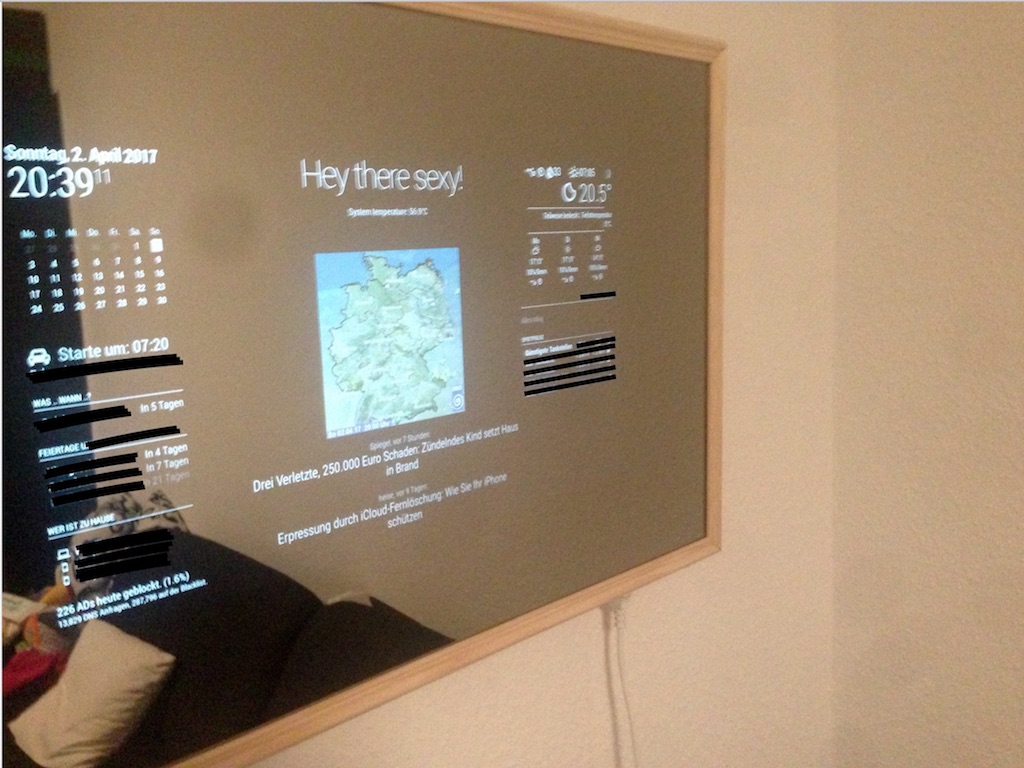
I thought I should pose some pictures of my mirror. At first: Thanx to You @Goldjunge_Chriz for all Your effort. It was kind of challenging my human faith, too. Had the same crazy thoughts as @yawns had. As specially as the recipient of the mirror (and the guy who paid ;-) had no idea, that this was actually his present. (so not much financial risk,. put a friendship…so it had to end well!) So, thx god, nothing was cracked - I feel really sorry for You, @tomster !!Short review:
As in the last picture, the mirror seems darker, compared to the wall,. the red shiny is the light installation and confuses a little bit.
Comparing the first image (monitor settings eco2 of 4(no eco), brightness 45%) to the other one, You see the mirror is indeed dropping light emission significantly. In a sunny condition, You have to really concentrate to read the text. (light is coming from the ceiling and the window a meter next to the mirror’s wall. None the less, it is more important in the evening and the morning hours.To those who might ask. Yes, the monitor is smaller than the mirror, that is not that bad, so don’t have so much heating problem. I was been able to put a pass-par-tout around with a tiny whole for the NOIR-Cam which switches the monitor on and off.
I want to put out, that it wasn’t that easy to fix the mirror on the frame, and I am not that sure, if my way was the best. How did You guys fix the mirror on your wodden frame??
Thanx again Chriz for all Your effort !! I really appreciate that !!
-
RE: MMM-MotionEye - surveillance video stream on your mirror!
Hey there. My problem is, that I do not get an image one the screen, when using autohide.
It works without using autohide.
Is it true, that it appears - using autohide - if a motion is recognized?So motioneye is recognizing correctly, but obviously it does not parse the info to the module.
this is my config:```{ module: 'MMM-MotionEye', position: 'middle_center', config: { url: "http://motioneye:8081", autoHide: true, autoHideDelay:"10000", debug: true, animationSpeed: "2000", width: "300", }, },```Can someone please post a screenshot of the motioneye-config (as seen above) how the settings should be set?
Thank You very much !!