Is it possible to have the MM streaming radio, and then go to a webbrowser on a pc typing in IP-of-MM:8080 and then hear the radio?
B
Offline
A New Chapter for MagicMirror: The Community Takes the Lead
Read the statement by Michael Teeuw here.
Read the statement by Michael Teeuw here.
Posts
-
Audio through webbrowser
-
RE: Mycovid19 graph doesn't show on webpage through Dataplicity
Never mind.
Found out, that I had to dostartDate: "10/28/2020", -
RE: Mycovid19 graph doesn't show on webpage through Dataplicity
@sdetweil Dataplicity is a “device forwarding” program. I install their program on the pi, then it is forwarded to their service. I can then go to their website, and remote control it via shell. I also get a link (something.dataplicity.io), where I can see the what it shows. For me, it’s basically port forwarding with remote shell, and I get to use letters instead of ip address.
Found out it took long time for it to load, but i works now, kinda. I found out, that with the “startDate” added, i won’t load at all, even local.
It won’t load with:
startDate: 10/28/2020,
But will, but with wrong start date with:
StartDate: 10/28/2020,
Jan 28 is the first day it shows. -
Mycovid19 graph doesn't show on webpage through Dataplicity
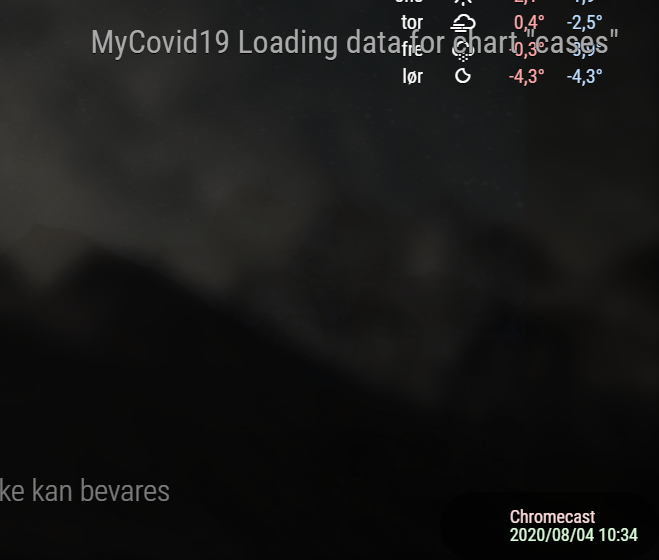
The graph works and shows fine on the monitor, which is connected directly to my RPI, but does not show on my Dataplicity webpage. The only thing there is, is the “
MyCovid19 Loading data for chart "Cases"”. Everything else works fine.
From my dataplicity webpage:
From VNC Viewer:
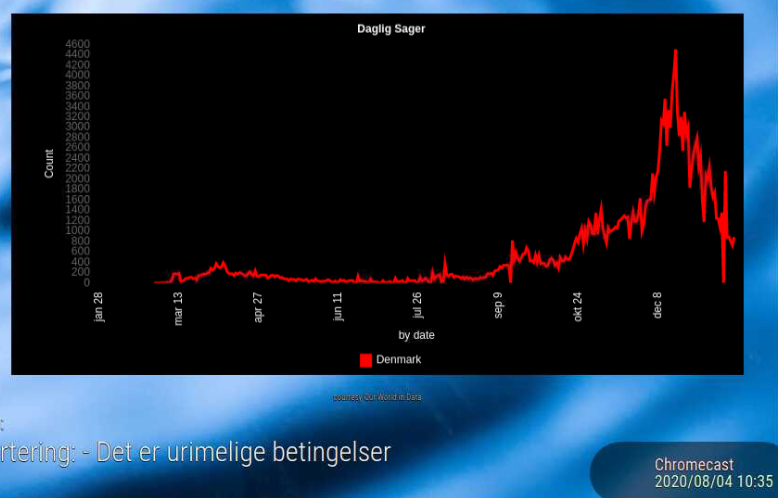
I’m lost, and do not know what to do to fix it -
RE: New Bathroom-Mirror
Looks great!
Do you know what screen you are using, and what the reflectance % and the other numbers are on the mirror? -
RE: I would love to show the finished mirror, but I'm waiting for the glass :-) This is the project so far...
Sweet.
What is the reflectance of the mirror, and who did you buy it from?
-
RE: Store data that's accessible after restart of MM²
I took a look at the web, and found this: https://unix.stackexchange.com/questions/43854/save-entire-process-for-continuation-after-reboot
I don’t know if it is entirely helpful for you. -
RE: Store data that's accessible after restart of MM²
I don’t know much about programming, but I guess you can store the time in a text file each second or minute, and then read the file at startup, and then continue from there
-
RE: Changing the colour of all text on screen
@lavolp3 You, my friend, are AWESOME!
To be honest, I just expected to giving a link, where i could read it all, like the w3schools.com.
You really went beyond my expectations, on how much work you would put into helping strangers.
I will try that. Thank you for your big help! -
RE: Changing the colour of all text on screen
As I figured out how to change the color of the max and min temp, I still struggle with the color of the days.
-
RE: Changing the colour of all text on screen
@lavolp3 said in Changing the colour of all text on screen:
@boybay7 said in Changing the colour of all text on screen:
Okay another question, I want to change the colour on weather forecast. Currently it’s red and blue, but I want it to go blue (min temp) and then red (max temp), so how would I do that? Appreciate all the help
That’s a bit more complicated, but can be done via styling.
Without explaining too much, put that in your custom.css
.weatherforecast tr.colored .min-temp {
  color: 'green';
}

.weatherforecast tr.colored .max-temp {
  color: 'red';
}
or use hex codes (like ‘#00ff00’) for any color you like.
Thank you for that info, it helped me greatly.
Instead of asking you to help me with every question I have.
How do i figure out what and how I change other stuff? I want to change the color like the red, as it is more like a red tint than only the red LED being lit up. I would like to change the color of the text, as it is grey and does not work well with the pictures in the background. Same goes for the grey cloudy-sunny-raining icon, or is it a .png file?Edit: figured out changing
color: 'red';tocolor: #ff0000;did the trick. -
Raspberry pi 4 no hdmi output after a while
So today after messing around with MMPM and GoogleAssistant, my monitor turned went blank, and the “no connection” appeared, and went to display the next active input.
I use the HDMI input 1 with my Stationary PC and HDMI input with my Pi 4.
Tried to switch back to my Pi, but got the “no connection”.
I have tried switching HDMI inputs, but the hdmi from my Pi still show no connection. HDMI from my pc works fine.
I then tried to connect via VNC, and had no problem. The “Screen configuration” still says 1920x1080 @ 60HZ, so no nothing weird there.
I tried thetvservice -scommand and got thispi@MagicMirror:~ $ tvservice -s state 0xa [HDMI CUSTOM RGB lim 16:9], 1920x1080 @ 60.00Hz, progressiveI don’t know what to do with that info, but hopes it helps. I have tried to google a little around, but didn’t find any definitive solution, that didn’t involve something I couldn’t see how it would help.
I have seen some talk about the power supply. But I don’t think I have that issue, as I use an 3 amp power supply from TT Electronics.
This problem also happens, if I use my Pi 4 on my 4k tv. -
RE: Raspberry Pi 3B+ and 4 "No wireless interfaces found"
I did some digging around the net, and kinda got wifi working again. Wifi itself works fine. I can do
sudo iwlist wlan0 scan, and see surrounding wifi. However the drop-down list on the panel does not work.
What i did to get my wifi working to this point was changing the/etc/network/interfacesfile toauto lo iface lo inet loopback auto eth0 iface eth0 inet dhcp auto wlan0 allow-hotplug wlan0 iface wlan0 inet dhcp wpa-conf /etc/wpa_supplicant/wpa_supplicant.confI found out I had some spelling errors like
.configinstead of.confand found a default Buster Wpa_supplicant.conf filehere is my new
Sudo ifconfigeth0: flags=4163<UP,BROADCAST,RUNNING,MULTICAST> mtu 1500 inet 192.168.87.198 netmask 255.255.255.0 broadcast 192.168.87.255 inet6 fe80::dea6:32ff:fe20:55bf prefixlen 64 scopeid 0x20<link> ether dc:a6:32:20:55:bf txqueuelen 1000 (Ethernet) RX packets 1775 bytes 510729 (498.7 KiB) RX errors 0 dropped 0 overruns 0 frame 0 TX packets 1633 bytes 972722 (949.9 KiB) TX errors 0 dropped 0 overruns 0 carrier 0 collisions 0 lo: flags=73<UP,LOOPBACK,RUNNING> mtu 65536 inet 127.0.0.1 netmask 255.0.0.0 inet6 ::1 prefixlen 128 scopeid 0x10<host> loop txqueuelen 1000 (Local Loopback) RX packets 275 bytes 80411 (78.5 KiB) RX errors 0 dropped 0 overruns 0 frame 0 TX packets 275 bytes 80411 (78.5 KiB) TX errors 0 dropped 0 overruns 0 carrier 0 collisions 0 wlan0: flags=4163<UP,BROADCAST,RUNNING,MULTICAST> mtu 1500 inet 192.168.87.199 netmask 255.255.255.0 broadcast 192.168.87.255 inet6 fe80::dea6:32ff:fe20:55c0 prefixlen 64 scopeid 0x20<link> ether dc:a6:32:20:55:c0 txqueuelen 1000 (Ethernet) RX packets 20 bytes 2957 (2.8 KiB) RX errors 0 dropped 0 overruns 0 frame 0 TX packets 32 bytes 5653 (5.5 KiB) TX errors 0 dropped 0 overruns 0 carrier 0 collisions 0Everything works, even ethernet, except for the wifi drop-down menu (shown below)
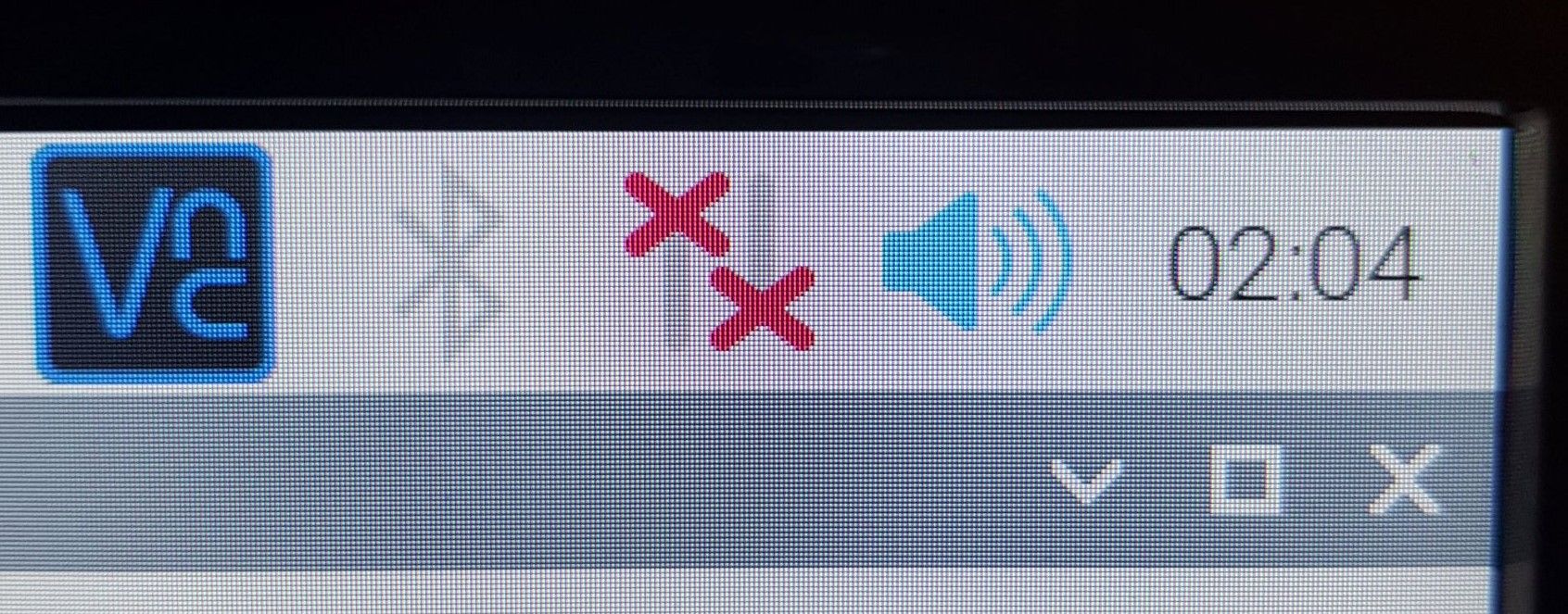
If I hover the mouse over it it says “connection to dhcpcd lost”
If I click on it, it says “No wireless interfaces found”
Can not really find anymore answers to this problem.
Have i disabled something somewhere? -
RE: Raspberry Pi 3B+ and 4 "No wireless interfaces found"
Now that i look this post through, I saw that rfkill says “wlan”. Is it possible, that my Pi looks for wlan0 and not wlan, and therefore not being able to find it?
-
RE: Raspberry Pi 3B+ and 4 "No wireless interfaces found"
I guess I have to do that.
I have used a lot of time compiling and makeing things forward/backwards compatible python wise. Is there a way to save and transfer that? -
RE: Raspberry Pi 3B+ and 4 "No wireless interfaces found"
I can try and take a picture in Noobs Recovery and upload it.
-
RE: Raspberry Pi 3B+ and 4 "No wireless interfaces found"
In Noobs the is one with “32 bit” at the end, and that’s not the one i have have installed. My raspbian version in Buster, if that helps.
what I have:
Camera Enabled
SSH Enabled
VNC Enabled
SPI Disabled
I2C Enabled
Serial Port Disabled (greyed out)
1-wire Disabled
Remote GPIO DisabledI also can’t select Wifi Country code. It keeps forgetting it after clicking on ok
If i do it throughsudo raspi-configI get “Could not communicate with wpa_suppliant” followed with “There was an error running option I4 Change wi-fi Country”
This is what I got, when I run: dmesg | grep brcmfmac

Is this as it should be?
Thanks for helping me with this. -
Raspberry Pi 3B+ and 4 "No wireless interfaces found"
Story short. I had installed Raspbian [Full] 64bit via NOOBS on a Pi 4. later I had to use my Pi 3B+, as i couldn’t find the type-C charger. Worked fine. Today after half a year having the pi in the closet, i found out that the internet didn’t work on it. switched to pi 4. Same problem. If i hover the mouse over the wifi icon, I get the message “No wireless interfaces found”. Neither the Ethernet port or wifi works, however Bluetooth are able to turn on.
I see that other people have this problem too, and as i only have installed MagicMirror, I thought it would be alright to post it here, to see if other found a solution other that format and reinstall raspbian.What I did try (without quotation marks, and after = is console output):
“Sudo ifup wlan0” =
wpa_suppliant: cannot read contents of /etc/wpa_suppliant/wpa_suppliant.config
run-parts: /etc/network/if-pre-up.d/wpasuppliant exited with return code 1
ifup: failed to bring up wlan0“sudo ifdown wlan0” =
ifdown: interface wlan0 not configured“sudo rfkill” =
ID TYPE DEVICE SOFT HARD
0 wlan phy0 unblocked unblocked
1 Bluetooth hci0 blocked unblockedI will keep updated on how it goes.
-
RE: MagicMirror project for sister
@blaukon I saw your pictures, and I see the text is easy to see in daylight, but in the video, it’s kinda hard to see in low light. But how is it with your own eyes in brought daylight and with low light/night?