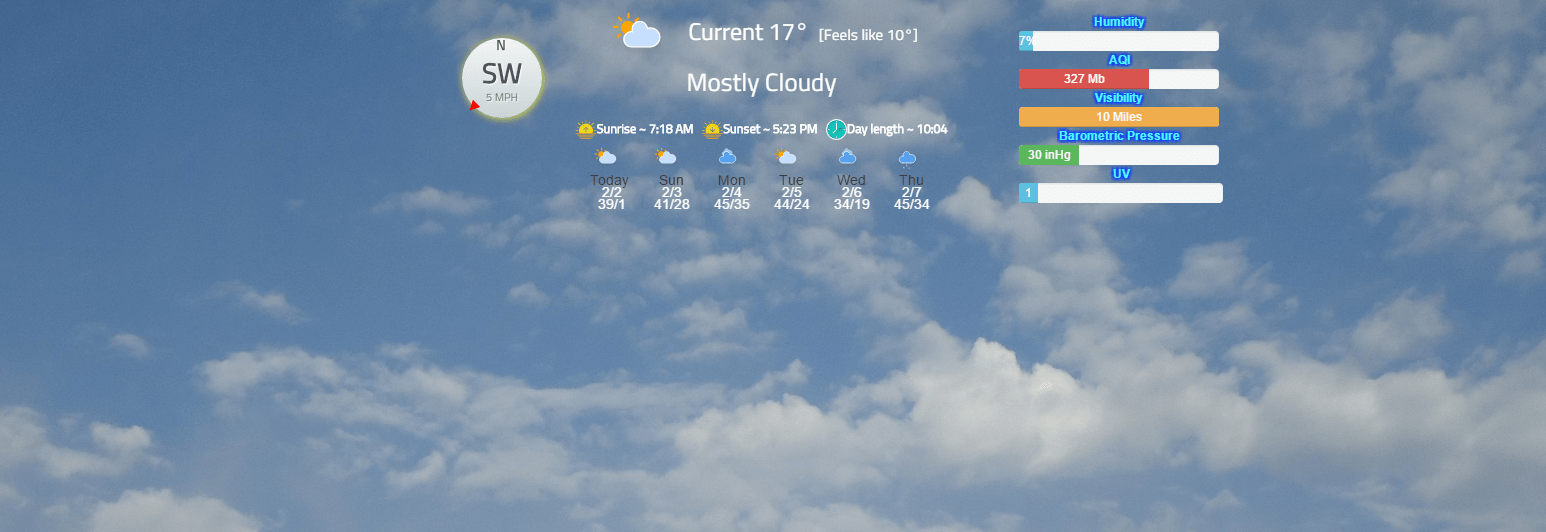
Testing out the video background :) YES this is an actual module for the background…
https://www.youtube.com/watch?v=-k3pDW-Sthc&feature=youtu.be
 C
Offline
C
Offline
Testing out the video background :) YES this is an actual module for the background…
https://www.youtube.com/watch?v=-k3pDW-Sthc&feature=youtu.be
Here’s a general idea of what @strawberry-3-141 and @yawns are talking about:
Before frame:
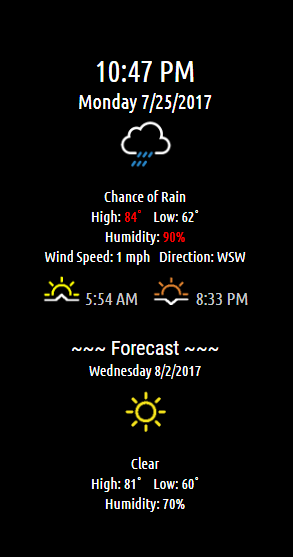
After adding frame to css:
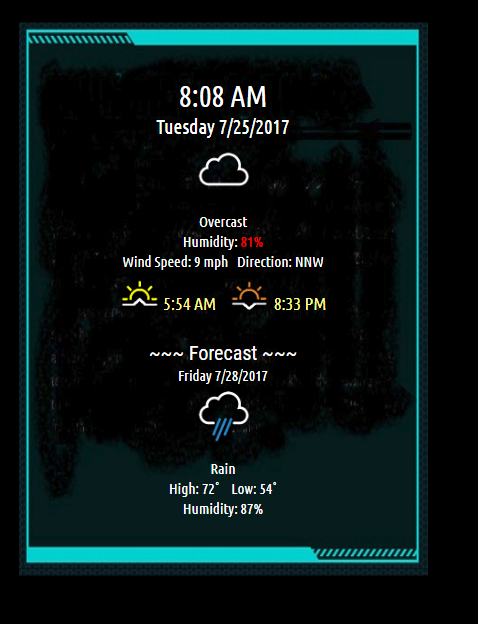
I did this by adding this to my own css file:
  border-style: solid;
border-width: 6px 5px 7px 4px;
-moz-border-image: url(https://forum.magicmirror.builders/assets/uploads/files/1500968912312-14284711641_ba88f4c074_o.jpg) 6 5 7 4 stretch;
-webkit-border-image: url(https://forum.magicmirror.builders/assets/uploads/files/1500968912312-14284711641_ba88f4c074_o.jpg) 6 5 7 4 stretch;
-o-border-image: url(https://forum.magicmirror.builders/assets/uploads/files/1500968912312-14284711641_ba88f4c074_o.jpg) 6 5 7 4 stretch;
border-image: url(https://forum.magicmirror.builders/assets/uploads/files/1500968912312-14284711641_ba88f4c074_o.jpg) 6 5 7 4 fill stretch;
padding-top: 50px;
padding-bottom: 50px;
}
Just testing out some stuff…
Major League Baseball scores in a rotating fashion. See Readme for installation and config options.
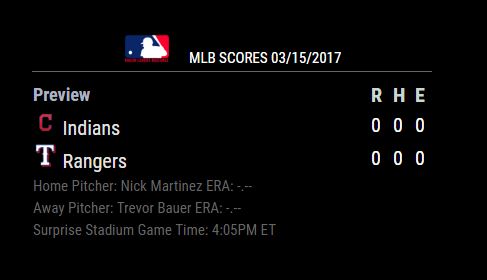
[card:cowboysdude/MMM-MLB]
Seriously? These people all have a life and jobs and school… they do this and help people because they are trying to share their knowledge and want to help others get their mirrors up and running by solving issues and writing modules so people can have the mirror that suites their needs.
No one is sitting here just waiting for you questions… sometimes they get answered quickly because someone that knows just happens to be here and sometimes they take a little bit… either way you should be grateful and not an ass.
I’m guessing you’re from the US [I am also] because this attitude of it’s all about me is old dude. This is why I love these guys most are from other countries and they are patient and nice.
I have a module because of the people here that took what I had and reworked it to work on this mirror and I am forever grateful that someone took their time to do that. I am very impressed. Because living here I am not used to that.
Go find someone who can and wants to just give you one on one attention the second you want it.
The MagicMirror2 has more capabilities then the other one… yes voice is integrated and yes you can watch youtube videos it’s what you can can’t do is why so many are here.
Here you can create your own modules and they are supported by the structure of this mirror. [there are several voice modules available]
As you will see there are MANY different types of modules and more coming each day and is a big reason it was voted #1…
So you can go with the gadgets or you can build a mirror that works for you rather then having one that only does what it does…where you have little or no control over the functions.
So I’ve been a busy guy over the last couple of weeks… Thank you @strawberry-3-141 for helping me so very much!!!
Here’s a picture of the 4 modules [yes some are different versions of already existing modules but they do different things]…
Astrology module - does daily, weekly, monthly or yearly horoscopes
Daily Recipe - shows you a new recipe each day [Thanks to KODI api developers!! They love the mirror project by the way!]
NFL Weather module - shows weather for each game during the NFL season.
News module - Image with the headline and brief description. [have a few different new sources that can be chosen by the user].
Here’s a picture of all 4 running… [3 aren’t released yet… ]… coming soon!

Rule of thumb for new guys/gals…
Add one module at a time… if your config works then back it up before adding something else that way you have a working config… always :)
I ended up with the Honeywell RTH9585 :) It’s Alexa friendly and has a decent api… :)
After 3 solid years of working my butt off I’m tired :) Time to finally take a vacation here
[Tomorrow - Friday 14th until Sep 27th]…
If there’s any issues with any of my modules hopefully people will be able to help you out…
@moriarte You can but what I did is install it on the same server as HA and run it on its own. I did that so I can run HA and MM which I can then display either or on my bathroom mirror. ;)
I didn’t want MM running with HA, I wanted them independent of each other.
Well sure why not learn a random fact? Well here’s a module you can do just that with!
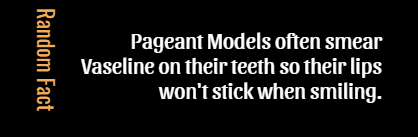
[card:cowboysdude/MMM-rfacts]
@morozgrafix Thanks for all the help!! I figured it out!!
Since I’m running on a mini-itx it has two display options… they were both running and the mirror was loading on option 1 that’s great but I’m using option 2.
SO I went into the settings and disabled option 1 in Unbuntu and BOOM… now it works ;)
I’m holding off on the facial recognition until I can figure out how to use in conjunction with pir sensor to turn mirror on and off…
On another note what this one can do far outweighs ‘paying’ for one. You are limited to what they want you to have where with this one it can be modified, updated and personalized to far better extremes…
So I’d like to Thank you ALL for the hard work and would rather be here doing this than anywhere else.
People will always steal ideas from others but like I said in the end this one will far outshine anything retailers can come up with.
A new way to see the news…with title and description in a neat little package!
Please follow Readme on Github!

[card:cowboysdude/MMM-Jnews]
@l8kerjuan go to your ~/MagicMirror/module/MMM-WunderGround dir and type:
git pull
That should pull any update
then type npm install to make sure there are no changes in dependencies…
Then restart your mirror :)
@efk4 Yeah that’s a good idea. It’s never a good idea to change any of the files…
Next time use the custom.css to enter your background… You may have created an issue you aren’t aware of and CSS either works or doesn’t… doesn’t throw too many errors LOL