The issue with taking up most of the screen is … that it’s not easily done. There are several “regions” on the screen that are constrained to a specific size so they don’t overlap others. Even on my large vertical screen, I can’t display a full 24 hour list. I’m flirting with the idea of limiting it to 12 hours (say 7am to 7pm) but that’s still stuff to just play with. As I said, this isn’t anywhere near even a test phase.
A New Chapter for MagicMirror: The Community Takes the Lead
Read the statement by Michael Teeuw here.
Read the statement by Michael Teeuw here.
 Offline
Posts
-
RE: Weekly Calendar
-
RE: Calendar Down
What hardware are you using? What version of the operating system? How did you install the MagicMirror package?
-
RE: Weekly Calendar
Harder part is going to be adding time display to the events … or, an hourly view. Thinking of real estate again. How many arrays can I nest … :)
-
RE: Weekly Calendar
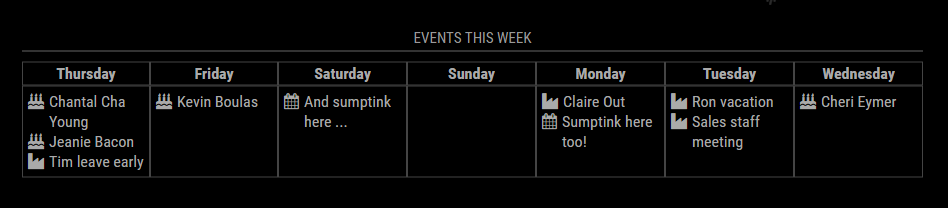
Thanks. Slowly working through it.Need to roll in those multi-day events … seeing some stuff from our work calendar that isn’t displaying correctly … yet. Just a matter of proper parsing and displaying …
-
RE: Weekly Calendar
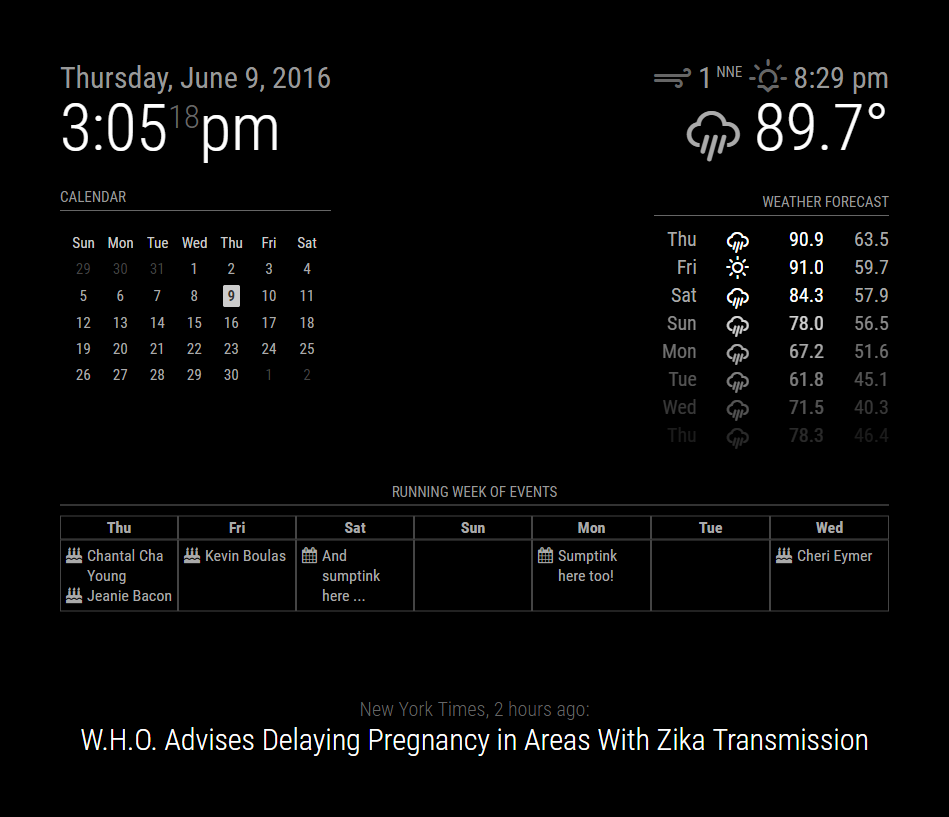
Guess I can always fake a portrait screen. Proper alignment done.
-
RE: Weekly Calendar
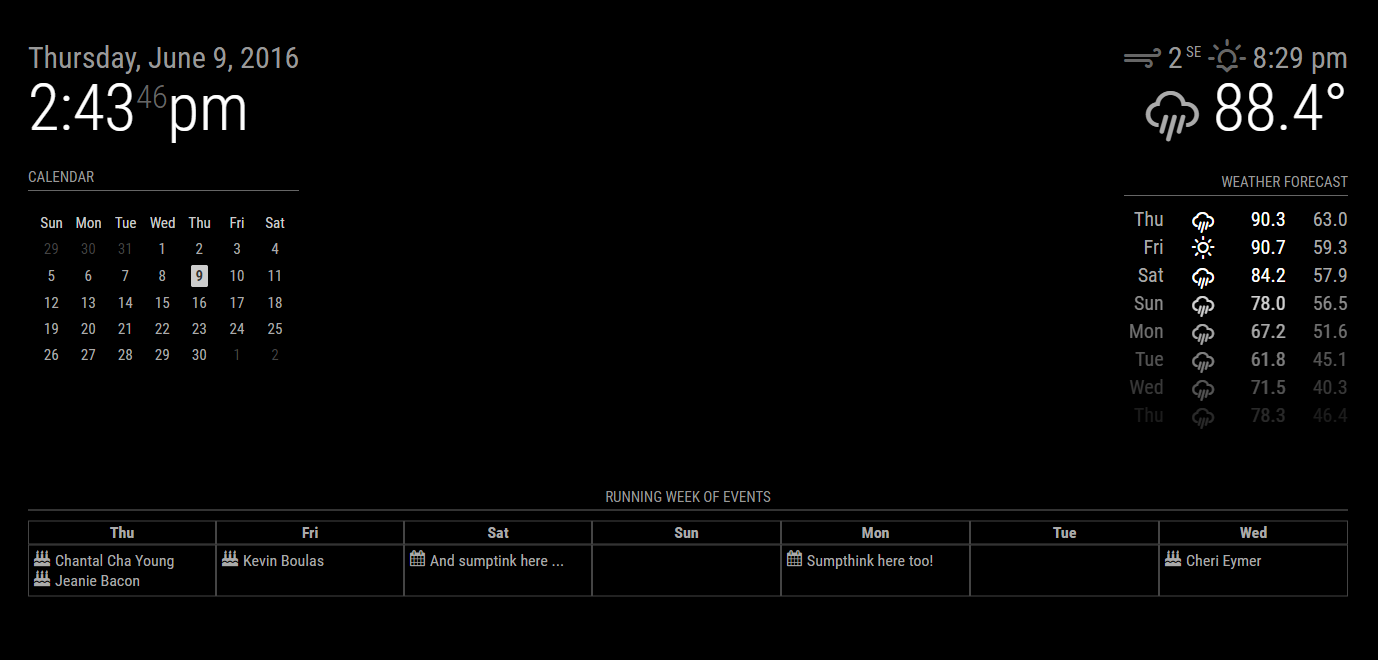
Small update:
- Rewrote most of the module to use DOM elements instead of hard-coding HTML tags
- Added calendar symbols to events
This is captured on a landscape monitor. When I’m at work, that’s what I have to work with. Things get a bit squirrely on a portrait layout because of long titles. need to fit the CSS alignment on that.
-
RE: Podcast
For troubleshooting or HOWTO questions, please post in the Troubleshooting thread:
https://forum.magicmirror.builders/topic/216/podcast/11 -
RE: Simple Music Player Module
For troubleshooting or HOWTO questions, please post in the Troubleshooting thread:
https://forum.magicmirror.builders/topic/215/simple-music-player-module/1 -
RE: MMM-Fitbit
For troubleshooting or HOWTO questions, please post in the Troubleshooting thread:
https://forum.magicmirror.builders/topic/214/fitbit/1