MagicMirror Forum
    • Recent
    • Tags
    • Unsolved
    • Solved
    • MagicMirror² Repository
    • Documentation
    • 3rd-Party-Modules
    • Donate
    • Discord
    • Register
    • Login
    1. Home
    2. Maros
    3. Posts
    A New Chapter for MagicMirror: The Community Takes the Lead
    Read the statement by Michael Teeuw here.
    Offline
    • Profile
    • Following 0
    • Followers 0
    • Topics 6
    • Posts 68
    • Groups 0

    Posts

    Recent Best Controversial
    • RE: {HowTo} turn on/off your monitor (Time based, PIR/Button, App)

      ok i’ve checked and it’s not working fully.
      problem is with /usr/bin/sh /home/pi/killpir.sh

      there is no /usr/bin/sh only rsh

      edit.
      ok i’ve changed path to /bin/sh and now i get error :
      grep: pir.py: No such file or directory
      pkill: no matching criteria specified
      Try `pkill --help’ for more information.

      even if pir.py is running (i can see it in ps -ef |grep pir)

      edit ok i was able to fix it i’ve edited killpir.sh to
      sudo kill $(ps aux | grep python | grep pir.py | awk ‘{ print $2 }’)

      now it will kill process pir.py

      but problem is that even if this script (pir.py) is not running the mirror still turns on when there is movement and turns off after 30s no movement … strange

      posted in Tutorials
      MarosM
      Maros
    • RE: {HowTo} turn on/off your monitor (Time based, PIR/Button, App)

      @cruunnerr ok thank you i’ll try it and let you know if it work.

      just one question is it not needed to start pir.py in background ?

      /usr/bin/python /home/pi/pir.py &

      posted in Tutorials
      MarosM
      Maros
    • RE: {HowTo} turn on/off your monitor (Time based, PIR/Button, App)

      is there possibility to turn off PIR at specified time ? f.e. from 9pm untill 7am it will be off so if there will be movement display will not turn on.

      posted in Tutorials
      MarosM
      Maros
    • RE: My 1st Magic Mirror (50x60cm) White

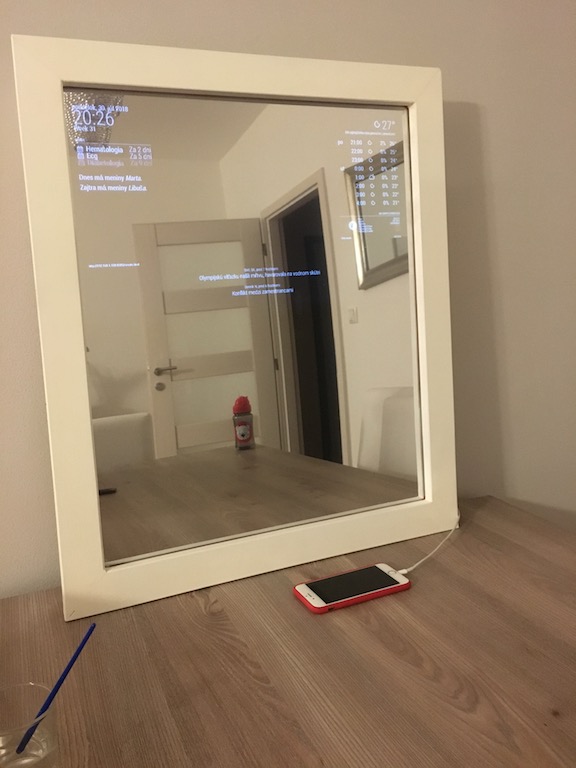
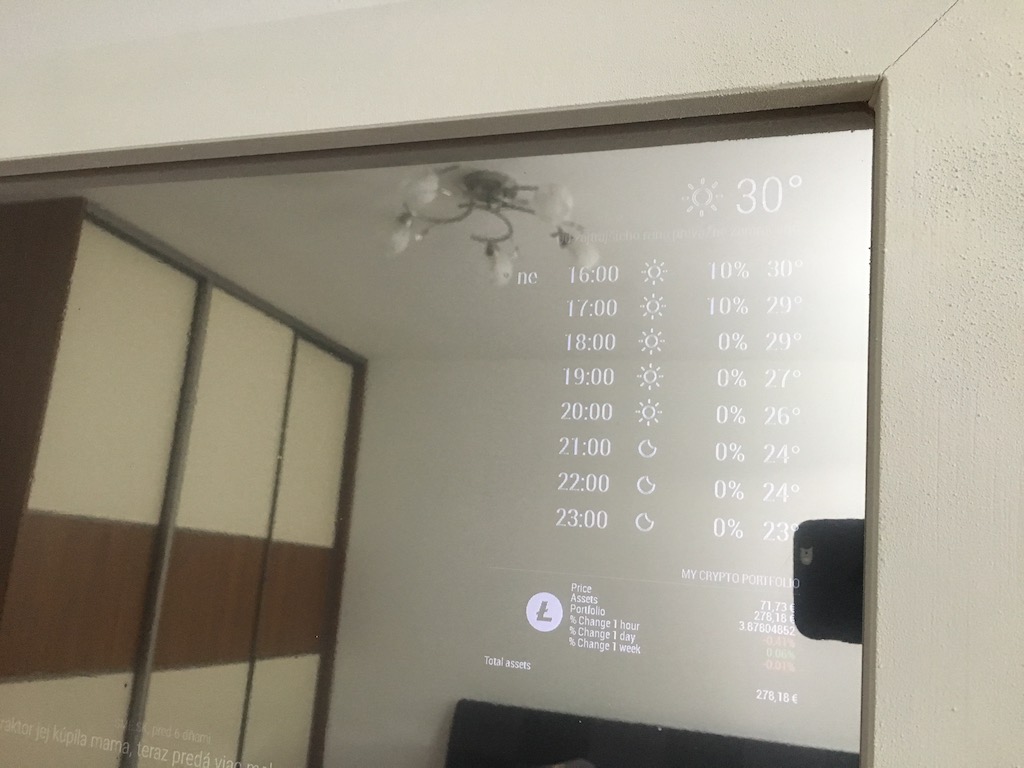
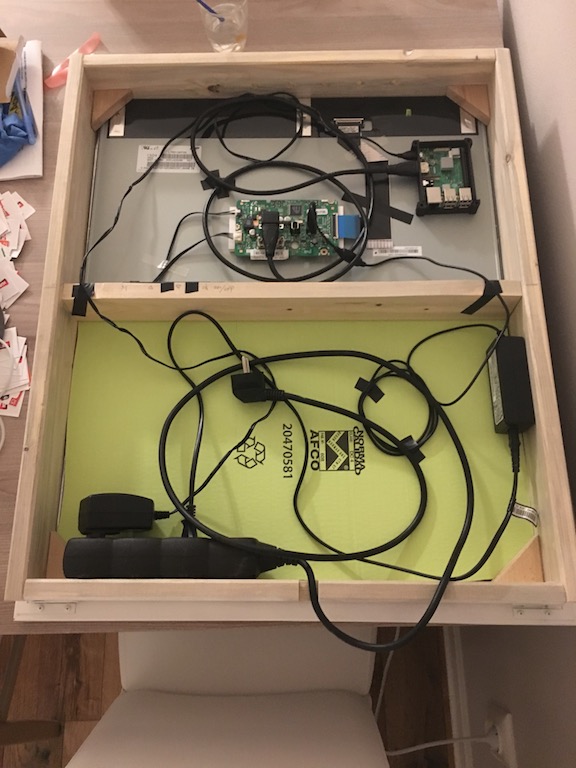
      PIR sensor connected and everything is working as it should :) 0_1535100334913_IMG_2139.JPG 0_1535100344632_IMG_2140.JPG

      posted in Show your Mirror
      MarosM
      Maros
    • RE: {HowTo} turn on/off your monitor (Time based, PIR/Button, App)

      OK everything is working after creating scripts from step 2.2 :)

      posted in Tutorials
      MarosM
      Maros
    • RE: {HowTo} turn on/off your monitor (Time based, PIR/Button, App)

      I found out that PIR sensor is ok.

      i’ve created python script from this page ( https://tutorials-raspberrypi.com/connect-and-control-raspberry-pi-motion-detector-pir/ )and found out that i’ve switched Ground and 5V. I’ve corrected them and now when i execute : sudo python pir.py i get
      There was a movement!

      before there was nothing, so i guess PIR sensor is OK

      but it’s still not working to turn off the screen.

      posted in Tutorials
      MarosM
      Maros
    • RE: {HowTo} turn on/off your monitor (Time based, PIR/Button, App)

      I’ve just connected PIR sensor to my MM as written in step 2.1 Using PIR-Module

      everything is connected MM is started but the screen is not turning off.

      Can someone help me how can i check if PIR sensor is working and if it’s why the screen is still on ?

      i’ve changed settings to

      {
      module: ‘MMM-PIR-Sensor’,
      config: {
      powerSavingDelay: 60 // (seconds) how long the monitor will be turned on
      }
      },

      posted in Tutorials
      MarosM
      Maros
    • RE: Two way community order for all european countries - Open until 24 march 2019

      Why it’s so extremly expensive ?
      I’ve checked local sellers of mirrors and byued 2 way mirror brand stopsol 4mm bronze for 18€ size 50x60cm (it’s 0,3m2 so 1m2 will cost 60€)

      posted in Hardware
      MarosM
      Maros
    • RE: My 1st Magic Mirror (50x60cm) White

      yesterday i’ve received PIR sensor HC-SR501
      i’ve found this holder
      0_1534846265394_1_preview_featured.jpg

      one of my friends have 3D printer and he was so kind to print this for me :) so now i’ve to wait until it will be done and i can connect it to my MM :)

      posted in Show your Mirror
      MarosM
      Maros
    • 1
    • 2
    • 3
    • 4
    • 5
    • 6
    • 7
    • 3 / 7