MagicMirror Forum
    • Recent
    • Tags
    • Unsolved
    • Solved
    • MagicMirror² Repository
    • Documentation
    • 3rd-Party-Modules
    • Donate
    • Discord
    • Register
    • Login
    1. Home
    2. MMRIZE
    3. Posts
    A New Chapter for MagicMirror: The Community Takes the Lead
    Read the statement by Michael Teeuw here.
    M
    Offline
    • Profile
    • Following 0
    • Followers 9
    • Topics 29
    • Posts 952
    • Groups 0

    Posts

    Recent Best Controversial
    • RE: MMM-CalendarExt3

      @Ragged4310
      According to the conditions you provided, the previous code cannot be used. Clear definition of the conditions is essential to come up with an appropriate solution.

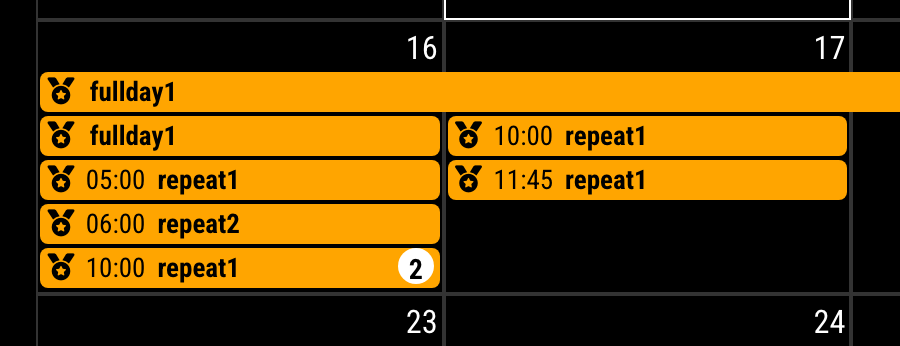
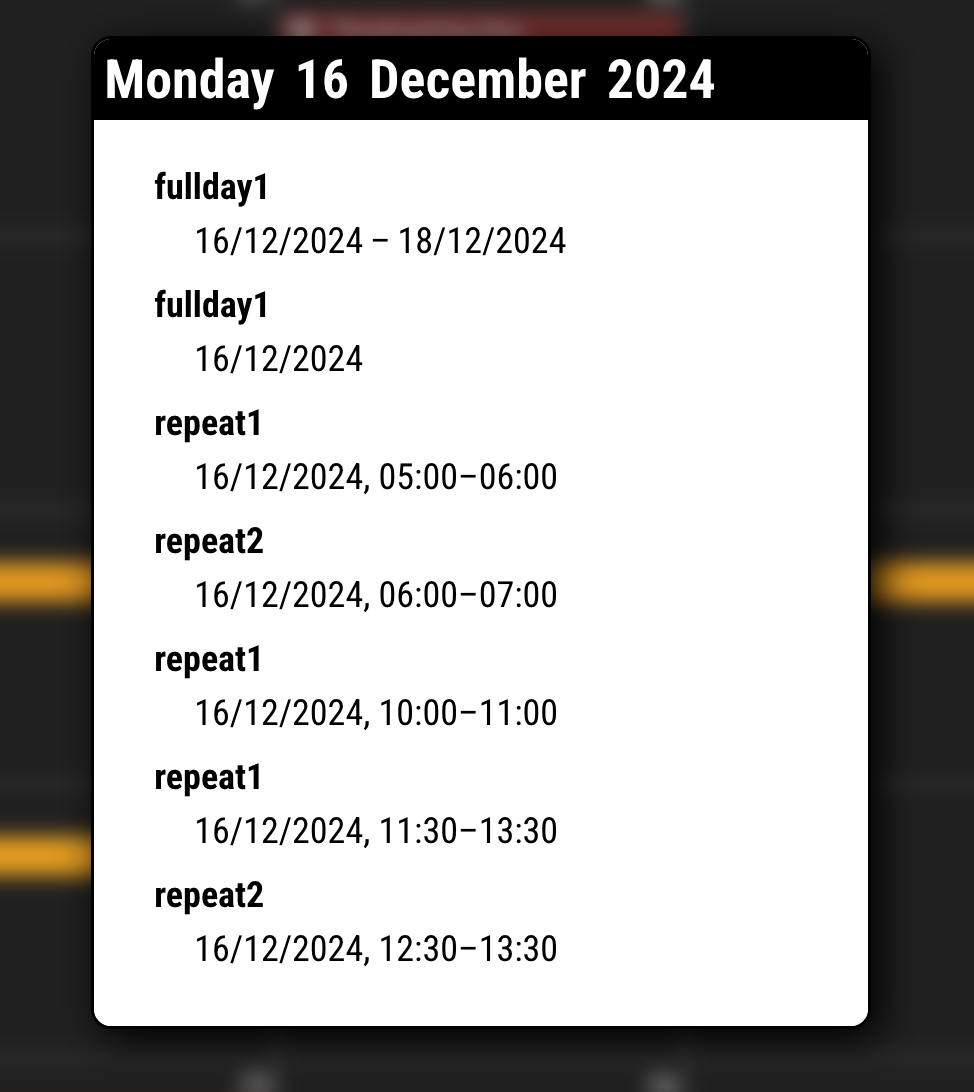
      First, we need to clearly define the events that need to be collapsed. Based on your description, it seems they are in the form of “Person’s Name - Task.” Are you looking to group them by “Person’s Name”? However, it also seems that you do not want the “Person’s Name” to be exposed. In that case, how should they be displayed? For example, would you like them to be labeled sequentially as “Reservation 1,” “Reservation 2,” and so on?

      Please provide more details about the AS-IS and TO-BE states.

      Alternatively, assigning additional properties to the events to be grouped might also be a good approach. For instance, you could write the person’s name (e.g., Jane Doe) in the location or description field, and only include the task (e.g., Deep Tissue Massage) in the event title. Then, you could group events with the same description together.
      posted in Utilities
      M
      MMRIZE
    • RE: CalendarExt3Journal fit with other modules

      @cpcode
      I have no idea about that module, so I cannot promise the cowork with that kind of module. I wish you luck.

      posted in Troubleshooting
      M
      MMRIZE
    • RE: MMM-CalendarExt3

      @Ragged4310
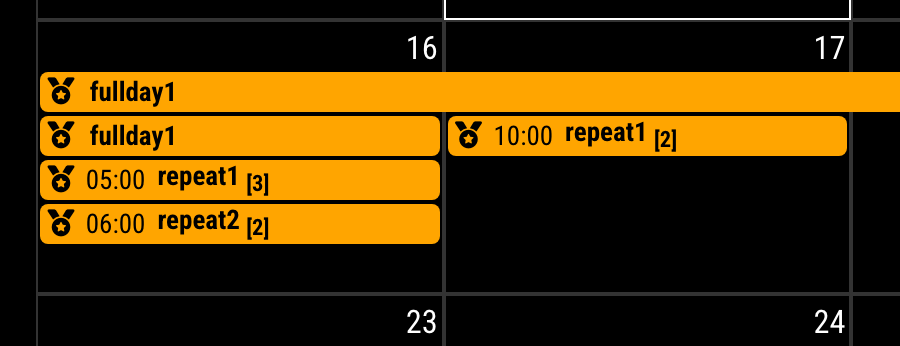
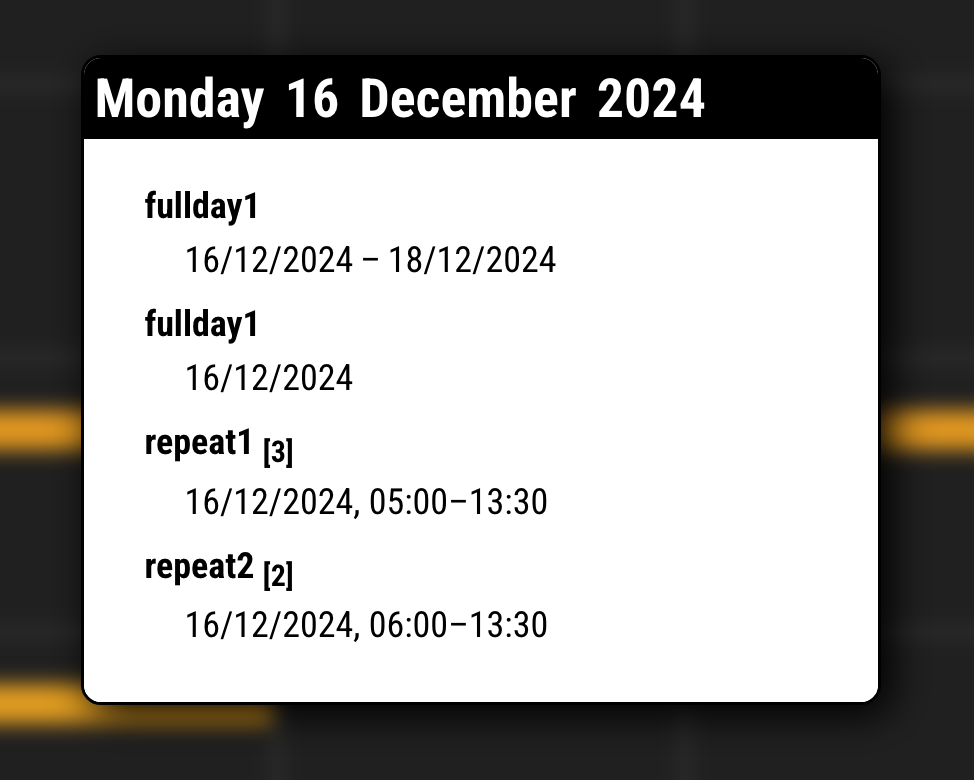
      Instead of eventTransformer, we’ll use eventPayload because, this conversion should be applied to whole events, not a single event.

      Insert this property into your config section of CX3 in config/config.js

      /* `MMM-CalendarExt3` config section in config/config.js */
      eventPayload: (payload) => {
      	const fulldays = payload.filter(ev => ev.fullDayEvent === true)
      	const singleEvents = payload.filter(ev => ev.fullDayEvent === false).sort((a, b) => a.startDate - b.startDate || a.endDate - b.endDate)
      	const EventsArranged = singleEvents.reduce((acc, ev) => {
      		const dateObj = new Date(+ev.startDate)
      		const key = `${ev.title}-${new Date(dateObj).toLocaleDateString('en-CA')}`
      		if (!acc.has(key)) {
      			acc.set(key, [ev])
      		} else {
      			acc.get(key).push(ev)
      		}
      		return acc
      	}, new Map())
      	const collapsed = Array.from(EventsArranged.entries()).map(([ key, value ]) => {
      		const newEvent = { ...value[ 0 ] }
      		if (value.length > 1) {
      			newEvent.title = newEvent.title + ` <sub class="collapsed">${value.length}</sub>`
      			newEvent.endDate = Math.max(...value.map(ev => ev.endDate))
      			newEvent.startDate = Math.min(...value.map(ev => ev.startDate))
      		}
      		return newEvent
      	})
      	return [ ...fulldays, ...collapsed ]
      },
      

      And to beautify, add some CSS code into css/custom.css

      /* css/custom.css */
      .CX3 .title sub::after,
      #CX3_POPOVER .title sub::after {
        content: "]";
      }
      
      .CX3 .title sub::before,
      #CX3_POPOVER .title sub::before {
        content: "[";
      }
      

      It will work like;

      BEFORE
      eabb34b9-27cd-4132-8ac5-ddf356d95837-image.png

      e64973d9-6437-488b-9353-aa82156c9afc-image.png

      AFTER
      368277c0-828e-413f-9902-086f39c36429-image.png

      e56bb5b4-8e92-483e-9c02-a463c69f16ae-image.png


      • This code will not affect the fullday events.
      • Not considered every aspect, like inter-day events or untested errors.
      posted in Utilities
      M
      MMRIZE
    • RE: MMM-CalendarExt3

      @Ragged4310
      Now I c. I’ll try, wait a little.

      posted in Utilities
      M
      MMRIZE
    • RE: CalendarExt3Journal fit with other modules

      @cpcode
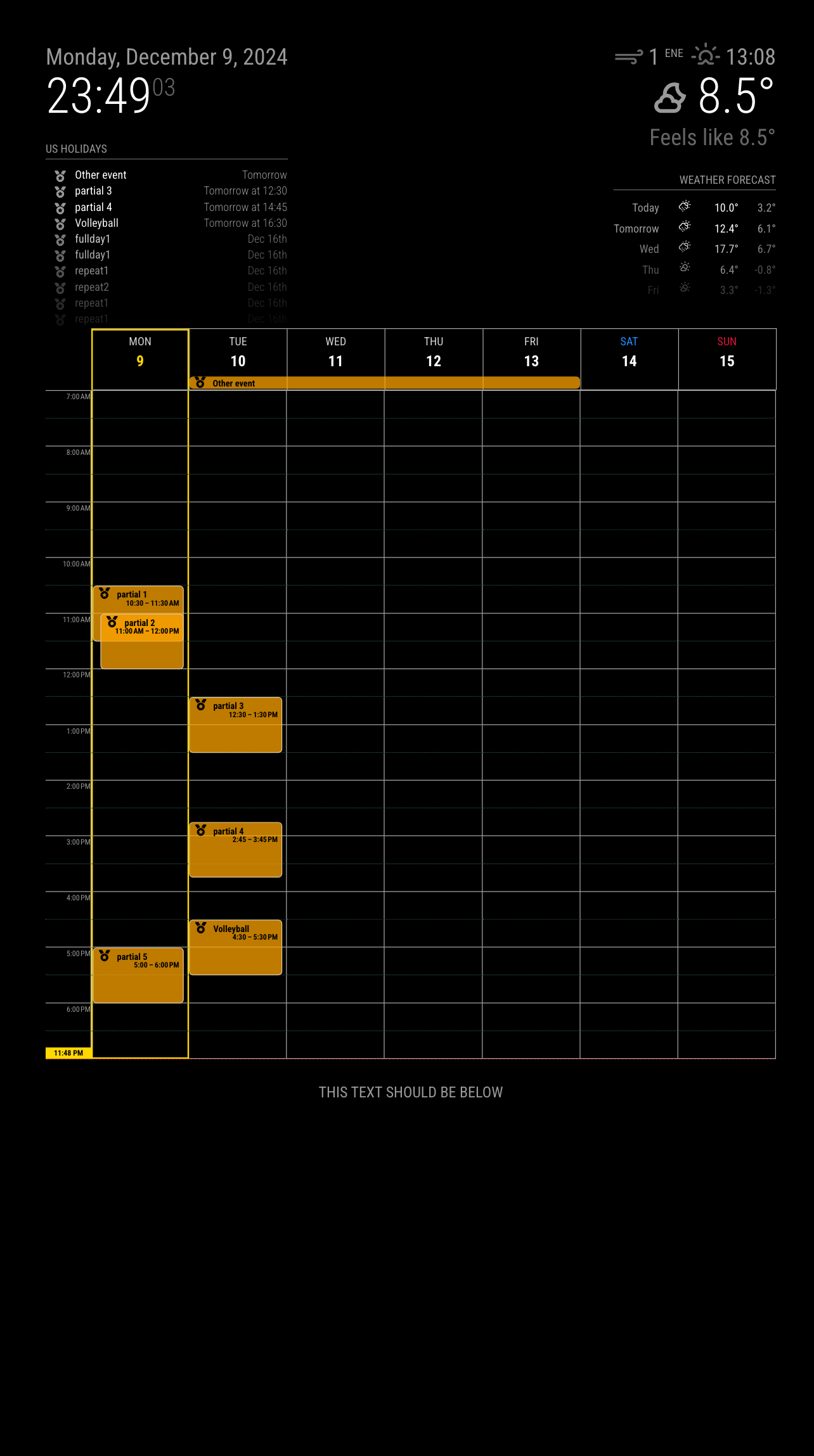
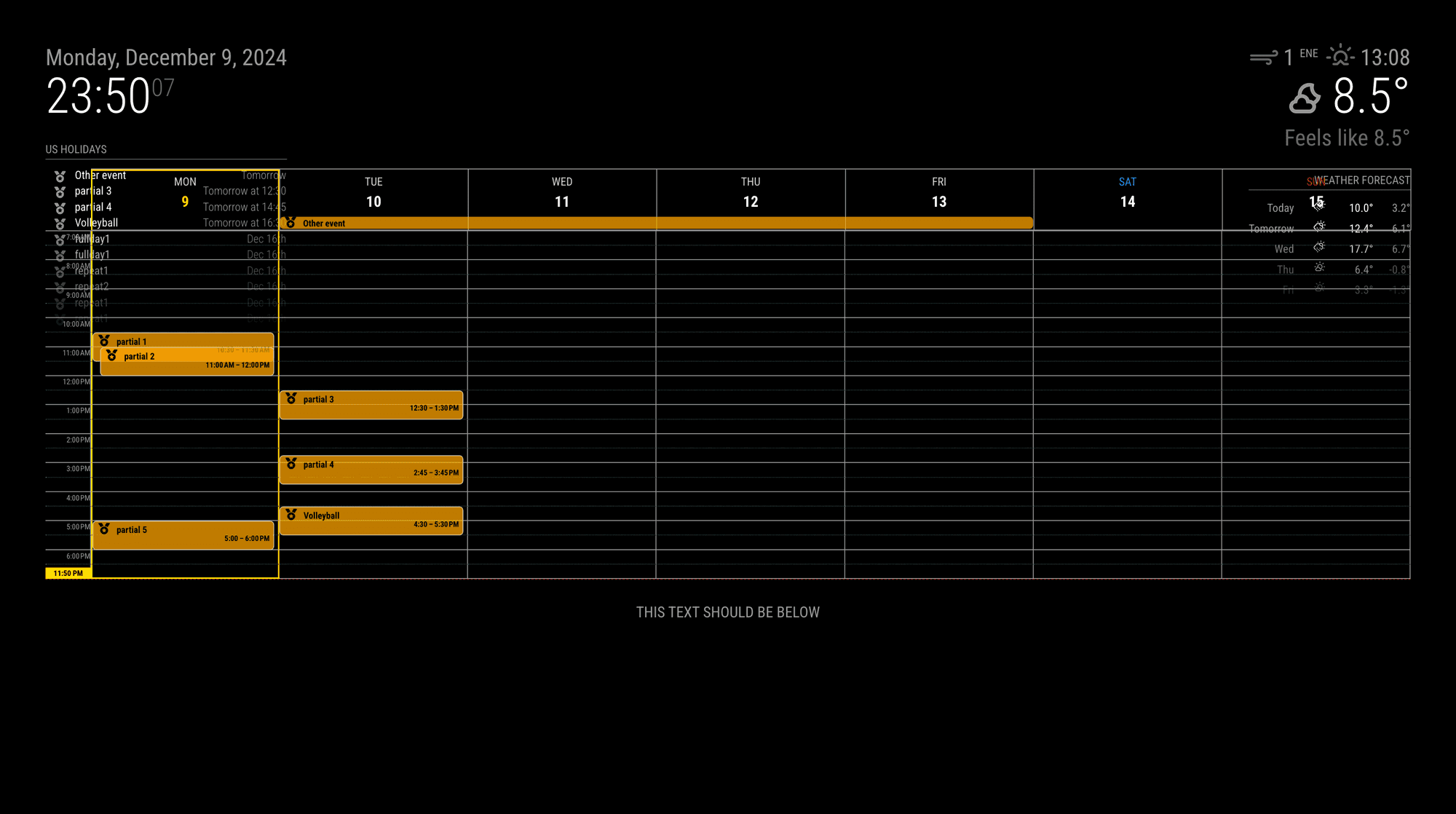
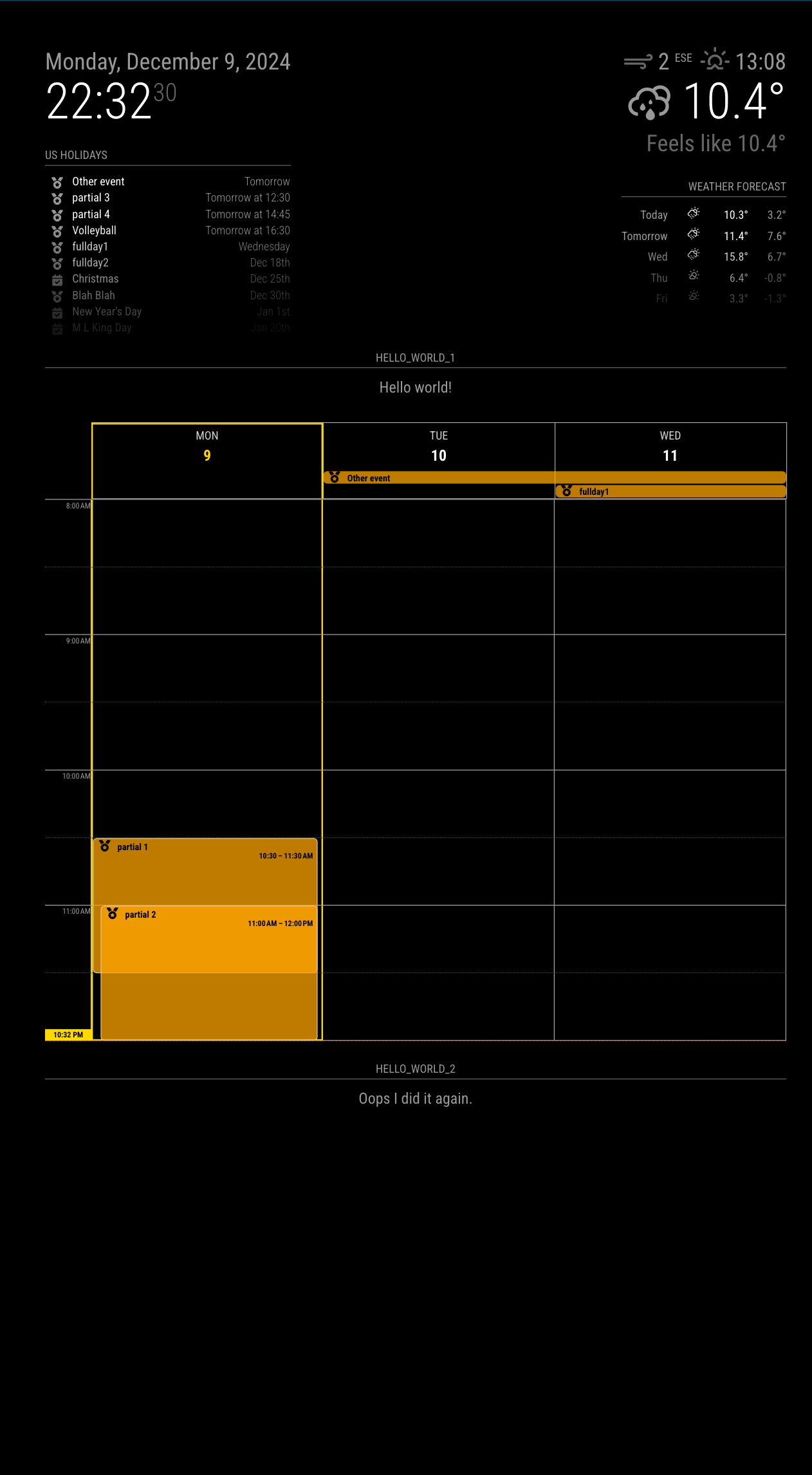
      Sorry, I still cannot reproduce it even with your config.

      83a435de-3969-4d79-822f-53491041a4ed-image.png

      41c80fa9-a47d-41f9-b71b-0ba4e4ecef56-image.png

      It could collapse the modules of other regions, but in the same region, it works.

      What is your screen resolution? And the environment?

      posted in Troubleshooting
      M
      MMRIZE
    • RE: CalendarExt3Journal fit with other modules

      @cpcode
      Well, Could you show me the capture? Because, there is nothing issued on my test.
      79e3e320-e728-41e0-8622-9b4d38a051da-image.png

      cc0392c3-03b4-4e1d-b9a7-14ee1a3ae022-image.png

      Maybe some CSS interference with other modules, but I’m not sure of your things.

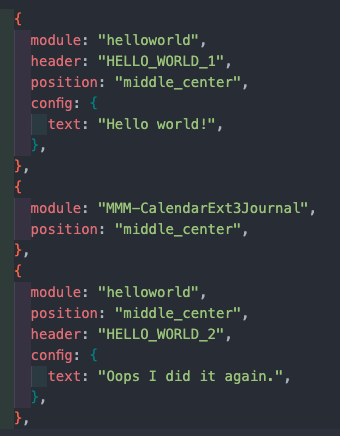
      To make things simple,

      • Remove all other modules except helloworld and CX3J from config. Try what happens.
      • If something is wrong, show me the config.js and custom.css (eouia0819@gmail.com)
      posted in Troubleshooting
      M
      MMRIZE
    • RE: MMM-CalendarExt3

      @Ragged4310
      Could you show me the example of the events?

      posted in Utilities
      M
      MMRIZE
    • RE: MMM-CalendarExt3 add non-event content to weekday cell

      @redfishbluefish
      Could you show me the sketches or drawing? I’m not sure what you want exactly.

      posted in Troubleshooting
      M
      MMRIZE
    • RE: Developer Wanted To Modify Default Newsfeed Module

      @JohnGalt
      Nothing special. However, some feeds might have non-standard image enclosure, so in that case, image will not be shown.
      That module was order-made, so not all the possible cases are considered. If you have some specific newsfeed, tell me the url.

      posted in Requests
      M
      MMRIZE
    • RE: MMM-CalendarExt3

      @czabel
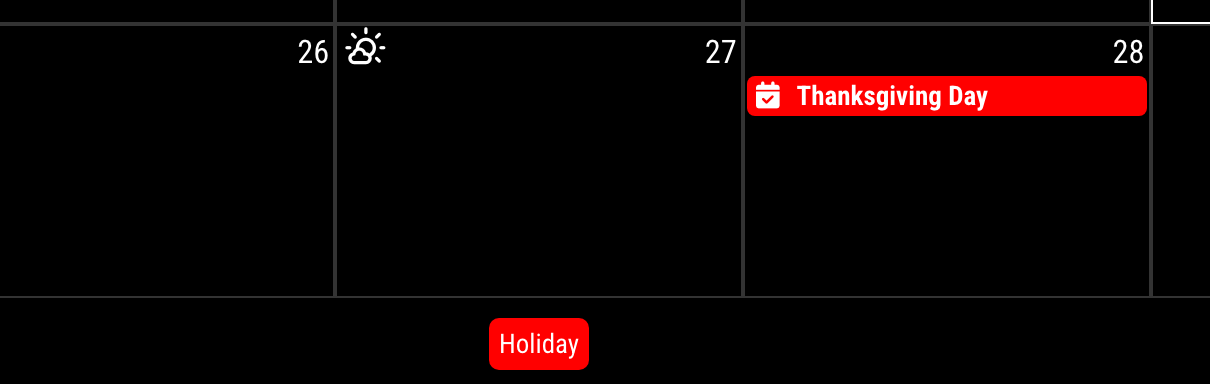
      57548b85-227f-497a-a19b-9e893571cdcb-image.png

      You can simply append this code to your css/custom.css

      .CX3 .legend.useSymbol .symbol {
        display: none;
      }
      
      posted in Utilities
      M
      MMRIZE
    • RE: Developer Wanted To Modify Default Newsfeed Module

      @chelofarias
      I think you may have some typo error;

      {
        title: “Radio Pacu”, // <-- Wrong quotation marks
        url: “https://radiopacu.com.ar/feed/”, <-- Here also wrong.
      },
      

      “ and ” is not valid character for the quotation marks that could be used in JS code.
      It should be ".

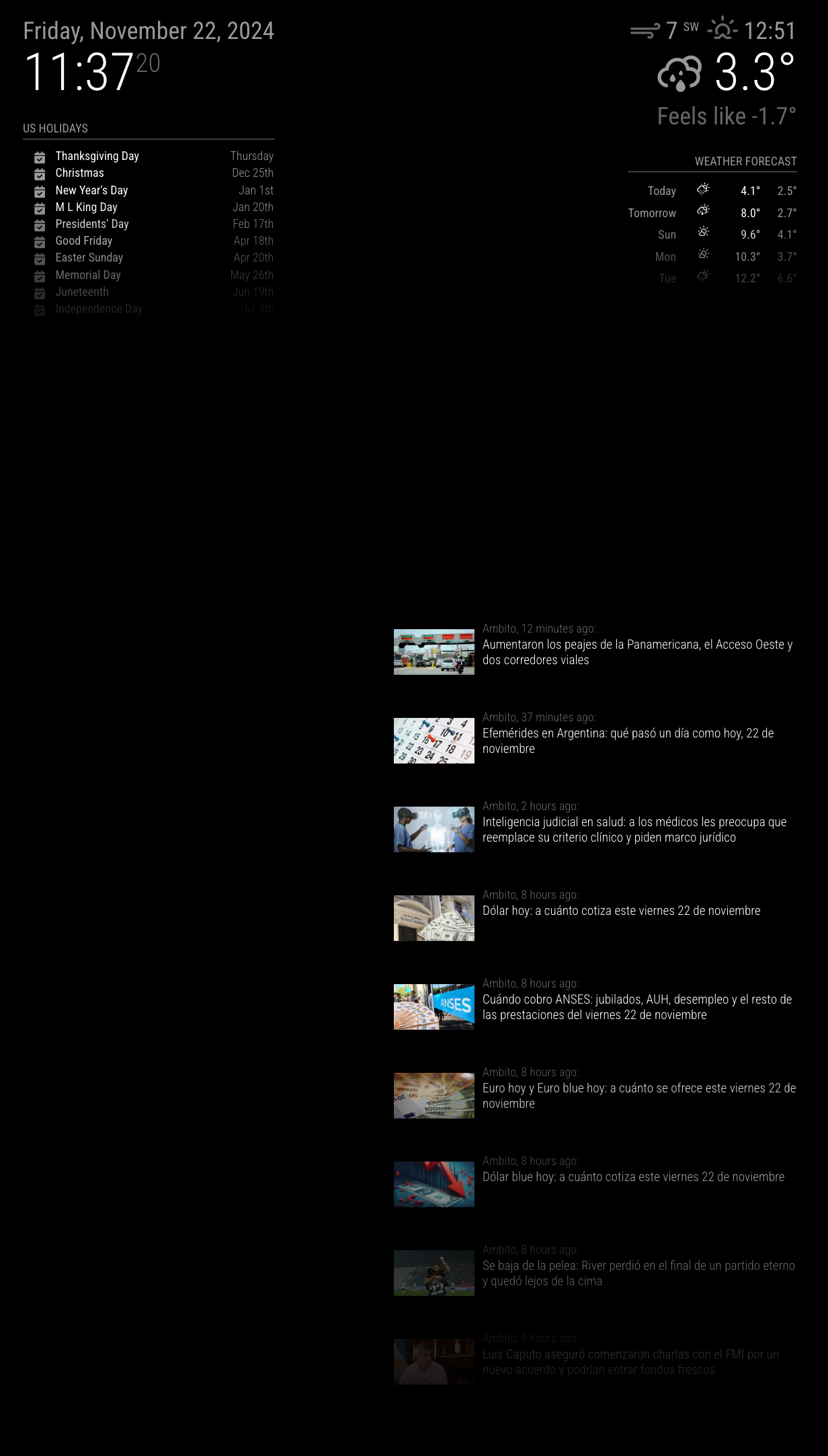
      anyway, for me it works.

      cd0dca0f-d456-4760-9681-6b5d332df08a-image.png

      posted in Requests
      M
      MMRIZE
    • RE: Calendar doubling events- Calendar & Calendar EXT3

      @MMrustykayn66
      Only Google calendars are affected? How about other calendar? Like the default sample calendar?

      posted in Troubleshooting
      M
      MMRIZE
    • RE: MMM-CalendarExt3

      @czabel
      Well, that is not the bug, however you might be uncomfortable.
      It is designed to get the symbol from the first(internally structured) event of the calendar group.
      Because the default calendar module will broadcast only the events themselves, not the meta-information from the calendar to which the event belonged, So there is no easy way to distinguish the default symbol of the specific calendar.

      To be honest, getting the default symbol from config of ONLY the default calendar module might be easy, but this module is designed to take events from any other possible modules, so I cannot assume all the user will get the events from the default calendar module only.

      Not so easy. Has somebody any idea?

      posted in Utilities
      M
      MMRIZE
    • RE: MMM-CalendarExt3 Not showing on some clients

      @odin_greythorn
      I need the front-end log for checking.

      You can get the front-end log by;

      • Ctrl+Shift+I to open front dev console on the running, or,
      • npm run start:dev command, or,
      • Use MMM-LogExt module to deliver front-end logs to the backend.
      posted in Troubleshooting
      M
      MMRIZE
    • RE: MMM-CalendarExt3

      @czabel said in MMM-CalendarExt3:

      Do you have any insight as to how to change my CSS to get the icons to show up for every event? As I mentioned, my current setup makes my non-fullday events colored in, but this deletes the icon. The icon is still there for the real fullday events. I’d like to keep the icon, if at all possible. Thank you!

      Sorry for the late reply. I was on vacation.

      Append these codes to your custom.css

      /* custom.css */
      .CX3 .event.singleday .headline.useSymbol .symbol {
        color: var(--oppositeColor);
      }
      

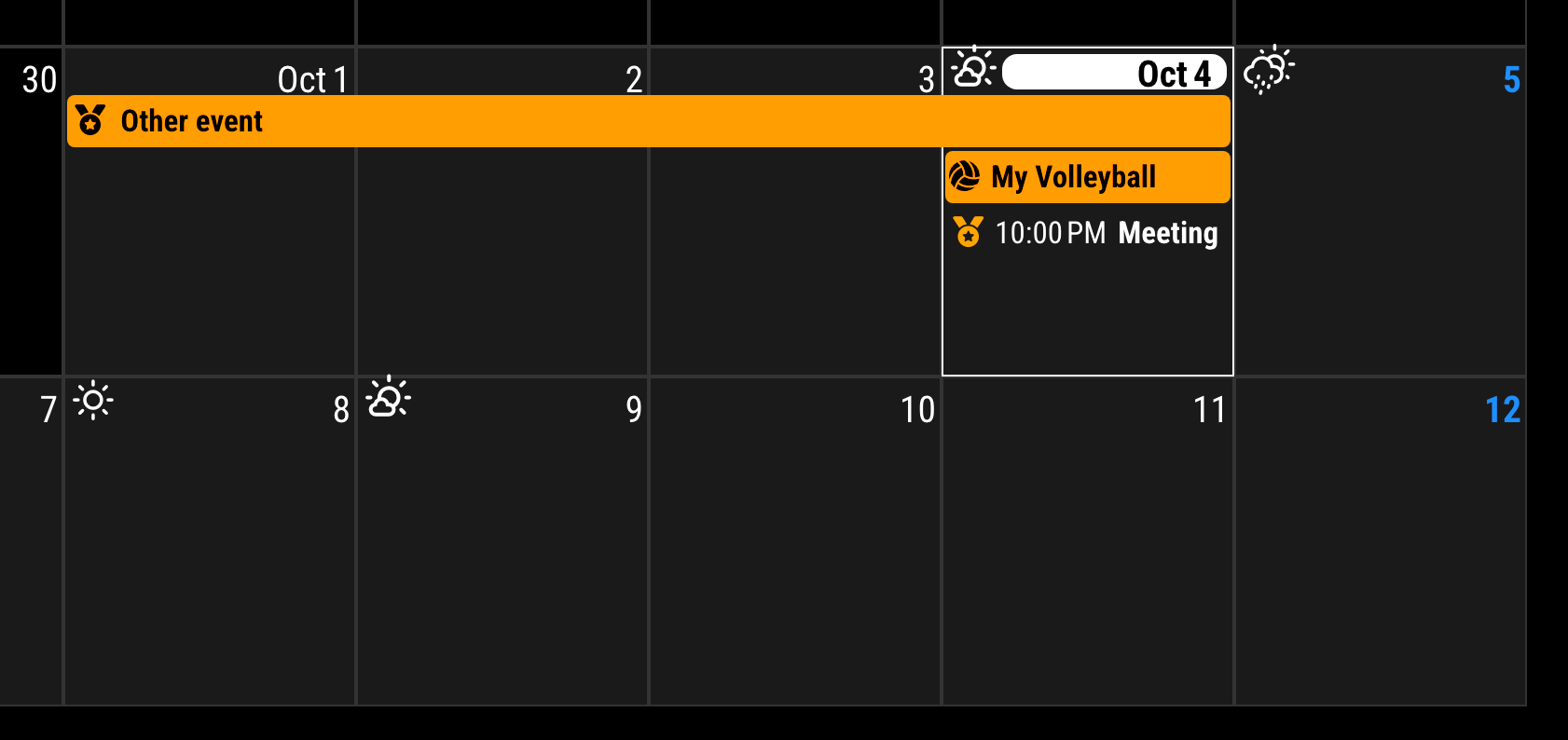
      be250f93-007a-404b-959e-6789995f55aa-image.png

      posted in Utilities
      M
      MMRIZE
    • RE: MMM-CalendarExtMinimonth/MMM-CalendarExt2

      @veny
      I’m not supporting CX2* anymore, You may need to use CX3Agenda.
      https://github.com/MMRIZE/MMM-CalendarExt3Agenda
      image

      posted in Utilities
      M
      MMRIZE
    • RE: MMM-CalendarExt3 Not showing on some clients

      @odin_greythorn said in MMM-CalendarExt3 Not showing on some clients:

      The pi setup is a bit weird - I am running fullpageos as the image (based on bullseye I think) and the attached display is a salvaged laptop screen with an ebay display driver board. I couldn’t get regular kiosk mode to work at all for this setup, which prompted me to try out this image

      Which browser are you using in the PI? Tell us your environment exactly.

      posted in Troubleshooting
      M
      MMRIZE
    • RE: MMM-CalendarExt3

      @czabel
      I’m in holidays this week. I’ll show you next week.

      posted in Utilities
      M
      MMRIZE
    • RE: MMM-CalendarExt3

      @czabel said in MMM-CalendarExt3:

      Thank you for the eventTransformer fix - is there some ruleset I can find for other icons, or just prefix everything with “fas”?

      “fa-solid” will work too, instead of “fas”. I think you may did some typo mistake somewhere.


      As for the other, you are right that I have edited the eventHeight, in order to grow the size of the whole calendar. Is there a better way to do this? Perhaps I should be using only the maxEventLines to grow the size of things?

      Generally, eventHeight and maxEventLines could control the height of the view, Anyway you may need additional CSS modification to beautify the view.

      Original
      0be3a4be-cc30-4aea-8a11-e344ba29222a-image.png
      APPLIED

      {
      	module: "MMM-CalendarExt3",
      	position: "bottom_bar",
      	config: {
      		eventHeight: "30px",
      		fontSize: "22px",
      	}
      },
      

      6ec4901d-bab1-4e8f-8cd0-273c4ad2adcd-image.png

      I guess you may also incline fontSize. That property will be applied to all the elements . So all text would be bigger. but not the padding or margin or other attributes of the element. That’s why your view looked so weird. So you have to adjust other things with CSS to harmonize your view.

      posted in Utilities
      M
      MMRIZE
    • RE: MMM-CalendarExt3

      @czabel

      {
      	module: "MMM-CalendarExt3",
      	position: "bottom_bar",
      	config: {
      		eventTransformer: (ev) => {
      			if (ev.title.includes("Volleyball")) {
      				ev.symbol = ["fas fa-fw fa-volleyball"]
      			}
      			return ev
      		}
      	}
      },
      

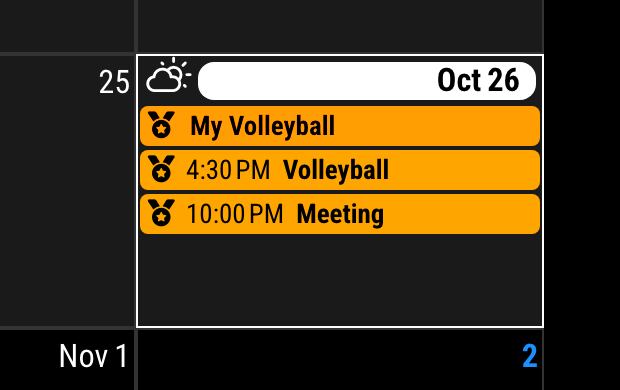
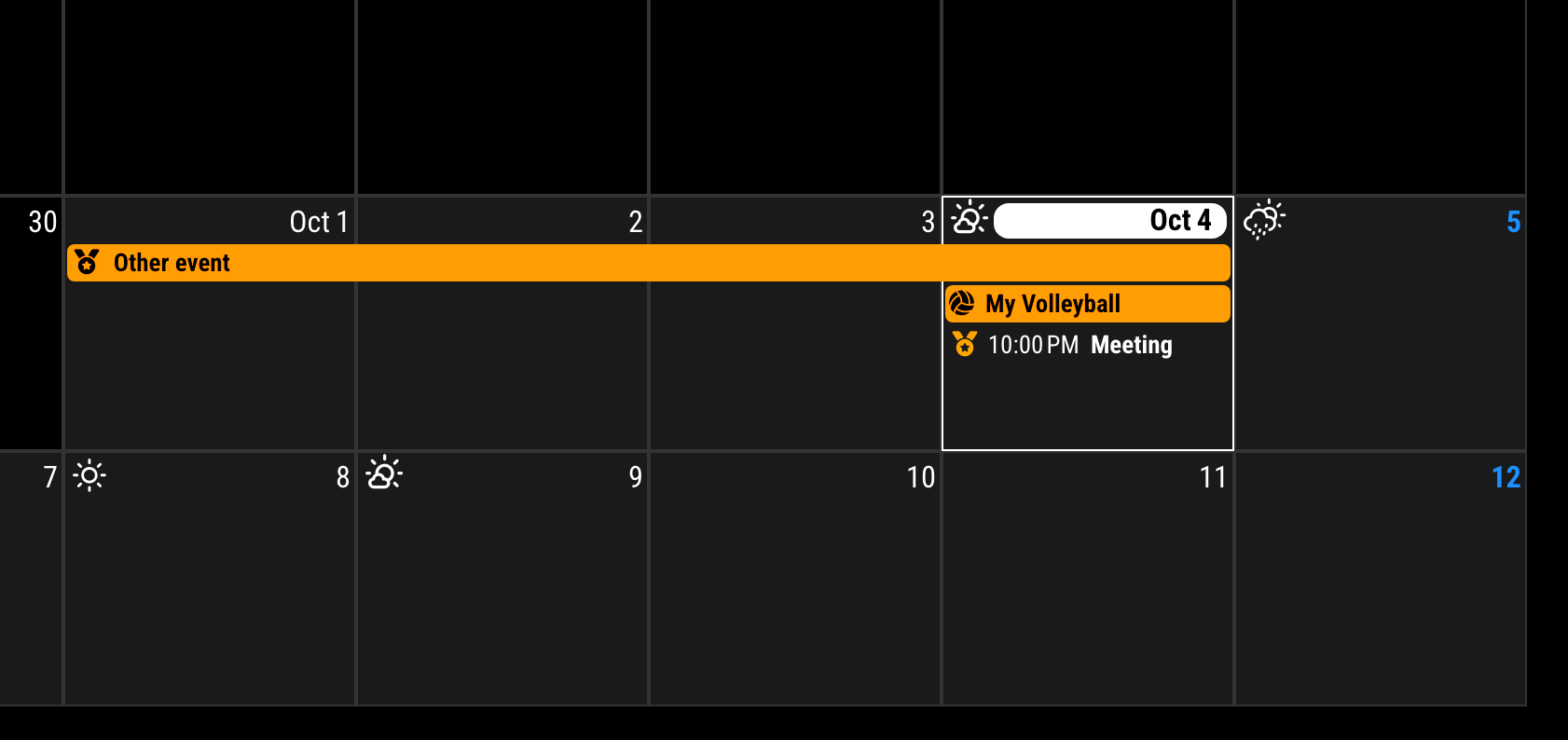
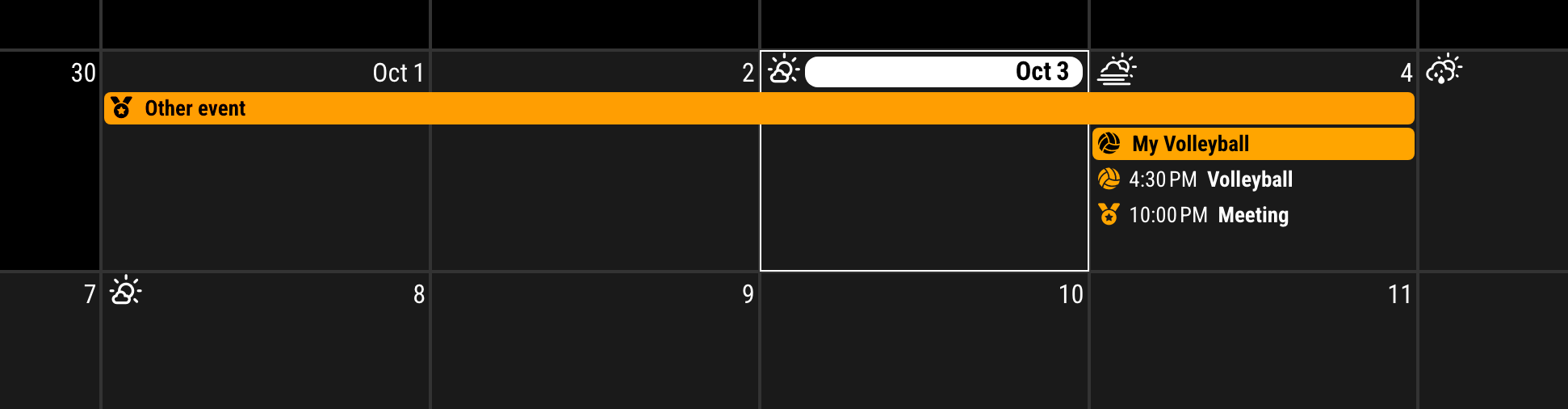
      c5ef0ade-cc49-418e-888c-92b43f8a6ad6-image.png

      Due to most weird format of the default calendar symbol descriptor, you should write something like ["fas fa-volleyball"]

      About the height of the event cell, I think you have modified some CSS or eventHeight property in the config.

      posted in Utilities
      M
      MMRIZE
    • 1 / 1