… or he can share a directory and mount it on the PC. I also do this with the MMM-MyWastePickup to edit the new entries in the “schedule_custom.csv” with Excel.
M
Offline
A New Chapter for MagicMirror: The Community Takes the Lead
Read the statement by Michael Teeuw here.
Read the statement by Michael Teeuw here.
Posts
-
RE: Quick question, is there a way to edit stuff on your pi without being on your pi?
-
RE: 4 dosenfarben
@sezer84
Moin aus Hamburg,meine Einträge zu kopieren macht wenig bis keinen Sinn, denn
es sind alte Daten (aus 2020) und ich habe sicher andere Abfuhrdaten.
Schick mir mal deine Rufnummer per PN und lass uns drüber sprechen.Gruß
Jens -
RE: 4 dosenfarben
Hallo Sezer84,
die csv Datei muss im MMM-MyWastePickup Verzeichnis liegen.
Dort kann es immer nur eine aktuelle “schedule_custom.csv” Datei geben.
Ich habe mir eine weitere, alte Datei als Backup hingelegt (schedule_custom_kopie.csv).Das Verzeichnis habe ich mir freigegeben und unter Windows als Laufwerk eingebunden, damit
ich sie csv mit Excel besser bearbeiten kann.Dabei muss die erste Zeile bestehen bleiben!
Beispiel:Calendar,WeekStarting,GreenBin,Garbage,Recycling,YardWaste,ChristmasTree
Custom,08/26/20,0,1,0,0,0
Custom,08/27/20,1,0,0,0,0
Custom,09/2/20,0,1,1,0,0
Custom,09/9/20,0,1,0,0,0
Custom,09/10/20,1,0,0,0,0
Custom,09/16/20,0,1,0,0,0
Custom,09/23/20,0,1,0,0,0Nach dem Datum werden die jeweilgen Tonnen mit einer 1 als “aktiv” gekennzeichnet.
In meinem Beispiel oben wäre das also
Custom,08/26/20,0,1,0,0,0
am 26.8.2020
Grüne Tonne : Nein
Restmüll: Ja
Blaue Tonne: Nein
Gartenabfall: Nein
Tannenbaum: NeinGruß
Jens -
RE: My new Magic Mirror
@pablousavilla
Great - thanks for the detailed explanation.
I will have a closer look at the weekend.Have a nice day and stay healthy.
-
RE: My new Magic Mirror
Very well made.
I like that the mirror has no frame.
For the MMM chart, how did you integrate the data from opensensemap.org? Can you show us that part? -
RE: MMM-MyWastePickup
@ashishtank
works as described and shown.
So I have a workaround for now and can deal with the actual svg problem again later.Great, thanks a lot!
-
RE: MMM-MyWastePickup
I have changed the color of the trash can and saved the SVG in the MMM-MyWastePickup directory.
Is this call correct then?.waste-pickup-icon.recycle { background-image:url('file:///home/pi/MagicMirror/modules/MMM-MyWastePickup/recycle-bin2.svg'); } -
RE: MMM-MyWastePickup
Hi ashishtank,
Thanks for your attempts to format the SVG appropriately. I like your way for me, because the result is the way for me here.
Where exactly can I find the custom.css?
Do I have to create this file new in the MMM-MyWastePickup folder?
Is there anything to keep in mind when doing this? Are the 3 lines enough? -
RE: MMM-MyWastePickup
OK, svg upload does not work - here is a Link …
https://1drv.ms/u/s!ApE0YZ4Ndle9lisnl74TgPwwgUgf?e=drs4kn -
RE: MMM-MyWastePickup
Ok, I have tried but can’t get it to work.
Who can help me that I can transfer the image in the correct size into the Icon_sprite.svg?
Thanks a lot!
-
RE: MMM-MyWastePickup
Thanks for the info and links.
I’ll have to take a closer look at that first. Since I don’t have Illustrator, I guess I’ll have to do it with Grunt. I found the file and path description - now it seems to be only the missing groups.
How do I find out what size the original image is and how do I resize the new image to fit it? Hmm …
Let’s see how far I get … -
MMM-MyWastePickup
Hi everyone,
i would like to change one icon (svg?) in https://github.com/jclarke0000/MMM-MyWastePickup but don’t know how.
If possible, i would like to change the recycling icon
to something like this one:
found here: https://www.svgrepo.com/vectors/bin/4
and change green to blue …Who can help me to do that?
I’m a complete novice when it comes to programming modules, so I’m afraid I need some accurate help.
Thanks -
RE: MMM-MyWastePickup little funny problem
Great, many thanks from Hamburg
Then let’s see if we can also use new icons. :-)Super, vielen Dank aus Hamburg
Dann schauen wir mal, ob wir auch noch neue Icons nutzen können :-) -
RE: MMM-MyWastePickup little funny problem
English:
Hello jclarke0000, I would also like to thank you for the module. It works perfectly.
As TheDuDiop I would also like to adjust or add the colors and icons (yellow garbage can, blue garbage can) and look forward to info on how to implement this.
If one can supplement that, that probably also the first line in the “schedule_custom.csv” must be adapted.Deutsch:
Hallo jclarke0000, ich möchte mich auch für das Modul bedanken.
Es funktioniert perfekt.
Wie TheDuDiop würde ich auch gerne die Farben und Icons (gelbe Mülltonne, blaue Mülltonne) anpassen bzw. ergänzen und freue mich auf Infos, wie man das umsetzen kann.
Wenn man das ergänzen kann, dann muss wohl auch die erste Zeile in der “schedule_custom.csv” angepasst werden. -
RE: iFrame and daily changing url ...
@Jalibu
Thanks for your reply.
I just can give the url …
https://www.dsbmobile.deMy Problem:
The normal use is to login with user/passwort.
After the login it looks like that:
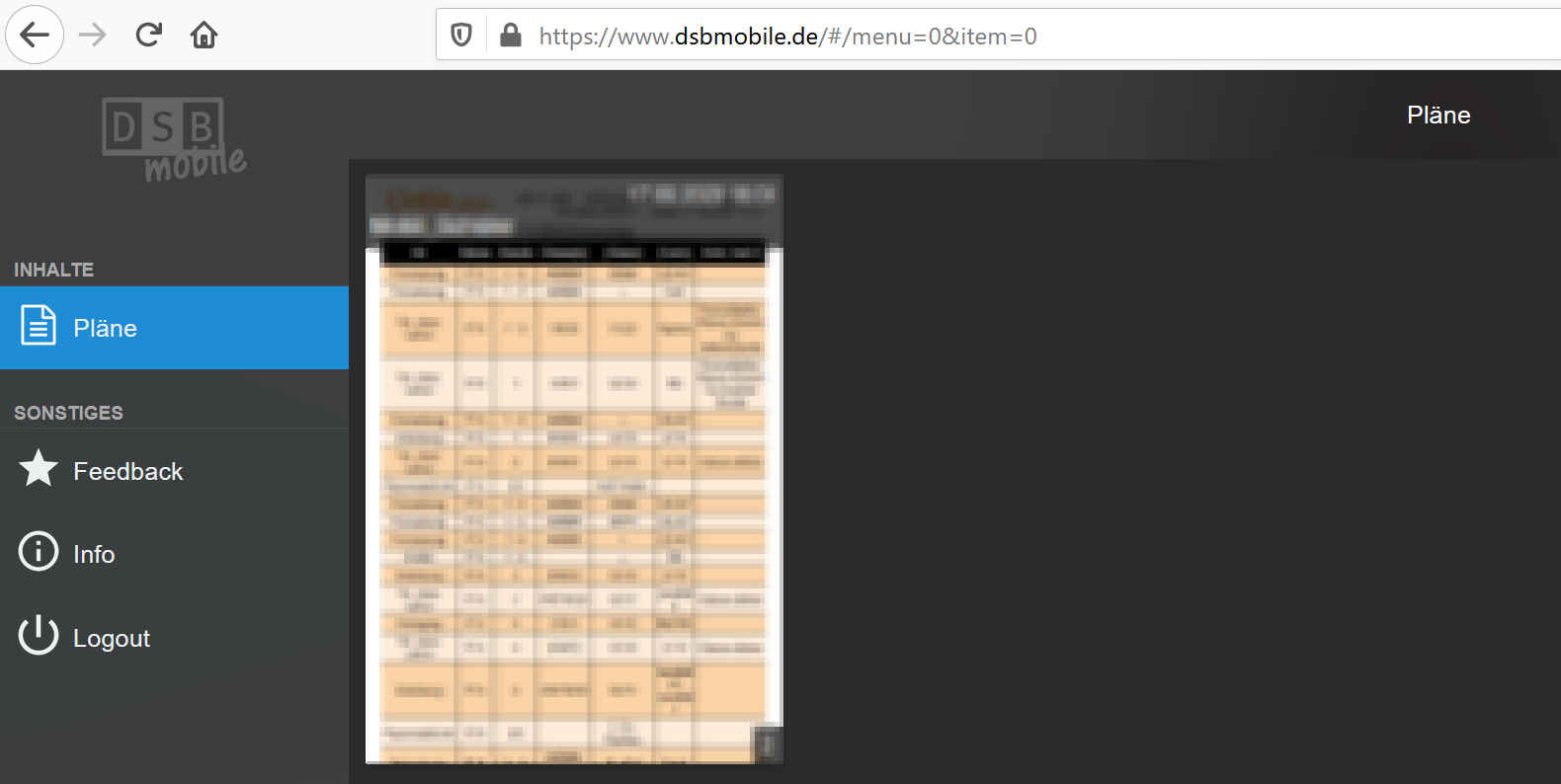
On this page i have to click on the plan to get the larger version (cutout):
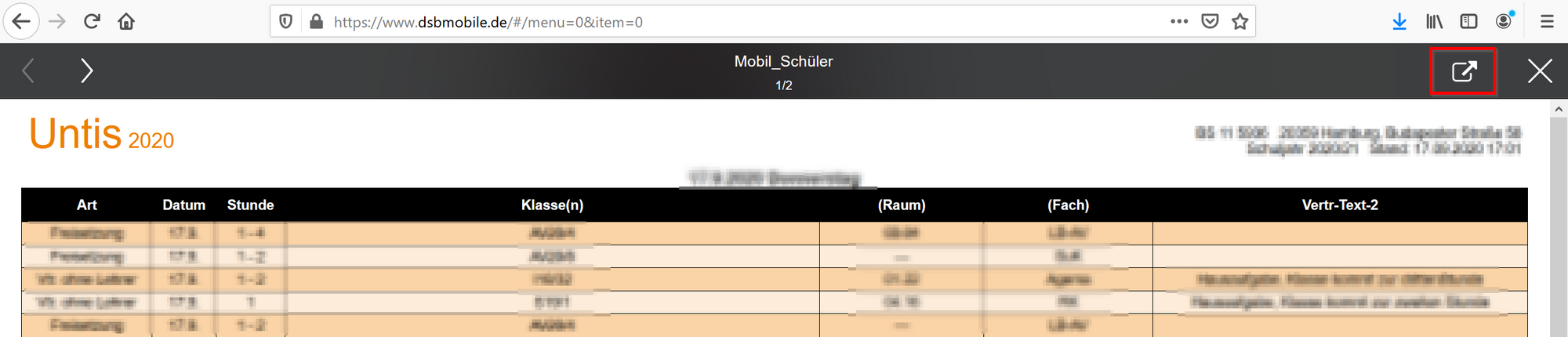
On the right side is a button to get a side for the MM.
See the url …

Another problem: On this site, there is information for 2 days. To switch between the days, i have to klick the “<” or “>” on the upper left hand site.
So the main problem is to get the “https://app.dsbcontrol.de/data/5480ecb0-656c-4da8-be59-e50e376a97aa/eadd132b …” every day and how to pass this changing url every day to the iFrame module. If i use this url, i didn’t have to use a user/passwort.
The second problem is to get the information for the right day … (“<” or “>”)
Any ideas?
-
RE: iFrame and daily changing url ...
is there possibly a workaround with python?
-
iFrame and daily changing url ...
Hello MM-Fans,
I would like to bring the content of a website (my children’s school timetable) to my mirror via iFrame. Basically no problem, but the page requires- a registration (user / password)
- a mouse click on an image
- until I come to a URL that changes daily and which I can display via iFrame.
Has one of you already solved such a problem?
I would be happy about every idea. -
RE: iFrame - How to switch between 2 or more sites?
Found something … --> https://github.com/barnabycolby/MMM-Carousel
Solved
-
iFrame - How to switch between 2 or more sites?
Hello together,
i’m using iFrame to show a special calender. Now i’ve the problem to switch between 2 websites every 30 seconds?
Any ideas how to solve this problem?
Thanks