MagicMirror Forum
    • Recent
    • Tags
    • Unsolved
    • Solved
    • MagicMirror² Repository
    • Documentation
    • 3rd-Party-Modules
    • Donate
    • Discord
    • Register
    • Login
    1. Home
    2. onetwankyfive
    3. Posts
    A New Chapter for MagicMirror: The Community Takes the Lead
    Read the statement by Michael Teeuw here.
    O
    Offline
    • Profile
    • Following 1
    • Followers 3
    • Topics 12
    • Posts 85
    • Groups 0

    Posts

    Recent Best Controversial
    • RE: Calendar MaximumEntries

      try the flag maximumEntries: ‘10’, in your config file right after the calendar you are displaying

      symbol: 'headphones ',
      url: ‘https://google.com/public/basic.ics’,
      maximumEntries: ‘10’,
      maxTitleLength:‘30’

      I do miss the way the old calendar did max 10 no matter how many calendars you were calling in the config
      posted in Troubleshooting
      O
      onetwankyfive
    • RE: Plexpy Module...

      +1 for recent added movies

      posted in Requests
      O
      onetwankyfive
    • RE: MMM-Nest

      @pyrosmiley In the mean time, this might work for you.

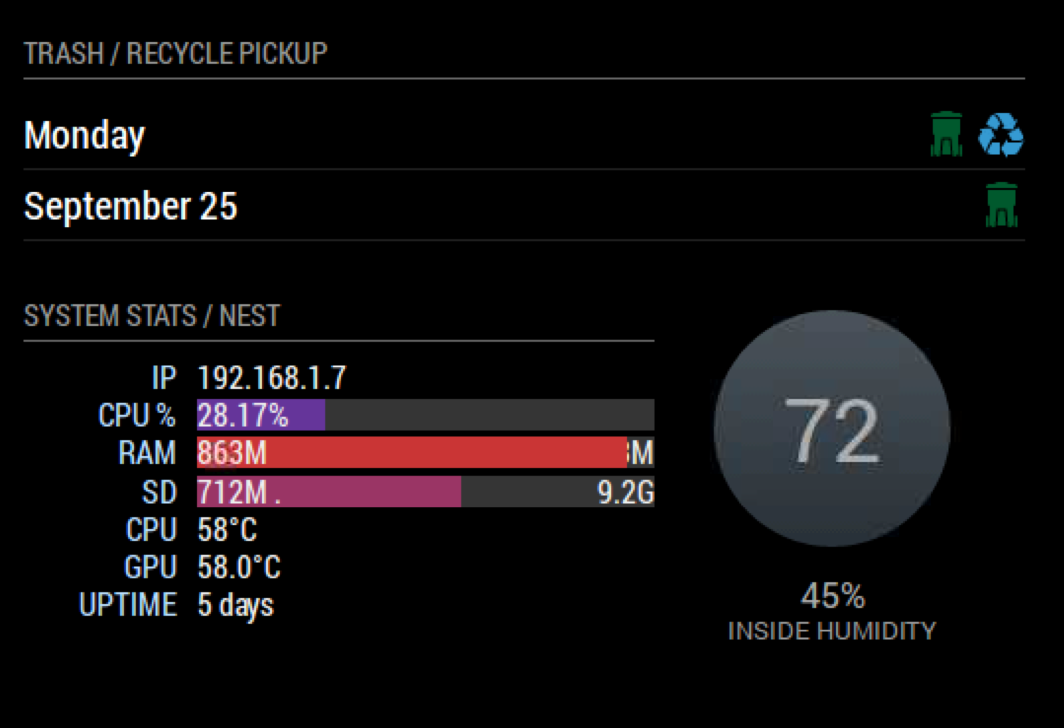
      I did some dirty css to make this work with MMM-Tools
      0_1505420794085_Screen Shot 2017-09-14 at 4.25.48 PM.png

      Try adding this to your custom.css filers and make MMM-Tools your first MMM-Nest instance

      .MMM-Nest {
      margin-top : -190px;
      margin-left:350px;
      }

      .MMM-Tools {
      width : 320px;
      }

      you might need to make it margin-right if you are calling it on the right hand side… I’m am terrible at CSS

      posted in Utilities
      O
      onetwankyfive
    • RE: MMM-MyScoreboard

      @j.e.f.f This excites me! Div 1 is what I was looking for

      posted in Sport
      O
      onetwankyfive
    • RE: MMM-MyScoreboard

      +1 to NCAAF
      This would be amazing

      posted in Sport
      O
      onetwankyfive
    • RE: MMM-MyWastePickup (Toronto waste collection schedule)

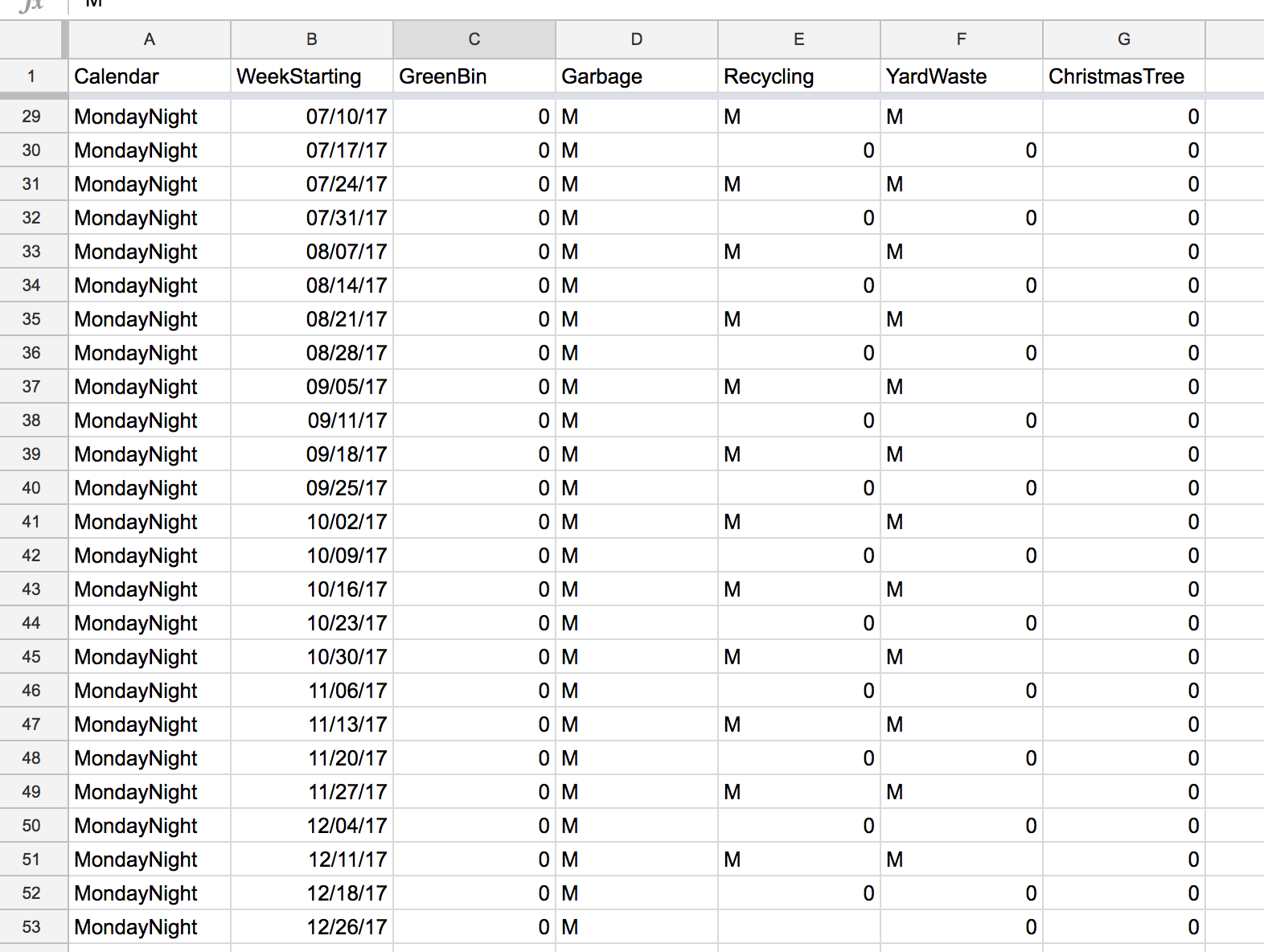
      It was pretty easy… Just imported into google sheets and Download as a CSV in google sheets… It automatically put everything in the correct fields. You could prob make a template in google sheets that people could make copy of and then edit and export. Thanks again!

      0_1499698334154_Screen Shot 2017-07-10 at 10.50.45 AM.png

      posted in Productivity
      O
      onetwankyfive
    • RE: Countdown calendar module for things such as Trash / Recycling pickup

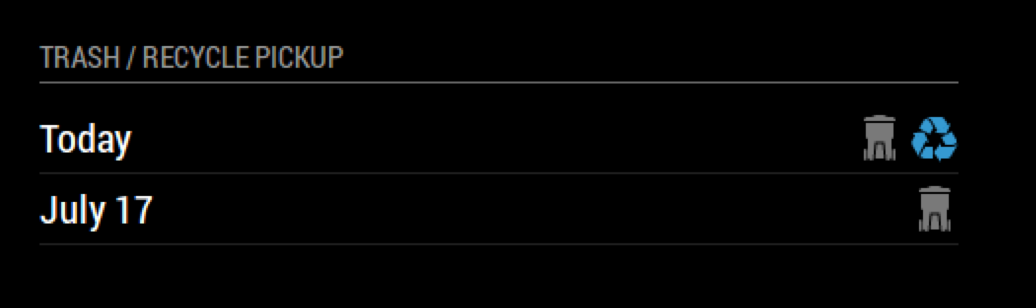
      I was able to modify the CSV file in this module to make it work!
      https://forum.magicmirror.builders/topic/2731/mmm-mywastepickup-toronto-waste-collection-schedule/6
      0_1499691695706_Screen Shot 2017-07-10 at 8.56.56 AM.png

      posted in Requests
      O
      onetwankyfive
    • RE: MMM-MyWastePickup (Toronto waste collection schedule)

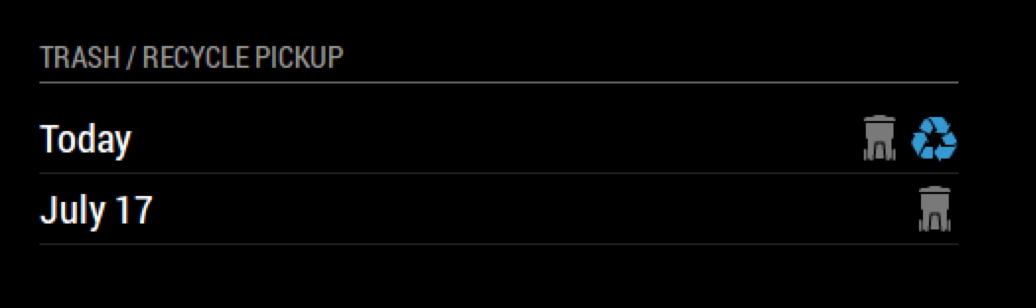
      Great Success! 0_1499691451300_Screen Shot 2017-07-10 at 8.56.56 AM.png

      Its Awesome that its just a csv file that I can edit to match my recycle / trash in my city…
      I have wanted this for a while now!

      posted in Productivity
      O
      onetwankyfive
    • RE: MMM-MyWastePickup (Toronto waste collection schedule)

      I was able to change the quotes, but it still doesn’t want to load for me. I even started with the default config so no other modules were being called, and still no luck. I am running the latest update of Magic Mirror.

      posted in Productivity
      O
      onetwankyfive
    • RE: MMM-uber and MMM-lyft

      @kal Its to hacked together to post and it cuts off the module above it without adding a blank space header to your module… I just set top margin to -40px.

      posted in Transport
      O
      onetwankyfive
    • RE: MMM-MyWastePickup (Toronto waste collection schedule)

      For some reason I am getting an error when I do the npm-install

      ~/MagicMirror/modules/MMM-MyWasteCollection $ npm install
      npm WARN mmmmywastepickup@1.0.0 No repository field.

      I put the example config in and nothing shows up.

      Also are the quotes right in the example config for collectionCalendar?

      
      {
        module: 'MMM-MyWastePickup',
        position: 'top_left',
        header: 'My Waste Collection',
        config: {
          collectionCalendar: `Tuesday1`
        }
      },
      posted in Productivity
      O
      onetwankyfive
    • RE: MMM-uber and MMM-lyft

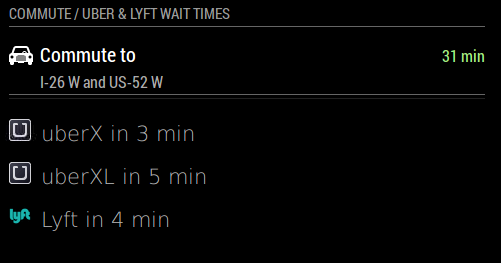
      This works great! I had to modify the css to fix the spacing… Thanks for making this happen!!
      0_1499382967738_Screen Shot 2017-07-06 at 7.14.41 PM.png

      posted in Transport
      O
      onetwankyfive
    • RE: Bing-Traffic

      after that, put the HTML file in the MMM-iFrameReload directory…

      you generate the HTML file from this site
      https://developers.google.com/maps/documentation/javascript/examples/layer-traffic

      posted in Development
      O
      onetwankyfive
    • RE: Tv Shows Tracker

      check out sonarr… it generates an ical and is unlimited for shows

      posted in Requests
      O
      onetwankyfive
    • RE: Bing-Traffic

      I was able to achieve this with MMM-iFrameReload and an html file in that folder from google maps api… It looks something like this.

      {
      module: ‘MMM-iFrameReload’,
      header:‘Traffic Map’,
      position: ‘top_right’, // This can be any of the regions.
      config: {
      // See ‘Configuration options’ for more information.
      url: “http://localhost:8080/modules/MMM-iFrameReload/nameofhtmlfile.html”,
      width: “580px”, // Optional. Default: 400px
      height: “1100px”, // Optional. Default: 800px
      refreshInterval: 600 //Optional. Default: 3600 = 1 hour
      }
      },

      with this code below to make the map and save the html in the iframe folder

      https://developers.google.com/maps/documentation/javascript/examples/layer-traffic

      posted in Development
      O
      onetwankyfive
    • RE: Module to show local traffic information - UK

      it looks like you have single quotes where double quotes are needed… as for the api key you can test it by substituting the url with one from another site.

      posted in Requests
      O
      onetwankyfive
    • RE: Toronto TTC (public transit) Info

      this might also help / prevent you from even having to build a module

      https://github.com/CFenner/MagicMirror-LocalTransport-Module

      posted in Requests
      O
      onetwankyfive
    • RE: Google Maps with traffic info

      I was able to achieve this with MMM-iFrameReload and an html file in that folder… It looks something like this.

      {
      module: ‘MMM-iFrameReload’,
      header:‘Traffic Map’,
      position: ‘top_right’, // This can be any of the regions.
      config: {
      // See ‘Configuration options’ for more information.
      url: “http://localhost:8080/modules/MMM-iFrameReload/nameofhtmlfile.html”,
      width: “580px”, // Optional. Default: 400px
      height: “1100px”, // Optional. Default: 800px
      refreshInterval: 600 //Optional. Default: 3600 = 1 hour
      }
      },

      with this code below to make the map and save the html in the iframe folder

      https://developers.google.com/maps/documentation/javascript/examples/layer-traffic

      posted in Requests
      O
      onetwankyfive
    • RE: Module to show local traffic information - UK

      it has worked fine for me

      posted in Requests
      O
      onetwankyfive
    • RE: Scheduled restart for MM or module

      @CyanKali have you checked out MMM-iFrameReload??

      posted in Troubleshooting
      O
      onetwankyfive
    • 1
    • 2
    • 3
    • 4
    • 5
    • 2 / 5