Thanks very much, it’s good.
R
Offline
A New Chapter for MagicMirror: The Community Takes the Lead
Read the statement by Michael Teeuw here.
Read the statement by Michael Teeuw here.
Posts
-
MM update..
Hello,
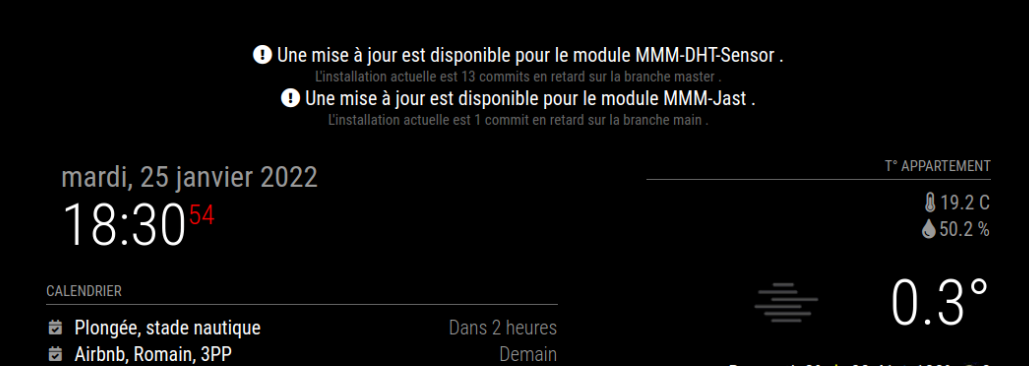
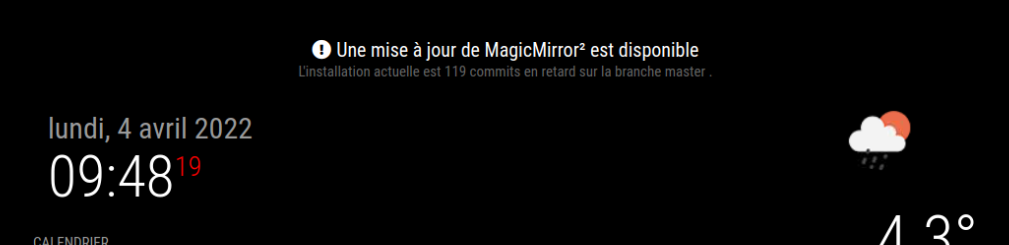
I don’t understand, my MM asked me to do an update, after doing it and restarting my Py it still says at the top of my MM screen that an update is to be done but it doesn’t there are more updates on Py’s desktop.
What should I do ?

-
MMM-DHT-Sensor not updating
Hello,
For several days my MMM-DHT-Sensor module does not update, I have to restart the MagicMirror for the temperature to move. I uninstalled and reinstalled the module and bcm2835 I also changed the DHT22 sensor with a new one but the problem persists.I did not however change anything in the parameters of my config.js
		{
				module: "MMM-DHT-Sensor",
				position: "top_right",
				header: "T° Appartement",
				config: {
					sensorPin: 4,
					sensorType: 22,
					updateInterval: 100 * 1000,
					initialLoadDelay: 0,
					animationSpeed: 1000,
					units: "metric",
					relativeScale: 35,
					debug: false
				}
			},
what should I do ?
-
RE: MMM-YouTube : looping does not work, and some mp4 files are not played.
@bugsounet , merci de ton retour.
j’ai essayé il y a < 1 mois de réinstaller ton GA full à 2 reprises sans succès (encore le pb d’Electron et pas pu tester l’entrée micro avec ALSA je crois).
Je retenterais avec ton GA light, est ce qu’avec l’extention Youtube de ton GA on peut mettre une seule vidéo en boucle ? Car c’est ce que souhaiterais
je vais remonter mes films de plongées sans © et sans music car les vidéos que j’avais mises étaient en test, c’est pas la vidéo finale que je souhaitais diffuser son mon MM. -
a youtube video streaming on my MM
Hello,
I would like to stream a video from my youtube channel on my magicmirror and be able to adjust the screen size, which module can I use?
I tried with MMM-RandomYouTubePlayer… but I don’t have a youtube playlist (an example video from my youtube channel: https://youtu.be/J3Psb-L6tHo){ module: "MMM-RandomYouTubePlayer", position: "top_center", // This can be any of the regions... config: { playlistId: "PLhttps://youtu.be/J3Psb-L6tHo", // See Configuration Options below... height: 480, width: 720, } },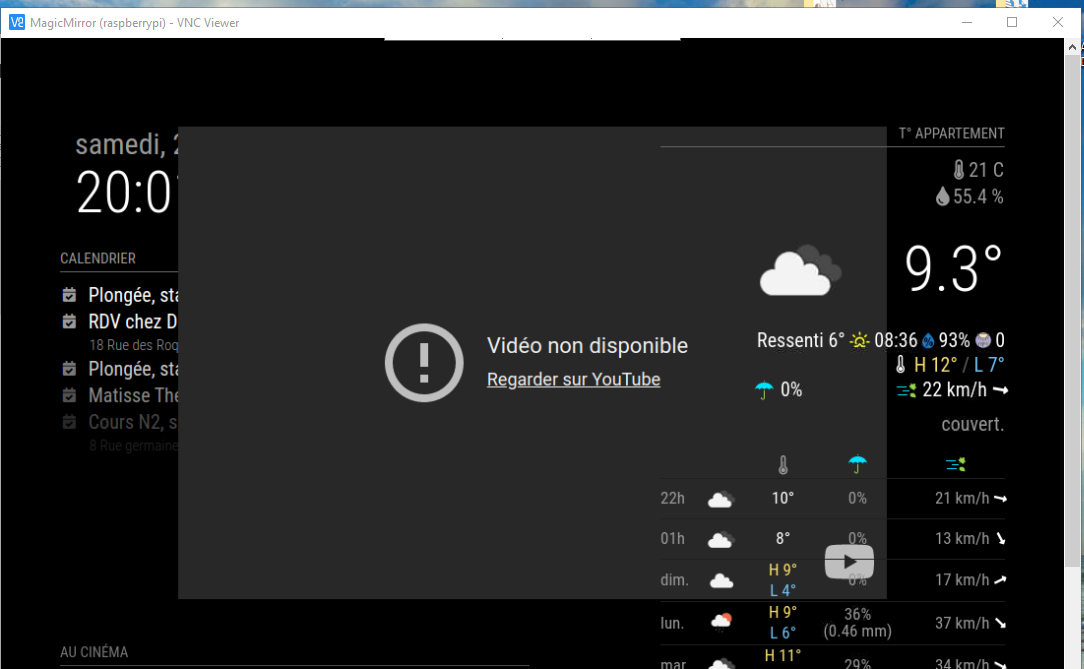
-
RE: How to update MMM-Jast and MMM-Sensor
@Jalibu
I don’t believe but I’m not sure -
RE: How to update MMM-Jast and MMM-Sensor
in each module i do
git pullandnpm installbut the message appears a few minutes later… -
How to update MMM-Jast and MMM-Sensor
Hello,
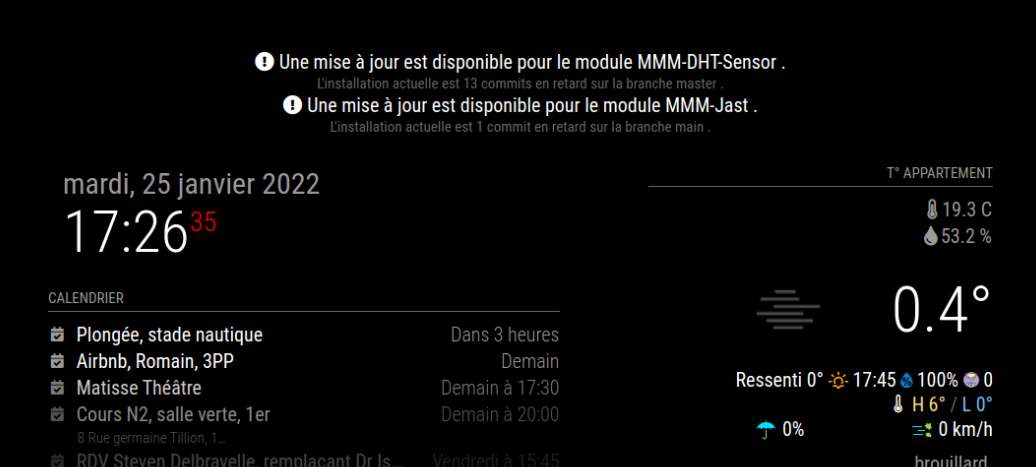
my magic mirror displays at the top of the screen that an update is to be done for the MMM-Jast and MMM-DHT-Sensor modules but on the module pages (https://github.com/ryck/MMM-DHT-Sensor and https://github.com/jalibu/MMM-Jast) it is not indicated how to do the updates. .How to update these 2 modules ?
-
RE: what power supply for Raspberry Pi 4 B 2 go
@mann “Does the PI 4 support turning USB power off and on in software at all? If it does, how to do it?” : I don’t understand what you are telling me, so what should I do?
-
RE: what power supply for Raspberry Pi 4 B 2 go
the original power supply was 3A which I changed because I had the message, I replaced it with several 5V 2A and sometimes I find the message. I haven’t had the message since last night…
-
what power supply for Raspberry Pi 4 B 2 go
I bought this model :
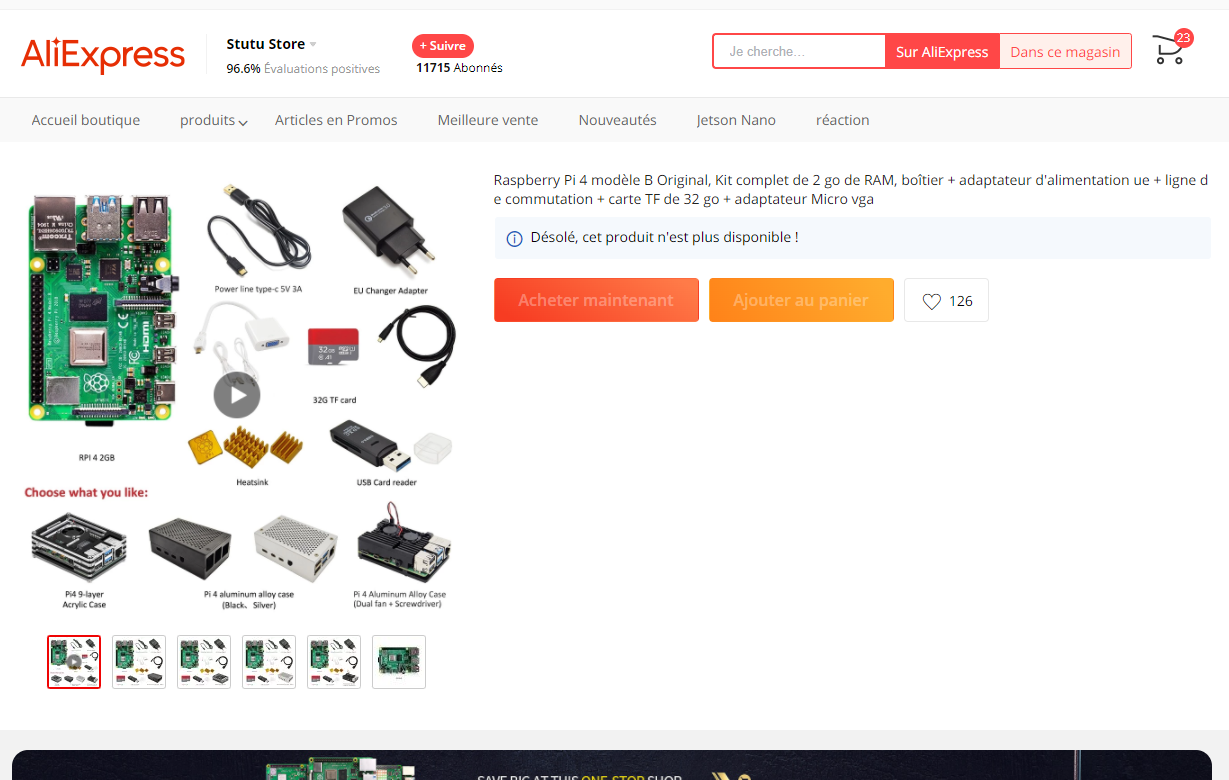
I have changed the power supply several times and I often have this display at the top right
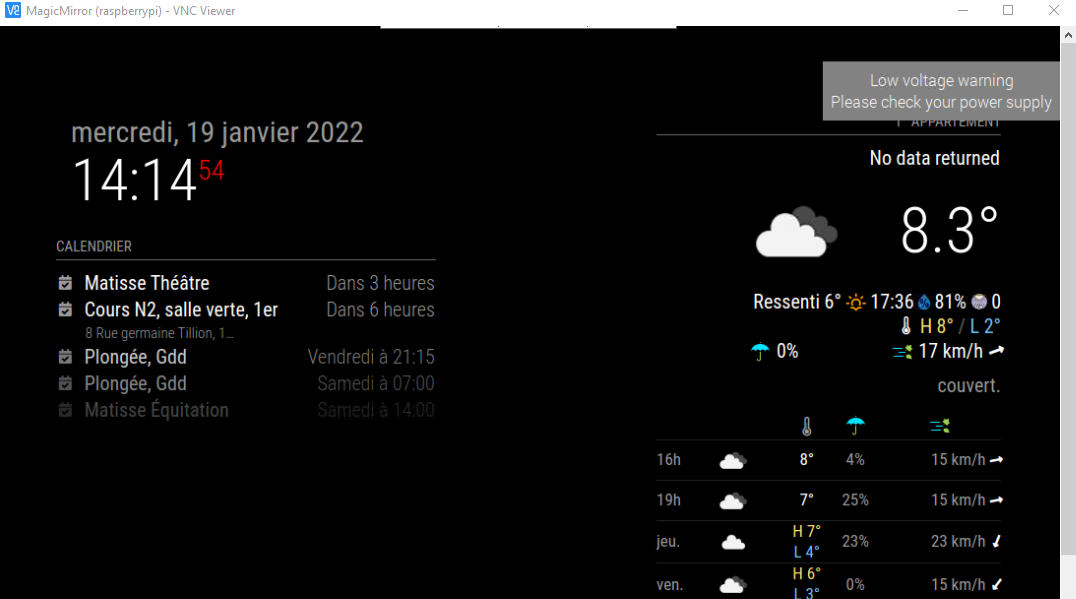
what power supply do you recommend ? -
RE: how to update my MM
@mumblebaj i do this :
pi@raspberrypi:~ $ find ~/MagicMirror/modules/* -type d -name request
/home/pi/MagicMirror/modules/MMM-MovieListings/node_modules/request
/home/pi/MagicMirror/modules/MMM-NowPlayingOnSpotify/node_modules/request
/home/pi/MagicMirror/modules/MMM-NowPlayingOnSpotify/node_modules/npm/node_modules/request
pi@raspberrypi:~ $ cd ~/MagicMirror/modules/MMM-NowPlayingOnSpotify
pi@raspberrypi:~/MagicMirror/modules/MMM-NowPlayingOnSpotify $ ls package.json
package.json
pi@raspberrypi:~/MagicMirror/modules/MMM-NowPlayingOnSpotify $ npm init -y
Wrote to /home/pi/MagicMirror/modules/MMM-NowPlayingOnSpotify/package.json:

{
  "name": "mmm-nowplayingonspotify",
  "version": "1.0.0",
  "description": "A module for MagicMirror 2 displaying the currently playing song on Spotify.",
  "repository": {
    "type": "git",
    "url": "git+https://github.com/raywo/MMM-NowPlayingOnSpotify.git"
  },
  "keywords": [
    "magic mirror",
    "magic mirror 2",
    "smart mirror",
    "spotify",
    "module"
  ],
  "author": "raywo <ray@skillbird.de> (https://github.com/raywo)",
  "contributors": [
    "https://github.com/raywo/MMM-NowPlayingOnSpotify/graphs/contributors"
  ],
  "license": "MIT",
  "bugs": {
    "url": "https://github.com/raywo/MMM-NowPlayingOnSpotify/issues"
  },
  "homepage": "https://github.com/raywo/MMM-NowPlayingOnSpotify",
  "engines": {
    "node": ">=7"
  },
  "dependencies": {
    "cookie-parser": "1.4.3",
    "express": "~4.16.0",
    "moment-duration-format": "^2.2.2",
    "npm": "^5.7.1",
    "querystring": "~0.2.0",
    "request": "^2.83.0",
    "request-promise-native": "^1.0.5",
    "body-parser": "^1.18.2"
  },
  "main": "MMM-NowPlayingOnSpotify.js",
  "devDependencies": {},
  "scripts": {
    "test": "echo \"Error: no test specified\" && exit 1"
  }
}


pi@raspberrypi:~/MagicMirror/modules/MMM-NowPlayingOnSpotify $ cd ~/MagicMirror/modules/MMM-MovieListings
pi@raspberrypi:~/MagicMirror/modules/MMM-MovieListings $ ls package.json
package.json
pi@raspberrypi:~/MagicMirror/modules/MMM-MovieListings $ npm init -y
Wrote to /home/pi/MagicMirror/modules/MMM-MovieListings/package.json:

{
  "name": "mmm-movielistings",
  "version": "1.0.0",
  "description": "MagicMirror module for current movie listing playing in theaters",
  "main": "MMM-MovieListings.js",
  "scripts": {
    "test": "echo \"Error: no test specified\" && exit 1"
  },
  "author": "Christian Jens",
  "license": "MIT",
  "dependencies": {
    "request": "^2.81.0"
  },
  "devDependencies": {},
  "repository": {
    "type": "git",
    "url": "git+https://github.com/Tueti/MMM-MovieListings.git"
  },
  "keywords": [],
  "bugs": {
    "url": "https://github.com/Tueti/MMM-MovieListings/issues"
  },
  "homepage": "https://github.com/Tueti/MMM-MovieListings#readme"
}


pi@raspberrypi:~/MagicMirror/modules/MMM-MovieListings $
but the problem remains the same (black screen et Electron problem)
-
RE: how to update my MM
pi@raspberrypi:~ $ find ~/MagicMirror/modules/* -type d -name request /home/pi/MagicMirror/modules/MMM-MovieListings/node_modules/request /home/pi/MagicMirror/modules/MMM-NowPlayingOnSpotify/node_modules/request /home/pi/MagicMirror/modules/MMM-NowPlayingOnSpotify/node_modules/npm/node_modules/request pi@raspberrypi:~ $ -
RE: how to update my MM
pi@raspberrypi:~ $ grep -r -E '('request')' ~/MagicMirror/modules/*/*.js
/home/pi/MagicMirror/modules/MMM-Jast/node_helper.js:(()=>{"use strict";var e={944:function(e,t,o){var r=this&&this.__awaiter||function(e,t,o,r){return new(o||(o=Promise))((function(n,i){function s(e){try{c(r.next(e))}catch(e){i(e)}}function a(e){try{c(r.throw(e))}catch(e){i(e)}}function c(e){var t;e.done?n(e.value):(t=e.value,t instanceof o?t:new o((function(e){e(t)}))).then(s,a)}c((r=r.apply(e,t||[])).next())}))};Object.defineProperty(t,"__esModule",{value:!0});const n=o(543),i=o(61);e.exports=n.create({start(){console.log(`${this.name} helper method started...`)},requestStocks(e){return r(this,void 0,void 0,(function*(){let t=[];for(const o of e.stocks)try{const{summaryDetail:e,price:r}=yield i.default.quoteSummary(o.symbol);if(e&&r){const n={symbol:o.symbol,name:o.name,quantity:o.quantity};t.push({summaryDetail:e,price:r,meta:n})}}catch(e){console.error("There was an error requesting the API.",e.message)}return t}))},socketNotificationReceived(e,t){return r(this,void 0,void 0,(function*(){if(e){const e=yield this.requestStocks(t);this.sendSocketNotification("STOCKS_RESULT",e)}else console.warn(`${e} is invalid notification`)}))}})},543:e=>{e.exports=require("node_helper")},61:e=>{e.exports=require("yahoo-finance2")}},t={},o=function o(r){var n=t[r];if(void 0!==n)return n.exports;var i=t[r]={exports:{}};return e[r].call(i.exports,i,i.exports,o),i.exports}(944);module.exports=o})();
/home/pi/MagicMirror/modules/MMM-MovieListings/node_helper.js:var request = require('request');
/home/pi/MagicMirror/modules/MMM-MovieListings/node_helper.js:    request(
/home/pi/MagicMirror/modules/MMM-MovieListings/node_helper.js:    request(
/home/pi/MagicMirror/modules/MMM-MovieListings/node_helper.js:        request(
/home/pi/MagicMirror/modules/MMM-soccer/MMM-soccer.js:     * @description Adds nunjuck filters and requests for league data.
/home/pi/MagicMirror/modules/MMM-soccer/MMM-soccer.js:     * @description Sends request to the node_helper to fetch data for the current selected league.
/home/pi/MagicMirror/modules/MMM-soccer/node_helper.js: * @external request
/home/pi/MagicMirror/modules/MMM-soccer/node_helper.js: * @see https://www.npmjs.com/package/request
/home/pi/MagicMirror/modules/MMM-soccer/node_helper.js:const request = require('request');
/home/pi/MagicMirror/modules/MMM-soccer/node_helper.js: * @requires external:request
/home/pi/MagicMirror/modules/MMM-soccer/node_helper.js:     * @param {Object} options - request optionsthe notification.
/home/pi/MagicMirror/modules/MMM-soccer/node_helper.js:        request(options, (error, response, body) => {
/home/pi/MagicMirror/modules/MMM-TomTomTraffic/MMM-TomTomTraffic.js:    // Instead, on the first dom request, add a <script> tag and trigger a dom refresh
pi@raspberrypi:~ $
I do not remember anymore how to post the pm2 logs
-
RE: how to update my MM
@sdetweil as you told me, I do
cd ~/MagicMirror/modules/modulenamefor each module.
I found an error in the last module : MMM-WeatherOrNot, a module that I no longer use so I deleted it with the command :cd ~ / MagicMirrorandrm -rf modules / MMM-WeatherOrNotthen i redid pm2 save and pm2 start 0 and turned the MM off and on again with ~ 1 minute but I still have a black screen and an electron problem.
what to do ?
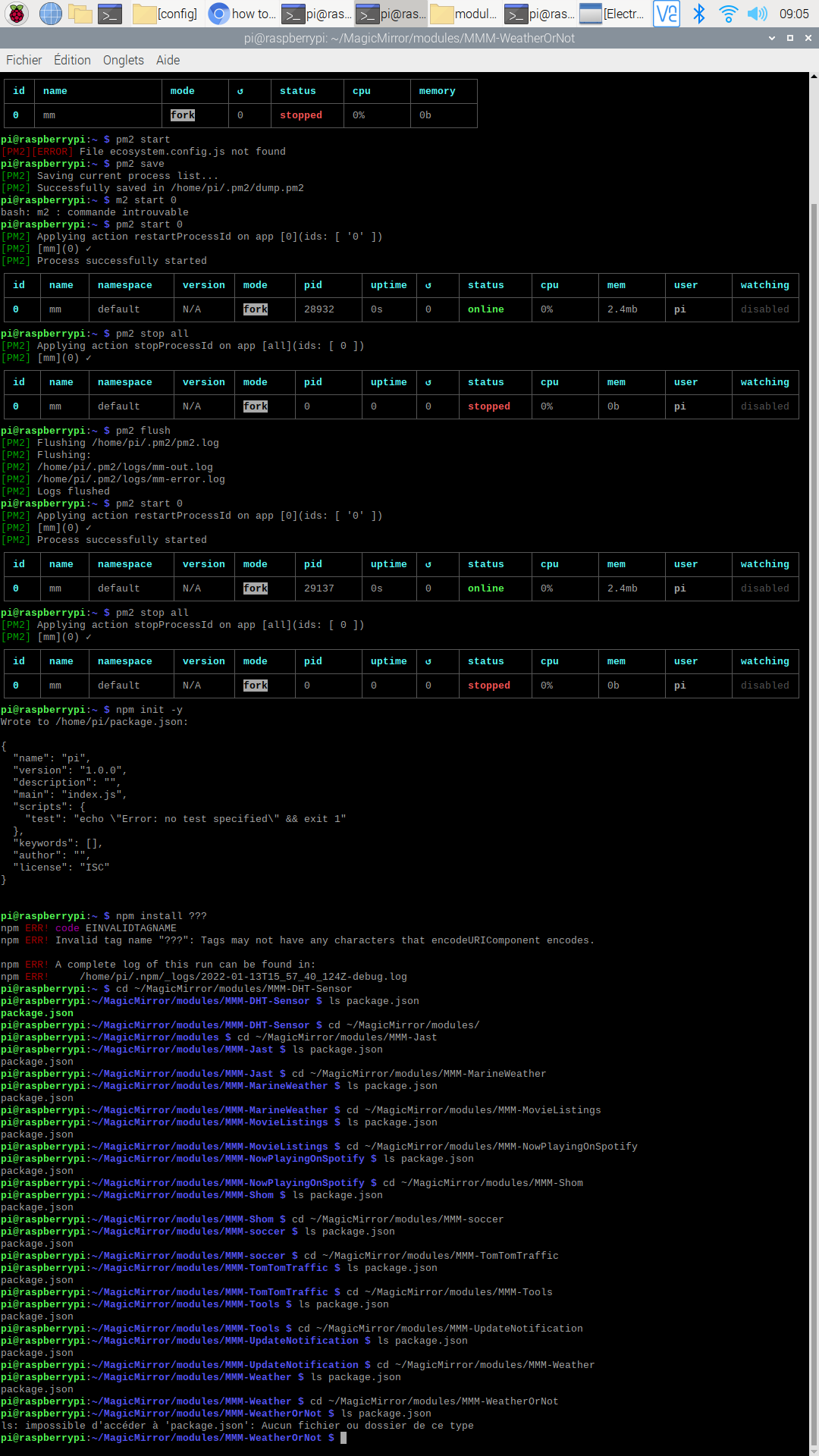
-
RE: how to update my MM
I do this for the first modul :
pi@raspberrypi:~ $ cd ~/MagicMirror/modules/MMM-DHT-Sensor
pi@raspberrypi:~/MagicMirror/modules/MMM-DHT-Sensor $ ls package.json
package.json
pi@raspberrypi:~/MagicMirror/modules/MMM-DHT-Sensor $
i do this :
npm init -y?