Perfekt:)
can i with the help of .modulname in the Main chance the position of the individual modules?
For example:
.Clock (Modul Name)
Left : 100 px,
Top:50 px
Perfekt:)
can i with the help of .modulname in the Main chance the position of the individual modules?
For example:
.Clock (Modul Name)
Left : 100 px,
Top:50 px
perfect! how do I link the file created in the config? I can also change the font?
Hello,
I know that can change the position from the modul of the right to the left ,bottem.
I can change them exactly px ? even if the module has no style.css.
because I want to have on the left side more modules
sorry for my bad English
yes i have install the npm in the MM Folder , only compliment, clock and news works other moduls come a error ( no config file )
Many thanks for your help and your tip! but only tow module works =( the clock an the compliments why this ?
Whenever I will add another module of the screen black!
i have install the electron.js again but
the add the module as in the proceeds described readme does not work !
your config works !!! juhu thx but i have a other wrong :/
i will the language from the clock in germany
Module.register("clock",{
	// Module config defaults.
	defaults: {
		timeFormat: config.timeFormat,
		displaySeconds: true,
		showPeriod: true,
		showPeriodUpper: false,
		clockBold: true
	},
	// Define required scripts.
	getScripts: function() {
		return ["moment.js"];
	},
	// Define start sequence.
	start: function() {
		Log.info("Starting module: " + this.name);
		// Schedule update interval.
		var self = this;
		setInterval(function() {
			self.updateDom();
		}, 1000);
		// Set locale.
		moment.locale(config.language);
	},
Note from Moderator: Please use proper Markdown on code snippets for easier reading.
Update:
can you show me how the modules in the config investing so that the screen indicating?:o
how exactly do you mean? !
I would now delete all modules except the komentare . or how to do it ?
and thank you !!!
I have not in the folder modules I 've added the left so !
I can make it wenistens indicating to me and does not remain black : O
can you tell me what all modules I exactly need. ? I make every time you install an update
so i tell you what I’ve done everything :
MM V1
sudo nano .config/lxsession/LXDE pi/autostart)/var/www/htmlMM V2
git clone https://github.com/MichMich/MagicMirror)cd /home/pi/Magic Mirror)npm install && npm start
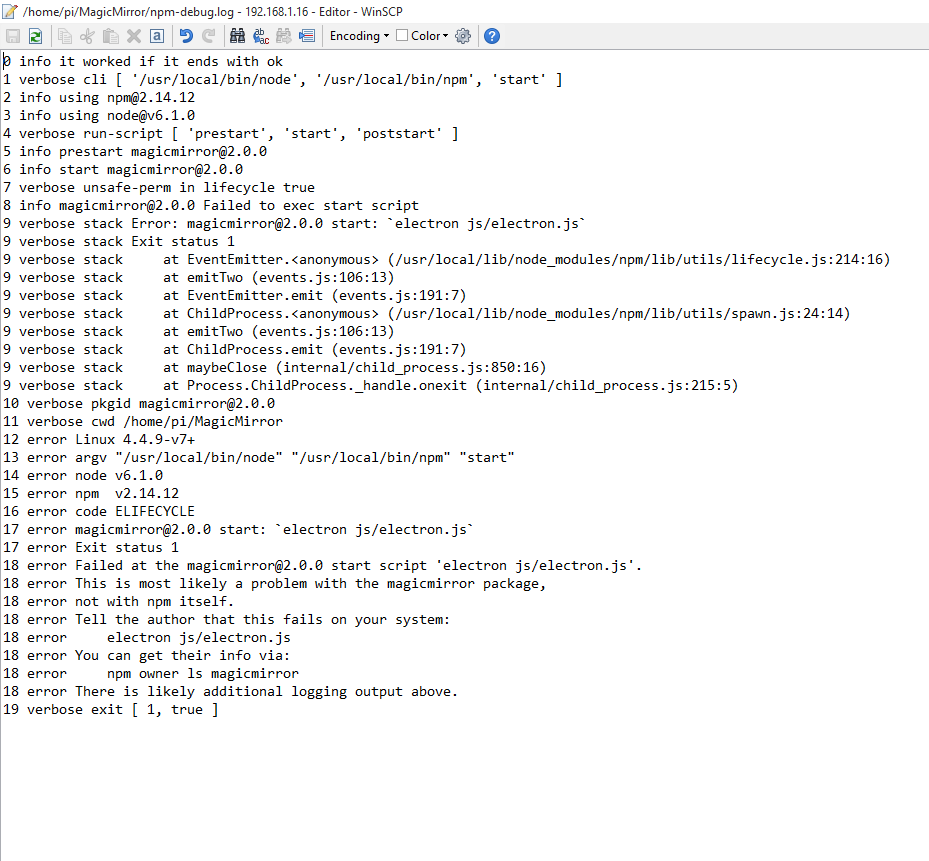
what can I do now ?
Note from admin: Please use Markdown on shell commands so they are easier to read!
Hello I got the raspberry pi to 1000 times reinstalled and it’s nothing ! only MagicMirror v1 goes without problems ! In V2 the screen remains in black start even though I have the config edit : /
Hello,
to only sorry for my bad english .
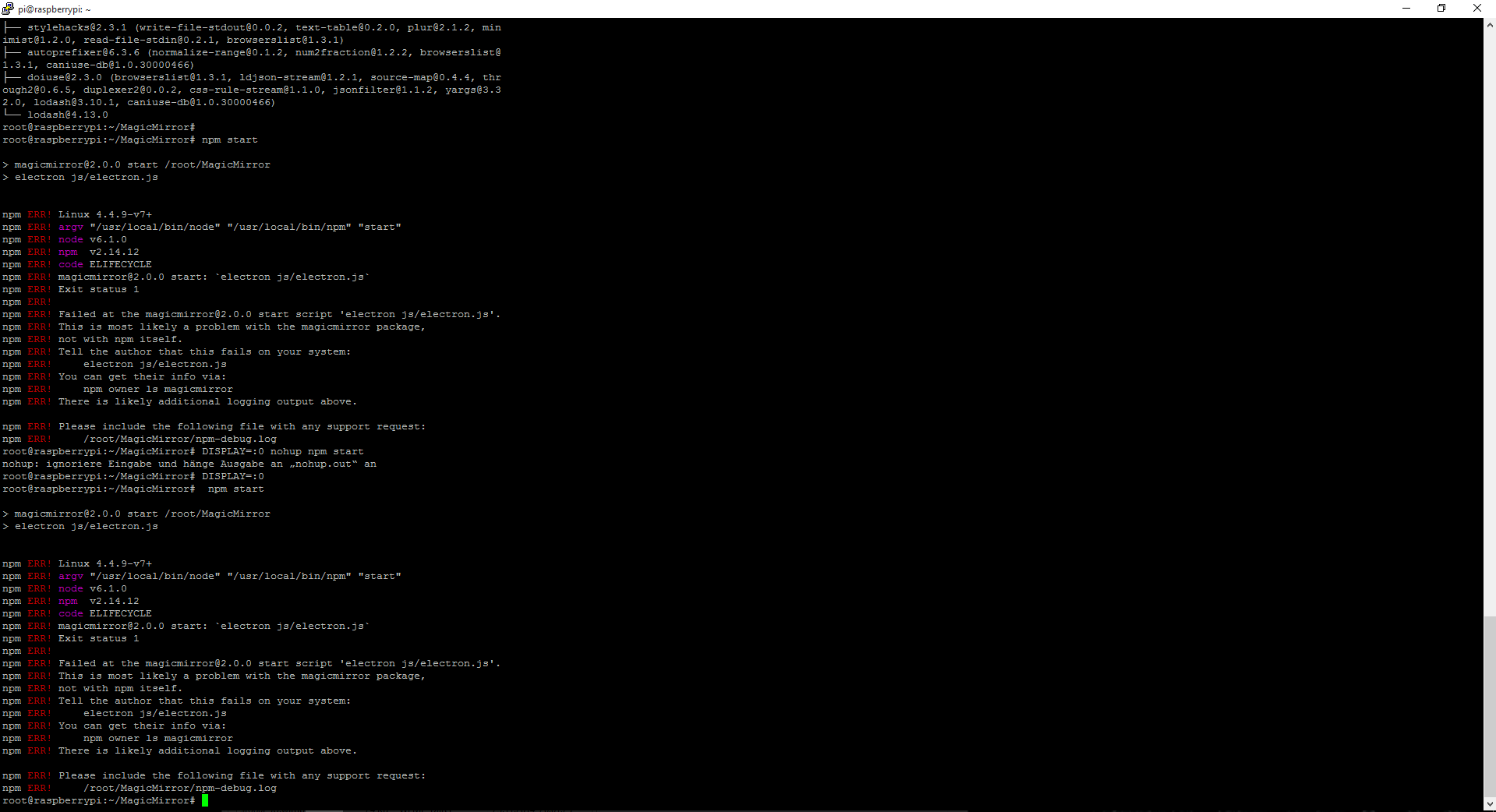
I have made the manual installation and it is the fault (picture)
The mirror is black and no module is loaded .
I hope you can help me!