Hi together,
is this module still active. Tried to register my project with mercedes but there is no purchase model ’ FREE’ as mentioned on the Github page. Only a Business model is available without
any details regarding the cost. Has anyone tried it and has experience with this model. It sound like it is only for business professionals.
Thanks in advance folks
W
Offline
A New Chapter for MagicMirror: The Community Takes the Lead
Read the statement by Michael Teeuw here.
Read the statement by Michael Teeuw here.
Posts
-
RE: MMM-MercedesMe
-
RE: Slow SSH & SFTP
suffered the same problem and found this:
https://wiki.debian.org/SSH#SSH_hangs
it solved my extreme unstable SSH connection problem -
MMM-MotionEye and forcedRefreshInterval
Hi
using MMM-Motioneye for some time without problems. Now after repositioning my Motioneye cam, sometimes the video stream becomes interrupted due to wifi problems.
Unfortunately i can’t get the video stream refreshed using the option ‘forcedRefreshInterval’ in my config. Is anybody using this option and can share his experience because I don’t know how to find out what I made wrong. Thx in advance for any helpful hints.best regards, Jo
This is my config:
{ module: 'MMM-MotionEye', position: 'lower_third', config: { url: "http://192.168.0.16:8090/?action=stream", width: '800px', autoHide: true, forcedRefreshInterval: 6000, autoHideDelay: 60000, debug: true }, }, -
RE: MMM-FHEM no Fhem statusdisplay
@dominic said in MMM-FHEM no Fhem statusdisplay:
shjedIOhbn6BHFJjGH is your base64 encoded string of user:password in your fhem.cfg.
In your forelast post it seems to be out commented with a # as i recommended in my last post. For me this means that you’ve no authentication in place and your original problem seems not to be an authorization issue. -
RE: MMM-FHEM no Fhem statusdisplay
in fhem you have to disable “basicAuth” in fhem.cfg like this…
#attr allowed_WEB basicAuth shjedIOhbn6BHFJjGH -
RE: MMM-FHEM shows values from FHEM devices ...
Is it possible to show differend icons depending on the device state like Fhem does it?
-
RE: MMM-MotionEye - surveillance video stream on your mirror!
@Cato
Hi, I had a bit more time over the weekend. By trial an error I found out that the problem is related to my motioneye URL string providing userid and password. Apparently the Electron browser can’t handle this. After disabling authorization in Motioneye the problem was solved. In another MM installation on a Pi Zero I use Midori as browser and this works since month without problems. Thanks for MMM-Motioneye and your help in this case. -
RE: MMM-MotionEye - surveillance video stream on your mirror!
@cato
made a new installation as describek by @KirAsh4 with the same result as already mentioned but found some maybe related entries in the pm2 mm-out-0.log.> magicmirror@2.1.1 start /home/pi/MagicMirror > sh run-start.sh Starting MagicMirror: v2.1.1 Loading config ... Loading module helpers ... No helper found for module: alert. No helper found for module: clock. Initializing new module helper ... Module helper loaded: calendar No helper found for module: currentweather. No helper found for module: weatherforecast. Initializing new module helper ... Module helper loaded: newsfeed Initializing new module helper ... Module helper loaded: MMM-MotionEye All module helpers loaded. Starting server on port 8080 ... Starting server op port 8080 ... You're using a full whitelist configuration to allow for all IPs Server started ... Connecting socket for: calendar Starting node helper for: calendar Connecting socket for: newsfeed Starting module: newsfeed Connecting socket for: MMM-MotionEye Starting module: MMM-MotionEye Sockets connected & modules started ... Launching application. Create new calendar fetcher for url: http://xxx Create new calendar fetcher for url: http://xxx Create new news fetcher for url: http://www.spiegel.de/schlagzeilen/tops/index.rss - Interval: 300000 Hiding camera: undefined Motion registered: undefined Motion registered: undefined Motion registered: undefined Motion registered: undefinedmaybe a helpful hint ???
-
RE: MMM-MotionEye - surveillance video stream on your mirror!
{
	                  module: 'MMM-MotionEye',
	                  position: 'lower_third',
	                  config: {
		          url: "http://userid:password@192.168.0.13:8081",
                          width: '800',
                          autoHide: 'false',
                          autoHideDelay: '60000',
                          debug: 'true'
	     }
       },
for the sake of completeness, this is my trigger URL http://MMip:8080/motioneye
-
RE: MMM-MotionEye - surveillance video stream on your mirror!
@cato O.K. Cato, now I understand what you mean, sorry. As mentioned, I installed a complete new MM from scratch. Everything went fine, MM’s standard modules are present, as expected. Then I installed MotionEye as described but on the screen I see only the small image as on the picture. This also disappears when I configure autohide and no motion is present.
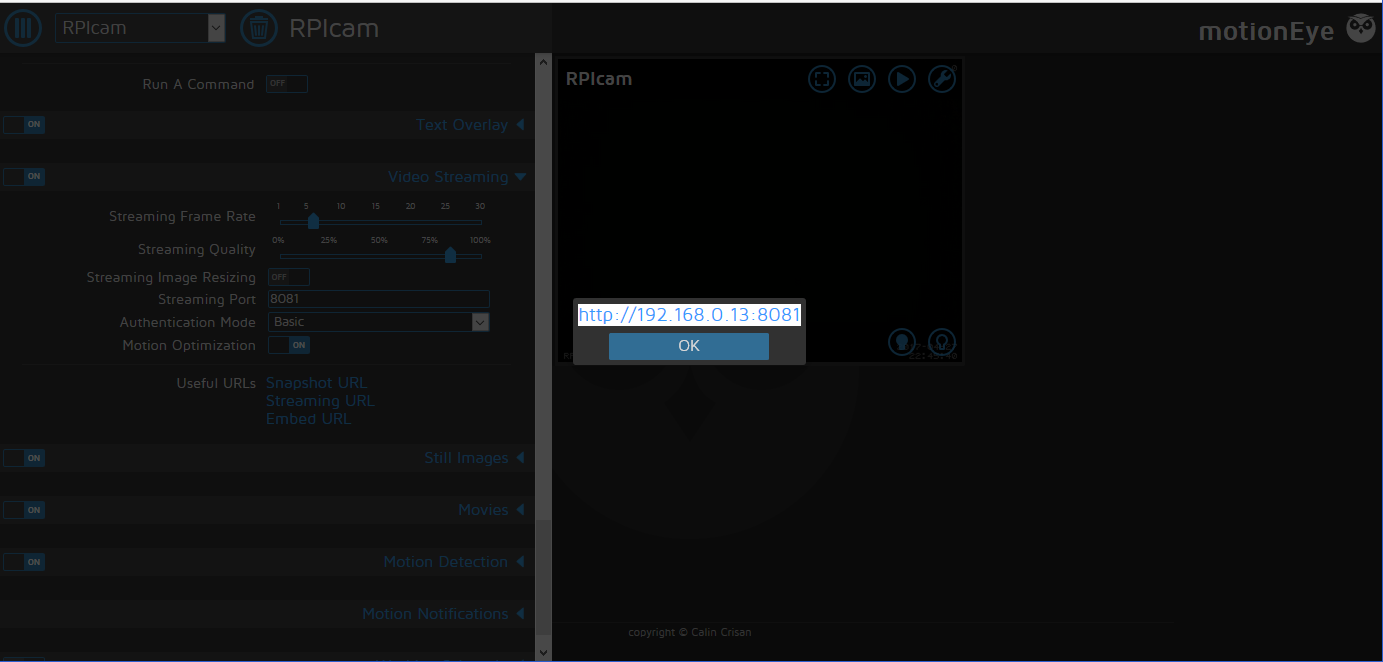
I think that’s it -
RE: MMM-MotionEye - surveillance video stream on your mirror!
@Cato Hi Cato, actually I don’t know what you really mean. The URL i use is http://userid:password@myipaddress:8081. This streaming URL works on any browser and on my other MM system. I’ve made also a shot of the icon I see on the screen if you mean that. Remember, when I’m URL to MM from any other system everything works as expected.
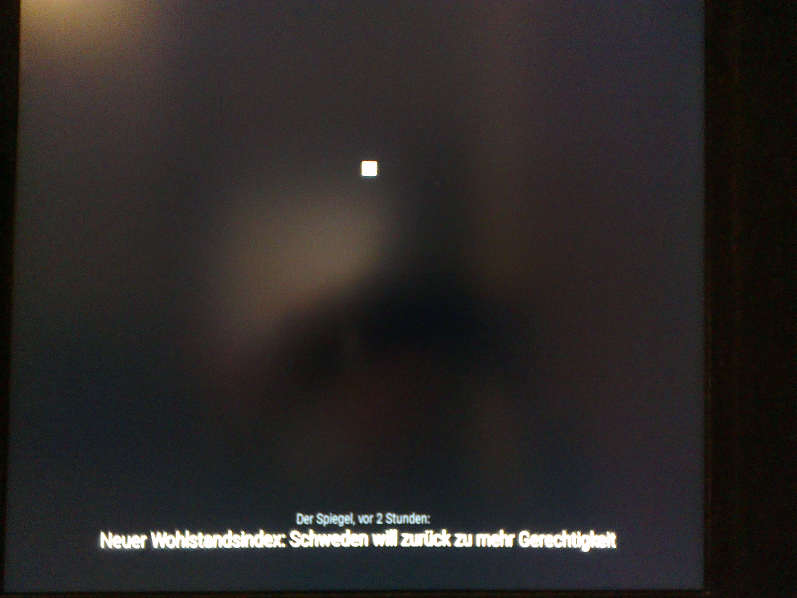
-
RE: MMM-MotionEye - surveillance video stream on your mirror!
Hi all,
I recently installed the current MM version on the current Jessie image to use on a RPI III. Everyting fine with the standard installation. Then I installed MotionEye on top but can’t get it running. I used the same config parms then in another installation but without success. I can see only a small icon on the screen where the stream should be visible. Surprisingly i can see everything on any other system using http:Ipaddress:8080. I can also switch on/off using wget but I see only a small icon on the MM system. Nothing helpful in the logs. I’m clueless at the moment. Any help will be appreciated. -
RE: [ORDER CLOSED] Two way mirror order in Germany
@Advokaten Yes, I tried several light scenarios with different but not satisfying results.
-
RE: [ORDER CLOSED] Two way mirror order in Germany
Hi all you DIYer !
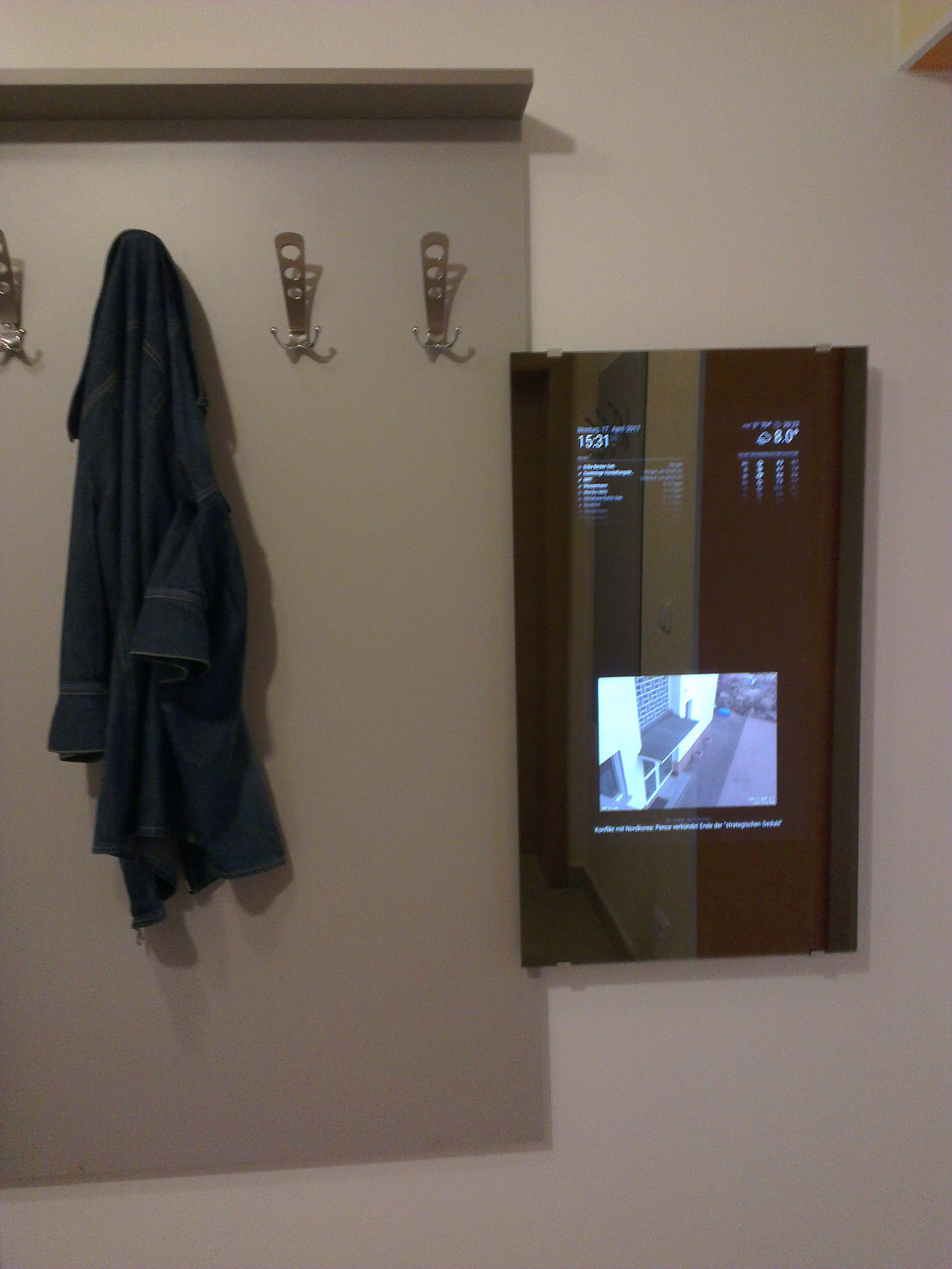
got my mirror finished this weekend and just want to show you the result. Unfortunately, the mirrorglas itself is not what I’ve expected, in particuler under my light conditions it’s to dark. Maybe I’ll replace it in the future. Anyway this should not come over as criticism, @Goldjunge_Chriz made a great job and and I want to say thanks again.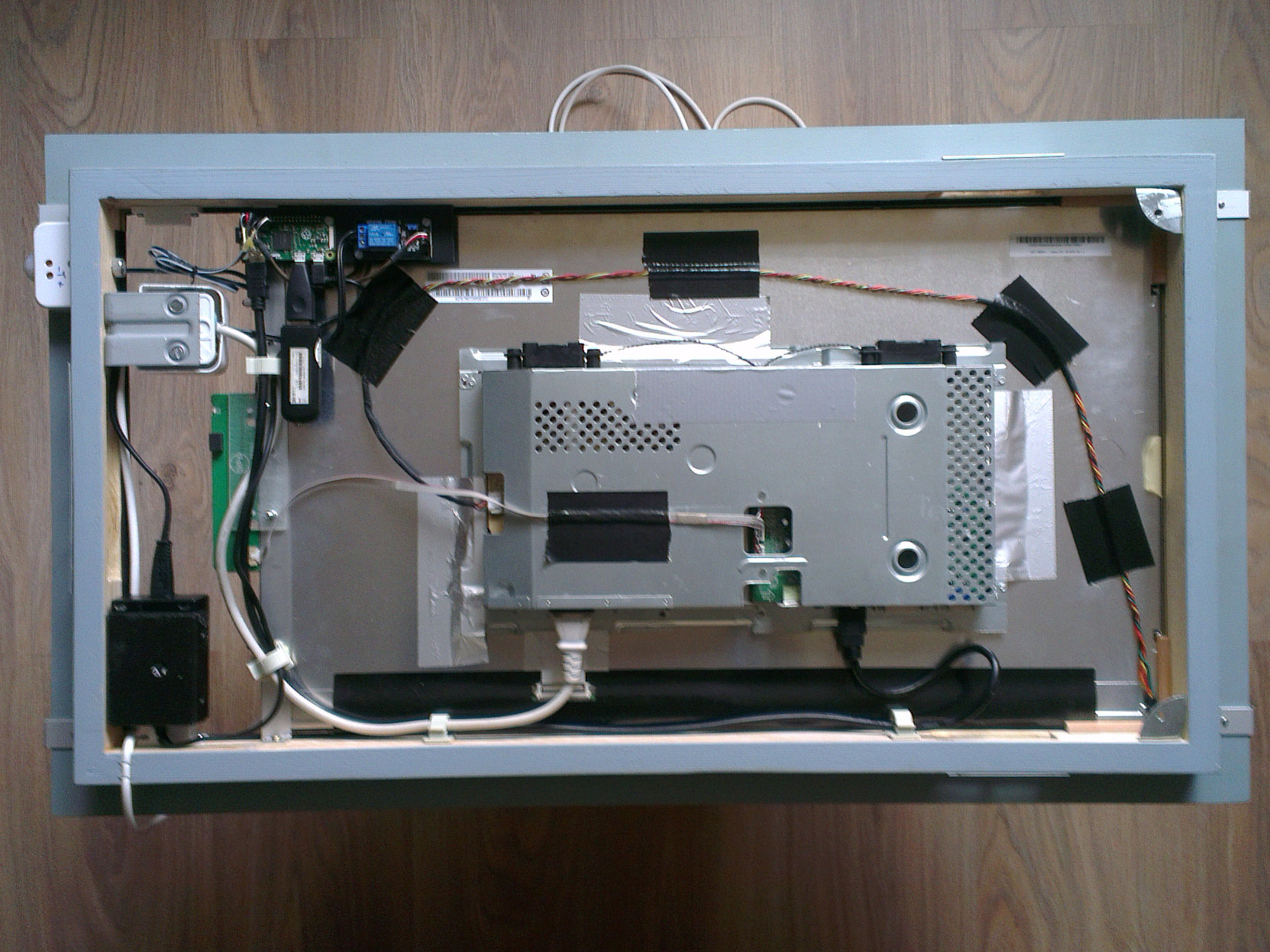
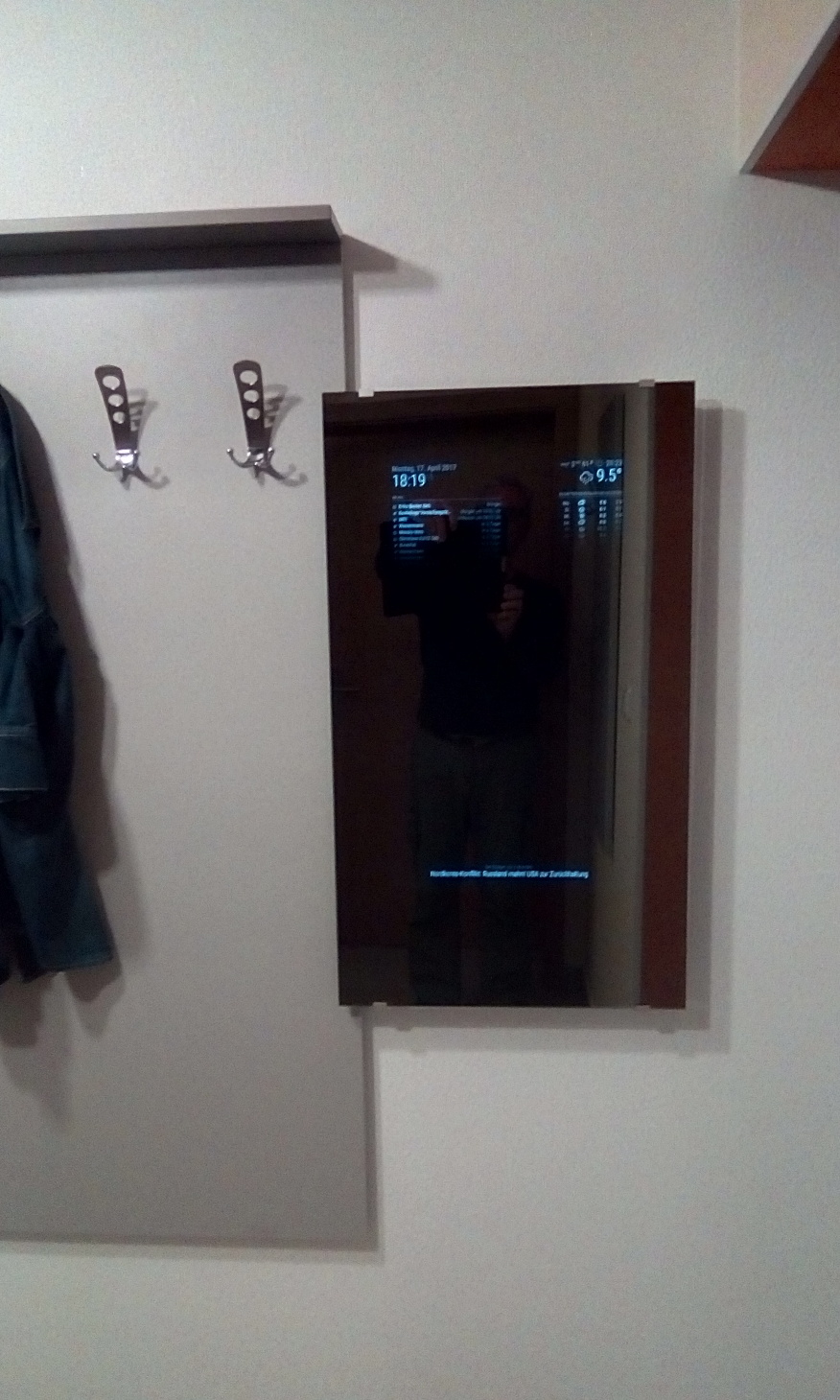
-
RE: MMM-MotionEye - surveillance video stream on your mirror!
Of cause, I’ve a more or less large screen but this is only one of some other positions I tried without success to prevent overlapping with other modules.
Would be great if you could help with this of cause spezific problem.
Thx in advance… -
RE: MMM-MotionEye - surveillance video stream on your mirror!
Hi Cato, thanks for this Module, I installed it and it works like a charm. One thing I like to ask you is the positioning of the module. I tried to arrange the module appearence pixel-precise with the help of the custom.ccs but was not successful. I added this to the custom.css and deleted the position definition in the config.js. Any idea what went wrong here :question: :question: :question:
.MMM-MotionEye { left : 700px; top: 1500px; } -
RE: [ORDER CLOSED] Two way mirror order in Germany
Yep, Saturday is O.K. Let’s say 12:30 to prevent any traffic jam.
-
RE: [ORDER CLOSED] Two way mirror order in Germany
@Goldjunge_Chriz Again thanks to you for your afforts. Hope you get your garage blank again soon. Regading myself, I’m somewhat variable. I would say give us (the collectors) two timeframes on different days and anyone can see what best fits his capabilities. Friday afternoon is not a good idea to leave Frankfurt in this direction but any other target date may be O.K.
-
RE: MMM-FHEM no Fhem statusdisplay
Thanks Folks,
it seem I was completely stumped. Sometimes I overlook the simplest things.
The password was the problem but, at least I think this is not a good solution to access Fhem without authorization. Anyway, problem solved - thanks a lot.Rgs. Woody
-
MMM-FHEM no Fhem statusdisplay
hi folks,
I’ve tried to install and activate the MMM-FHEM module but with not to much success. There was actually no problem neither with the installation nor the configuration but I can’t get it running. It doesn’t matter if I use Http or Https, I tried also differed Devices and Readings but no luck. This is my config and maybe someone can point me out something wrong or give me any idea in debugging this.{ module: 'MMM-FHEM', position: 'bottom_bar', config: { host: '192.168.0.50', port: '8083', https: 'true', devices: [ { deviceName: 'Lichtfenster', deviceReadings: [ { name: 'state', suffix: 'test1' }, ], }, ], }, },any help will be appreciated. Thx in advance… Woody