MagicMirror Forum
    • Recent
    • Tags
    • Unsolved
    • Solved
    • MagicMirror² Repository
    • Documentation
    • 3rd-Party-Modules
    • Donate
    • Discord
    • Register
    • Login
    A New Chapter for MagicMirror: The Community Takes the Lead
    Read the statement by Michael Teeuw here.

    Screen/Text Size

    Scheduled Pinned Locked Moved Unsolved Troubleshooting
    17 Posts 2 Posters 3.3k Views 2 Watching
    Loading More Posts
    • Oldest to Newest
    • Newest to Oldest
    • Most Votes
    Reply
    • Reply as topic
    Log in to reply
    This topic has been deleted. Only users with topic management privileges can see it.
    • M Offline
      mrdger
      last edited by

      New to the project, and a beginner with coding.

      When I start MM, it goes full screen, but shows the same thing in each location, and it is cut off as the text is displaying too large. If I hit F11 and resize the window, I start to see the text at a more normal size and can finally see more than one module, but still doesn’t display as intended.

      How do I get it to show at full screen with the right dimensions when I start it?

      S 1 Reply Last reply Reply Quote 0
      • S Offline
        sdetweil @mrdger
        last edited by

        @mrdger sorry, not quite sure I understand

        said it goes full screen, yes that is what its supposed to do

        but shows the same thing in each location

        eh? what does that mean? if its full screen then what is location?

        try this , maybe,

        stop magicMirror

        cd ~
        rm -rf .config/electron
        

        note the . in front of config
        restart MagicMirror

        Sam

        How to add modules

        learning how to use browser developers window for css changes

        M 1 Reply Last reply Reply Quote 0
        • M Offline
          mrdger @sdetweil
          last edited by

          @sdetweil Thanks for the response. Yes I do want it full screen, my apologies, I just meant that it wasn’t displaying properly when in full screen.

          I followed your instructions, and this is what I am currently getting
          2022-05-17-100410_1920x1080_scrot.png

          S 1 Reply Last reply Reply Quote 0
          • S Offline
            sdetweil @mrdger
            last edited by

            @mrdger what OS is this? on what hardware? PI? is that view on the screen attached to hardware, or over VNC?

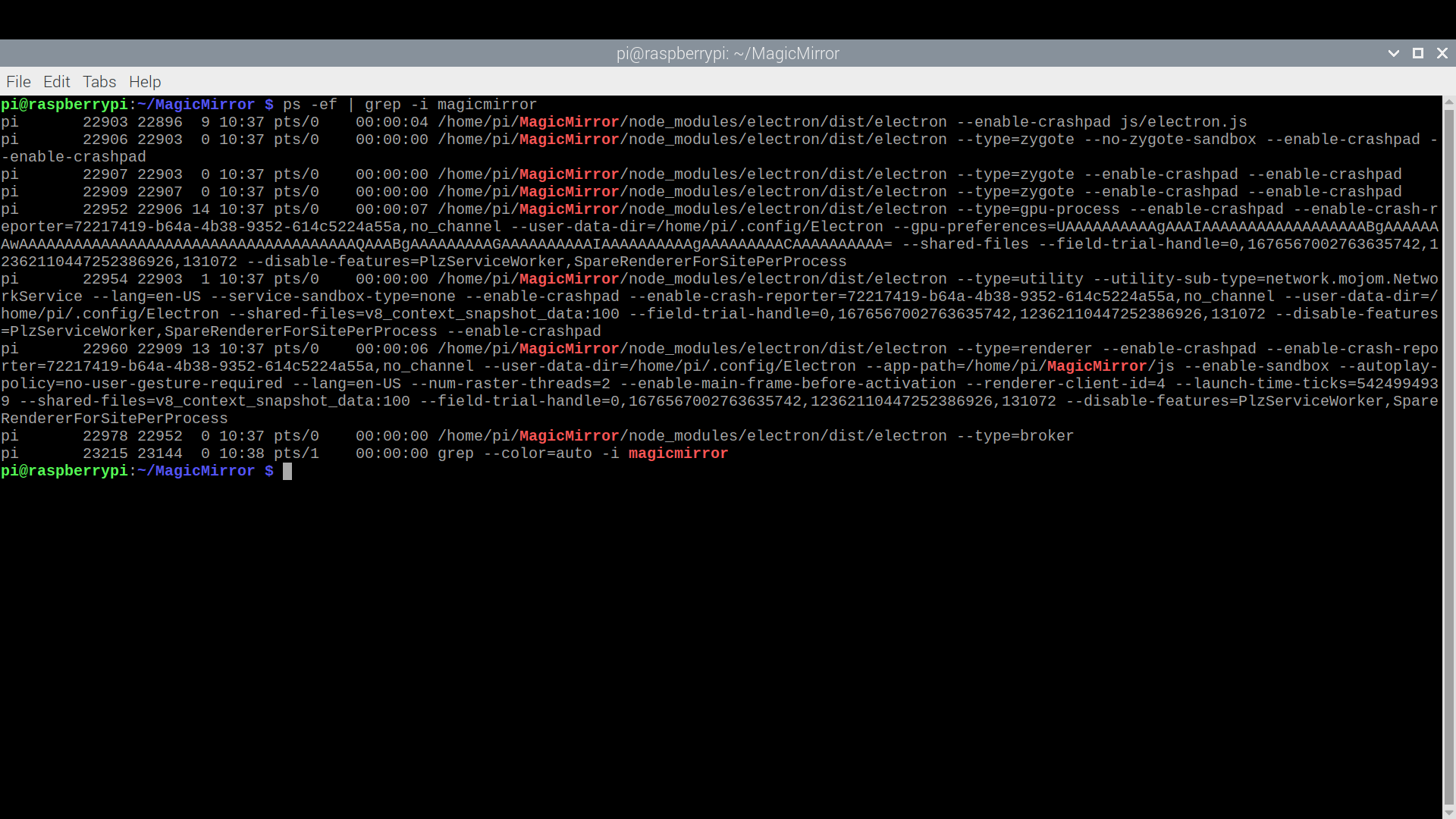
            can u do, from the commandline while MM is running

            ps -ef | grep -i magicmirror
            

            you should get a list of things…

            Sam

            How to add modules

            learning how to use browser developers window for css changes

            M 1 Reply Last reply Reply Quote 0
            • M Offline
              mrdger @sdetweil
              last edited by

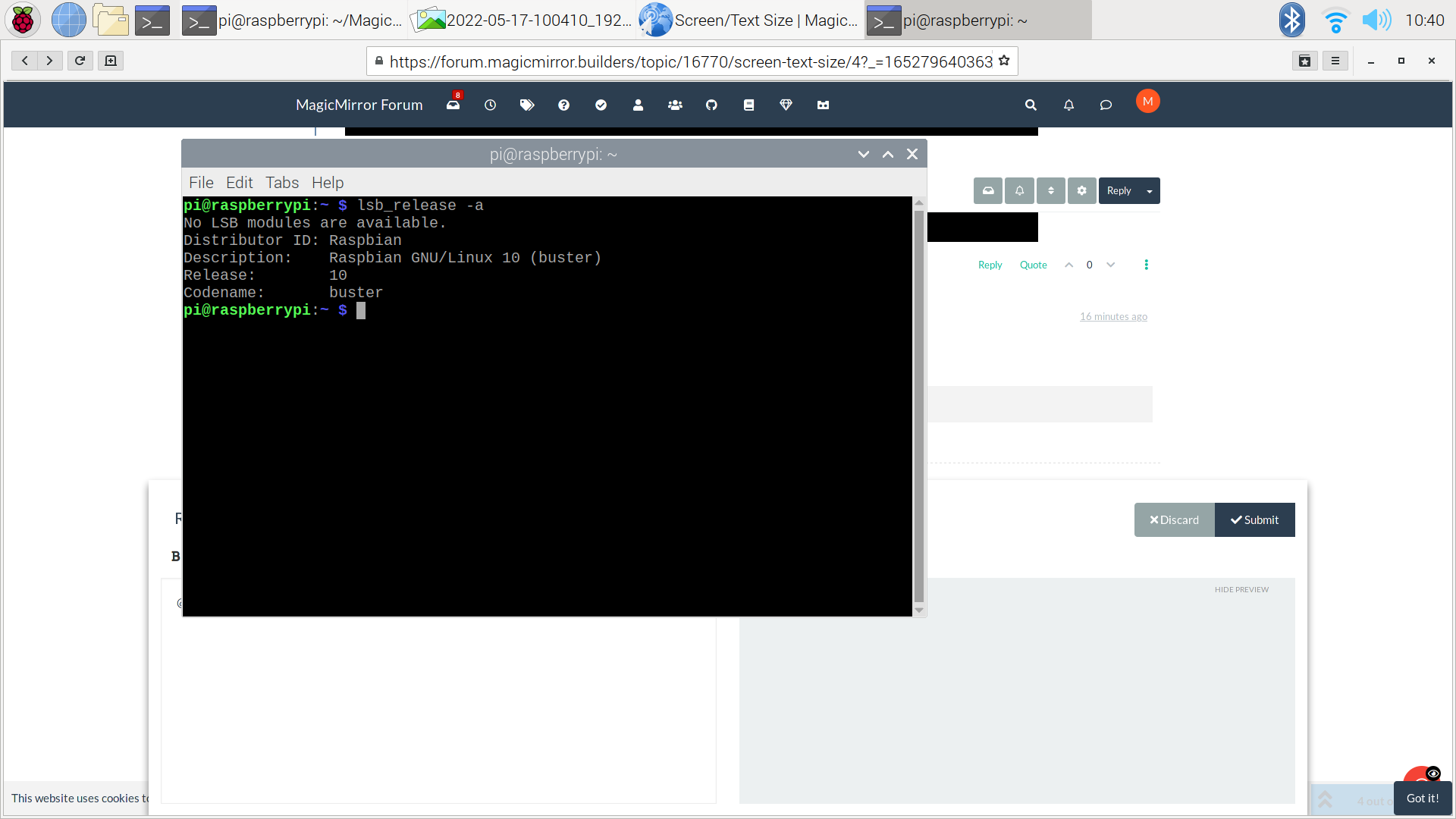
              @sdetweil The screen is attached to the hardware and is intended to be the screen I will be using for the project. It’s a Pi 4
              2022-05-17-104051_1920x1080_scrot.png 2022-05-17-103832_1920x1080_scrot.png

              S 1 Reply Last reply Reply Quote 0
              • S Offline
                sdetweil @mrdger
                last edited by

                @mrdger ok, stop MagicMirror again

                and then do

                rm -rf ~/.config/Electron
                

                then restart mm

                Sam

                How to add modules

                learning how to use browser developers window for css changes

                M 1 Reply Last reply Reply Quote 0
                • M Offline
                  mrdger @sdetweil
                  last edited by

                  @sdetweil 2022-05-17-105158_1920x1080_scrot.png

                  Followed your instructions again. This came up. The repeated forecast doesn’t seem to change, but the two bigger texts were popping up and changing.

                  S 1 Reply Last reply Reply Quote 0
                  • S Offline
                    sdetweil @mrdger
                    last edited by

                    @mrdger weird…

                    did u get any output from the command? should not have

                    I assume you had a good desktop after boot… with the temples…

                    how did you install MM? manual or scripted?

                    Sam

                    How to add modules

                    learning how to use browser developers window for css changes

                    M 1 Reply Last reply Reply Quote 0
                    • M Offline
                      mrdger @sdetweil
                      last edited by

                      @sdetweil Correct, didn’t get any output. I did it manually, maybe try reinstalling?

                      S 1 Reply Last reply Reply Quote 0
                      • S Offline
                        sdetweil @mrdger
                        last edited by

                        @mrdger rename the MM folder

                        cd  ~
                        mv MagicMirror MagicMirror.old
                        

                        then run my install script , see
                        https://github.com/sdetweil/MagicMirror_scripts

                        Sam

                        How to add modules

                        learning how to use browser developers window for css changes

                        M 1 Reply Last reply Reply Quote 0
                        • M Offline
                          mrdger @sdetweil
                          last edited by

                          @sdetweil

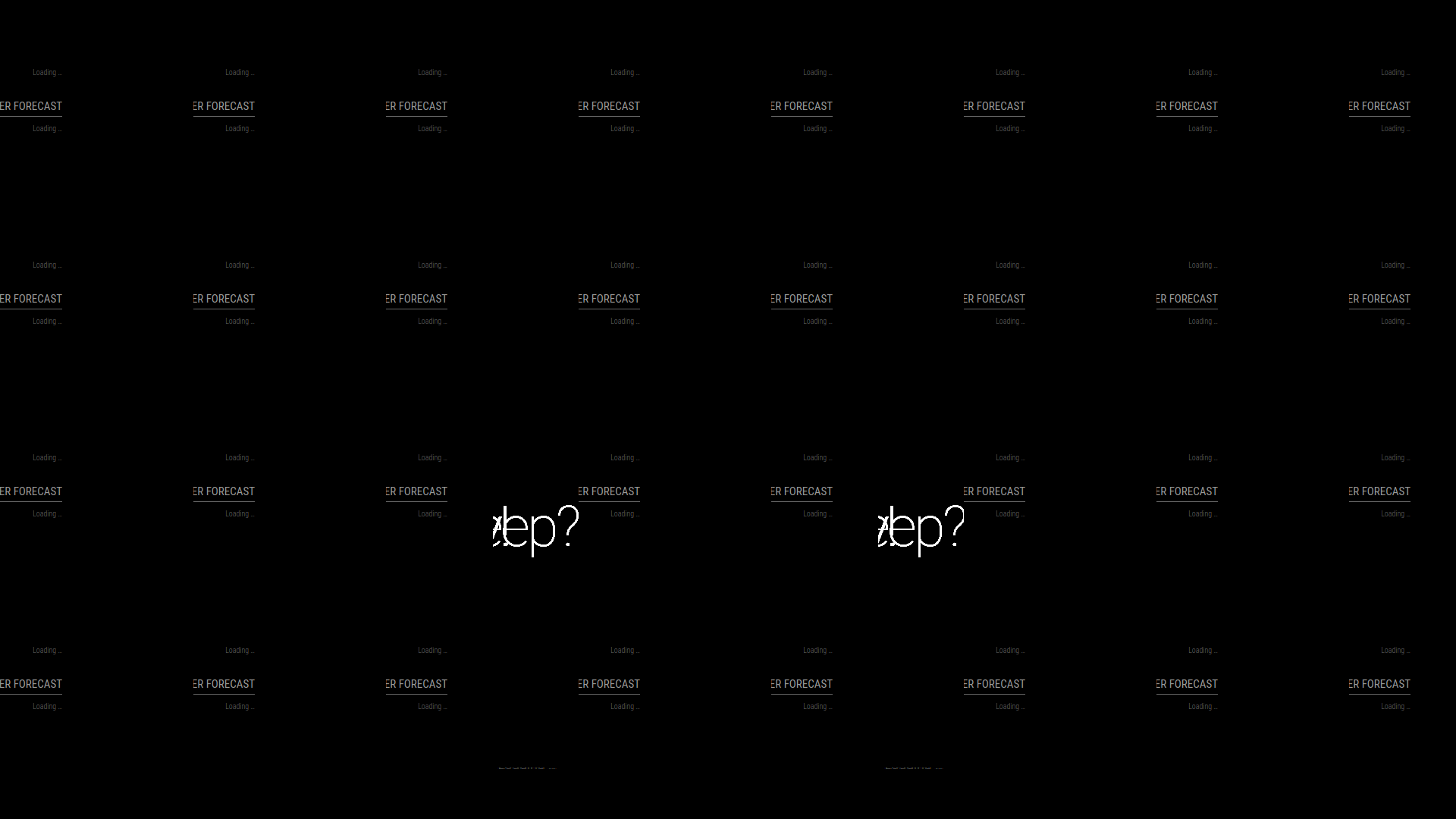
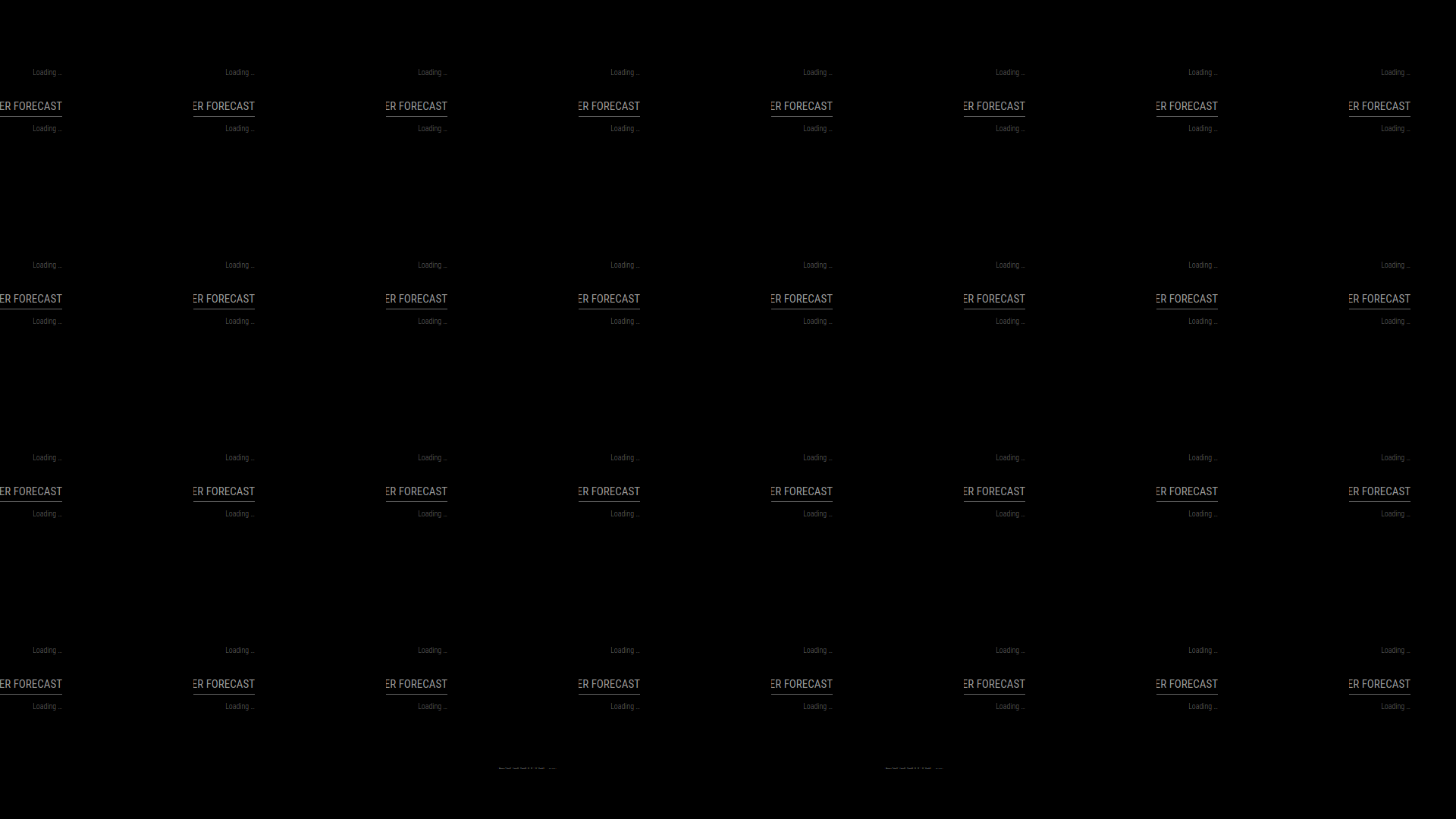
                          Completed the steps you outlined. Moved the directory and then ran the install script your provided. Looks like a similar problem is still popping up. The 2nd image is fullscreen screenshot with the 1st showing an example of how it changes if the size of the window is changed.
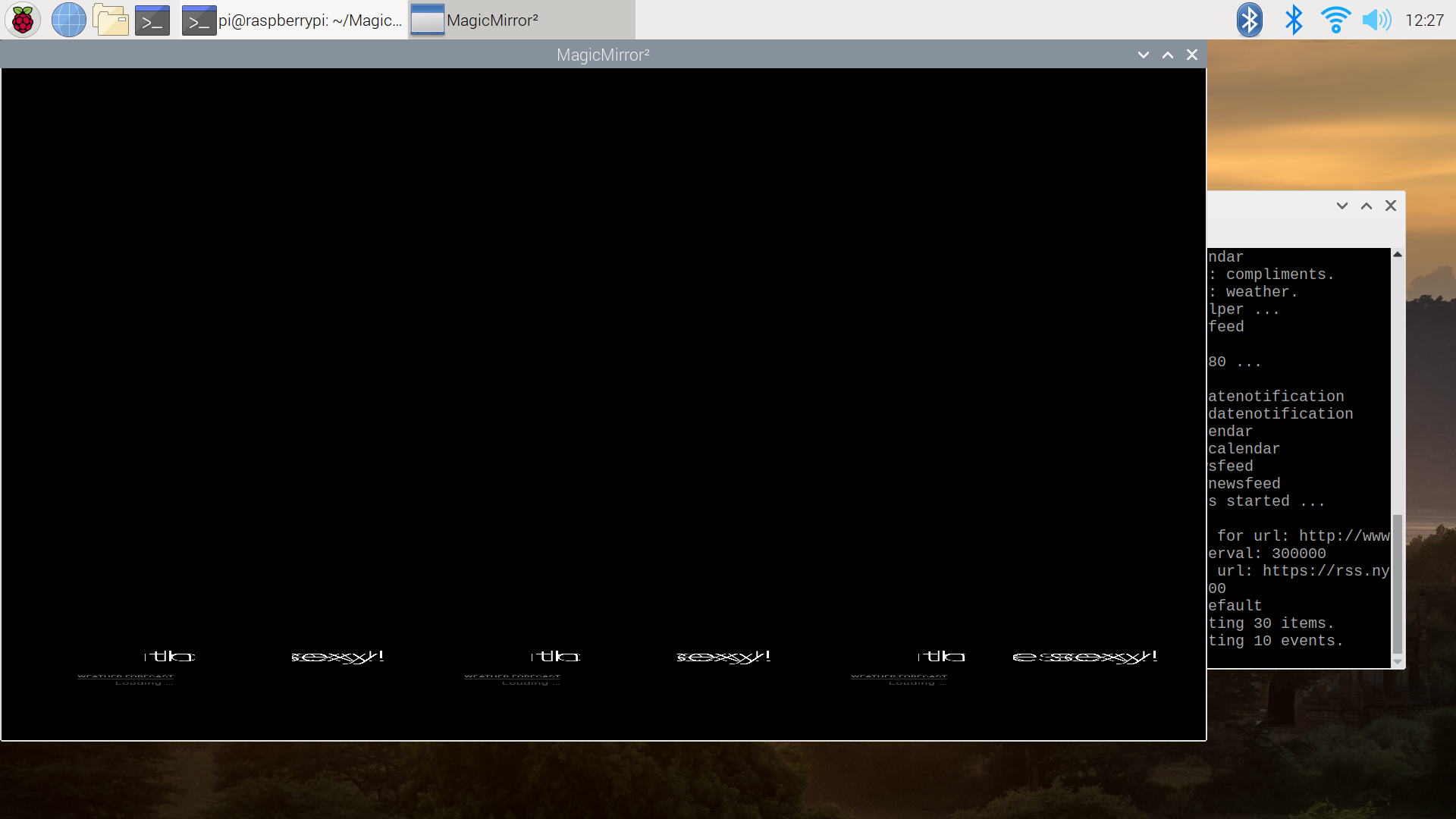
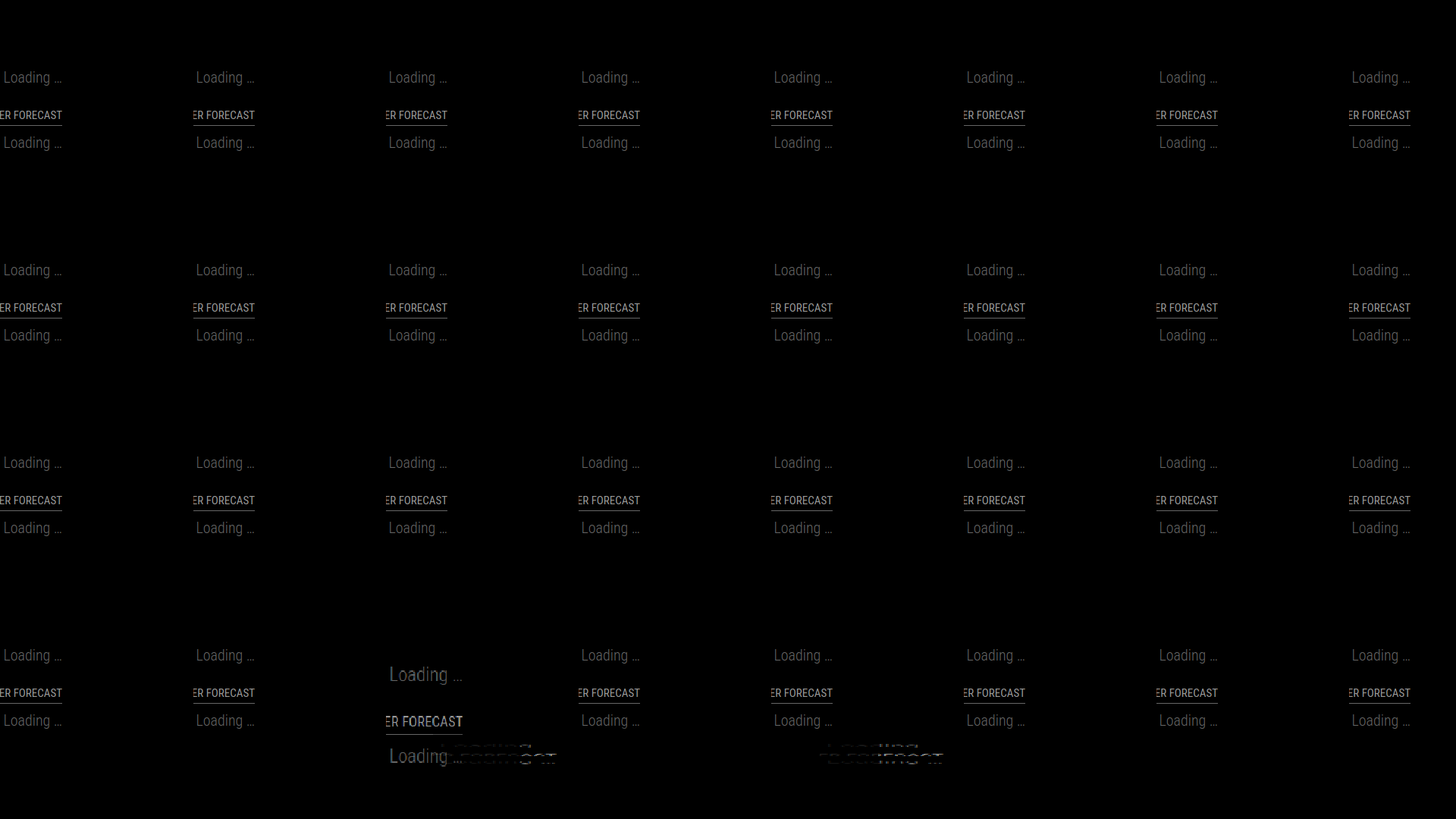
                          2022-05-17-122733_1920x1080_scrot.png 2022-05-17-122609_1920x1080_scrot.png

                          Here’s the log from the installers folder
                          pm2 setup starting - Tue May 17 12:21:58 EDT 2022
                          using parameter bash
                          system is Linux raspberrypi 5.4.83-v7l+ #1379 SMP Mon Dec 14 13:11:54 GMT 2020 armv7l GNU/Linux
                          the os is Distributor ID: Raspbian Description: Raspbian GNU/Linux 10 (buster) Release: 10 Codename: buster
                          node version v16.5.0
                          force installing latest npm version via npm
                          npm version 8.10.0
                          pm2 installed
                          get the pm2 platform specific startup command
                          startup command = sudo env PATH=$PATH:/usr/local/bin:/bin /usr/local/lib/node_modules/pm2/bin/pm2 startup systemd -u pi --hp /home/pi
                          [PM2] Init System found: systemd
                          Platform systemd
                          Template
                          [Unit]
                          Description=PM2 process manager
                          Documentation=https://pm2.keymetrics.io/
                          After=network.target

                          [Service]
                          Type=forking
                          User=pi
                          LimitNOFILE=infinity
                          LimitNPROC=infinity
                          LimitCORE=infinity
                          Environment=PATH=$PATH:/usr/local/bin:/bin:/bin:/usr/local/sbin:/usr/local/bin:/usr/sbin:/usr/bin
                          Environment=PM2_HOME=/home/pi/.pm2
                          PIDFile=/home/pi/.pm2/pm2.pid
                          Restart=on-failure

                          ExecStart=/usr/local/lib/node_modules/pm2/bin/pm2 resurrect
                          ExecReload=/usr/local/lib/node_modules/pm2/bin/pm2 reload all
                          ExecStop=/usr/local/lib/node_modules/pm2/bin/pm2 kill

                          [Install]
                          WantedBy=multi-user.target

                          Target path
                          /etc/systemd/system/pm2-pi.service
                          Command list
                          [ ‘systemctl enable pm2-pi’ ]
                          [PM2] Writing init configuration in /etc/systemd/system/pm2-pi.service
                          [PM2] Making script booting at startup…

                          Executing: systemctl enable pm2-pi…

                          [PM2] [v] Command successfully executed.
                          ±--------------------------------------+
                          [PM2] Freeze a process list on reboot via:
                          $ pm2 save

                          [PM2] Remove init script via:
                          $ pm2 unstartup systemd
                          pm2 startup command done
                          configure the pm2 config file for MagicMirror
                          start MagicMirror via pm2 now
                          save MagicMirror pm2 config now
                          pm2 setup completed - Tue May 17 12:22:06 EDT 2022

                          S 1 Reply Last reply Reply Quote 0
                          • S Offline
                            sdetweil @mrdger
                            last edited by

                            @mrdger strange…

                            ok, my guess is a bad cable from pi to display

                            I had seen some flakiness on DVI-D display with an hdmi->DVI adapter…
                            a different adapter had no trouble with the same cable

                            Sam

                            How to add modules

                            learning how to use browser developers window for css changes

                            S 1 Reply Last reply Reply Quote 0
                            • S Offline
                              sdetweil @sdetweil
                              last edited by

                              @mrdger did you setup for autostart using the manual procedure?

                              pm2 replaces that… so you should dlete that setup if you did it… (as it looks like with 2 autostarts)

                              Sam

                              How to add modules

                              learning how to use browser developers window for css changes

                              M 1 Reply Last reply Reply Quote 0
                              • M Offline
                                mrdger @sdetweil
                                last edited by

                                @sdetweil It is on a hdmi to dvi adapter, but I actually have a different cable arriving today, so I’ll attempt again after it gets here. Thank you for all your help so far. The autostart feature asked be during the install if I wanted to use it, a y/N option, and I selected y. Should I change anything about that?

                                S 1 Reply Last reply Reply Quote 0
                                • S Offline
                                  sdetweil @mrdger
                                  last edited by

                                  @mrdger no… I was only asking about what you did on the manual install

                                  my script does PM2.

                                  Sam

                                  How to add modules

                                  learning how to use browser developers window for css changes

                                  M 1 Reply Last reply Reply Quote 0
                                  • M Offline
                                    mrdger @sdetweil
                                    last edited by

                                    @sdetweil Got it, I don’t believe it was setup. It wasn’t starting after reboot or after closing the window.

                                    S 1 Reply Last reply Reply Quote 0
                                    • S Offline
                                      sdetweil @mrdger
                                      last edited by

                                      @mrdger ok

                                      Sam

                                      How to add modules

                                      learning how to use browser developers window for css changes

                                      1 Reply Last reply Reply Quote 0

                                      Hello! It looks like you're interested in this conversation, but you don't have an account yet.

                                      Getting fed up of having to scroll through the same posts each visit? When you register for an account, you'll always come back to exactly where you were before, and choose to be notified of new replies (either via email, or push notification). You'll also be able to save bookmarks and upvote posts to show your appreciation to other community members.

                                      With your input, this post could be even better 💗

                                      Register Login

                                      • 1 / 1
                                      • First post
                                        Last post
                                      Enjoying MagicMirror? Please consider a donation!
                                      MagicMirror created by Michael Teeuw.
                                      Forum managed by Sam, technical setup by Karsten.
                                      This forum is using NodeBB as its core | Contributors
                                      Contact | Privacy Policy