Read the statement by Michael Teeuw here.
NPM run start cannot be used
-
After the third-party module is installed, NPM Run Server is normal, but NPM Run Start cannot be used
-
-
Did you run /home/pi/Magicmirror/npm run check:config
to verify your config.js? -
@sdetweil
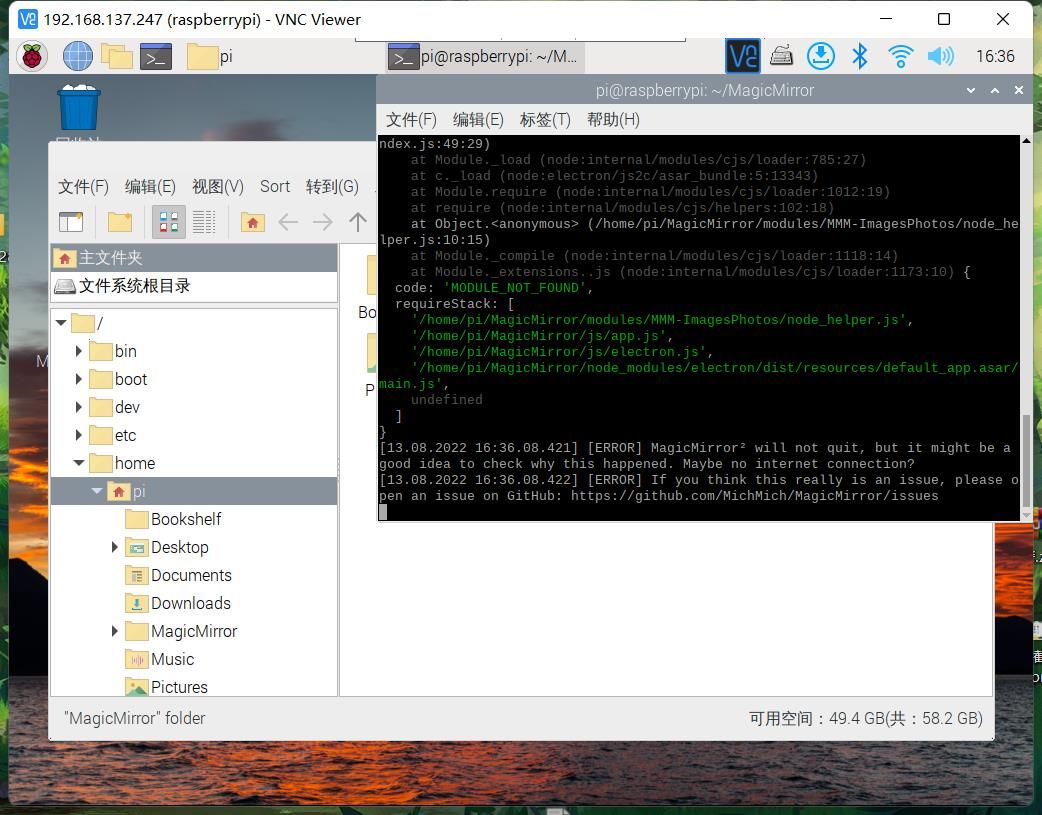
Then it’s full screen darkness
-
@kayakbabe > magicmirror@2.20.0 start
DISPLAY=“${DISPLAY:=:0}” ./node_modules/.bin/electron js/electron.js
/home/pi/MagicMirror/node_modules/electron/index.js:17
throw new Error(‘Electron failed to install correctly, please delete node_modules/electron and try installing again’);
^Error: Electron failed to install correctly, please delete node_modules/electron and try installing again
at getElectronPath (/home/pi/MagicMirror/node_modules/electron/index.js:17:11)
at Object. (/home/pi/MagicMirror/node_modules/electron/index.js:21:18)
at Module._compile (node:internal/modules/cjs/loader:1105:14)
at Object.Module._extensions…js (node:internal/modules/cjs/loader:1159:10)
at Module.load (node:internal/modules/cjs/loader:981:32)
at Function.Module._load (node:internal/modules/cjs/loader:822:12)
at Module.require (node:internal/modules/cjs/loader:1005:19)
at require (node:internal/modules/cjs/helpers:102:18)
at Object. (/home/pi/MagicMirror/node_modules/electron/cli.js:3:18)
at Module._compile (node:internal/modules/cjs/loader:1105:14) -
 cd ~/MagicMirror
npm install electron@19.0.6
for the other black screen
see https://forum.magicmirror.builders/topic/15778/fix-for-black-screen-in-2-16-and-later/
-
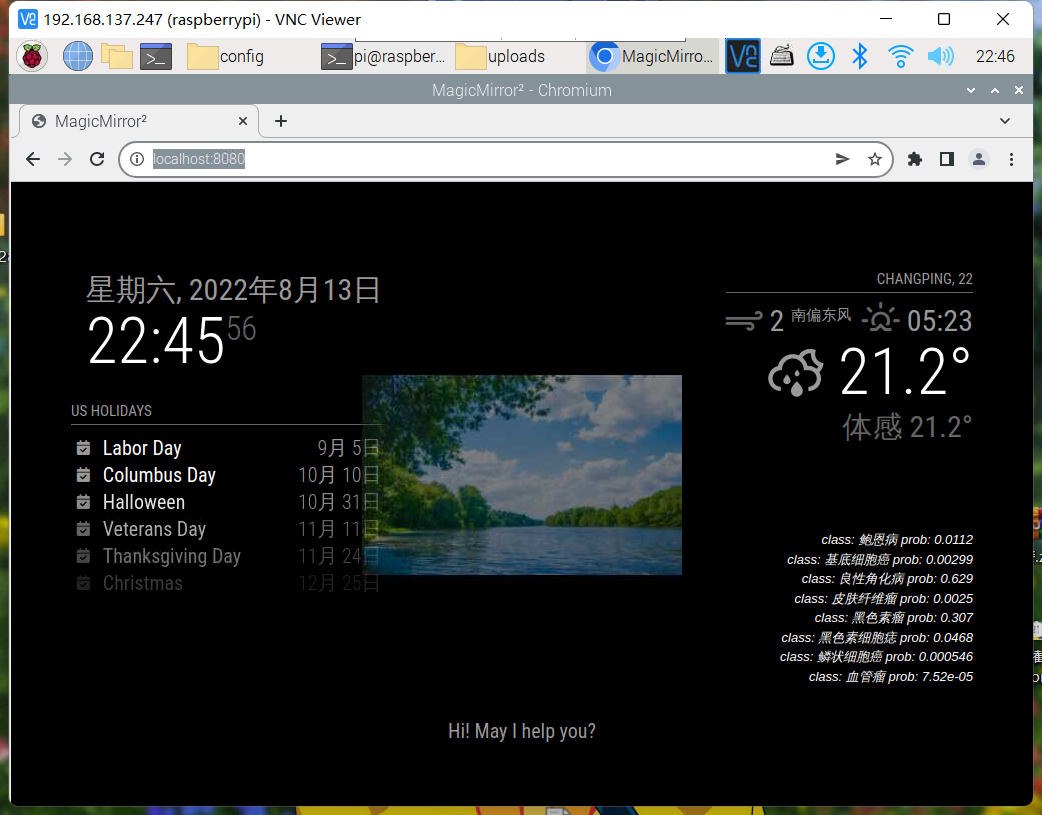
@sdetweil Thank you. NPM can now be used to run and start, but the weather module cannot be displayed, as shown below

-
@史新瑞 This is the same config.js file under two different operating modes
-
@史新瑞 show any messages
-
@sdetweil There is no error message
-
@史新瑞 the messages where mm is started
npm start or
pm2 logs -
@sdetweil What is described here is my latest problem. Sorry, I didn’t make it clear
-
@史新瑞 is it current or forecast mode? which provider?
-
@史新瑞 I just added my openweather api key to the starting config.js
		{
			module: "weather",
			position: "top_right",
			config: {
				weatherProvider: "openweathermap",
				type: "current",
				location: "New York",
				locationID: "5128581", //ID from http://bulk.openweathermap.org/sample/city.list.json.gz; unzip the gz file and find your city
				apiKey: "a6bf9feaa86bc2677df1e5fsdasdasd46bd79d"
			}
		},
		{
			module: "weather",
			position: "top_right",
			header: "Weather Forecast",
			config: {
				weatherProvider: "openweathermap",
				type: "forecast",
				location: "New York",
				locationID: "5128581", //ID from http://bulk.openweathermap.org/sample/city.list.json.gz; unzip the gz file and find your city
				apiKey: "a6bf9feaa86bc2677df1e5f46bd79dsdasd"
			}
		},
and both worked (the apikeys are mangled here so won’t work anywhere else)
-
@sdetweil I don’t use the same API as you, and your last reply revealed your key which is not good
-
@史新瑞 my key was mangled, so not useable… just wanted it to be clear for you…
default provider is openweatherI asked you what provider and type… (current or forecast)
I can get api keys to test too
-
@sdetweil If possible, I would like to try your API tomorrow, but this is only a test, and this is based on your consent. Generally, I will not use your API, I will continue to use my own API, I hope you can agree
-
@史新瑞 I don’t understand ‘API’
API is the method of getting data… we don’t expose that outside the module.
of course u could change the code if u know javascript.you could certainly use the openeweather source…
-
@sdetweil To tell the truth, I didn’t remember it. Please allow me to check it tomorrow morning and tell you
-
@史新瑞 ok… I am US central time… Sunday Aug 14, 11:30 am .

Hello! It looks like you're interested in this conversation, but you don't have an account yet.
Getting fed up of having to scroll through the same posts each visit? When you register for an account, you'll always come back to exactly where you were before, and choose to be notified of new replies (either via email, or push notification). You'll also be able to save bookmarks and upvote posts to show your appreciation to other community members.
With your input, this post could be even better 💗
Register Login