Read the statement by Michael Teeuw here.
First Mirror
-
Hello all,
I thought I would share with you my first MagicMirror project.
Also want to say thank you to the entire community for the healthy support and commitment to the MagicMirror and all it’s newbies, I for one truly appreciate it.
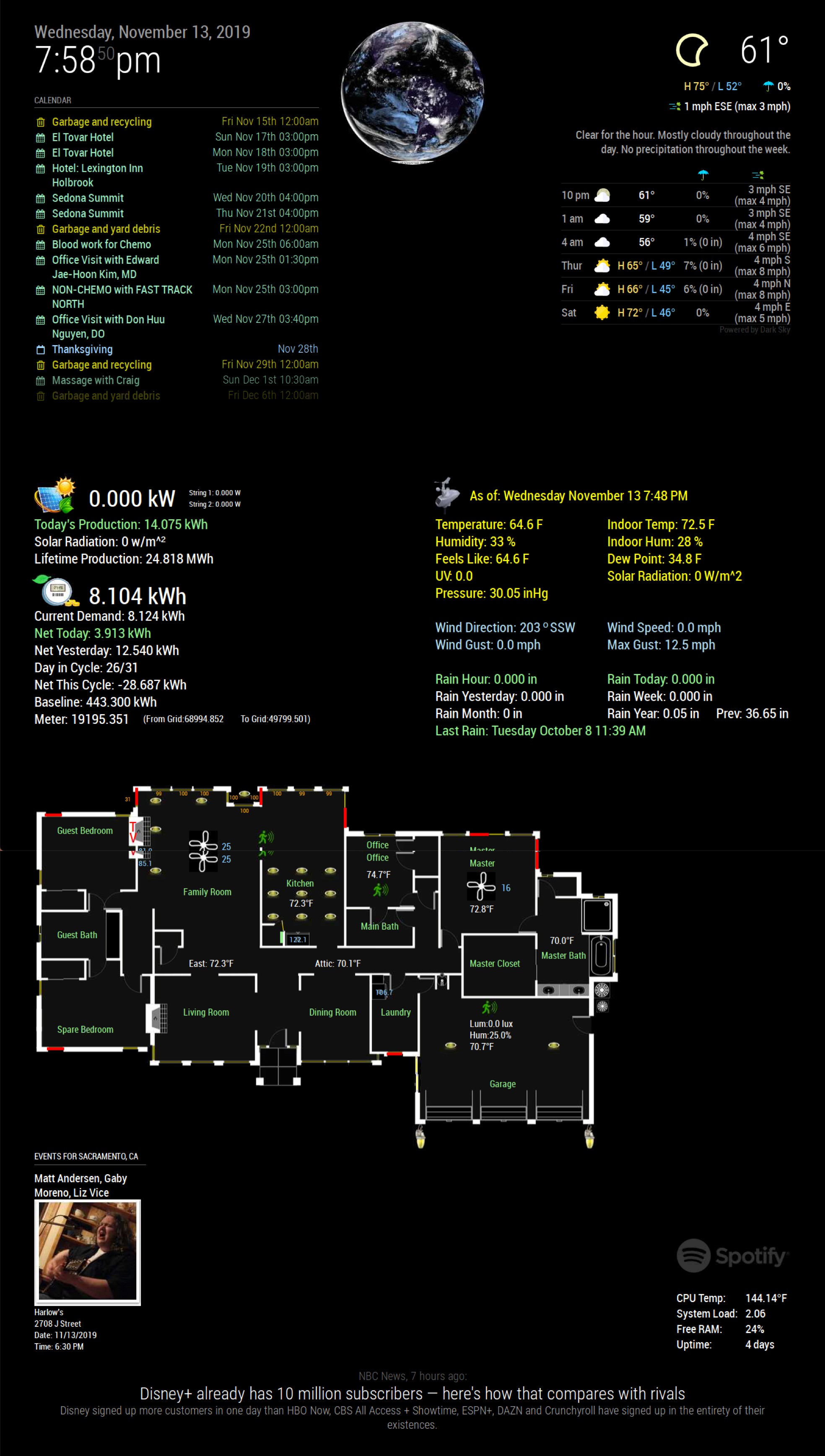
I am currently using the following modules
MMM-RPI-LED
MMM-iCloud-Client
calendar
MMM-Events
MMM-Globe
MMM-DarkSkyForecast
MMM-HomeAutomation (local hack of ‘mmm-openhabfloorplan’ used for displaying home automation, power and local weather station data)
MMM-NowPlayingOnSpotify
MMM-SystemStats
newsfeed
MMM-Cursor
MMM-Remote-ControlFrame was made from reclaimed barn wood and glass is Dielectric TV Mirror from twowaymirrors.com
Screen is a Dell (S2718D) S series 27-Inch Screen LED-Lit Monitor
This monitor has a USB-C power adapter with a USB-C pass through which I used to power the Raspberry Pi 3 Model B+
I also have attached a USB speaker and USB microphone (both currently unused)
I have had a lot of fun building the home automation portion that displays the status of more than 100 smart home devices including indoor and outdoor lighting, security sensors, thermostats, fan controls and smart roller shades.
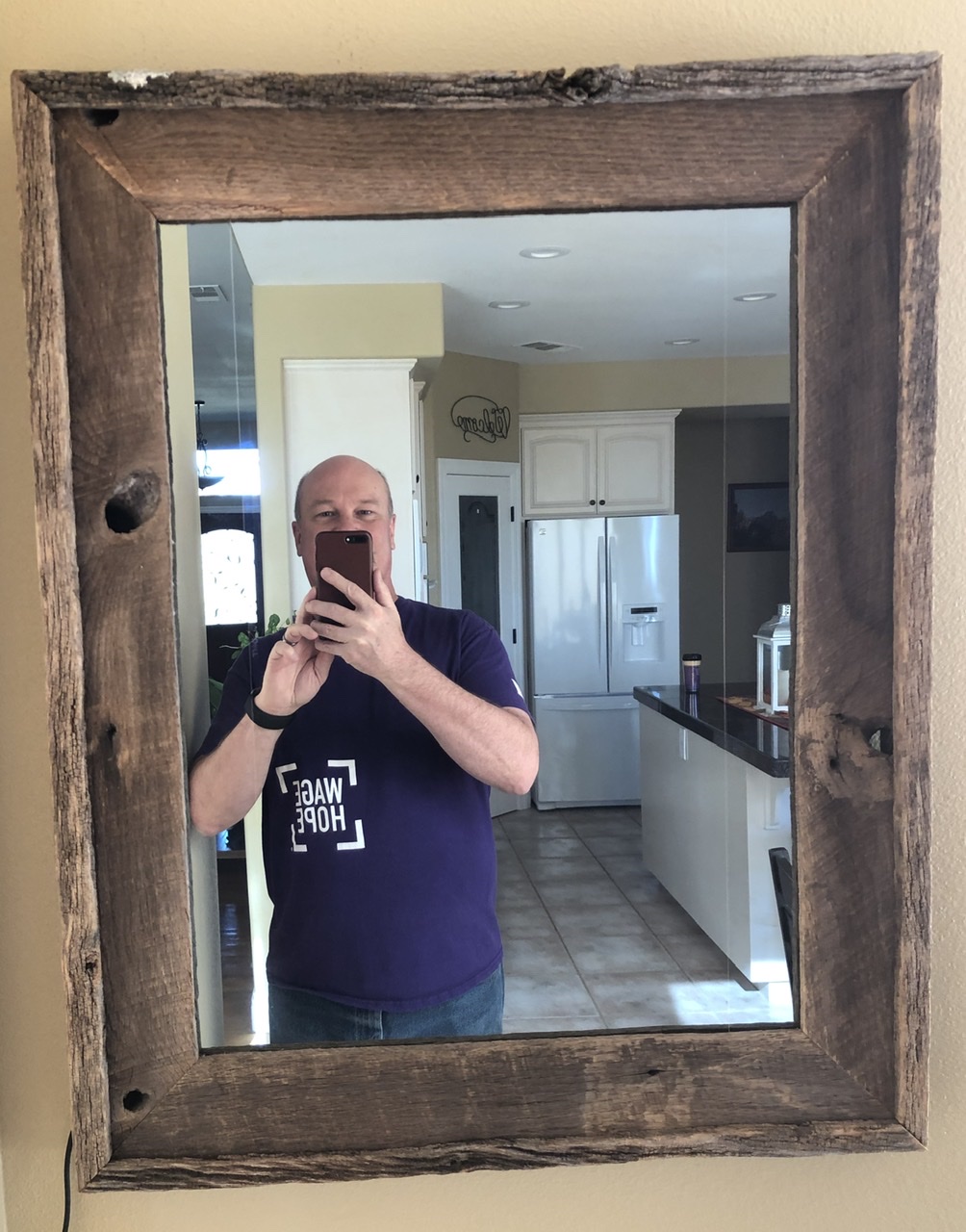
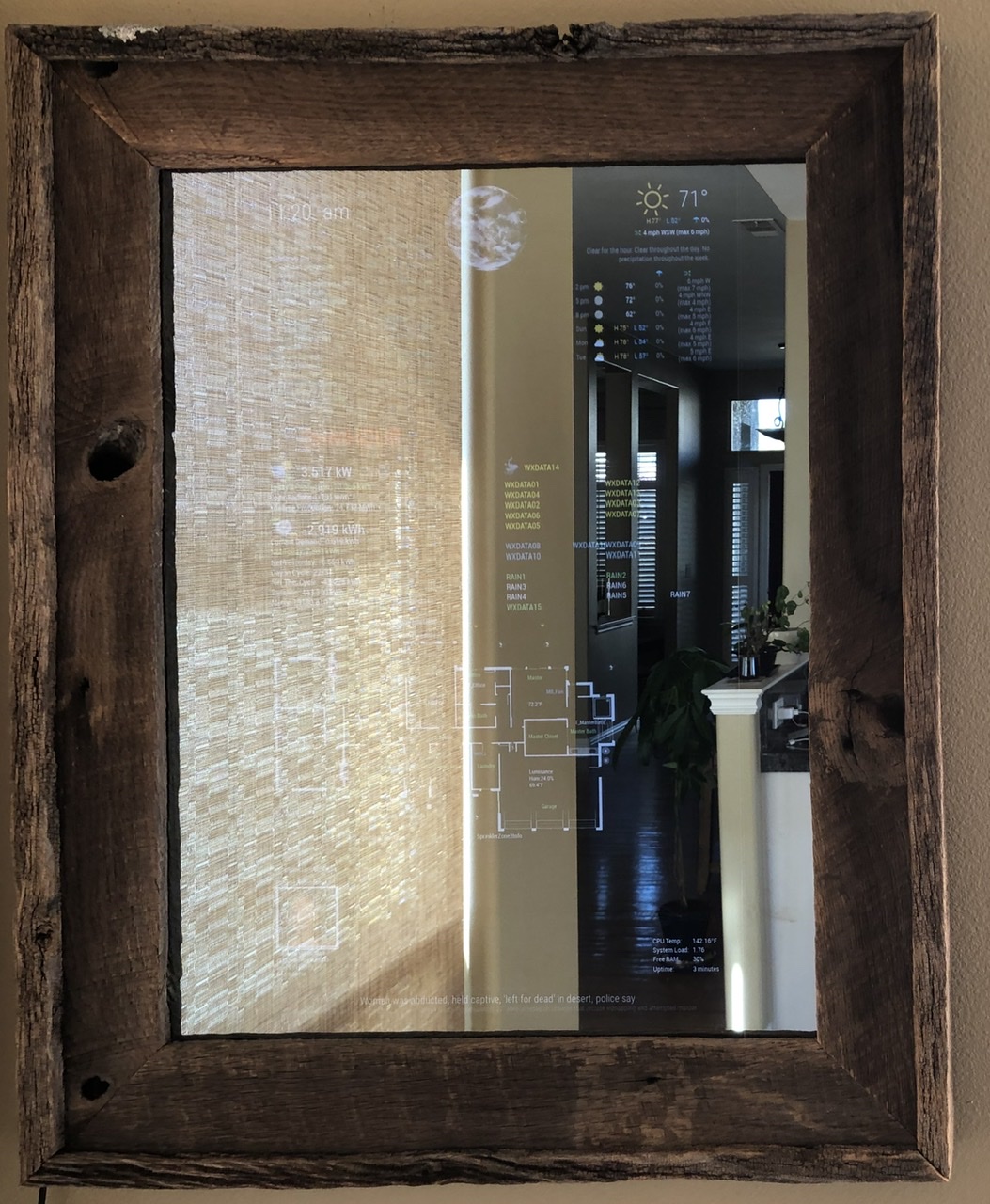
Here are a couple of pictures of the mirror
Mirror Off
Mirror On
Screen image
Feedback welcome.
Rick
-
@vvrangler said in First Mirror:
Feedback welcome.
I freakin love the reclaimed wood! Well done, sir! :thumbsup:
-
@vvrangler Perfect… looks nice
does your MMM-Globe module update automatically (update interval)?
My Globe only update after refresh browser… -
@Stoffbeuteluwe it does, but I had problems with it when I first installed it and ended up making some changes to the code to make it work for me.
-
Awesome work, really awsome!
-
@vvrangler can you post the changes of the code please…?
-
This post is deleted! -
Nice build!
Could you say how you got MMM-iCloud-Client working?
Seems like the module can‘t login even if I create a app specific password and I‘m not the only one with this problem.
-
Really nice! Love the frame!
-
Great work! I love the fame. It gives the mirror cool touch.
-
This post is deleted! -
@Stoffbeuteluwe I believe these are the changes I made
Change image for centralAmericanDiscNat in MMM-Globe.js
‘centralAmericaDiscNat’: ‘https://goes.gsfc.nasa.gov/goescolor/goeswest/pacific2/color_med/latest.jpg’Change default style to centralAmericaDiscNat
style: ‘centralAmericaDiscNat’, -
@thisistheplace what I had to do was append on the 2fa code to the end of my password.
{
module: ‘MMM-iCloud-Client’,
config: {
username: “username@icloud.com”,
password: “mypassword123456”,
countrycode: “1”,
}
}, -
Looks great!
Does your home automation module show status of IoT Devices? Is it available somewhere for download? I didn’t see it in the 3rd Party Module list.
-
Really nice looking mirror! Love the Home automation map.
-
@vvrangler Thanks for your help it seems like the module is login in correctly, because there comes a login request on my other devices with the 2fa code.
But no Birthdays shown. The birthday.ics seems to be free from birthday dates. And no matter I use your way for the config or I’m using a app specific password, the magicmirror log says login failed.
[2020-04-09 18:39:16.239] [LOG] Received config for MMM-iCloud-Client
[2020-04-09 18:39:16.243] [LOG] syncing iCloud
[2020-04-09 18:39:17.158] [LOG] Serving iCal
[2020-04-09 18:39:20.354] [LOG] login failedAre your birthdays really showing?
-
Can I maybe sort of indefinitely borrow that some time this winter after lockdown? :) XD




Hello! It looks like you're interested in this conversation, but you don't have an account yet.
Getting fed up of having to scroll through the same posts each visit? When you register for an account, you'll always come back to exactly where you were before, and choose to be notified of new replies (either via email, or push notification). You'll also be able to save bookmarks and upvote posts to show your appreciation to other community members.
With your input, this post could be even better 💗
Register Login