Read the statement by Michael Teeuw here.
No stream output from webcam. No errors raised.
-
Hi,
I’m trying to use a USB Logitech webcam on my raspberry pi 4 running a magic mirror. I tested the webcam via a webcam test website in my raspberry pi and it works; however, it doesn’t in the magic mirror nothing displays. This is what I tried so far:
Added camera module to config.js
Changed in camera.js -> display: true
updated my raspberry pi
updated magic mirror
node version in raspberry pi is 14.15.0
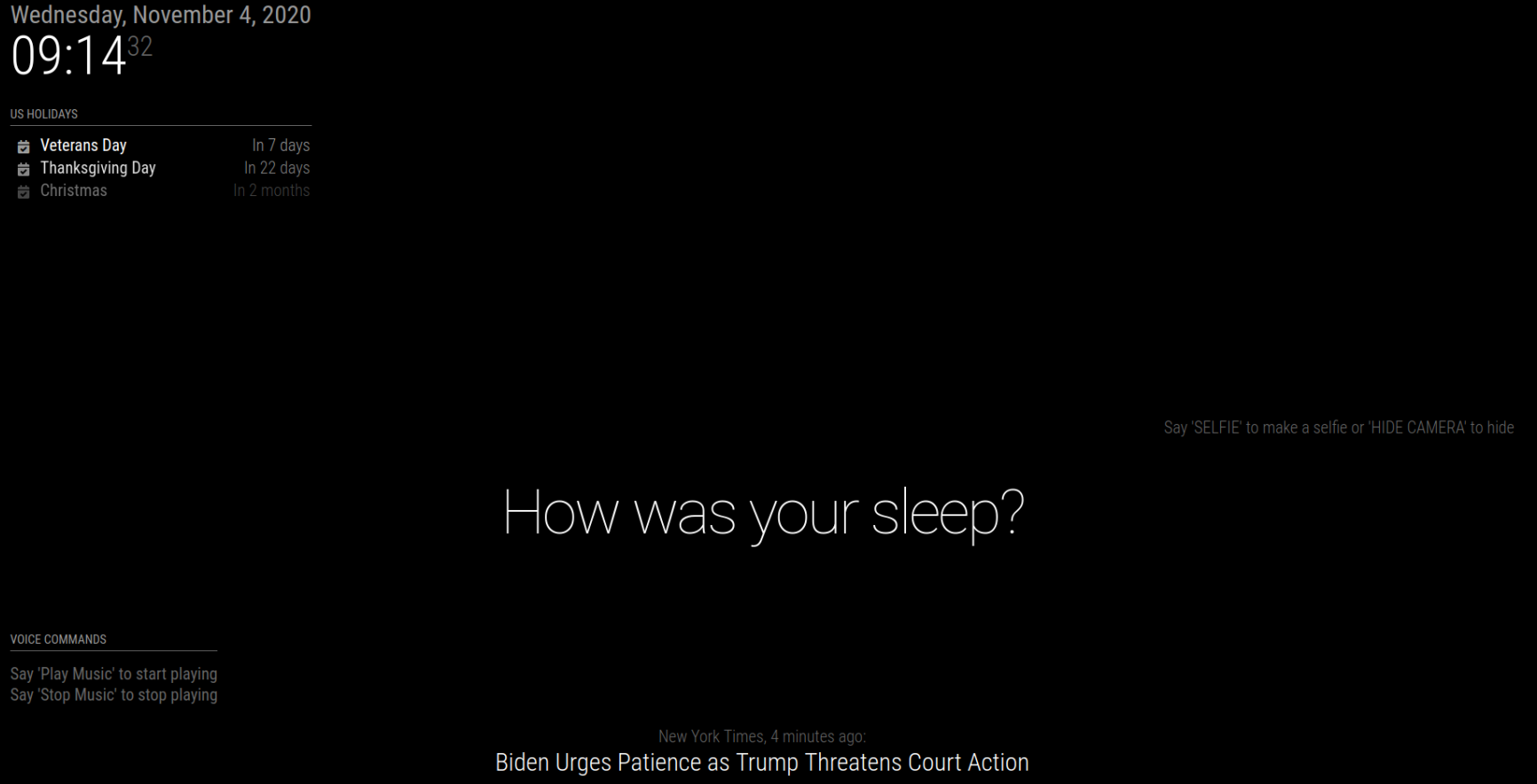
Any help or advice is greatly appreciated. Thank you in advance.
-
@hsalas what module are u using for webcam display? nothing is built in
-
@sdetweil Hi Sam, im using https://github.com/alexyak/camera.
-
You set up your models (.pmdl files) for the voicecontrol module?
-
@Mykle1 hey is asking about displaying video
-
@Mykle1 Hi Mykle1, I haven’t however the stream should start as soon as the magicmirror comes up without me saying anything to the voice control. I changed the following to true in camera.js:
display: true
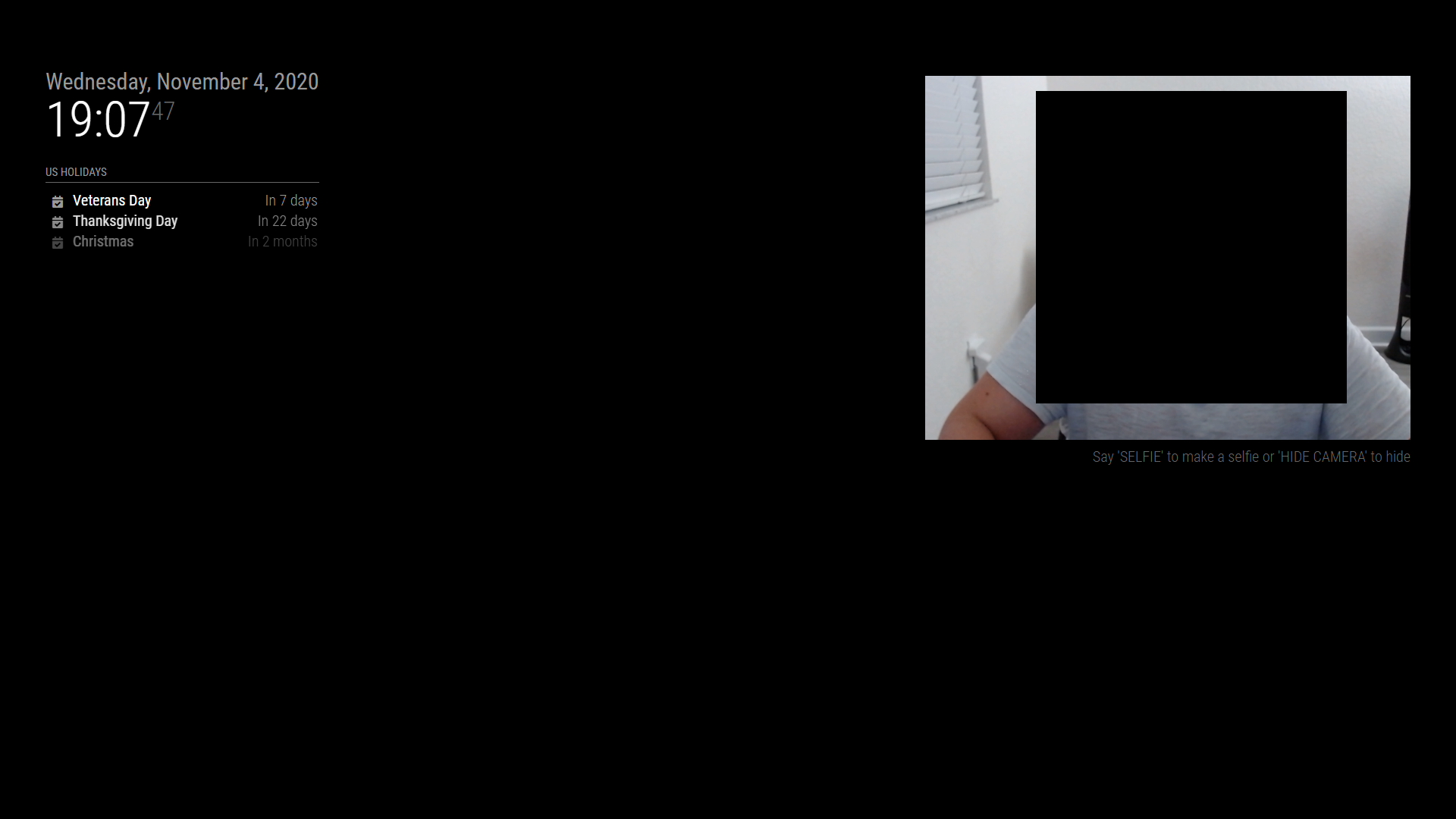
I have the same setup on windows pc and it works; however, when doing the same with the same webcam on the raspberry I get no stream.
Windows PC
-
I am having the exact same issue. I have also made the same changes that you have.
Were you able to get it fixed? -
I have the same problem with my usb cam.
So, i installed Motion and then I used the iShow module to show the stream of the cam.
but that’s was not easy. -
@Axel51 I wasn’t able to find any iShow module…Can you send a link>
-
-
@Axel51 Thanks! I’ll check it out!
-
@hsalas After thinking about it, I came to the conclusion that it had more to do with the power usage of the raspberry pi than any sort of code/module issue. I noticed I was getting low power notices while just trying to use the webcam. Even using webcamoid would lag, stutter, and give those errors. So I installed Ubuntu 20.04 on a mini desktop, installed MM and the modules (with some tweaking to get pyaudio working) I had no issues, and everything worked perfectly.
Which means it’s either the pi itself not having enough power, the webcam you are using is drawing too much power, or a combination of both.
Might be worth exploring

Hello! It looks like you're interested in this conversation, but you don't have an account yet.
Getting fed up of having to scroll through the same posts each visit? When you register for an account, you'll always come back to exactly where you were before, and choose to be notified of new replies (either via email, or push notification). You'll also be able to save bookmarks and upvote posts to show your appreciation to other community members.
With your input, this post could be even better 💗
Register Login